Top 5 Supabase Alternatives (2026)
On this page
Supabase has become the go-to open-source backend for developers who want PostgreSQL without the DevOps. You get a database, auth, real-time subscriptions, edge functions, and file storage from a single dashboard — and you can self-host the whole thing.
But Supabase isn't the only way to build a backend. Some teams don't need SQL at all. Others need deeper cloud integration, full data sovereignty, or a completely different programming model. Here are five alternatives worth considering, what they do differently, and where each one is the better pick.
1. Puter.js
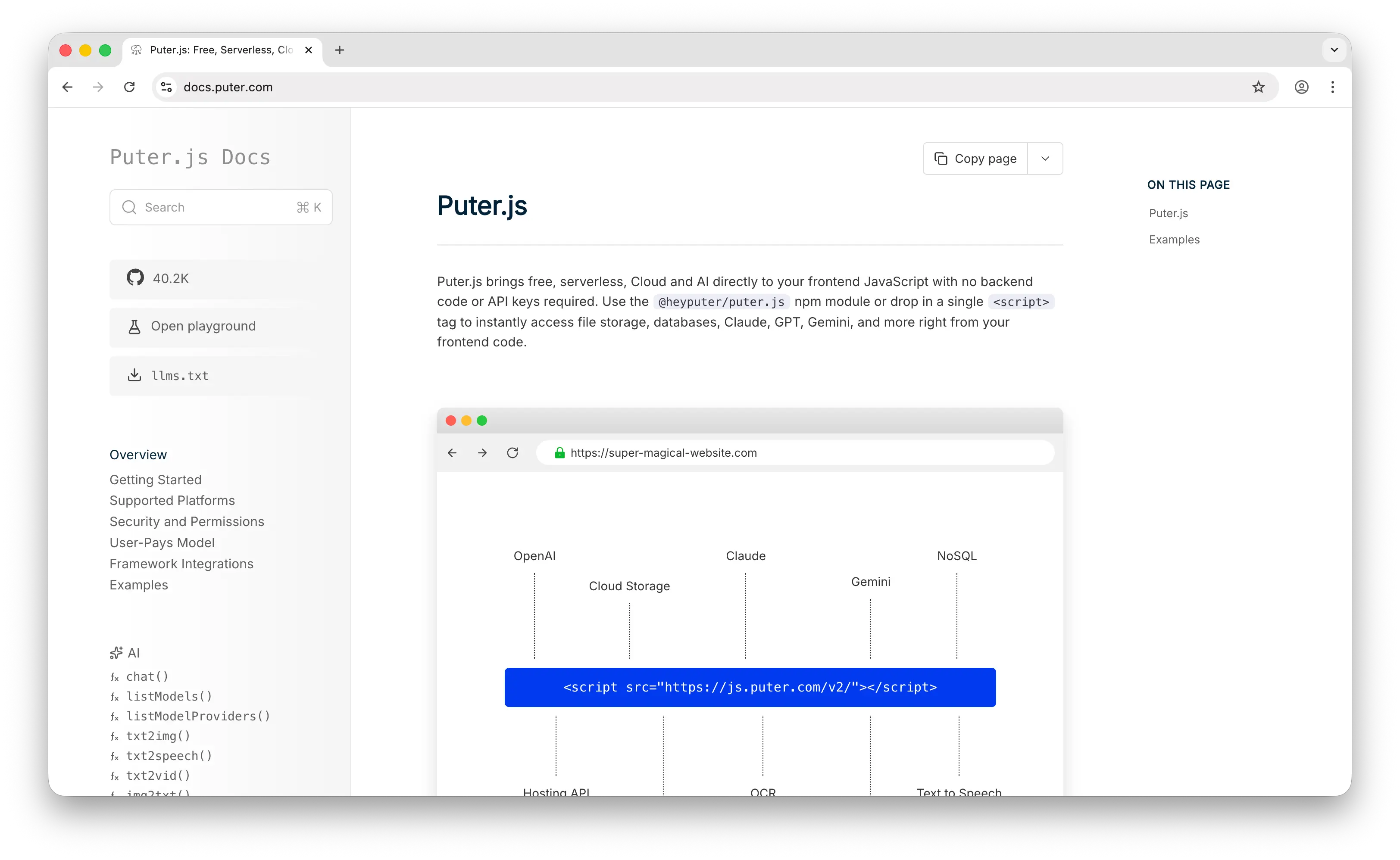
Puter.js is a client-side JavaScript library that gives you auth, a database, and cloud storage without deploying or configuring any backend. Where Supabase requires you to create a project, set up your database schema, and configure API keys, Puter.js is a script tag and a few lines of JavaScript.
What Makes It Different
With Supabase, you're responsible for your project's costs — database storage, API calls, bandwidth all add up as your app grows. Puter.js flips this with the User-Pays Model: your app's users cover their own storage and usage through their Puter account. Your cost as a developer stays at zero regardless of scale. This isn't a free tier that you'll outgrow — it's a fundamentally different cost structure.
For storage, Puter.js provides a file system API that handles uploads, downloads, and file management on the client side. Supabase Storage requires configuring buckets, setting up RLS policies, and managing signed URLs. Puter's approach is simpler but less configurable.
Puter.js also ships with built-in access to 500+ AI models — chat, image generation, text-to-speech, and more. If your app needs AI features alongside storage and auth, you won't need to integrate a separate service.
Puter is open-source (AGPL-3.0) and self-hostable. For apps that need custom backend logic, it supports serverless workers.
Key Differences from Supabase
The database is where they diverge most. Puter.js gives you a NoSQL key-value store — no SQL, no joins, no foreign keys, no row-level security. Supabase gives you full PostgreSQL. If your app needs relational data modeling, complex queries, or fine-grained access control at the database level, Supabase is the stronger choice. Puter.js trades that power for zero-config simplicity.
Comparison Table
| Feature | Puter.js | Supabase |
|---|---|---|
| Setup required | Drop-in script tag | Project creation + config |
| Pricing model | User-pays (free for devs) | Tier-based (free tier + usage) |
| Database type | NoSQL key-value store | PostgreSQL (full SQL) |
| SQL support |  |
 Full PostgreSQL Full PostgreSQL |
| Row-level security | |
|
| Authentication | |
|
| Cloud storage | |
|
| Real-time | |
|
| Built-in AI | 400+ models |
|
| Edge functions | Serverless workers | |
| Open-source | AGPL-3.0 |
Apache 2.0 |
| Self-hostable | |
|
| Best for | Zero-cost, zero-config web apps with built-in AI | Data-heavy apps needing full SQL and relational modeling |
2. Firebase
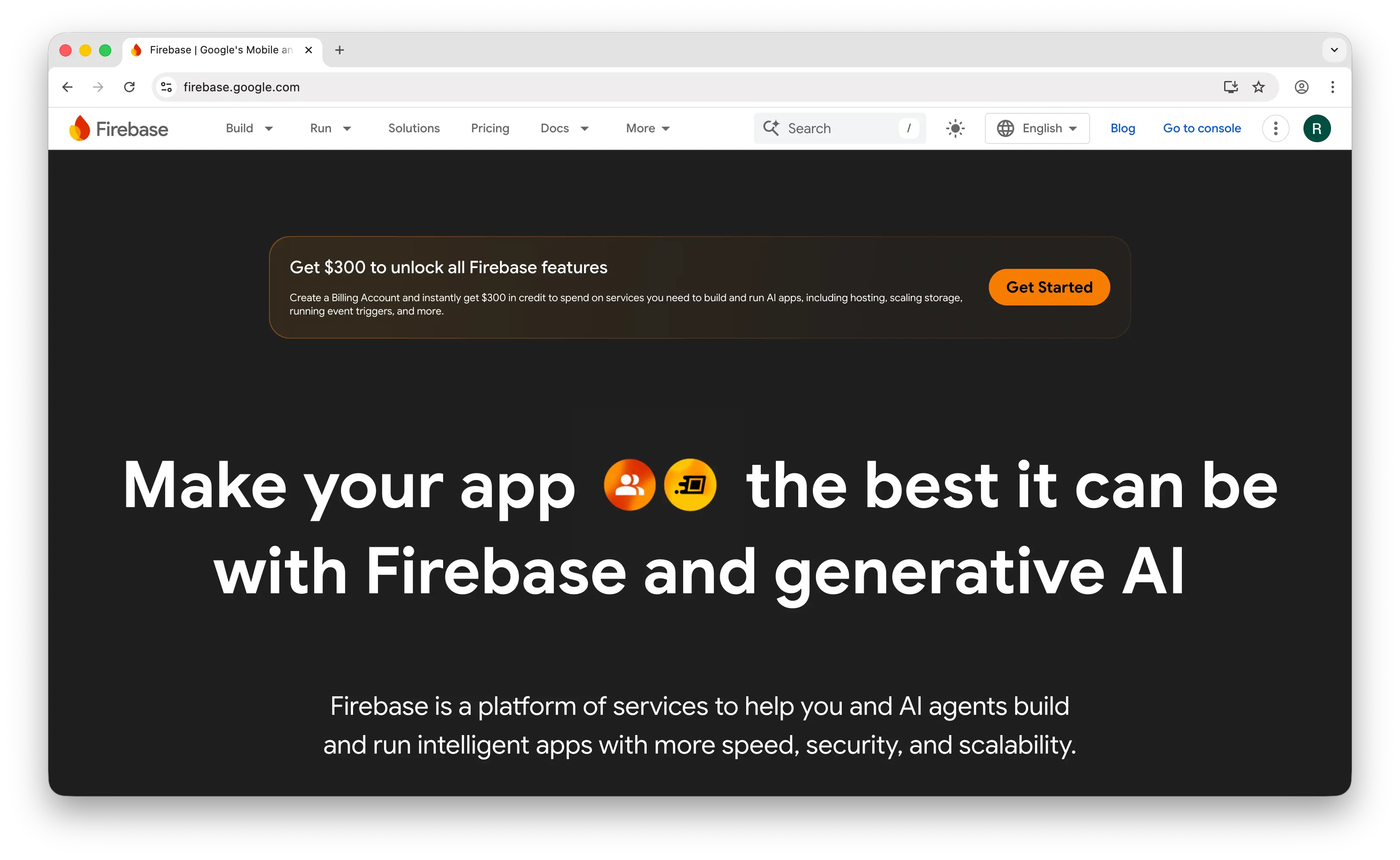
Firebase is Google's app development platform and the most established BaaS on the market. It's built on Firestore, a proprietary NoSQL document database where you store data as nested JSON-like documents organized into collections — no joins, no foreign keys, no schema enforcement.
What Makes It Different
Real-time is where Firebase still dominates. Firestore's offline sync with automatic conflict resolution on mobile is best-in-class. If you're building a mobile-first app that needs to work offline and sync seamlessly when connectivity returns, Firebase handles this better than Supabase. Supabase's real-time capabilities are catching up but aren't as mature for offline-first scenarios.
Firebase's ecosystem is also broader than Supabase's. It includes push notifications (FCM), analytics, crash reporting (Crashlytics), remote config, A/B testing, and app distribution — services that Supabase does not yet replicate. Firebase is also moving toward SQL with Data Connect (a PostgreSQL integration) and has launched AI Logic for Gemini integration, converging toward what Supabase already offers.
Key Differences from Supabase
The biggest tradeoff is the database. Firestore's proprietary data model and query language mean higher vendor lock-in — migrating away means rewriting your data layer, not just changing a connection string. Supabase gives you standard PostgreSQL, which is portable by nature.
Cost predictability is Firebase's main limitation. "Runaway queries" in Firestore can lead to massive, unexpected bills. Supabase's tier-based pricing is more predictable. At production scale, Supabase is typically 40-60% cheaper than Firebase for equivalent workloads. Firebase is not open-source and has no self-hosting option.
Comparison Table
| Feature | Firebase | Supabase |
|---|---|---|
| Database type | Firestore (NoSQL document) | PostgreSQL (full SQL) |
| SQL support | (Data Connect emerging) |
Full PostgreSQL |
| Real-time | Best-in-class offline sync |
Via Postgres WAL |
| Offline-first | Automatic conflict resolution |
Limited |
| Authentication | |
|
| Push notifications | FCM |
|
| Analytics | |
|
| Crash reporting | Crashlytics |
|
| AI integration | Gemini (AI Logic) |
|
| Pricing model | Pay-per-read/write/storage | Tier-based + usage |
| Cost predictability | Low (runaway query risk) | High |
| Vendor lock-in | High (proprietary data model) | Low (standard PostgreSQL) |
| Open-source | |
|
| Self-hostable | |
|
| Best for | Mobile-first apps needing offline sync and Google ecosystem | Apps needing SQL, open-source, and cost predictability |
3. AWS Amplify
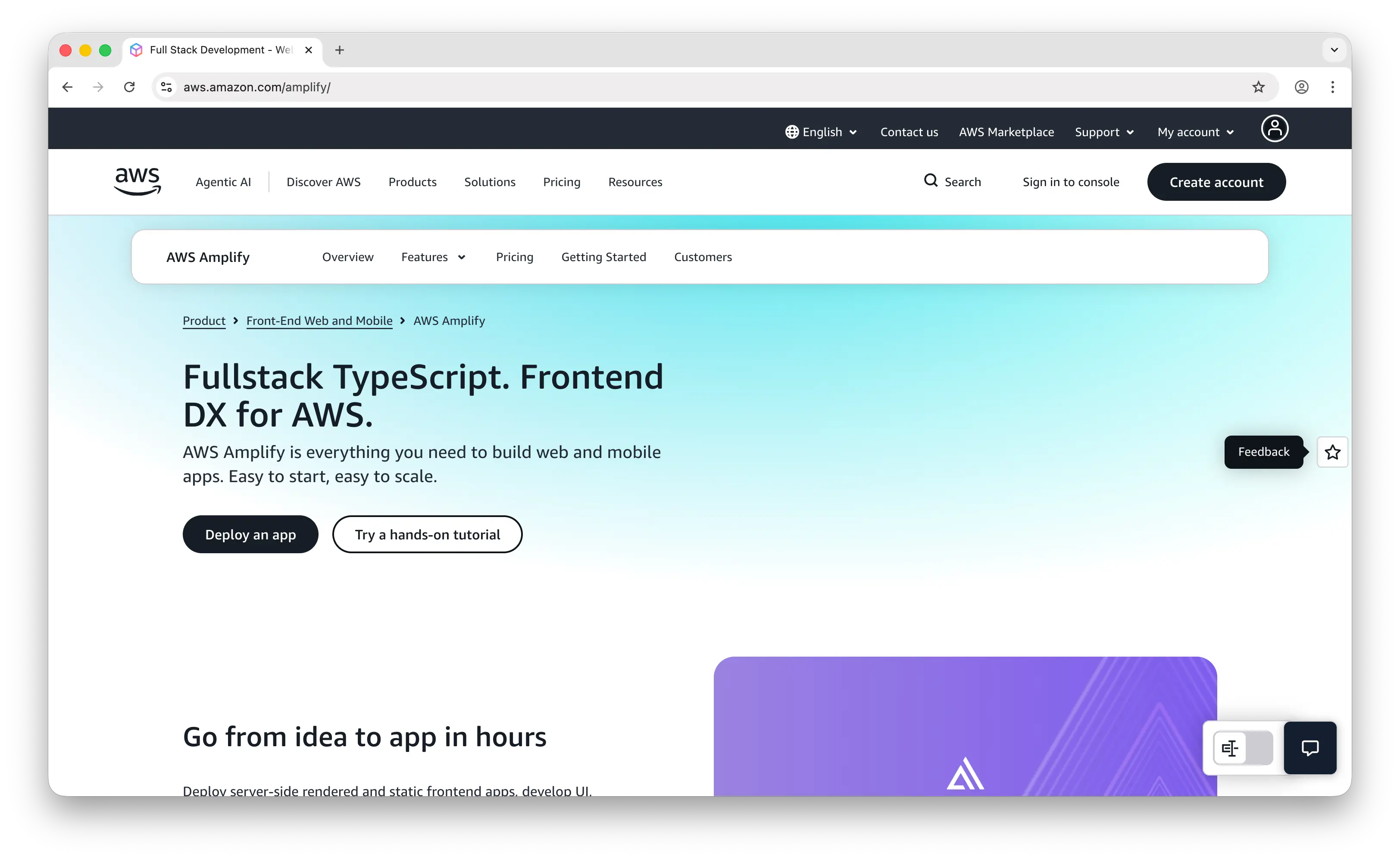
AWS Amplify is Amazon's full-stack development platform. With the Gen 2 release, Amplify shifted to a code-first, TypeScript-based developer experience where you define data models, business logic, and auth rules in TypeScript, and Amplify automatically provisions the underlying AWS services — AppSync, DynamoDB, Cognito, S3, and Lambda.
What Makes It Different
The real selling point is access to 200+ AWS services when you outgrow BaaS patterns. No other option on this list gives you that escape hatch into full cloud infrastructure. If you start with Amplify for a prototype and your app grows into something that needs SQS queues, Step Functions, or a custom VPC, you're already in the AWS ecosystem.
If Firebase is a motorcycle and Supabase is a sports car, Amplify is a semi truck. It can haul anything, but it's overkill for most indie or startup use cases.
Key Differences from Supabase
Amplify's power comes with complexity. DynamoDB is a NoSQL database with well-known constraints around querying flexibility — stepping outside Amplify's patterns means engaging directly with the underlying AWS services. The learning curve is significant: understanding how Cognito, AppSync, and Lambda interact takes time, and debugging requires familiarity with CloudWatch and IAM.
Supabase makes setup feel effortless — you create a project and your database, auth, and API are ready within minutes. There's no cloud console to navigate and no complex permission systems to configure. Amplify is not open-source and cannot be self-hosted outside of AWS.
Comparison Table
| Feature | AWS Amplify | Supabase |
|---|---|---|
| Database type | DynamoDB (NoSQL) | PostgreSQL (full SQL) |
| SQL support | |
Full PostgreSQL |
| Setup complexity | High (TypeScript config + AWS services) | Low (dashboard + instant API) |
| Authentication | Cognito |
|
| Cloud storage | S3 |
|
| Serverless functions | Lambda |
Edge Functions |
| Real-time | AppSync subscriptions |
Via Postgres WAL |
| GraphQL API | AppSync |
(REST + PostgREST) |
| Escape hatch to full cloud | 200+ AWS services |
|
| Learning curve | Steep | Gentle |
| Pricing model | Pay-per-use (AWS pricing) | Tier-based + usage |
| Open-source | |
|
| Self-hostable | (AWS only) |
|
| Best for | Teams already on AWS or planning to scale into full cloud infra | Teams wanting fast setup and SQL without cloud complexity |
4. Appwrite
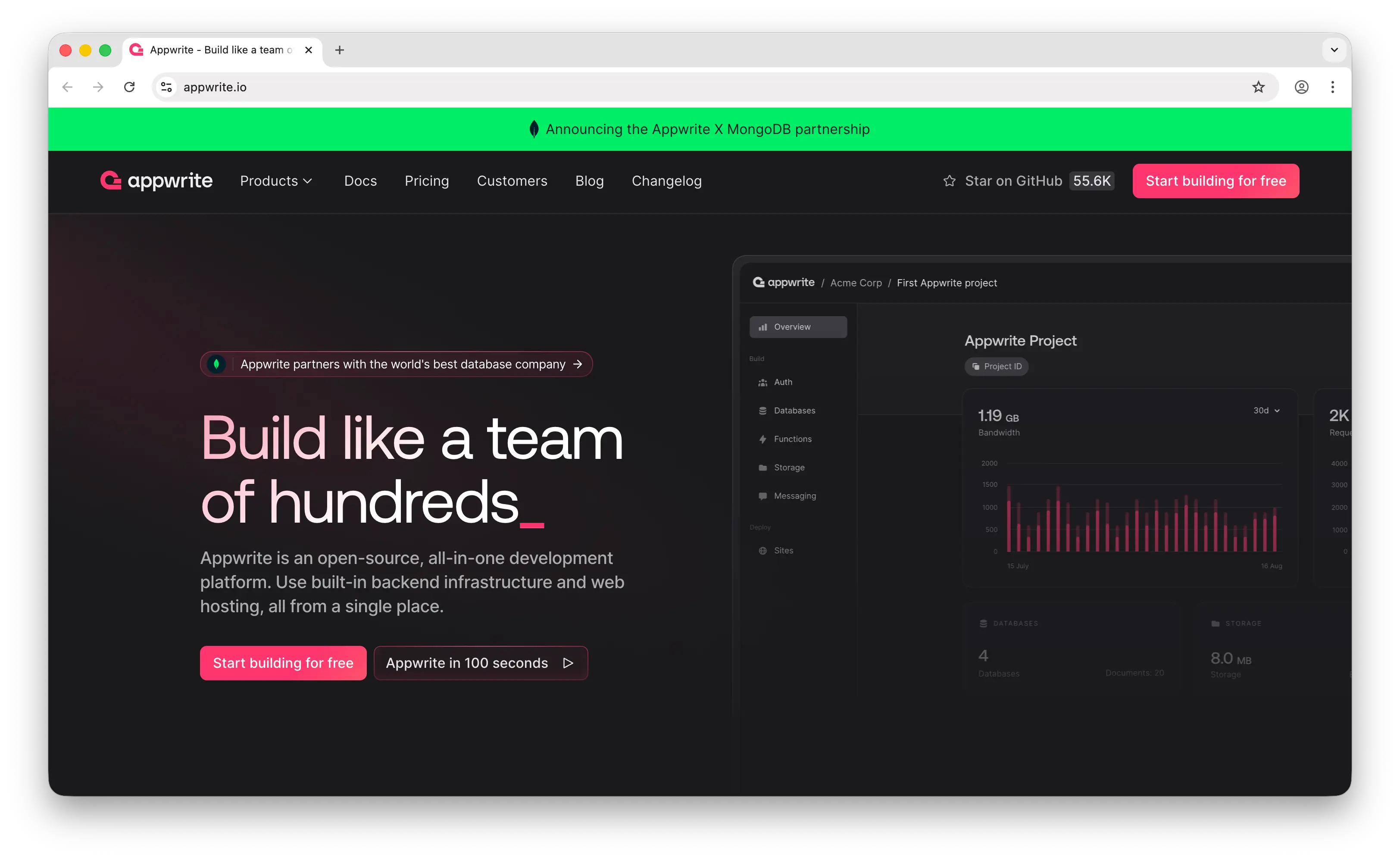
Appwrite is a self-hosted backend server packaged as Docker microservices that exposes REST, WebSocket, and GraphQL APIs. Deploy it anywhere — your server, your cloud, your rules.
What Makes It Different
Appwrite is built for developers who want full control over their data and infrastructure. Since you host it yourself, there's no monthly platform fee — you pay only for your own infrastructure. Appwrite provides 30+ login methods, file encryption at rest and in transit, built-in image transformation, and SMS/email/push notification support. Push notifications are something Supabase still lacks natively.
Flutter developers find Appwrite's first-class Flutter SDK particularly polished. Appwrite also has broader SDK coverage overall, supporting more platforms and languages out of the box than Supabase.
Key Differences from Supabase
Appwrite uses MariaDB (a MySQL fork) under the hood, while Supabase uses PostgreSQL. This is Supabase's technical edge — PostgreSQL offers more advanced features like full-text search, JSON operations, and extensions. Appwrite is ideal for developers who prefer a NoSQL-like document database approach, while Supabase caters more to developers familiar with SQL and relational models.
The tradeoff for self-hosting is DevOps burden. Expect 10-20 hours per month for a small team to manage updates, backups, scaling, and monitoring. Appwrite Cloud exists as a hosted alternative, but the self-hosted model is where Appwrite's value proposition is strongest.
Comparison Table
| Feature | Appwrite | Supabase |
|---|---|---|
| Database type | MariaDB (document-style API) | PostgreSQL (full SQL) |
| SQL support | Limited | Full PostgreSQL |
| Self-hosting | Docker microservices |
Docker |
| Authentication | 30+ methods |
|
| Cloud storage | + image transformation |
|
| Push notifications | |
|
| Real-time | WebSocket |
Via Postgres WAL |
| GraphQL API | |
(REST + PostgREST) |
| File encryption | At rest + in transit |
At rest + in transit |
| Flutter SDK | First-class |
|
| DevOps burden | High (self-hosted) | Low (managed) or High (self-hosted) |
| Pricing model | Free (self-hosted) or Cloud plans | Tier-based + usage |
| Open-source | |
|
| Best for | Teams needing data sovereignty and full self-hosting control | Teams wanting managed PostgreSQL with minimal DevOps |
5. Convex
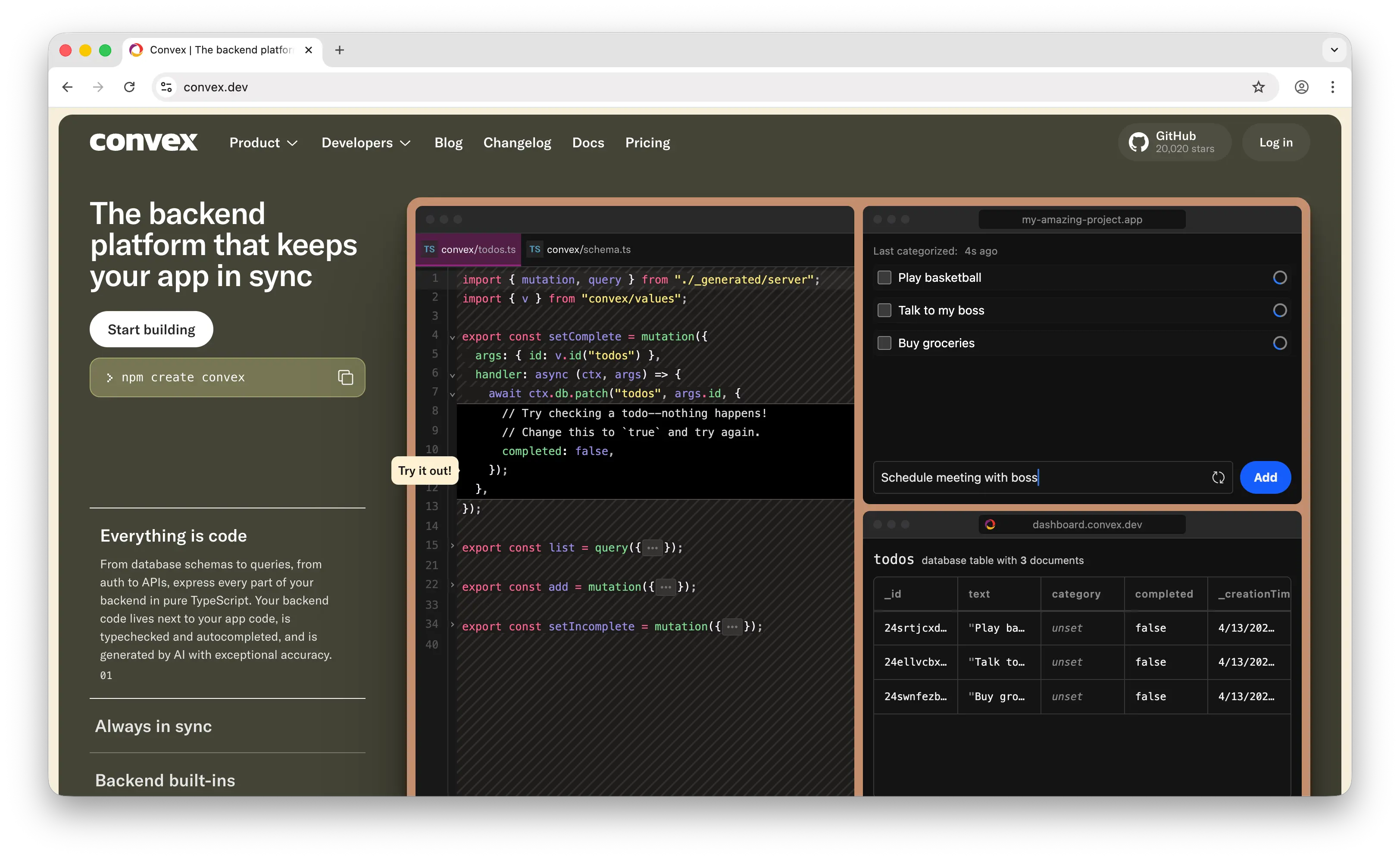
Convex is a reactive backend platform where TypeScript functions are your entire backend — no SQL, no ORM, no separate caching layer. It's a fundamentally different mental model from Supabase.
What Makes It Different
Convex uses reactive programming. Changes to your data trigger automatic updates across all connected clients, with sub-50ms latency at 5,000 concurrent connections. This makes it exceptional for collaborative apps like multiplayer games, shared documents, or live dashboards. Supabase's real-time is event-based via Postgres WAL, which requires more setup for collaborative features.
Everything in Convex is pure TypeScript end to end — your database schema, queries, auth, and APIs. You get end-to-end type safety without ORMs or code generation. Convex also has built-in RAG components and hybrid ranking functions, simplifying search and LLM integration. Supabase can integrate with external AI services but lacks native RAG tooling.
Convex went open source in February 2025, though self-hosting is not yet a supported option — the open-source release means you can inspect the code, but running your own instance isn't a realistic path for most teams.
Key Differences from Supabase
There's no SQL. If your team thinks in SQL and relational models, Convex will feel foreign. Its document-based approach trades querying flexibility for developer experience and real-time performance. The ecosystem is also younger — Supabase has nearly 98K GitHub stars compared to Convex's roughly 10K, and community resources, third-party integrations, and tutorials are less abundant.
Pricing models differ too: Supabase costs scale with database size (storage), while Convex scales with compute (function execution time). Both start around $25/month for paid plans.
Comparison Table
| Feature | Convex | Supabase |
|---|---|---|
| Database type | Reactive document database | PostgreSQL (full SQL) |
| SQL support | |
Full PostgreSQL |
| Query language | TypeScript functions | SQL + PostgREST |
| Real-time | Reactive (sub-50ms) |
Event-based (Postgres WAL) |
| Type safety | End-to-end TypeScript |
Partial (with client libraries) |
| Authentication | |
|
| Cloud storage | |
|
| Built-in AI/RAG | |
|
| Serverless functions | (TypeScript) |
Edge Functions |
| Pricing model | Compute-based (function execution) | Storage-based (tier + usage) |
| Open-source | (source-available) |
Apache 2.0 |
| Self-hostable | (not yet practical) |
|
| Community size | ~10K GitHub stars | ~98K GitHub stars |
| Best for | Real-time collaborative apps with TypeScript-first DX | Data-heavy apps needing SQL, self-hosting, and mature ecosystem |
Which Should You Choose?
Choose Puter.js if you're building a web app and want zero-cost, zero-config simplicity. Drop in a script tag and get auth, storage, database, and AI with no backend. Ideal if you don't need SQL and want your users to cover their own usage costs.
Choose Firebase if you're building a mobile-first app that needs best-in-class offline sync, push notifications, and the broader Google ecosystem (analytics, crash reporting, A/B testing). Accept the vendor lock-in and less predictable pricing.
Choose AWS Amplify if you're already on AWS or know your app will eventually need the full power of AWS services. It's the heaviest option here, but the only one that gives you a direct path from BaaS to full cloud infrastructure.
Choose Appwrite if data sovereignty and self-hosting control are non-negotiable. You'll take on more DevOps work, but you own everything. Especially strong for Flutter teams and apps requiring push notifications.
Choose Convex if you're building real-time collaborative features and want a TypeScript-first developer experience with built-in AI/RAG support. Best for teams that don't need SQL and prioritize reactive UX over relational modeling.
Stick with Supabase if you need the full power of PostgreSQL, want an open-source platform with a massive community, and value the simplicity of a managed service with predictable pricing. For most apps that need a relational database, Supabase remains the strongest overall choice.
Conclusion
The top 5 Supabase alternatives are Puter.js, Firebase, AWS Amplify, Appwrite, and Convex. Each takes a different approach to backend-as-a-service: Puter.js eliminates the backend entirely, Firebase dominates mobile offline sync, Amplify opens the door to full AWS, Appwrite gives you complete self-hosting control, and Convex reimagines the backend as reactive TypeScript. The best choice depends on your database needs, infrastructure preferences, and how much complexity you're willing to manage.
Related
- Getting Started with Puter.js
- The Best Backend Platform for Vibe Coding
- The Vibe Coding Tech Stack
- Top 5 Filestack Alternatives (2026)
- Top 5 UploadThing Alternatives (2026)
- Best Appwrite Alternatives (2026)
- Top 5 Firebase Alternatives (2026)
- Best Convex Alternatives (2026)
- Top 5 PocketBase Alternatives (2026)
- Top 5 OpenRouter Alternatives (2026)
- Top 5 Replicate Alternatives (2026)
- Best fal.ai Alternatives (2026)
- Best Together AI Alternatives (2026)
- Top 5 Google AI Studio Alternatives (2026)
- Best ElevenLabs Alternatives (2026)
- Top 5 Vertex AI Alternatives (2026)
- Best AWS Bedrock Alternatives (2026)
- Top 5 Amazon S3 Alternatives (2026)
- Top 5 Cloudflare R2 Alternatives (2026)
- Top 5 Backblaze B2 Alternatives (2026)
- Top 5 Wasabi Alternatives (2026)
- Top 5 DynamoDB Alternatives (2026)
- Top 5 Redis Alternatives (2026)
- Top 5 MongoDB Alternatives (2026)
- Top 5 PostgreSQL Alternatives (2026)
- Top 5 PlanetScale Alternatives (2026)
- Top 5 Neon Alternatives (2026)
- Top 5 Upstash Alternatives (2026)
- Top 5 Render Alternatives (2026)
- Top 5 Heroku Alternatives (2026)
- Top 5 Xano Alternatives (2026)
- Top 5 Turso Alternatives (2026)
- Top 5 AWS Amplify Alternatives (2026)
- Best Back4App Alternatives (2026)
Ship a Full-Stack App with One Prompt
Create a to-do list app using Puter.js
Coding manually? see the guide