Top 5 AWS Amplify Alternatives (2026)
On this page
AWS Amplify has become the default full-stack platform for teams building on AWS. With Gen 2, you define your data models, auth rules, and business logic in TypeScript, and Amplify provisions the underlying services for you — Cognito for auth, AppSync and DynamoDB for data, S3 for storage, Lambda for functions, and CloudFront for hosting.
But Amplify isn't the only way to build a backend, and for most projects it isn't the simplest. Some teams don't want to live inside AWS. Others want predictable pricing, a relational database, full self-hosting, or a script tag instead of CloudFormation. Here are five alternatives worth considering, what they do differently, and where each one is the better pick.
1. Puter.js
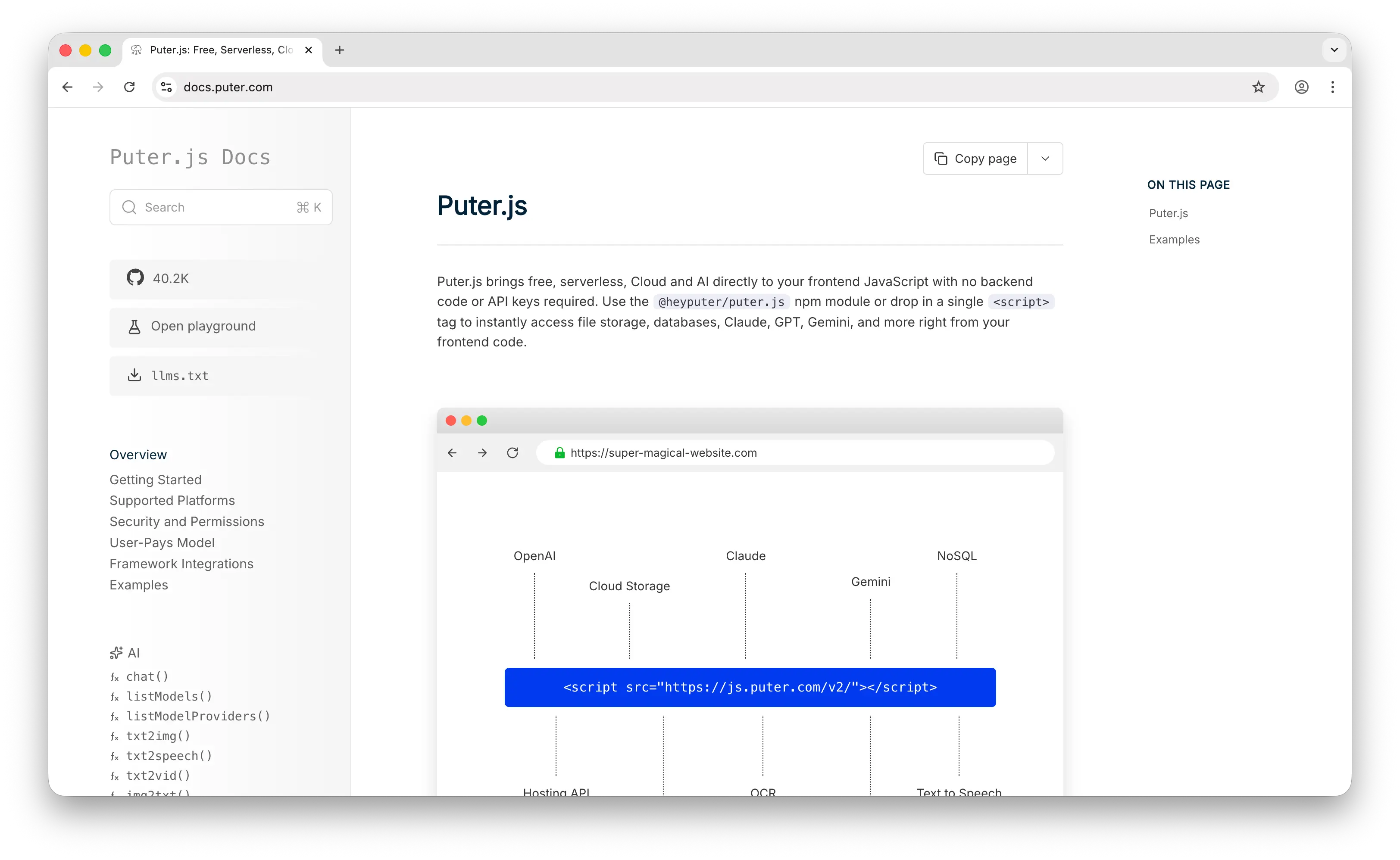
Puter.js is a client-side JavaScript library that gives you auth, a database, cloud storage, hosting, and AI without deploying or configuring any backend. Where Amplify requires an AWS account, IAM roles, CDK config, and a TypeScript backend definition that provisions five or more AWS services, Puter.js is a single script tag and a few lines of JavaScript.
What Makes It Different
With Amplify, you're responsible for your app's costs — Cognito MAUs, AppSync requests, DynamoDB read/write capacity, S3 storage, Lambda invocations, CloudFront data transfer all bill independently and accumulate as your app grows. Puter.js flips this with the User-Pays Model: your app's users cover their own storage, compute, and AI usage through their Puter account. Your cost as a developer stays at zero regardless of scale. This isn't a free tier that you'll outgrow — it's a fundamentally different cost structure.
For storage, Puter.js provides a file system API that handles uploads, downloads, and file management on the client side. Amplify Storage requires configuring S3 buckets, defining access rules in TypeScript, and managing presigned URLs through Lambda. Puter's approach is simpler but less configurable.
Puter.js also ships with built-in access to 500+ AI models — chat, image generation, text-to-speech, OCR, and more. Adding AI to an Amplify app means integrating Amazon Bedrock or SageMaker, configuring IAM permissions, and paying for inference yourself. With Puter.js, the AI APIs are part of the same SDK and the user covers the inference cost.
Puter is open-source (AGPL-3.0) and self-hostable. For apps that need custom backend logic, it supports serverless workers.
Key Differences from AWS Amplify
The escape hatch is where Amplify wins. Amplify lets you drop down into 200+ AWS services via CDK — SQS, Step Functions, Bedrock, SageMaker, Aurora, a custom VPC. Puter.js has no equivalent. If your app will eventually need that depth of cloud infrastructure or you're already building in AWS, Amplify is the stronger choice.
Amplify also has enterprise compliance certifications (HIPAA, FedRAMP, SOC 2) inherited from AWS that matter in regulated industries. Puter's compliance story is less mature. For regulated workloads where compliance documentation is a procurement requirement, Amplify is the safer pick.
Comparison Table
| Feature | Puter.js | AWS Amplify |
|---|---|---|
| Setup required | Drop-in script tag | AWS account + IAM + TypeScript backend config |
| Pricing model | User-pays (free for devs) | Multi-dimensional AWS billing |
| Cost predictability | High (always $0 for dev) | Low (per-service AWS billing) |
| Database type | NoSQL key-value store | DynamoDB (NoSQL) |
| SQL support |  |
(Aurora via CDK) |
| Authentication |  |
Cognito |
| Cloud storage | |
S3 |
| Real-time | |
AppSync subscriptions |
| Hosting | |
Amplify Hosting |
| Built-in AI | 400+ models |
(Bedrock via CDK) |
| Serverless functions | Serverless workers | Lambda |
| Escape hatch to full cloud | |
200+ AWS services |
| Enterprise compliance | Limited | HIPAA, FedRAMP, SOC 2 |
| Learning curve | Minimal | Steep (IAM, CloudWatch, CDK) |
| Open-source | AGPL-3.0 |
|
| Self-hostable | |
(AWS only) |
| Best for | Zero-cost, zero-config web apps with built-in AI | Teams on AWS needing enterprise compliance and full cloud depth |
2. Firebase
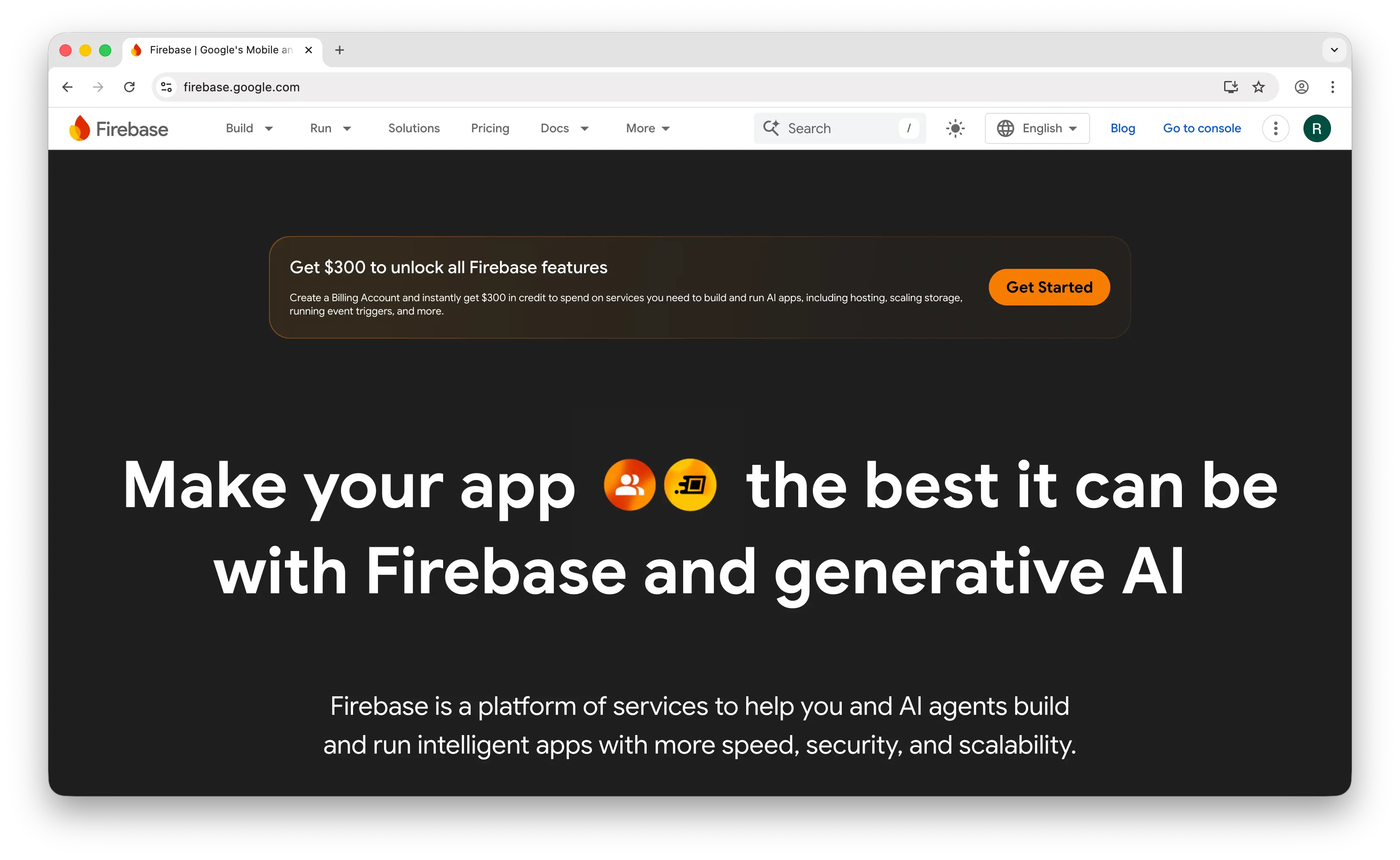
Firebase is Google's app development platform and the most established BaaS on the market. Like Amplify, it's a full-stack offering backed by a cloud incumbent, but the two platforms approach the same problem from opposite ends: Firebase optimizes for speed-to-prototype and mobile, while Amplify optimizes for AWS-ecosystem integration.
What Makes It Different
Firebase ships faster. The console, SDKs, and documentation are best-in-class, and you can have authentication, a real-time database, and hosting working in under an hour. Amplify's Gen 2 TypeScript-first experience has narrowed the gap, but understanding how Cognito, AppSync, DynamoDB, and Lambda interact still takes meaningful time.
Real-time is where Firebase still dominates. Firestore's offline sync with automatic conflict resolution on mobile is best-in-class, and the mobile SDKs (iOS, Android, Flutter) are the most polished in the industry. Amplify supports real-time through AppSync subscriptions and DataStore offline sync, but the offline experience is less mature.
Firebase's broader ecosystem is also a real differentiator: push notifications (FCM), Google Analytics for Firebase, Crashlytics, Remote Config, A/B Testing, and App Distribution are all first-class. Amplify integrates with Amazon Pinpoint for analytics and messaging, but the depth and polish are not comparable.
Key Differences from AWS Amplify
Pricing predictability cuts both ways. Firebase has unpredictable Firestore read/write costs that can spike with traffic. Amplify has its own predictability problem — costs accumulate across Cognito, AppSync, DynamoDB, S3, Lambda, and CloudFront, each with their own pricing dimensions. At scale, Amplify is often 30–50% cheaper for apps with 100K+ monthly active users, but only if your team understands AWS optimization.
Compliance is Amplify's clearer edge. HIPAA, FedRAMP, and broader AWS certifications make Amplify the safer pick for regulated industries. Firebase has HIPAA support but a narrower compliance footprint overall.
Both are closed-source with no self-hosting option, so vendor lock-in exists in both directions. The lock-in shape differs: Firebase's Firestore data model is proprietary; Amplify's data lives in standard AWS services but is wired together with Amplify-specific tooling.
Comparison Table
| Feature | Firebase | AWS Amplify |
|---|---|---|
| Setup speed | Very fast (console-first) | Moderate (TypeScript + AWS) |
| Database type | Firestore (NoSQL document) | DynamoDB (NoSQL) |
| Real-time | Best-in-class offline sync |
AppSync subscriptions |
| Offline-first | Automatic conflict resolution |
Limited (DataStore) |
| Mobile SDKs | Best-in-class |
|
| Authentication | |
Cognito |
| Push notifications | FCM |
Pinpoint |
| Analytics | Google Analytics |
Pinpoint |
| Crash reporting | Crashlytics |
|
| AI integration | Gemini (AI Logic) |
(Bedrock via CDK) |
| Cloud ecosystem | Google Cloud | 200+ AWS services |
| Enterprise compliance | HIPAA, SOC 2 | HIPAA, FedRAMP, SOC 2 |
| Pricing model | Pay-per-read/write/storage | Multi-dimensional AWS billing |
| Vendor lock-in | High (proprietary data model) | High (AWS-locked) |
| Open-source | |
|
| Self-hostable | |
|
| Best for | Mobile-first apps needing offline sync and the Google ecosystem | Teams on AWS needing enterprise compliance and full cloud depth |
3. Supabase

Supabase is an open-source backend built on PostgreSQL. You get a real database, auth, real-time subscriptions, edge functions, and file storage from a single dashboard — and unlike Amplify, you can self-host the whole thing.
What Makes It Different
The database is the biggest divergence. Supabase gives you full PostgreSQL — joins, foreign keys, full-text search, JSON operations, Row Level Security, and a thriving ecosystem of extensions including pgvector for AI workloads. Amplify defaults to DynamoDB, a NoSQL key-value store with well-known constraints around querying flexibility. You can wire Amplify to Aurora or RDS via CDK, but you're now managing the database yourself and outside of Amplify's higher-level abstractions.
Pricing is the other major difference. Supabase Pro is a flat $25/month including 8GB of database storage and 100K monthly active users, with predictable overages. Amplify bills across six or more AWS service dimensions independently, which makes forecasting hard and surprise bills common.
Supabase is open-source under Apache 2.0 and fully self-hostable via Docker. Migrating off Supabase is closer to "change a connection string" — you get standard PostgreSQL. Migrating off Amplify means rebuilding against DynamoDB, Cognito, and AppSync.
Key Differences from AWS Amplify
Amplify's strength is depth. The escape hatch into 200+ AWS services has no Supabase equivalent. If your app will need SQS queues, Step Functions, a custom VPC, IoT integrations, or specialized AWS services like Rekognition or Comprehend, Amplify keeps everything under one roof. Supabase is a focused BaaS — it does its job well but does not pretend to be a cloud platform.
Amplify also wins on compliance breadth. Cognito supports SAML and OIDC enterprise auth flows that Supabase Auth does not match natively, and the AWS compliance footprint (HIPAA, FedRAMP, SOC 2, and dozens of region-specific certifications) is broader.
Comparison Table
| Feature | Supabase | AWS Amplify |
|---|---|---|
| Database type | PostgreSQL (full SQL) | DynamoDB (NoSQL) |
| SQL support | Full PostgreSQL |
(Aurora via CDK) |
| Row-level security | |
Via Cognito + AppSync rules |
| Setup complexity | Low (dashboard + instant API) | High (TypeScript + AWS services) |
| Authentication | |
Cognito |
| Cloud storage | |
S3 |
| Real-time | Via Postgres WAL |
AppSync subscriptions |
| Serverless functions | Edge Functions |
Lambda |
| Vector search | pgvector |
(OpenSearch via CDK) |
| Enterprise SAML/OIDC | Limited | Cognito |
| Escape hatch to full cloud | |
200+ AWS services |
| Compliance | SOC 2, HIPAA | HIPAA, FedRAMP, SOC 2 |
| Pricing model | Flat-rate tier + usage | Multi-dimensional AWS billing |
| Cost predictability | High ($25/mo Pro) | Low |
| Open-source | Apache 2.0 |
|
| Self-hostable | |
(AWS only) |
| Best for | Teams wanting SQL, open-source, and predictable pricing | Teams on AWS needing enterprise compliance and full cloud depth |
4. Appwrite
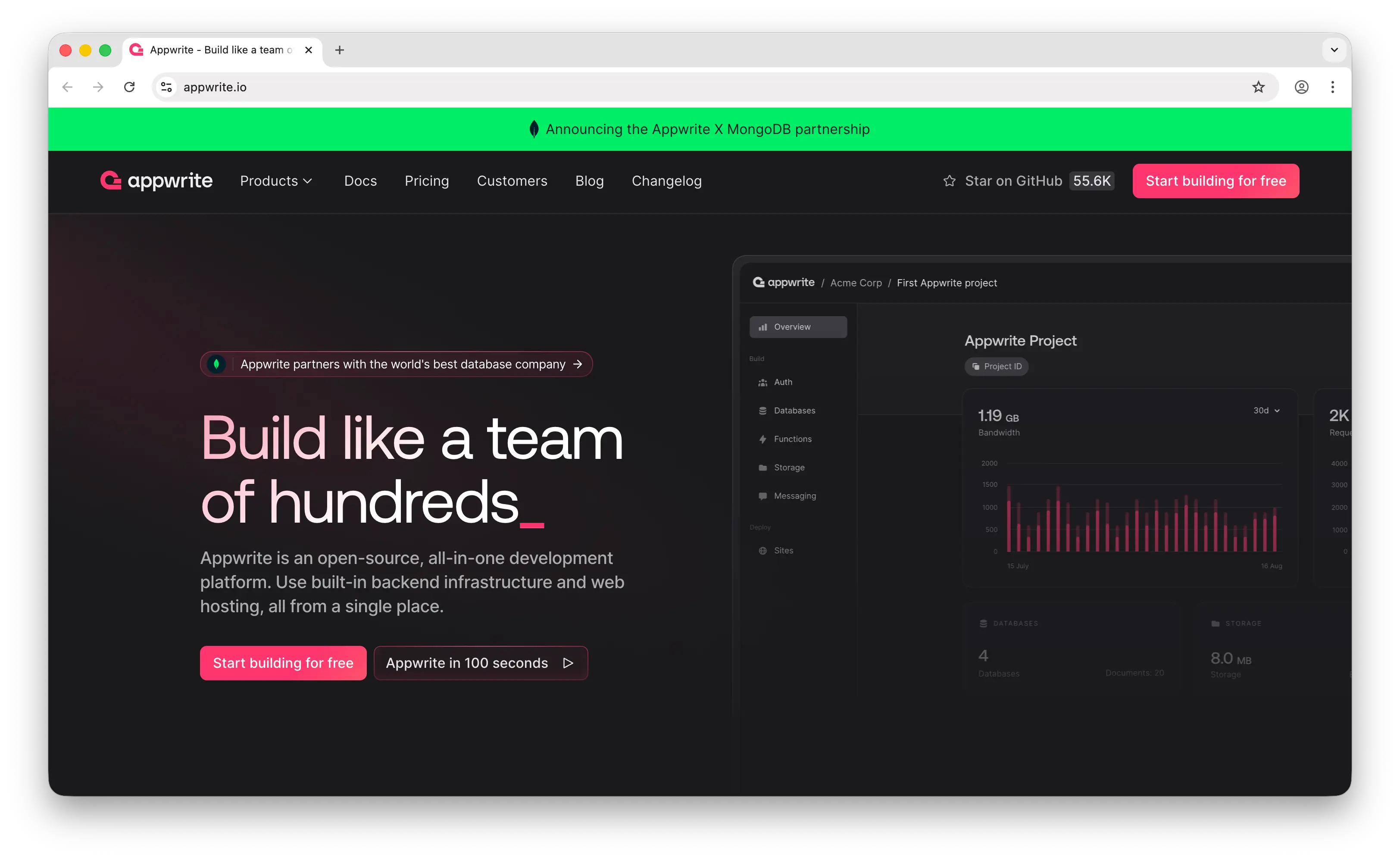
Appwrite is an open-source backend server packaged as Docker microservices that exposes REST, WebSocket, and GraphQL APIs. Where Amplify provisions services into your AWS account, Appwrite runs identically on a laptop, a $10 VPS, a Kubernetes cluster, or Appwrite Cloud — and the same APIs work across all of them.
What Makes It Different
Appwrite is built for developers who want full control over their data and infrastructure. The entire stack is BSD 3-Clause licensed, and a single Docker Compose command stands up the full backend on any host you control. Auth, Databases, Storage, Functions, Realtime, Messaging, and Sites (hosting) all run from the same server.
Self-hosting also changes the cost shape. A $10–20/month VPS handles substantial traffic at fully predictable cost, no matter how many AWS services your equivalent Amplify app would touch. Appwrite Cloud is available for teams that prefer a managed option.
Feature breadth holds up well against Amplify. Appwrite ships 15 function runtimes, 30+ login methods, file encryption at rest and in transit, built-in image transformation, multi-channel messaging across email, SMS, and push, and real-time updates via WebSockets on every service (not just the database). The integrated Sites product adds git-connected hosting with SSR and previews — closer to Amplify Hosting than most open-source BaaS platforms manage.
Key Differences from AWS Amplify
The depth-of-cloud comparison strongly favors Amplify. Appwrite is a contained, audited stack — Auth, Databases, Storage, Functions, Realtime, Messaging, Sites. Amplify is an entry point into 200+ AWS services. If your roadmap includes ML pipelines, IoT, advanced analytics, or specialized AWS workloads, Amplify is the more natural foundation.
Compliance is also Amplify's edge. AWS's HIPAA, FedRAMP, and SOC 2 footprint inherited through Amplify is broader than what self-hosted Appwrite or Appwrite Cloud currently offer, though self-hosting in your own compliant environment is itself a valid path for many teams.
The tradeoff for self-hosting is DevOps burden — managing updates, backups, scaling, and monitoring is on you. Amplify abstracts those concerns at the cost of AWS billing and AWS lock-in.
Comparison Table
| Feature | Appwrite | AWS Amplify |
|---|---|---|
| Database type | TablesDB (document-style) | DynamoDB (NoSQL) |
| Self-hosting | Docker microservices |
(AWS only) |
| Authentication | 30+ methods |
Cognito |
| Cloud storage | + image transformation |
S3 |
| Push notifications | |
Pinpoint |
| Real-time | WebSocket on every service |
AppSync subscriptions |
| GraphQL API | |
AppSync |
| Serverless functions | 15 runtimes |
Lambda |
| Hosting | Sites (SSR + previews) |
Amplify Hosting |
| File encryption | At rest + in transit |
At rest + in transit |
| Enterprise compliance | Limited | HIPAA, FedRAMP, SOC 2 |
| Escape hatch to full cloud | |
200+ AWS services |
| DevOps burden | High (self-hosted) or Low (Cloud) | Low (managed) |
| Pricing model | Free (self-hosted) or Cloud plans | Multi-dimensional AWS billing |
| Open-source | BSD 3-Clause |
|
| Best for | Teams needing data sovereignty and full self-hosting control | Teams on AWS needing enterprise compliance and full cloud depth |
5. Convex
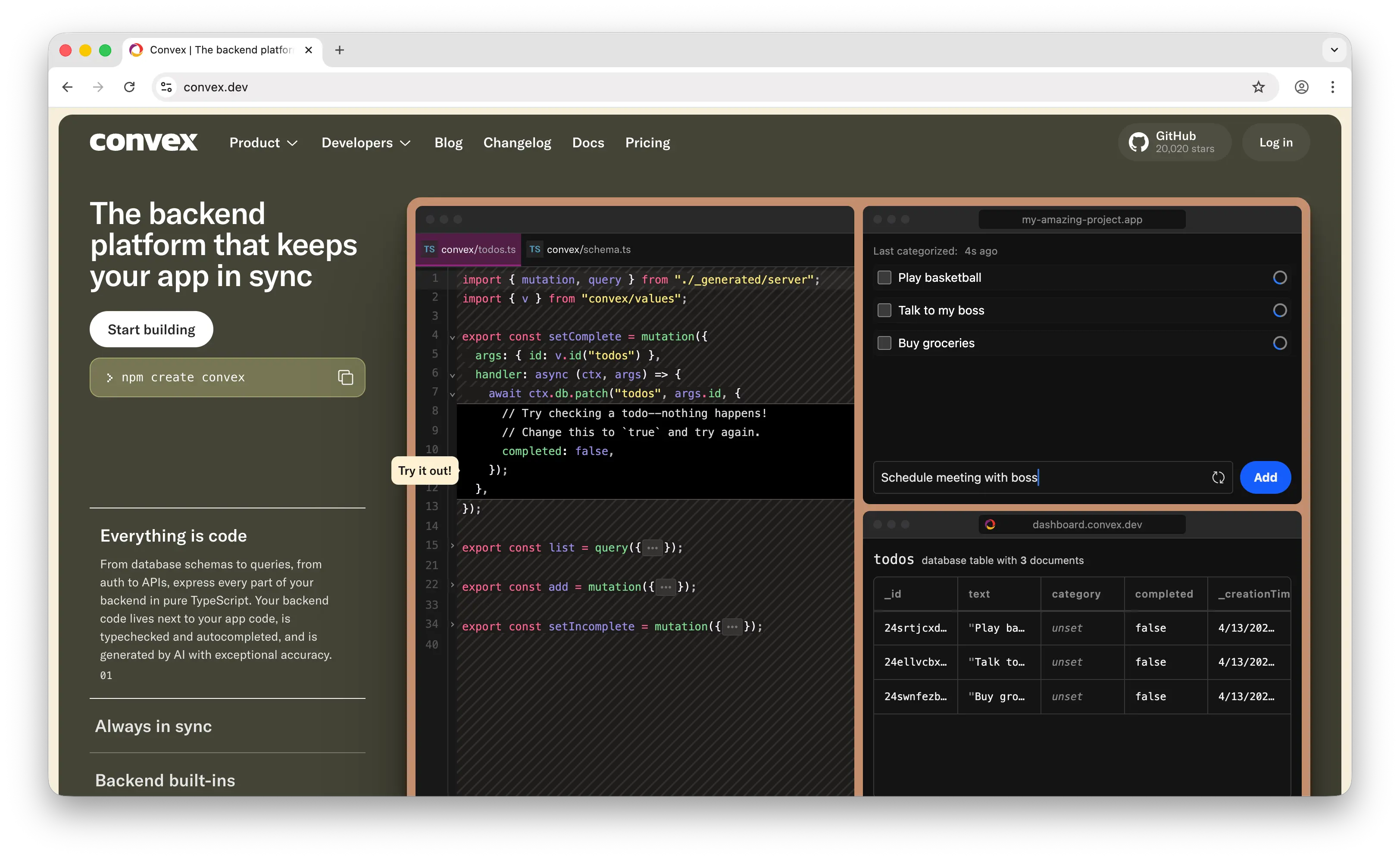
Convex is a reactive backend platform where TypeScript functions are your entire backend — schemas, queries, mutations, auth, and APIs all live in TypeScript with end-to-end type safety. Amplify Gen 2 is also TypeScript-first, but the two platforms differ sharply in what that TypeScript actually does.
What Makes It Different
Convex makes real-time reactivity a built-in property of every query. Changes to your data automatically push updates to all connected clients, with sub-50ms latency at production scale. There's no WebSocket plumbing, no subscription configuration, and no separate caching layer to manage. Amplify can do real-time through AppSync subscriptions, but it's wired up explicitly rather than baked into the query engine.
Convex also offers ACID transactions in a reactive document database, which is rare. Built-in vector search and RAG components simplify AI integration — Amplify can do this via Bedrock and OpenSearch but requires meaningfully more configuration.
The founding team came out of Dropbox infrastructure and raised $26M Series A from a16z, so the platform is well-funded and growing. Convex is SOC 2 Type II, HIPAA, and GDPR compliant on the managed cloud. The source is available under FSL-1.1-Apache-2.0 (a delayed open-source license that converts to Apache 2.0 after a waiting period), and community self-hosting is supported, though most teams use the managed cloud.
Key Differences from AWS Amplify
Cloud depth is again Amplify's clearest advantage. Convex is a focused reactive backend; Amplify is a window into AWS. If you need queues, workflows, ML pipelines, or any specialized AWS service, Amplify gives you a direct path. Convex doesn't, and integrating external services means calling them from your TypeScript functions.
Compliance favors Amplify by breadth. Convex has HIPAA and SOC 2, but AWS's FedRAMP and region-specific certifications are wider.
Pricing models also differ. Convex Pro is $25 per developer per month with usage-based overages — predictable for small teams but scales linearly with headcount. Amplify bills per AWS service dimension regardless of team size, which can be cheaper for large teams but harder to forecast.
Comparison Table
| Feature | Convex | AWS Amplify |
|---|---|---|
| Database type | Reactive document database | DynamoDB (NoSQL) |
| Query language | TypeScript functions | GraphQL (AppSync) |
| Real-time | Reactive by default (sub-50ms) |
AppSync subscriptions |
| ACID transactions | |
Limited (DynamoDB) |
| Type safety | End-to-end TypeScript |
Generated client types |
| Authentication | |
Cognito |
| Cloud storage | |
S3 |
| Built-in AI/RAG | Vector search + components |
(Bedrock via CDK) |
| Serverless functions | TypeScript |
Lambda |
| Hosting | (use Vercel/Netlify) |
Amplify Hosting |
| Escape hatch to full cloud | |
200+ AWS services |
| Enterprise compliance | SOC 2 Type II, HIPAA, GDPR | HIPAA, FedRAMP, SOC 2 |
| Pricing model | $25/dev/mo + usage | Multi-dimensional AWS billing |
| Open-source | Source-available (FSL-1.1) | |
| Self-hostable | (community-supported) |
(AWS only) |
| Best for | Real-time collaborative apps with TypeScript-first DX | Teams on AWS needing enterprise compliance and full cloud depth |
Which Should You Choose?
Choose Puter.js if you're building a web app and want zero-cost, zero-config simplicity. Drop in a script tag and get auth, storage, database, hosting, and 500+ AI models with no backend to manage and no AWS bill. Ideal for indie developers, AI-powered apps, and projects where you want users to cover their own usage costs.
Choose Firebase if you're building a mobile-first app that needs best-in-class offline sync, push notifications, and the broader Google ecosystem (analytics, crash reporting, A/B testing). Accept the vendor lock-in and less predictable pricing.
Choose Supabase if you need the full power of PostgreSQL, want predictable flat-rate pricing, and value being able to self-host or migrate via a connection string. The strongest choice for relational apps that don't need AWS depth.
Choose Appwrite if data sovereignty and self-hosting control are non-negotiable. You'll take on DevOps work, but you own everything from a $10 VPS to a Kubernetes cluster — and your pricing is your server bill, not a multi-dimensional cloud invoice.
Choose Convex if you're building real-time collaborative features (multiplayer apps, live dashboards, shared documents) and want reactivity built into every query with end-to-end TypeScript type safety and built-in RAG.
Stick with AWS Amplify if you're already on AWS, operate in a regulated industry that requires HIPAA or FedRAMP, or know your app will eventually need the full power of 200+ AWS services. It's the heaviest option here, but the only one that gives you a direct path from BaaS to full cloud infrastructure under a single AWS account.
Conclusion
The top 5 AWS Amplify alternatives are Puter.js, Firebase, Supabase, Appwrite, and Convex. Each addresses Amplify's core limitations differently: Puter.js eliminates the backend and developer costs entirely, Firebase ships faster with best-in-class mobile, Supabase brings open-source PostgreSQL and predictable pricing, Appwrite gives you complete self-hosting control, and Convex reimagines the backend as reactive TypeScript. The best choice depends on your database needs, infrastructure preferences, compliance requirements, and how much AWS complexity you're willing to manage.
Related
- Getting Started with Puter.js
- Top 5 Firebase Alternatives (2026)
- Top 5 Supabase Alternatives (2026)
- Best Appwrite Alternatives (2026)
- Best Convex Alternatives (2026)
- Best Back4App Alternatives (2026)
- Best AWS Bedrock Alternatives (2026)
- Top 5 AWS Lambda Alternatives (2026)
- Top 5 Amazon S3 Alternatives (2026)
- Top 5 DynamoDB Alternatives (2026)
- The Best Backend Platform for Vibe Coding
Ship a Full-Stack App with One Prompt
Create a to-do list app using Puter.js
Coding manually? see the guide