Top 5 Upstash Alternatives (2026)
On this page
Developers reach for Upstash because of its HTTP-based Redis API that works in edge and serverless environments, its pay-per-request pricing that scales to zero, global replication, and a growing bundle of data primitives (Redis, Vector, QStash, Search) behind a single account. But did you know there are alternatives with different strengths that might fit your project better?
In this article, you'll learn about five Upstash alternatives, how they compare, and which one might be the best fit for your project.
1. Puter.js
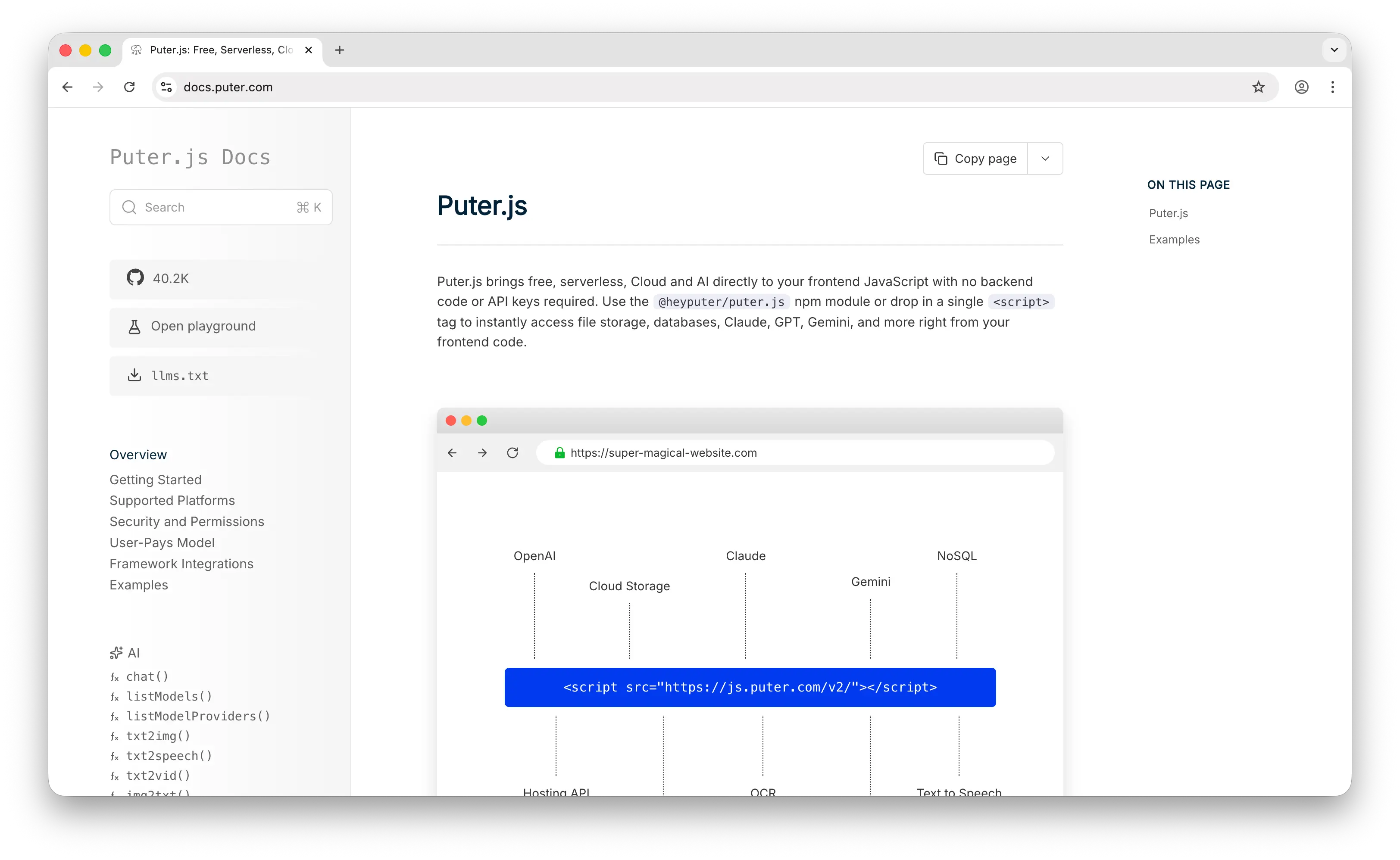
Puter.js is a JavaScript library that bundles a cloud key-value database, cloud storage, authentication, serverless workers, hosting, and AI into a single package. Its KV store supports the essentials you'd expect (set, get, del, list) plus atomic counters, partial updates at a JSON path level, TTLs, and prefix-based listing with cursor pagination.
What Makes It Different
Puter.js pioneered the User-Pays Model: each end user of your app covers their own storage and request costs through their Puter account. That means developers can add a cloud KV database to their apps for free, no API key, no backend, no server-side setup required. This is fundamentally different from Upstash, where the developer pays for every command regardless of who triggered it.
Puter.js is also designed to run directly from the browser. A single <script> tag gives frontend code access to a durable cloud database, and per-user data isolation is automatic, each signed-in Puter user gets their own namespace without you designing any multi-tenant key schemes. And because KV lives alongside storage, auth, and AI in the same SDK, you don't need to stitch together multiple vendors to build a complete app.
Key Differences from Upstash
Puter.js KV is primarily designed for frontend-first apps. While it works server-side through Puter's serverless workers, the user-pays model is most natural in a browser context. It also doesn't expose Redis-specific data structures like sorted sets, streams, or pub/sub, and it doesn't come with the observability dashboards or SOC2-style enterprise features that larger teams might need.
Comparison Table
| Feature | Puter.js | Upstash |
|---|---|---|
| API key required | No | Yes |
| Pricing model | User-pays (free for devs) | Pay-per-request |
| Cost to developer | $0 regardless of scale | Scales with usage |
| Runs from browser |  Native Native |
 (needs proxy) (needs proxy) |
| Backend required | No | Yes |
| Data model | Key-value with JSON paths | Redis-compatible |
| Atomic counters | |
|
| Partial updates | (path-based) |
(Redis-style) |
| TTL / expiration | |
|
| Prefix listing | (with cursor) |
(SCAN) |
| Per-user isolation | Automatic |
(DIY) |
| Integrated stack | Storage, AI, auth, hosting | Redis, Vector, QStash, Search |
| Open-source core | |
|
| Observability | Limited | Usage dashboard |
| Best for | Frontend devs who want zero-cost cloud data | Serverless/edge backends needing Redis |
2. Redis Cloud
Redis Cloud is the official managed Redis service from Redis Ltd., the company that actually develops Redis. Like Upstash, it offers hosted Redis with global availability, but its focus is on enterprise-grade Redis with the full feature set.
What Makes It Different
Redis Cloud is not just a serverless cache, it's a full Redis database platform. It offers the complete Redis module ecosystem: RediSearch for full-text search, RedisJSON for document operations, RedisTimeSeries for time-series data, and RedisBloom for probabilistic data structures. None of these are available on Upstash.
Redis Cloud also offers Active-Active geo-replication using CRDTs, allowing true multi-region writes with conflict-free synchronization. This is a genuine multi-master setup, while Upstash's global replication is eventually consistent with writes forwarded to a single primary region.
Key Differences from Upstash
Redis Cloud is TCP-native, using the standard Redis wire protocol. That's great for traditional servers but awkward for edge runtimes like Cloudflare Workers or Vercel Edge Functions, where persistent connections are a problem. Upstash solved this specific pain point with its HTTP REST API.
Pricing is also structured differently, Redis Cloud starts from around $5/month for small fixed plans and scales up with memory size, while Upstash charges per command. At sustained high throughput, Redis Cloud is typically cheaper. At low or spiky traffic, Upstash is cheaper because it scales to zero.
Comparison Table
| Feature | Redis Cloud | Upstash |
|---|---|---|
| Pricing model | Fixed plans + pay-as-you-go | Pay-per-request (scales to zero) |
| Storage type | In-memory with persistence | In-memory with persistence |
| Redis protocol | Full |
Compatible (≤ 6.2) |
| HTTP API | |
Native |
| Edge/serverless friendly | Limited (TCP only) | |
| RediSearch | |
|
| RedisJSON | |
|
| RedisTimeSeries | |
|
| Active-Active replication | (CRDT multi-master) |
(primary/replica) |
| Global replication | |
(eventual) |
| Free tier | 30MB | 256MB / 500K cmd/month |
| Cost at high throughput | Lower | Higher |
| Cost at low/spiky traffic | Higher | Lower |
| Official Redis support | |
(third-party) |
| Best for | Production workloads needing full Redis features | Serverless/edge apps with variable traffic |
3. AWS DynamoDB
AWS DynamoDB is Amazon's fully managed NoSQL database. It's serverless by default, auto-scales, and handles petabyte-scale workloads with single-digit millisecond latency.
What Makes It Different
DynamoDB is disk-first, not memory-first. That trades off Redis's sub-millisecond latency for something arguably more valuable at scale: durability by default and storage costs that don't balloon with data volume. You can store billions of items without thinking about memory pressure.
It also has capabilities Upstash simply doesn't offer: ACID transactions across multiple items, secondary indexes (GSI/LSI) for flexible queries beyond key lookups, DynamoDB Streams for change data capture into Lambda, Global Tables for multi-region active-active, and point-in-time recovery for backups. It's a genuinely full-featured NoSQL database, not just a cache layer.
Deep AWS integration is another major draw, IAM auth, VPC networking, CloudWatch metrics, and native Lambda triggers all come out of the box.
Key Differences from Upstash
DynamoDB uses its own API and data model (partition key + optional sort key), not Redis. If you're looking for drop-in Redis compatibility, this isn't it. Its query language and data modeling approach require more upfront design work than Redis's "just store whatever" philosophy.
DynamoDB also has no native in-memory layer (you'd add DAX for that, at extra cost), so sub-millisecond cache workloads aren't its strength. And while it has on-demand pricing that works like Upstash's pay-per-request, bandwidth and storage costs add up differently, and vendor lock-in to AWS is significant.
Comparison Table
| Feature | AWS DynamoDB | Upstash |
|---|---|---|
| Pricing model | On-demand or provisioned | Pay-per-request |
| Storage type | Disk-backed SSD | In-memory with persistence |
| Latency | Single-digit ms | Sub-ms (memory reads) |
| Data model | Partition + sort key | Redis data structures |
| Redis-compatible | |
|
| Max scale | Petabytes | Gigabytes/TB range |
| ACID transactions | |
Limited (MULTI/EXEC) |
| Secondary indexes | (GSI/LSI) |
|
| Change data streams | (Streams) |
|
| Multi-region active-active | (Global Tables) |
|
| Point-in-time recovery | |
|
| IAM / VPC integration | |
|
| Cloud lock-in | AWS only | Cloud-agnostic |
| Free tier | 25GB + 25 WCU/RCU | 256MB / 500K cmd/month |
| Best for | Durable, large-scale NoSQL on AWS | Lightweight Redis workloads on any cloud |
4. Cloudflare Workers KV
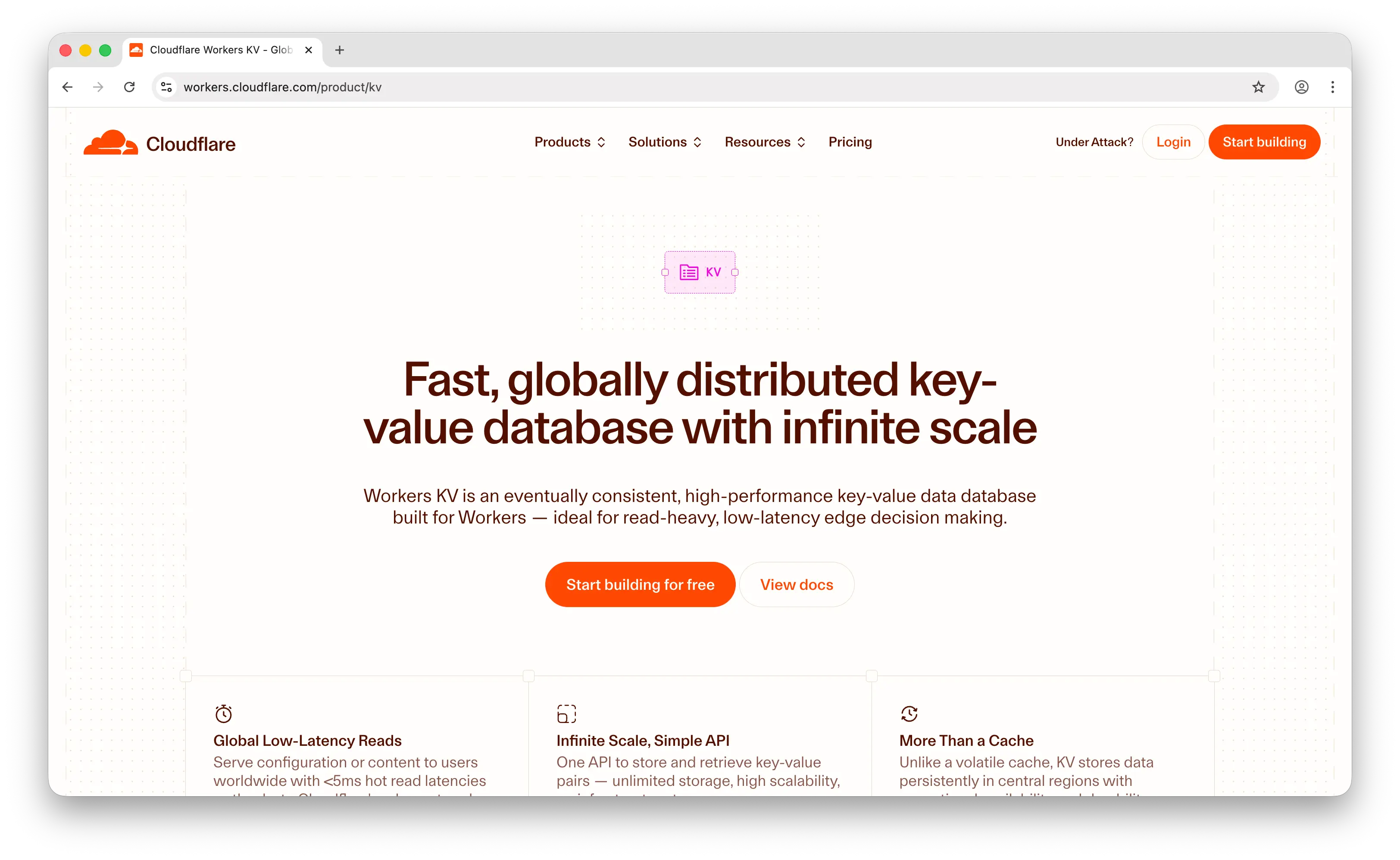
Cloudflare Workers KV is a globally distributed, low-latency key-value data store that runs on Cloudflare's edge network.
What Makes It Different
Workers KV is built for read-heavy edge workloads. Data lives in a central store and gets cached at edge locations on first read, so repeat reads near a user are extremely fast. It's also significantly cheaper than Upstash for reads, $0.50 per million operations vs Upstash's $1 per million Redis commands.
The free tier is generous: 100,000 reads and 1,000 writes per day, with 1GB of storage included. Combined with Cloudflare's other primitives (Workers, R2, Durable Objects, D1, Vectorize), you can build full-stack edge apps without leaving the Cloudflare platform.
Key Differences from Upstash
Workers KV has a very narrow API, just get, put, delete, and list. It doesn't support Redis data structures like lists, sets, sorted sets, or hashes. No atomic counters, no pub/sub, no transactions. If you need anything beyond a simple bucket of keys, you're reimplementing it in application code.
Its consistency model is the other big difference. Workers KV is eventually consistent with a pull-based architecture, writes can take up to ~60 seconds to propagate globally. Upstash uses active replication (writes pushed to all regions), so reads are fresh everywhere almost immediately. That makes Workers KV a poor choice for anything write-heavy or requiring read-your-writes consistency.
It's also locked to the Cloudflare Workers runtime. You can access it from Workers, Pages, and a few adjacent products, but not from arbitrary languages or platforms like Upstash supports.
Comparison Table
| Feature | Cloudflare Workers KV | Upstash |
|---|---|---|
| Pricing model | Per-operation | Pay-per-request |
| Read cost | $0.50 per million | $1 per million commands |
| Free tier | 100K reads + 1K writes/day | 500K cmd/month + 256MB |
| Consistency | Eventual (up to 60s writes) | Eventually consistent (faster) |
| Replication model | Pull-based (on demand) | Active (pushed to regions) |
| Redis-compatible | |
|
| Data structures | Strings only | Full Redis types |
| Atomic counters | |
|
| TTL support | (minimum 60s) |
(millisecond) |
| Transactions | |
|
| HTTP accessible | Cloudflare runtime only | (any client) |
| Runtime lock-in | Workers/Pages only | Cloud-agnostic |
| Ecosystem | Workers, R2, D1, Vectorize | Vector, QStash, Search |
| Best for | Read-heavy edge workloads, config/flags | Full Redis features at the edge |
5. ScyllaDB
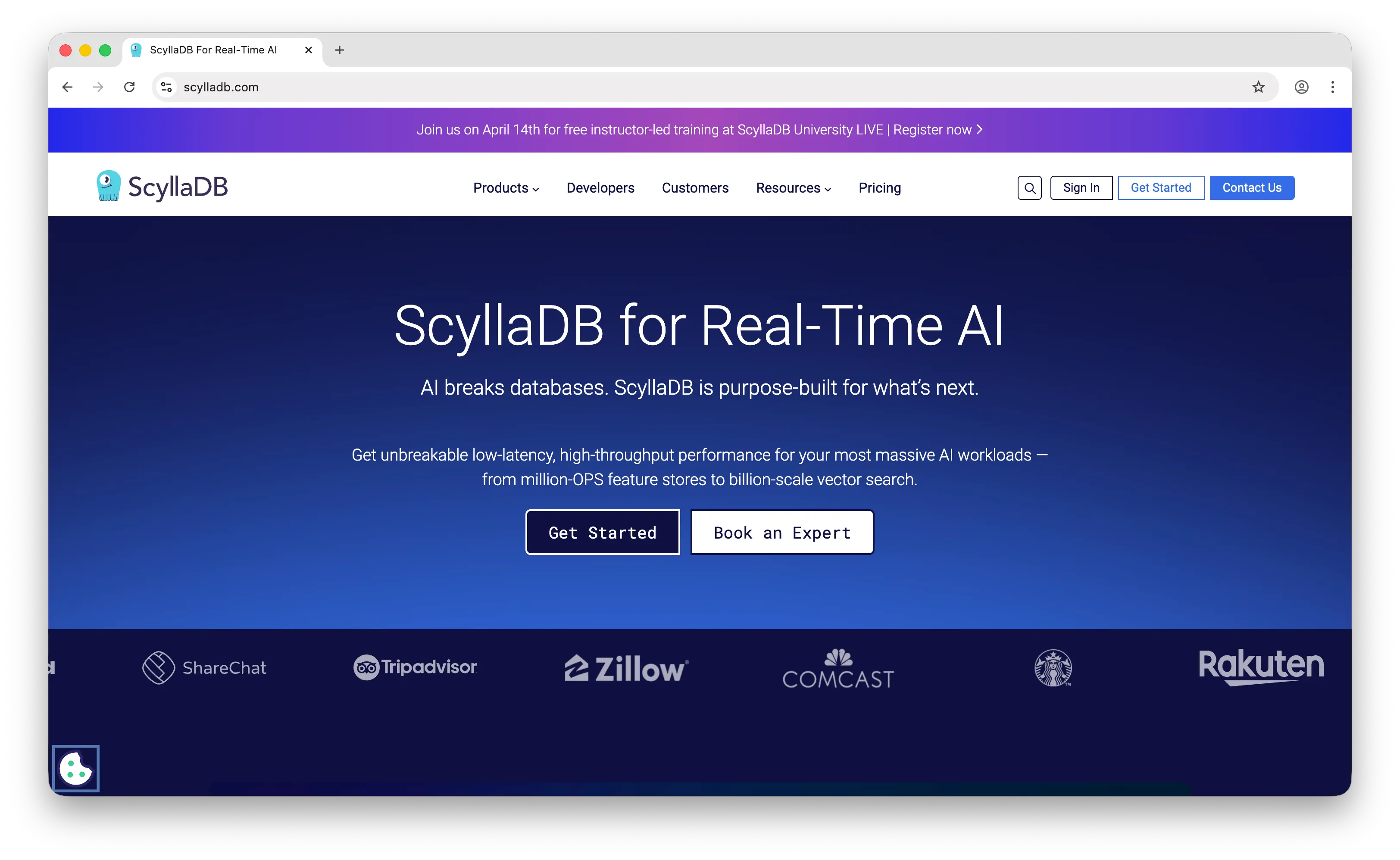
ScyllaDB is a high-performance NoSQL database built for data-intensive applications. It's Cassandra-compatible at the wire-protocol level, and also ships a DynamoDB-compatible API called Alternator.
What Makes It Different
ScyllaDB is a wide-column store that also handles key-value workloads, and it's engineered for raw throughput. Written in C++ on the Seastar framework with a shard-per-core architecture, it's designed to saturate modern hardware and routinely handles millions of operations per second per node at petabyte scale.
It's also self-hostable. Unlike every other entry on this list, you can run ScyllaDB's open-source core on your own infrastructure, in your own VPC, even air-gapped. There's also ScyllaDB Cloud if you want it managed.
Its masterless distributed architecture is another differentiator. Every node accepts writes (no primary bottleneck), and you get tunable consistency per query, pick ONE, QUORUM, or ALL depending on your latency/durability tradeoff.
Key Differences from Upstash
ScyllaDB is heavy infrastructure. It's designed for teams that already have ops capacity and data workloads big enough to justify a distributed database. If your app fits comfortably inside Upstash's free tier, you have no business running ScyllaDB.
It's also not Redis-compatible out of the box. You can access it via CQL (Cassandra Query Language) or the DynamoDB-compatible API, but Redis commands and data structures aren't there. There's no HTTP API either, which makes it a poor fit for edge runtimes where Upstash shines.
Comparison Table
| Feature | ScyllaDB | Upstash |
|---|---|---|
| Pricing model | Cloud (per-node) or self-host | Pay-per-request |
| Storage type | Disk-backed LSM | In-memory with persistence |
| Data model | Wide-column + KV | Redis data structures |
| Self-hostable | (open-source) |
|
| API | CQL + DynamoDB-compatible (Alternator) | Redis protocol + HTTP |
| HTTP API | |
|
| Edge/serverless friendly | |
|
| Max scale | Petabytes, millions of ops/sec | GB/TB range |
| Architecture | Masterless distributed | Primary + replicas |
| Tunable consistency | (per query) |
|
| Redis-compatible | |
|
| Operational complexity | High | Low (fully managed) |
| Free tier | Limited cloud trial | 256MB / 500K cmd/month |
| Best for | Data-intensive apps at huge scale | Lightweight serverless data |
Which Should You Choose?
Choose Puter.js if you're building a web app and want to add a cloud database without any backend or ongoing costs. The user-pays model is ideal for developers who don't want to cover user storage and request bills themselves.
Choose Redis Cloud if you need the full Redis feature set, modules like RediSearch and RedisJSON, Active-Active replication, or traditional TCP-based access. It's the official Redis and the right choice for production workloads that have outgrown serverless constraints.
Choose AWS DynamoDB if you need a durable, large-scale NoSQL database with ACID transactions, secondary indexes, and deep AWS integration. It's the right answer when your data volume is large enough that in-memory pricing gets painful.
Choose Cloudflare Workers KV if you're already on the Cloudflare stack and your workload is read-heavy with infrequent writes (config, feature flags, static lookups). The pricing and edge latency are hard to beat for that specific shape.
Choose ScyllaDB if you're running a data-intensive application at serious scale, millions of ops per second, petabytes of data, or strict self-hosting requirements. It's heavy-duty infrastructure, but nothing else on this list goes where Scylla goes.
Stick with Upstash if you want a serverless Redis-compatible database with HTTP access, pay-per-request pricing, and a growing stack of complementary primitives (Vector, QStash, Search) behind one account. It remains the most natural fit for edge and serverless apps that want full Redis semantics without managing anything.
Conclusion
The top 5 Upstash alternatives are Puter.js, Redis Cloud, AWS DynamoDB, Cloudflare Workers KV, and ScyllaDB. Each takes a different approach to cloud data, from Puter.js's zero-backend frontend SDK, to Redis Cloud's full-featured managed Redis, to DynamoDB's petabyte-scale NoSQL, to Workers KV's edge-read optimization, to ScyllaDB's self-hostable distributed database. Whichever platform you choose, the best option is the one that fits your stack, your scale, and how your users will interact with data in your app.
Related
- Getting Started with Puter.js
- How to Use Puter.js Key-Value Store API
- Top 5 Supabase Alternatives (2026)
- Top 5 Firebase Alternatives (2026)
- Best Appwrite Alternatives (2026)
- Top 5 PostgreSQL Alternatives (2026)
- Top 5 PlanetScale Alternatives (2026)
- Top 5 Neon Alternatives (2026)
- Top 5 Replicate Alternatives (2026)
- Top 5 OpenRouter Alternatives (2026)
- Top 5 Amazon S3 Alternatives (2026)
- Top 5 Memcached Alternatives (2026)
- Top 5 Turso Alternatives (2026)
Ship a Full-Stack App with One Prompt
Create a to-do list app using Puter.js
Coding manually? see the guide