Top 5 UploadThing Alternatives (2026)
On this page
UploadThing has built a strong reputation as the TypeScript developer's file upload service — type-safe SDKs, a clean File Routes pattern, server-side auth on your terms, and pricing that doesn't penalize you for bandwidth, seats, or requests. For Next.js apps that need a polished upload flow without rolling S3 from scratch, it's hard to beat at $10/month for 100GB.
But that simplicity comes with conditions you don't always see at first: a 2GB free tier that runs out quickly, a closed-source backend you can't self-host, no support for bringing your own S3 bucket, an SDK heavily oriented toward the TypeScript/Next.js stack, and $0.08/GB overages that scale with your user base. If your usage pattern doesn't fit UploadThing's mold — or you need media processing, a full backend, or zero-cost scaling — here are five alternatives worth considering.
1. Puter.js
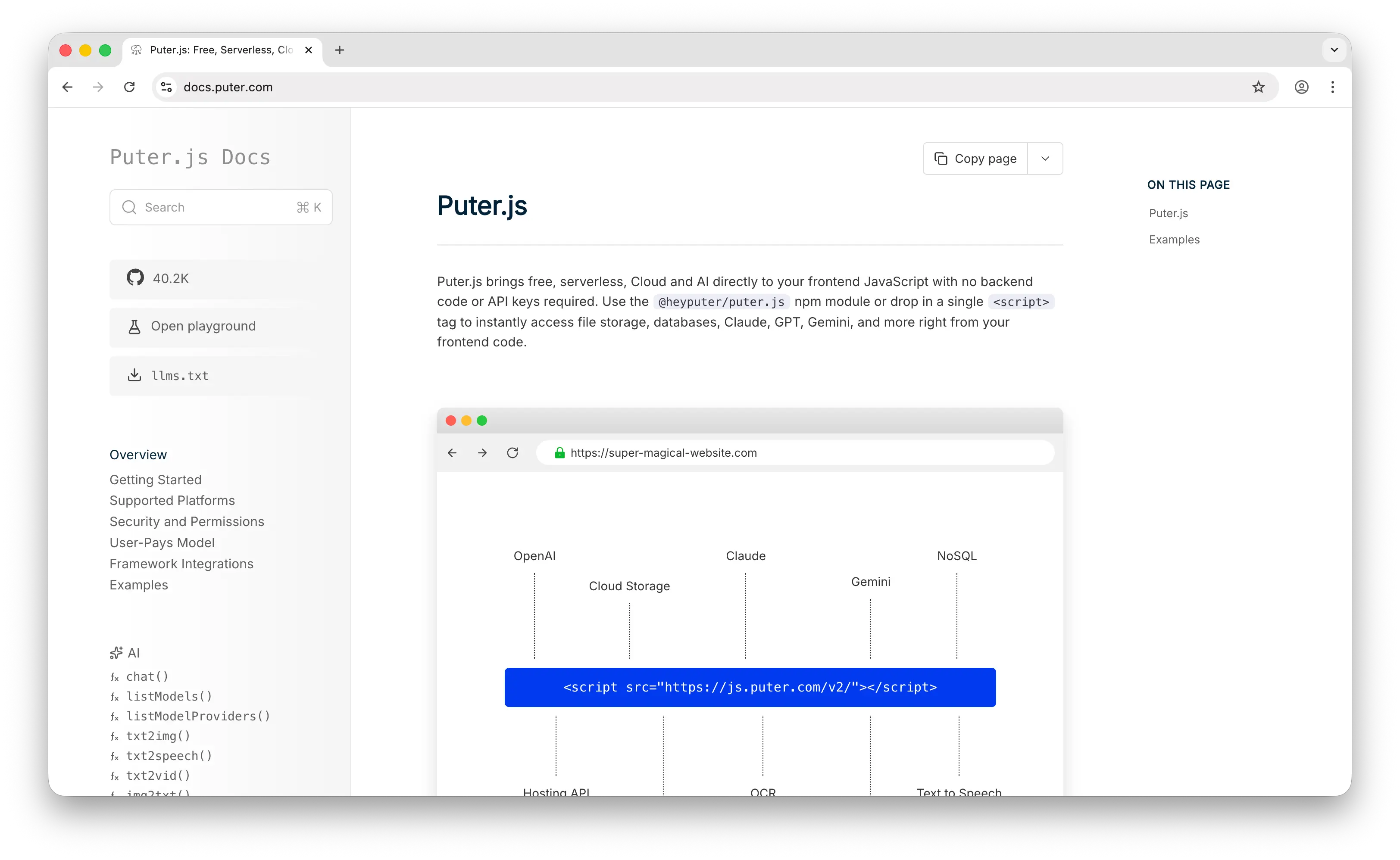
Puter.js is a client-side JavaScript library that gives you cloud storage, auth, a database, and 500+ AI models without provisioning any infrastructure. Where UploadThing gives you a managed upload pipeline you connect to via File Routes and API keys, Puter.js is a script tag and a few lines of JavaScript — with no developer-side bill at any scale.
What Makes It Different
Add Puter.js to your page and you're storing files. No File Routes to define, no API keys to rotate, no /api/uploadthing route to wire into your backend, no $0.08/GB overage waiting at 250GB. The API mirrors local file operations — puter.fs.write('photo.png', file), puter.fs.read('photo.png') — instead of making you set up upload middleware and onUploadComplete handlers on a Next.js server.
Puter.js runs entirely client-side. No server route required, no SDK initialization, no environment variables. Your frontend is your storage layer. It also uses the User-Pays Model: your app's users cover their own storage through their Puter account. With UploadThing you pay $10–$25/month plus per-GB overage regardless of who's uploading. With Puter.js, whether your app has 10 users or 10 million, your infrastructure cost stays at zero.
Puter is open-source (AGPL-3.0) and privacy-focused — no tracking, no data monetization. Auth, key-value database, hosting, and 500+ AI models come bundled in the same library, so you're not stitching UploadThing together with Clerk, Convex, and an OpenAI account.
Key Differences from UploadThing
Puter.js has no File Routes pattern, no TypeScript-first SDK with type-safe middleware, and no out-of-the-box React/Next adapters with hooks like useUploadThing. There's no SOC 2 or HIPAA certification on the platform yet, and no concept of "private files" backed by signed URLs on the developer's terms. This is built for developers who want to ship features without a backend, not for teams replicating UploadThing's exact DX pattern.
Comparison Table
| Feature | Puter.js | UploadThing |
|---|---|---|
| Setup time | Minutes (one script tag) | 20–30 minutes (account, API keys, route, SDK) |
| API key required | No | Yes |
| Backend route required | No | Yes (/api/uploadthing) |
| Pricing model | User-pays (free for devs) | $10/mo (100GB) → $25/mo (250GB) + $0.08/GB |
| Free tier | Generous (user-allocated) | 2 GB |
| Overage cost | None (user-pays) | $0.08/GB over 250GB |
| TypeScript-first SDK |  |
 |
| File Routes pattern | |
|
| Built-in auth | |
(bring your own) |
| Built-in database | |
|
| Built-in AI | (400+ models) |
|
| Framework lock-in | None (vanilla JS) | TypeScript/Next.js-first |
| Open source | (AGPL-3.0) |
SDK only (backend is closed) |
| Best for | Frontend devs who want zero-cost storage with no backend | Next.js teams who want type-safe upload routes |
2. Amazon S3

Amazon S3 is the original object storage service and the foundation UploadThing itself is built on. If you want the underlying primitive without the managed convenience layer — and the markup that comes with it — S3 is where you go.
What Makes It Different
S3 has nine storage classes — Standard, Standard-IA, One Zone-IA, Glacier Instant, Glacier Flexible, Glacier Deep Archive, Intelligent-Tiering, and Express One Zone — each with different price-and-access tradeoffs. UploadThing has one (hot, undocumented). For mixed workloads, this matters: cold data in Glacier Deep Archive costs $0.00099/GB, dramatically cheaper than UploadThing's effective per-GB rate for archive content you almost never touch.
S3 also has the deepest integration ecosystem of any storage product — Lambda, CloudFront, Athena, SageMaker, EMR, Glue, presigned URLs, multipart uploads, lifecycle policies, Object Lock, and several hundred third-party tools. UploadThing wraps a tiny slice of this in a friendlier API. If you need any of the rest, you go to S3 directly.
Key Differences from UploadThing
The convenience gap is real. S3 gives you raw buckets — no upload widget, no progress hooks, no onUploadComplete callback, no auth helpers, no built-in route protection. You build all of that yourself. S3 storage is cheaper per GB ($0.023/GB Standard vs UploadThing's effective ~$0.10/GB at the $25 tier), but you pay separately for egress ($0.09/GB to the internet for the first 9.9TB), per-request fees ($0.005 per 1,000 PUTs, $0.0004 per 1,000 GETs), and any CDN you bolt on top.
S3's free tier also changed in July 2025: new accounts get $200 in credits valid for 6 months across all AWS services, instead of the old "5GB forever" tier.
Comparison Table
| Feature | Amazon S3 | UploadThing |
|---|---|---|
| Setup time | Hours (account, IAM, bucket, SDK, presigned URL flow) | 20–30 minutes |
| Standard storage cost | $0.023/GB (~$23/TB) | Bundled into $10–$25 plans |
| Egress cost | $0.09/GB to internet | Included (no separate charge) |
| Request fees | $0.005/1k PUT, $0.0004/1k GET | None |
| Free tier | $200 credits for 6 months (new accounts) | 2 GB permanent |
| Upload widget / SDK UX | (DIY) |
|
| Server-side auth helpers | (DIY) |
|
| Storage classes | 9 (Standard, IA, Glacier tiers, etc.) | 1 |
| Lifecycle policies | |
|
| Object Lock / immutability | |
|
| AWS service integration | Deep (Lambda, CloudFront, Athena, SageMaker) |
|
| Compliance certifications | SOC 2, HIPAA, FedRAMP, ISO 27001 | Limited |
| Pricing complexity | High (4 dimensions × 9 classes) | Low (flat plans) |
| Best for | Teams that want raw control and ecosystem depth | Devs who want a managed upload pipeline |
3. Filestack
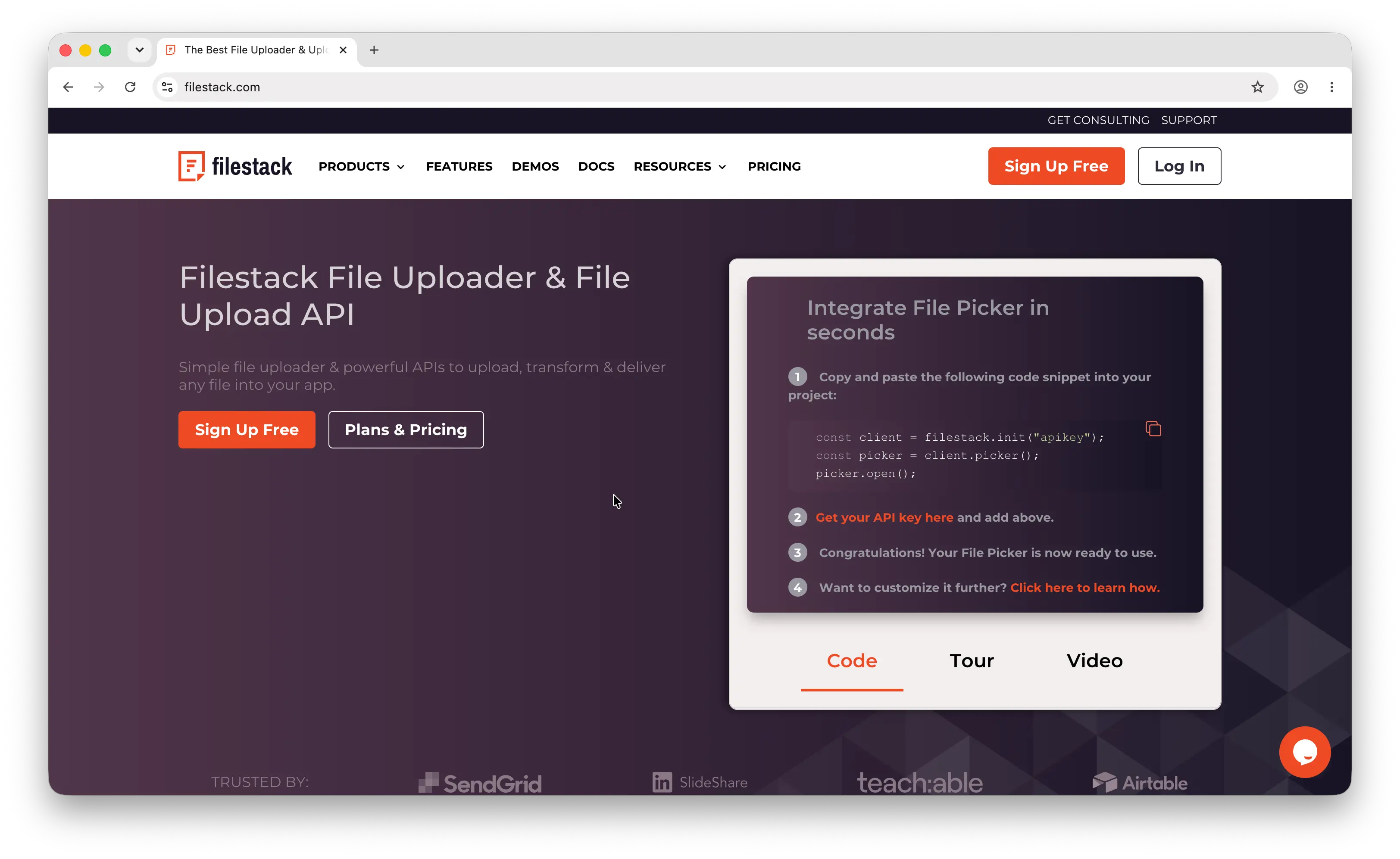
Filestack is a mature file upload, transformation, and delivery API that's been around for over a decade. Where UploadThing focuses narrowly on the upload pipeline, Filestack tries to be a full content workflow — ingestion, processing, delivery — for enterprises with heavy media needs.
What Makes It Different
Filestack ships features UploadThing doesn't touch: on-the-fly image transformations (resize, crop, watermark, format conversion), video transcoding, OCR and text extraction from PDFs and images, document conversion, virus scanning, and a patented "Intelligent Ingestion" upload protocol that adapts to network conditions and claims a 99.999% upload success rate. It integrates with external storage destinations like S3, Google Cloud Storage, Azure Blob, Rackspace, and Dropbox — you can route uploads to your own bucket and keep ownership of the underlying files.
The picker widget is also significantly more feature-rich than UploadThing's React components — multi-source picking (Facebook, Instagram, Dropbox, Google Drive, URL ingestion), folder uploads, in-picker transformations, and white-label branding.
Key Differences from UploadThing
Filestack is much more expensive. Pricing starts at $59/month and the free tier was removed, which has pushed many small developers away. There's no first-class TypeScript File Routes pattern — Filestack's SDK is older and more imperative than UploadThing's. Users on G2 and Capterra also report a persistent UX pain point: bulk file deletion is awkward, and storage charges accumulate for files you can't easily remove from the dashboard. Filestack is built for enterprise media workflows, not "let users upload a profile picture."
Comparison Table
| Feature | Filestack | UploadThing |
|---|---|---|
| Setup time | 30–60 minutes (account, API key, picker config) | 20–30 minutes |
| Pricing entry point | $59/month | $10/month |
| Free tier | None | 2 GB |
| Image transformations | Extensive (resize, crop, watermark, format) |
|
| Video transcoding | |
|
| OCR / document conversion | |
|
| Virus scanning | |
|
| Multi-source picker | (Dropbox, GDrive, Instagram, URL) |
Limited |
| Bring your own storage (S3/GCS/Azure) | |
|
| TypeScript-first SDK | |
|
| File Routes pattern | |
|
| Upload success rate (claimed) | 99.999% (Intelligent Ingestion) | Standard |
| Pricing complexity | High (uploads, transforms, bandwidth all metered) | Low |
| Best for | Enterprise media workflows with transformations | TypeScript apps with simple upload needs |
4. Bytescale
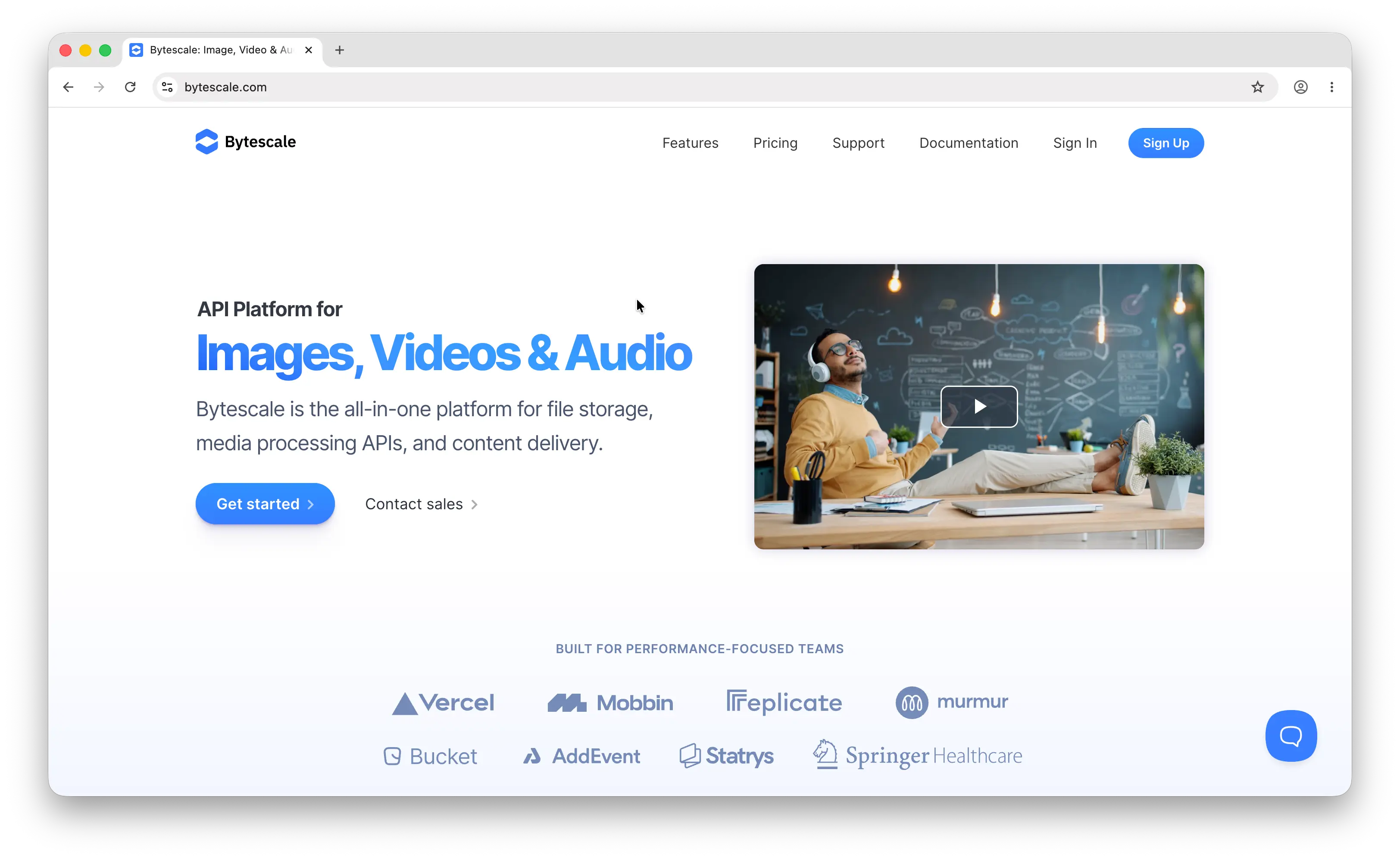
Bytescale sits in the same "upload + process + deliver" lane as Filestack but is more developer-oriented and substantially cheaper. If your real pain isn't "I need uploads" but "I need uploads and image/video processing on a CDN," Bytescale is the strongest match.
What Makes It Different
Bytescale gives you file uploads, a fault-tolerant chunked upload protocol, on-the-fly media processing (BlurHash, WebP, AVIF, GIF, PNG, JPG for images; HLS/ABR/AVI/MOV/AAC/MP3/WAV for video and audio), and a global CDN — all from a single platform. The standout feature is a permanent cache for processed images: once Bytescale transforms an image, it serves the result from cache forever with no re-billing, unlike most CDNs that re-charge for every processing cycle. That makes it genuinely cheaper than Cloudinary or Imgix at scale.
Bytescale also supports bring-your-own-storage — point it at your own AWS S3, Cloudflare R2, Google Storage, DigitalOcean Spaces, or Azure container, or configure it as a reverse proxy to optimize images from any HTTP URL without moving the source files. UploadThing has no equivalent.
Key Differences from UploadThing
Bytescale's pricing is usage-based and bandwidth-variable, which can spike unpredictably with traffic — UploadThing's flat $10–$25 plans are more predictable. The DX is also less TypeScript-native than UploadThing: the SDK is solid but doesn't ship the same type-safe File Routes pattern, and there's no onUploadComplete-style middleware hook by default. The pricing entry point is also higher — the middle tier sits at $35/month versus UploadThing's $10.
Comparison Table
| Feature | Bytescale | UploadThing |
|---|---|---|
| Setup time | 15–20 minutes | 20–30 minutes |
| Pricing entry point | ~$0.31 per 1,000 source images; middle tier $35/mo | $10/month |
| Free tier | Yes (limited) | 2 GB |
| Image transformations | (resize, crop, format conversion) |
|
| Video/audio processing | (HLS, ABR, transcoding) |
|
| Modern formats (WebP, AVIF, BlurHash) | |
|
| Permanent processing cache | (no re-billing) |
N/A |
| Global CDN | Built-in |
|
| Bring your own storage (S3/R2/GCS/Azure) | |
|
| Reverse-proxy / CDN mode | |
|
| Compliance | SOC 2 | Limited |
| TypeScript-first SDK | |
|
| Pricing predictability | Variable (bandwidth-metered) | High (flat plans) |
| Best for | Apps with heavy image/video processing needs | Plain file uploads in a Next.js app |
5. Supabase Storage
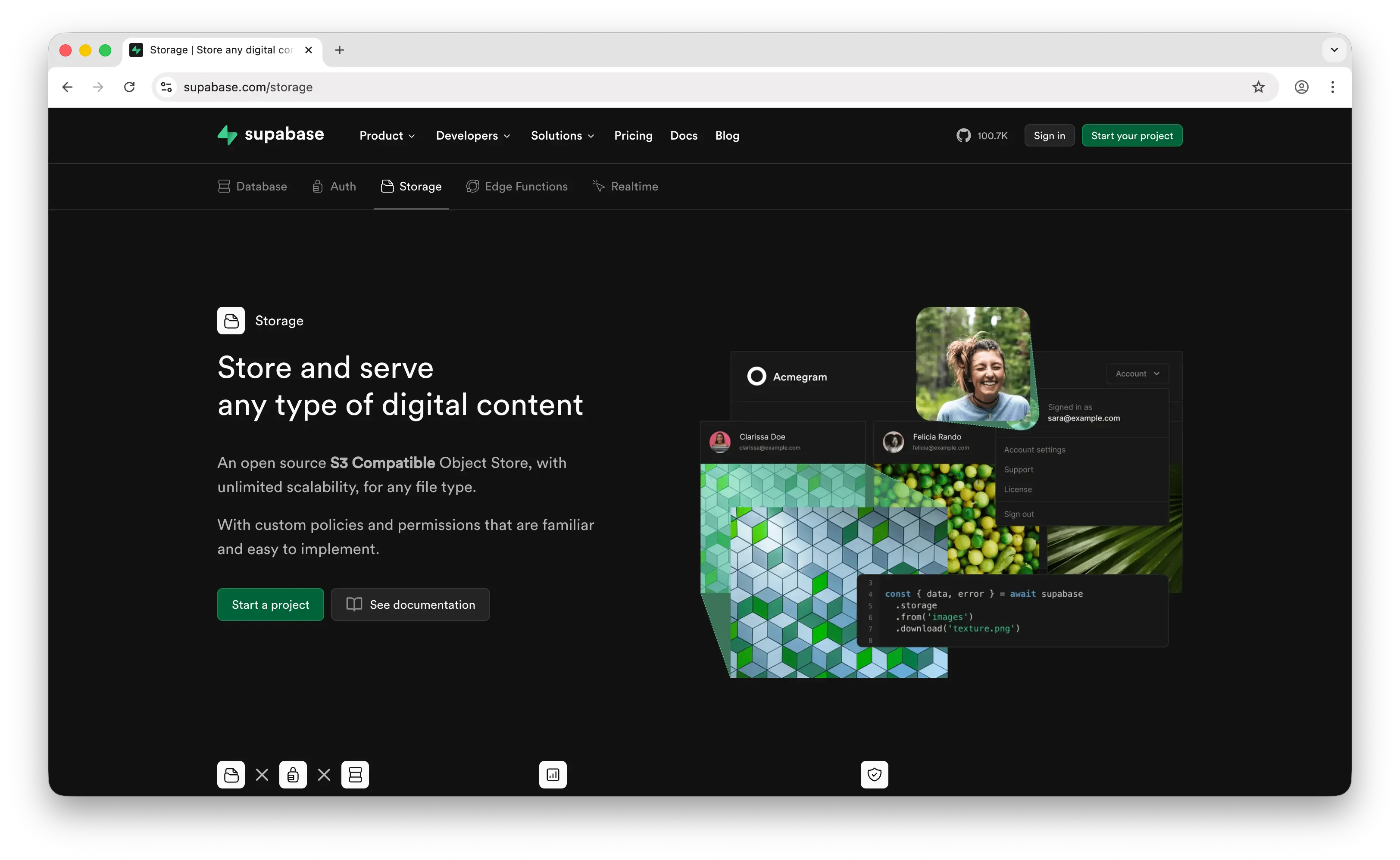
Supabase Storage is the storage layer of the Supabase BaaS platform — file storage that ships alongside a Postgres database, auth, realtime, and edge functions. It's the strongest "real alternative" on this list for teams who need more than just an upload endpoint.
What Makes It Different
Supabase Storage is fully S3-protocol compatible — you can upload with the TUS resumable protocol, manage with any S3 client, and serve via REST API, all interoperably. Files can be up to 500GB each on paid plans. There's a built-in image transformation pipeline (resize, format conversion, quality control), a global Smart CDN spanning 285+ cities, and three specialized bucket types — File buckets for traditional storage, Analytics buckets in Iceberg format for data lakes, and Vector buckets for AI embeddings with similarity search.
Crucially, Supabase Storage is open source under the Apache 2.0 license and self-hostable. You can run the entire stack on your own infrastructure, point it at any S3-compatible backend, and migrate off the hosted product without rewriting your application. UploadThing has no self-host story at all — the SDK is open but the backend isn't.
Key Differences from UploadThing
Supabase doesn't ship a drop-in upload widget the way UploadThing does — you bring your own UI and call supabase.storage.from('bucket').upload(). There's no equivalent to UploadThing's File Routes pattern with type-safe middleware and onUploadComplete callbacks; auth and authorization are handled through row-level security policies on the storage schema instead. The Pro plan starts at $25/month and includes 100GB storage plus 250GB egress, with overage at $0.021/GB storage and $0.09/GB bandwidth — roughly comparable to UploadThing at small scale but cheaper as you grow, and you also get a database, auth, and edge functions in the same bill.
Comparison Table
| Feature | Supabase Storage | UploadThing |
|---|---|---|
| Setup time | 30–45 minutes (project, bucket, RLS policies, SDK) | 20–30 minutes |
| Free tier | 1 GB storage, 5 GB egress | 2 GB |
| Pricing entry point | $25/month Pro (100 GB storage, 250 GB egress) | $10/month (100 GB) |
| Storage overage | $0.021/GB | $0.08/GB over 250GB |
| Bandwidth overage | $0.09/GB | Included |
| Max file size | 500 GB (paid) | Plan-dependent |
| S3-compatible API | |
|
| Resumable uploads (TUS) | |
|
| Image transformations | Built-in |
|
| Built-in CDN | (Smart CDN, 285+ cities) |
|
| Built-in auth | |
|
| Built-in database | (Postgres) |
|
| Authorization model | Row-level security policies | Server-side middleware on your route |
| Drop-in upload widget | |
|
| TypeScript File Routes | |
|
| Open source / self-hostable | (Apache 2.0) |
SDK only |
| Best for | Apps that need a full backend, not just uploads | Next.js apps that want polished upload DX |
Which Should You Choose?
Choose Puter.js if you're building a web app and want to store files without provisioning any backend, managing API keys, or worrying about per-GB overages. The user-pays model means your infrastructure bill stays at zero regardless of how many users upload — no 250GB ceiling, no $0.08/GB surprise, just a script tag.
Choose Amazon S3 if you want raw control over storage, the deepest ecosystem of integrations, or storage classes for mixed hot/cold workloads. You'll do more work — IAM, presigned URLs, CORS, your own upload widget — but you get the primitive UploadThing itself is built on, at a fraction of the per-GB cost.
Choose Filestack if you need enterprise-grade media transformations, OCR, virus scanning, multi-source pickers (Dropbox, Instagram, Google Drive), and you can absorb $59/month as a starting point. It's overkill for plain uploads but powerful for content workflows.
Choose Bytescale if image and video processing is the core of your app. The on-the-fly transformations, modern formats (WebP, AVIF, BlurHash), and permanent processing cache make it cheaper at scale than most alternatives, and the bring-your-own-storage option means you're not locked in.
Choose Supabase Storage if you need more than just uploads — a database, auth, realtime, and edge functions in the same stack. The S3-compatible API and Apache 2.0 license also mean you can self-host or migrate off without rewriting your storage layer.
Stick with UploadThing if you're on Next.js or another TypeScript framework, you love the File Routes pattern with type-safe middleware, you only need uploads (no database, no AI, no media processing), and your storage stays comfortably within the $10–$25 tier. For that exact use case, the developer experience is hard to beat.
Conclusion
The top 5 UploadThing alternatives are Puter.js, Amazon S3, Filestack, Bytescale, and Supabase Storage. They range from zero-config client-side storage to enterprise media platforms to full backend-as-a-service offerings, each trading off UploadThing's narrow-but-polished TypeScript-first DX for different strengths — Puter.js for frontend-first apps with no backend and no infrastructure bill, S3 for raw primitives and ecosystem depth, Filestack and Bytescale for media processing, and Supabase Storage for a full backend with S3 compatibility. The best choice depends less on raw storage price and more on how the upload pipeline fits into the rest of your stack.
Related
- Getting Started with Puter.js
- Top 5 Amazon S3 Alternatives (2026)
- Top 5 Filestack Alternatives (2026)
- Top 5 Cloudflare R2 Alternatives (2026)
- Top 5 Wasabi Alternatives (2026)
- Top 5 Supabase Alternatives (2026)
- Top 5 Firebase Alternatives (2026)
- Best Appwrite Alternatives (2026)
- Top 5 PocketBase Alternatives (2026)
Ship a Full-Stack App with One Prompt
Create a to-do list app using Puter.js
Coding manually? see the guide