Best Neon Alternatives (2026)
On this page
Neon has become one of the default picks for new app projects in 2026. The pitch is simple: take Postgres, separate compute from storage, and you get a database that scales to zero when idle, branches in under a second like Git, and bills you only for what you actually use. Databricks' $1 billion acquisition in May 2025 brought storage prices down roughly 80% and pushed Neon into enterprise territory, but the core appeal hasn't changed.
It still isn't the right fit for every project. You might want a full backend platform instead of just a database, a NoSQL data model, tighter AWS integration, or a pricing model where your users cover their own infrastructure costs. This article walks through five Neon alternatives, how each one stacks up, and where each one fits best.
1. Puter.js
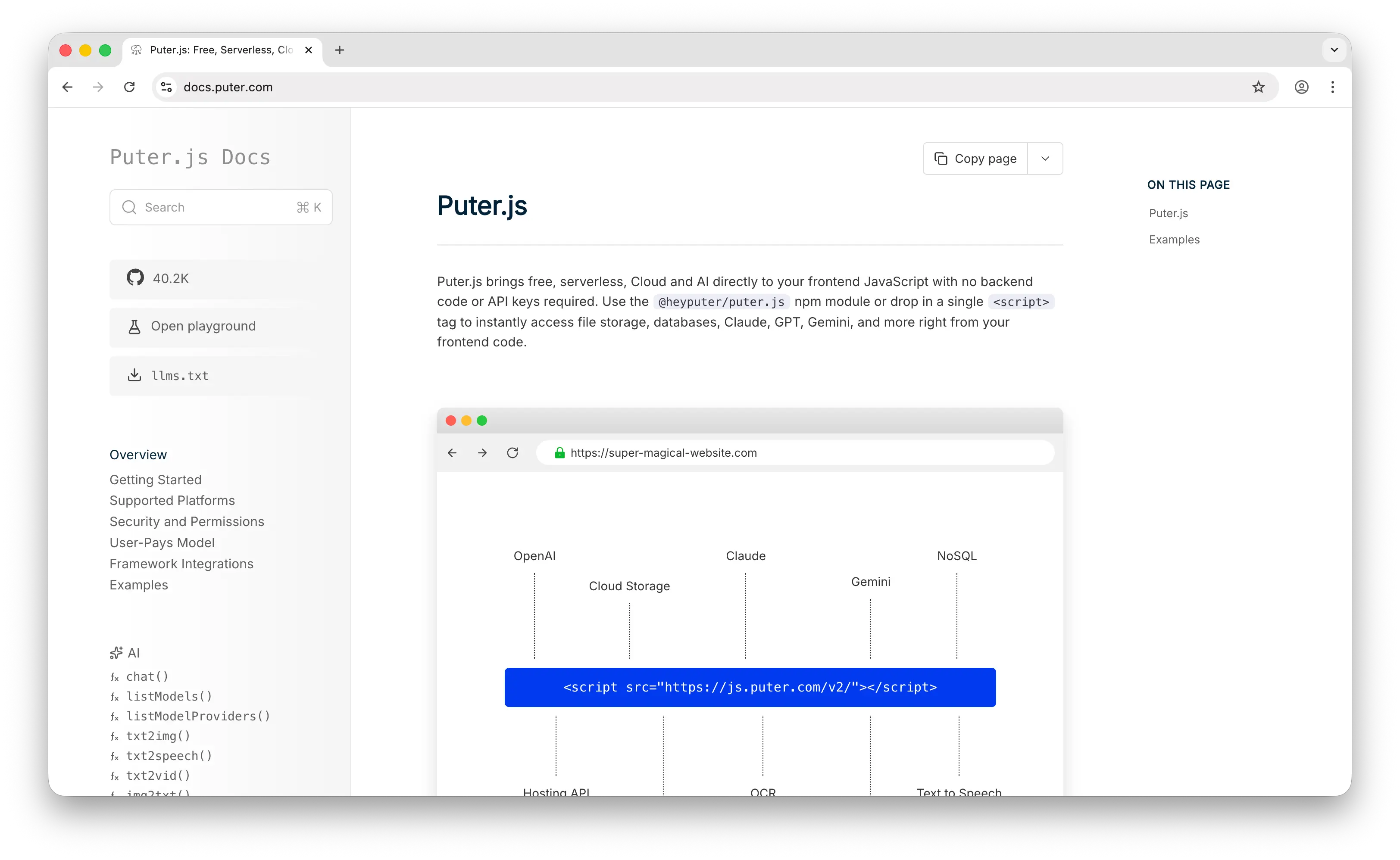
Puter.js is a JavaScript library that gives your frontend code direct access to a cloud key-value database, file storage, authentication, static hosting, and 400+ AI models, all behind a single <script> tag. There's no connection string, no driver to install, and no backend to maintain; your browser code calls puter.kv.set() and puter.kv.get() directly.
What Makes It Different
Where Neon sells you "serverless Postgres," Puter.js takes the idea a step further: there is no server at all, not even a managed one you connect to. The database lives in the cloud, but your app talks to it from the browser. Nothing to provision, no connection pool to size, no IP allowlists, no migrations to coordinate across environments.
The economics flip too. With Neon, you're the one paying CU-hours and storage as your app grows. Puter.js uses the User-Pays Model: each signed-in user draws from their own Puter account quota, so your infrastructure bill stays at zero whether the app has one user or a million. Combined with the bundled auth, storage, hosting, and AI features, you can ship a full-stack app without ever standing up a backend.
Key Differences from Neon
Puter.js's KV store is not a drop-in for Postgres. There is no SQL, no joins, no foreign keys, and no cross-key transactions. You can store JSON values and do partial updates with path notation, but if your app depends on relational integrity, analytical queries, or extensions like pgvector and PostGIS, Neon is the better choice. Puter.js is also built for client-side JavaScript first; it works in Node.js, but the user-pays economics only really pay off once your app has authenticated end users in a browser.
Comparison Table
| Feature | Puter.js | Neon |
|---|---|---|
| Database type | NoSQL key-value | Relational (PostgreSQL) |
| API key required |  |
 |
| Pricing model | User-pays (free for devs) | Usage-based (dev pays) |
| Free tier | Unlimited (user-paid) | 100 CU-hrs, 0.5 GB |
| Setup | Single <script> tag |
Connection string + driver |
| SQL queries | |
Full Postgres |
| Database branching | N/A | Instant CoW |
| Scale-to-zero | N/A (no compute to pay for) | |
| Built-in auth | |
|
| Cloud storage included | |
|
| AI features | 400+ models |
(pgvector only) |
| Static hosting | |
|
| Vector search | |
(pgvector) |
| Connection pooling | N/A | (PgBouncer) |
| Extensions | |
80+ |
| Open source | |
(Apache 2.0) |
| Best for | Frontend devs wanting a zero-cost backend | Postgres apps needing branching and scale-to-zero |
2. Supabase
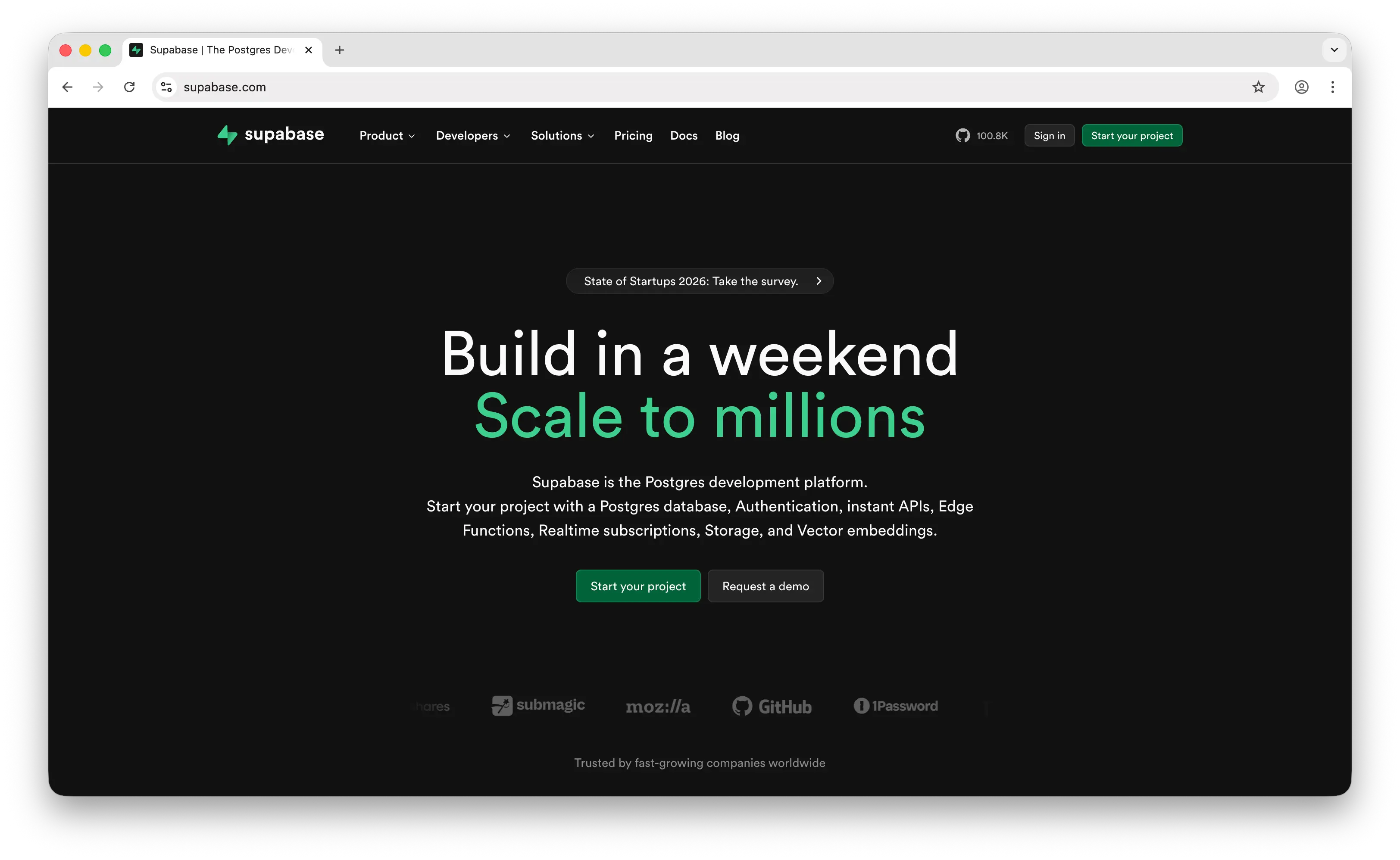
Supabase is an open-source Firebase alternative built on PostgreSQL. Like Neon, it gives you managed Postgres, but it bundles authentication, file storage, real-time subscriptions, auto-generated REST and GraphQL APIs, and Edge Functions on top.
What Makes It Different
Supabase is a full Backend-as-a-Service, not just a database. The same Postgres instance that stores your data also powers user auth (with row-level security), file storage, real-time WebSocket subscriptions, and serverless edge functions. For teams that would otherwise stitch together Postgres + Auth0 + S3 + Pusher + Lambda, Supabase replaces all of them in one dashboard. It's also fully open-source and self-hostable via Docker, which is unusual at this level of feature breadth.
Supabase raised $120M in October 2025, bringing its total funding to over $516M, and it now has six years of operational history compared to Neon's five.
Key Differences from Neon
Supabase Postgres does not scale to zero. You pick a compute size that runs continuously, which means zero cold starts (always-fast queries) but you pay every minute of every day, even when the app is asleep. Free-tier projects auto-pause after 7 days of inactivity, which rules out hosting a real public app on the free plan. Branching exists, but Supabase provisions a new database and re-runs migrations, which is slower than Neon's instant copy-on-write branches that share storage with the parent.
Comparison Table
| Feature | Supabase | Neon |
|---|---|---|
| Database type | Relational (PostgreSQL) | Relational (PostgreSQL) |
| Pricing model | Subscription + usage | Pure usage-based |
| Free tier | 500 MB, pauses after 7d | 100 CU-hrs, 0.5 GB, scales to zero |
| Paid entry | $25/mo Pro (per org) | $19/mo Launch |
| Scale-to-zero | |
|
| Cold starts | None (always-on) | ~300–500ms |
| Database branching | (slower, re-runs migrations) |
Instant CoW |
| Built-in auth | |
|
| Cloud storage | |
|
| Real-time subscriptions | |
|
| Edge Functions | |
|
| Auto-generated REST API | (PostgREST) |
|
| Vector search | (pgvector) |
(pgvector) |
| Connection pooling | (Supavisor) |
(PgBouncer) |
| Self-hostable | (Docker) |
|
| Open source | |
(Apache 2.0) |
| Best for | Full BaaS with auth, storage, and realtime | Pure serverless Postgres with branching |
3. DynamoDB
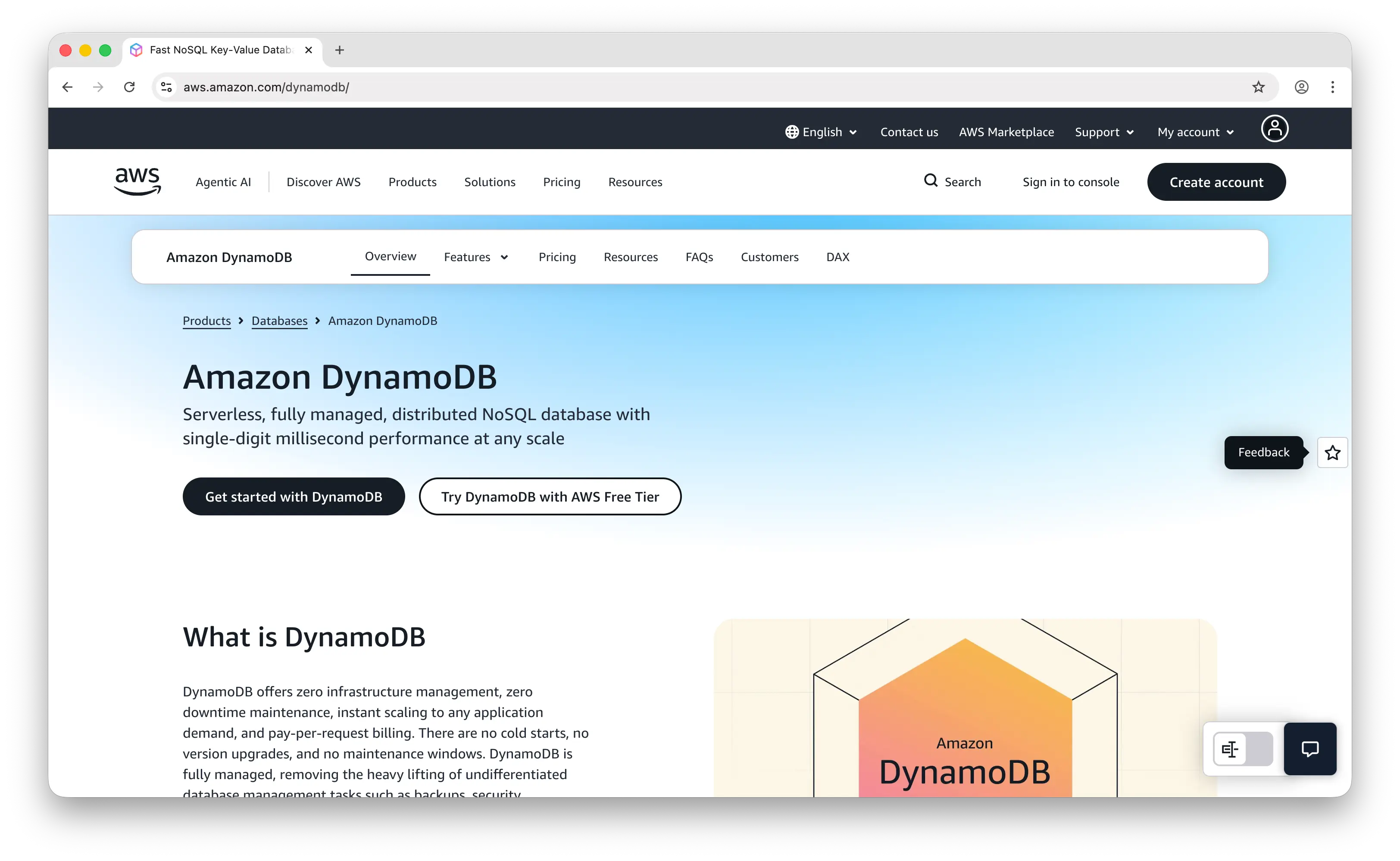
Amazon DynamoDB is AWS's fully managed serverless NoSQL key-value and document database. It's designed for applications that require single-digit millisecond latency at any scale and integrates deeply with the rest of the AWS ecosystem (Lambda, IAM, S3, AppSync).
What Makes It Different
DynamoDB is built for extreme throughput. AWS has reported peaks of 151 million requests per second during Prime Day, and the architecture is the same whether you're running 10 reqs/sec or 10 million. On-demand mode means no capacity planning: you pay per read/write request unit, and the table scales automatically. AWS cut on-demand throughput pricing by 50% in November 2024 and global tables pricing by up to 67%, dramatically improving the economics. In December 2025, AWS introduced Database Savings Plans, the first commitment-based discount for on-demand DynamoDB usage.
It also offers Global Tables (multi-region active-active replication), built-in TTL on items, point-in-time recovery, and DynamoDB Streams for change-data-capture pipelines.
Key Differences from Neon
DynamoDB is NoSQL, not relational. There's no SQL (PartiQL is a limited subset), no joins, no foreign keys, and no extensions. Pricing is per-request rather than per-CU-hour, which is great for predictable workloads but punishing if you don't design partition keys properly, hot keys and table scans can turn into surprise bills fast. There's also no native branching workflow like Neon's, and the AWS lock-in is real: moving off DynamoDB usually means rewriting your data access layer.
Comparison Table
| Feature | DynamoDB | Neon |
|---|---|---|
| Database type | NoSQL key-value/document | Relational (PostgreSQL) |
| Pricing model | Per-request (RRU/WRU) | CU-hours + GB-months |
| Free tier | 25 GB storage + ~200M reqs/mo | 100 CU-hrs, 0.5 GB |
| Scale-to-zero | (on-demand) |
|
| Latency | Single-digit ms (consistent) | ~10–50ms (higher on cold start) |
| SQL queries | PartiQL only (limited) | Full Postgres |
| Joins / foreign keys | |
|
| ACID transactions | Limited (per-item) | Full |
| Database branching | |
Instant CoW |
| Multi-region | (Global Tables) |
Read replicas |
| Built-in TTL | |
(manual) |
| Change streams | (DynamoDB Streams) |
Limited (logical replication) |
| Vector search | |
(pgvector) |
| Vendor lock-in | High (AWS-only) | Low (standard Postgres) |
| Open source | |
|
| Best for | High-throughput AWS-native workloads | Postgres apps wanting serverless economics |
4. PlanetScale
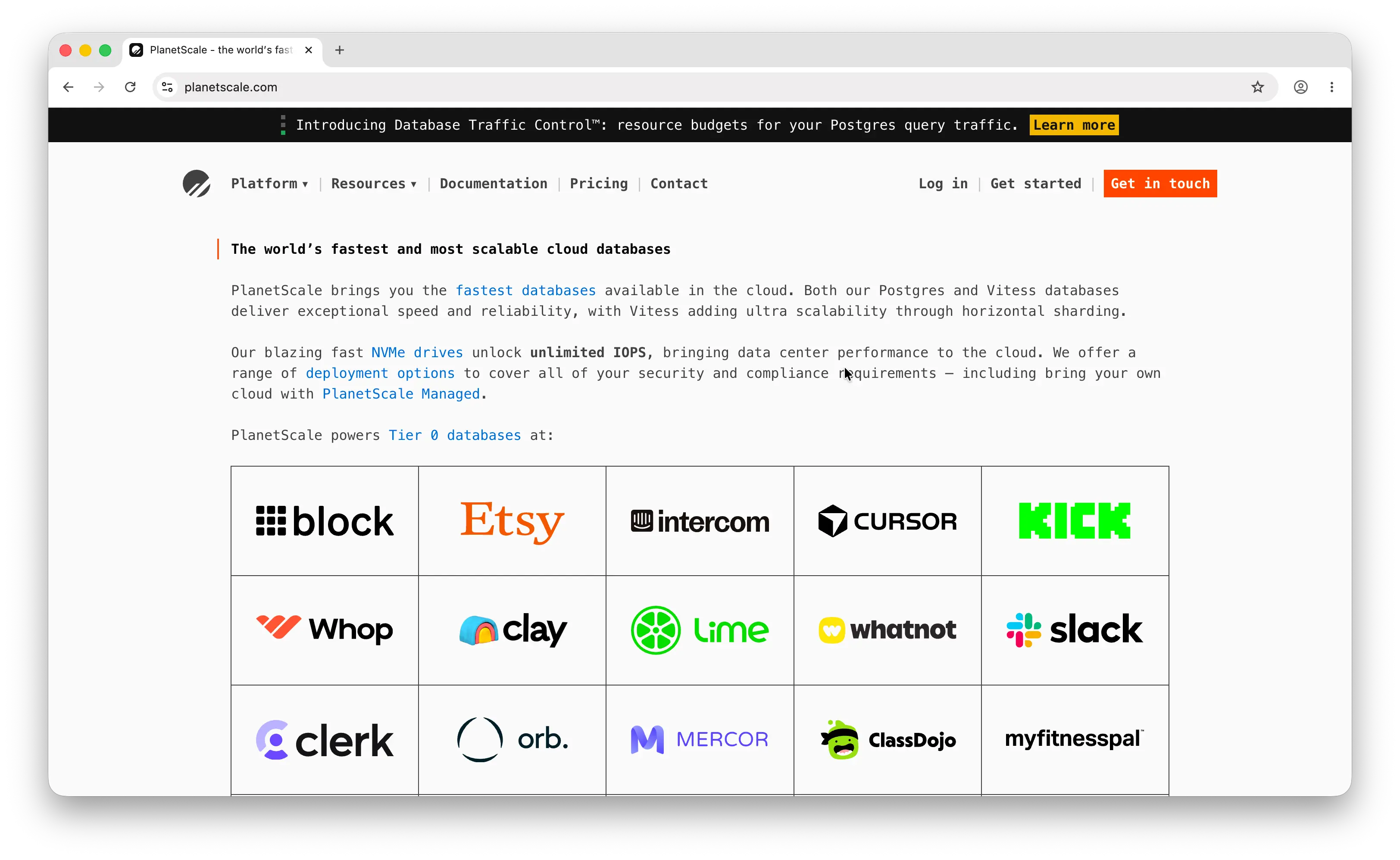
PlanetScale is a serverless database platform built on Vitess, the MySQL sharding layer originally developed at YouTube. As of September 2025, PlanetScale also offers a Postgres product, putting it in more direct competition with Neon.
What Makes It Different
PlanetScale popularized the deploy request workflow for schema changes, the gold standard for team-managed migrations. You create a branch, make schema changes, open a deploy request (like a pull request for your database), and merge it without downtime. For MySQL workloads that need horizontal sharding via Vitess, PlanetScale is essentially the only managed option at this level of polish. Their Metal product line offers locally-attached NVMe storage for very low query latency, which can outperform network-attached storage architectures.
Key Differences from Neon
PlanetScale killed its free tier in January 2024; the cheapest entry point is now the Scaler plan at $39/month for 10 GB and 1 billion row reads. The pricing model is also unusual: instead of compute time, you pay for how many times your app reads rows. PlanetScale databases are always-on and do not scale to zero, so you're paying production-grade prices from day one even for staging environments. Branching exists on both platforms, but PlanetScale MySQL branches are schema-only (no data), and PlanetScale Postgres branches require restoring from a backup, neither matches Neon's instant copy-on-write data branches.
Comparison Table
| Feature | PlanetScale | Neon |
|---|---|---|
| Database type | MySQL (Vitess) + Postgres | PostgreSQL only |
| Pricing model | Plan-based (provisioned) | Pure usage-based |
| Free tier | (killed Jan 2024) |
100 CU-hrs, 0.5 GB |
| Paid entry | $39/mo Scaler | $19/mo Launch |
| Scale-to-zero | (always-on) |
|
| Cold starts | None (always-on) | ~300–500ms |
| Database branching | Schema-only (MySQL) or backup-based (Postgres) | Instant CoW with data |
| Deploy request workflow | (industry-leading) |
|
| Sharding | (Vitess) |
|
| Storage architecture | NVMe (Metal) or NAS | Separated storage/compute |
| Vector search | (Postgres only) |
(pgvector) |
| Connection pooling | (built-in) |
|
| Multi-region | |
Read replicas |
| Open source | |
|
| Best for | MySQL at scale + deploy-request workflows | Postgres with branching and idle-cost savings |
5. MongoDB Atlas
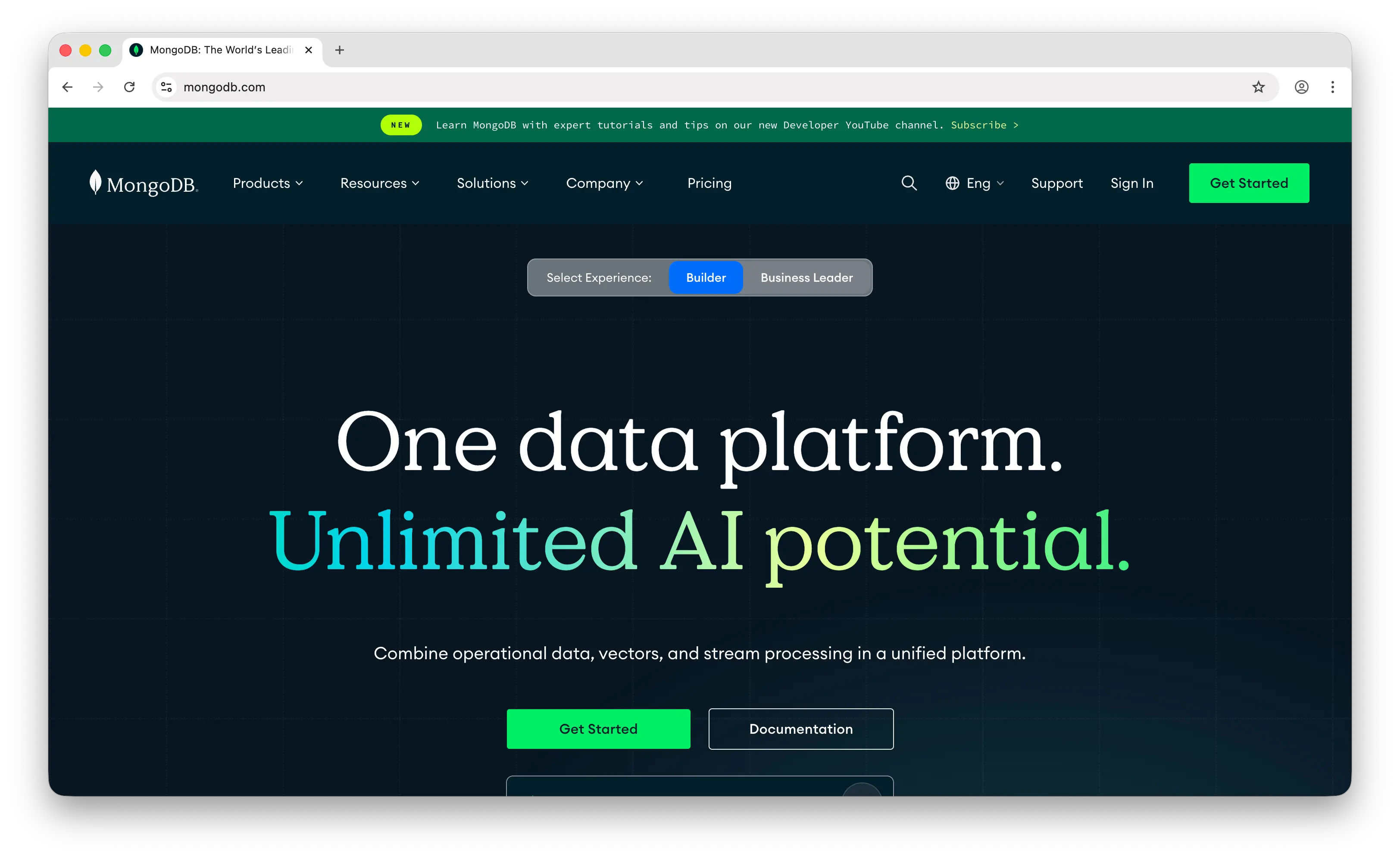
MongoDB Atlas is the managed cloud version of MongoDB, the document database that arguably defined the modern NoSQL movement. Atlas runs on AWS, GCP, or Azure with tiers ranging from a free 512 MB shared cluster to dedicated multi-region replica sets.
What Makes It Different
MongoDB Atlas is a document-first platform with two killer integrated features: Atlas Search (Lucene-based full-text search, replacing the need for a separate Elasticsearch cluster) and Atlas Vector Search (built into the aggregation pipeline for AI/RAG workloads). Change Streams let you react to document changes in real-time, and the schema-flexible model maps naturally to JavaScript objects, no ORM gymnastics, no migrations for evolving shapes. The free M0 tier runs 24/7 and doesn't pause from inactivity, unlike some serverless competitors.
Key Differences from Neon
MongoDB Atlas is NoSQL document, not relational. No SQL, no JOINs (only aggregation pipelines), and schema enforcement is optional, which means data inconsistencies can accumulate silently as your app grows. Atlas is also meaningfully more expensive than equivalent managed Postgres: the entry-level M10 dedicated cluster is around $57/month for 2 GB RAM, where Neon delivers usage-based pricing with scale-to-zero on the $19 Launch plan. There's no native database branching like Neon's, and dedicated clusters don't scale to zero, you pay for the instance whether or not it's serving traffic.
Comparison Table
| Feature | MongoDB Atlas | Neon |
|---|---|---|
| Database type | NoSQL document | Relational (PostgreSQL) |
| Pricing model | Tiered (M0, Flex, M10+) | Pure usage-based |
| Free tier | M0: 512 MB, 100 ops/sec, always-on | 100 CU-hrs, 0.5 GB |
| Paid entry | Flex ~$8/mo, M10 ~$57/mo | $19/mo Launch |
| Scale-to-zero | |
|
| Cold starts | None on dedicated | ~300–500ms |
| SQL queries | (MQL + aggregation) |
Full Postgres |
| Schema enforcement | Optional | Required |
| Database branching | |
Instant CoW |
| Built-in full-text search | (Atlas Search, Lucene) |
Limited (tsvector) |
| Vector search | (Atlas Vector Search) |
(pgvector) |
| Real-time triggers | (Change Streams) |
Limited |
| Joins | Aggregation pipelines (slower) | Native SQL |
| Multi-region | |
Read replicas |
| Open source | Server: SSPL (controversial) | (Apache 2.0) |
| Best for | Document-shaped data + integrated search | Relational data with branching and scale-to-zero |
Which Should You Choose?
Choose Puter.js if you're building a web app and want a cloud database (plus auth, storage, hosting, and AI) without any backend, API keys, or hosting costs. The user-pays model is ideal for developers who don't want to cover infrastructure costs as their app grows. Not suitable if you need SQL, joins, or relational queries.
Choose Supabase if you want Postgres with a full backend bundled in (auth, storage, real-time, edge functions). It's the best option for teams that would otherwise stitch together five different services, and the open-source self-hosting option is a plus for compliance-sensitive deployments.
Choose DynamoDB if you're already on AWS and need extreme throughput with consistent single-digit-millisecond latency. Best for high-traffic event tracking, session stores, and gaming leaderboards. Cost predictability and AWS lock-in are the tradeoffs.
Choose PlanetScale if your team is committed to MySQL or you need horizontal sharding via Vitess. The deploy request workflow is the industry standard for team-managed schema changes, but you're paying production prices from day one.
Choose MongoDB Atlas if your data is genuinely document-shaped (CMS, event logs, flexible user profiles) and you want built-in full-text and vector search without bolting on additional services.
Stick with Neon if you want pure serverless Postgres with the best-in-class instant branching, true scale-to-zero, and Databricks-backed reliability. It remains the cleanest option for Postgres apps that want serverless economics without giving up SQL or the Postgres ecosystem.
Conclusion
The best Neon alternatives are Puter.js, Supabase, DynamoDB, PlanetScale, and MongoDB Atlas. Each takes a different approach to data persistence, from Puter.js's zero-cost frontend KV store to DynamoDB's AWS-native key-value scale to MongoDB Atlas's document-and-search platform. Whichever you pick, the best fit depends on your data model, who pays for the infrastructure, and whether you need just a database or a full backend platform.
Related
- Getting Started with Puter.js
- How to Use Puter.js Key-Value Store API
- Add a Key-Value Store to Your App: A Free Alternative to DynamoDB
- Top 5 Supabase Alternatives (2026)
- Top 5 DynamoDB Alternatives (2026)
- Top 5 PlanetScale Alternatives (2026)
- Top 5 MongoDB Alternatives (2026)
- Top 5 PostgreSQL Alternatives (2026)
- Top 5 Firebase Alternatives (2026)
- Best Appwrite Alternatives (2026)
- Best Convex Alternatives (2026)
- Top 5 PocketBase Alternatives (2026)
- Top 5 Upstash Alternatives (2026)
- Top 5 Redis Alternatives (2026)
- Top 5 Memcached Alternatives (2026)
- Top 5 Turso Alternatives (2026)
Ship a Full-Stack App with One Prompt
Create a to-do list app using Puter.js
Coding manually? see the guide