Top 5 Amazon S3 Alternatives (2026)
On this page
Amazon S3 is the default choice for cloud object storage — it's battle-tested, endlessly configurable, and backed by AWS's global infrastructure. But that power comes with real friction: IAM policies, bucket configurations, presigned URLs, storage classes, and a pricing model that requires a spreadsheet to forecast.
If you just need to store files for your app, S3 is often more than you bargained for. Here are five alternatives that trade some of that enterprise flexibility for faster setup, simpler pricing, or tighter integration with tools you're already using.
1. Puter.js
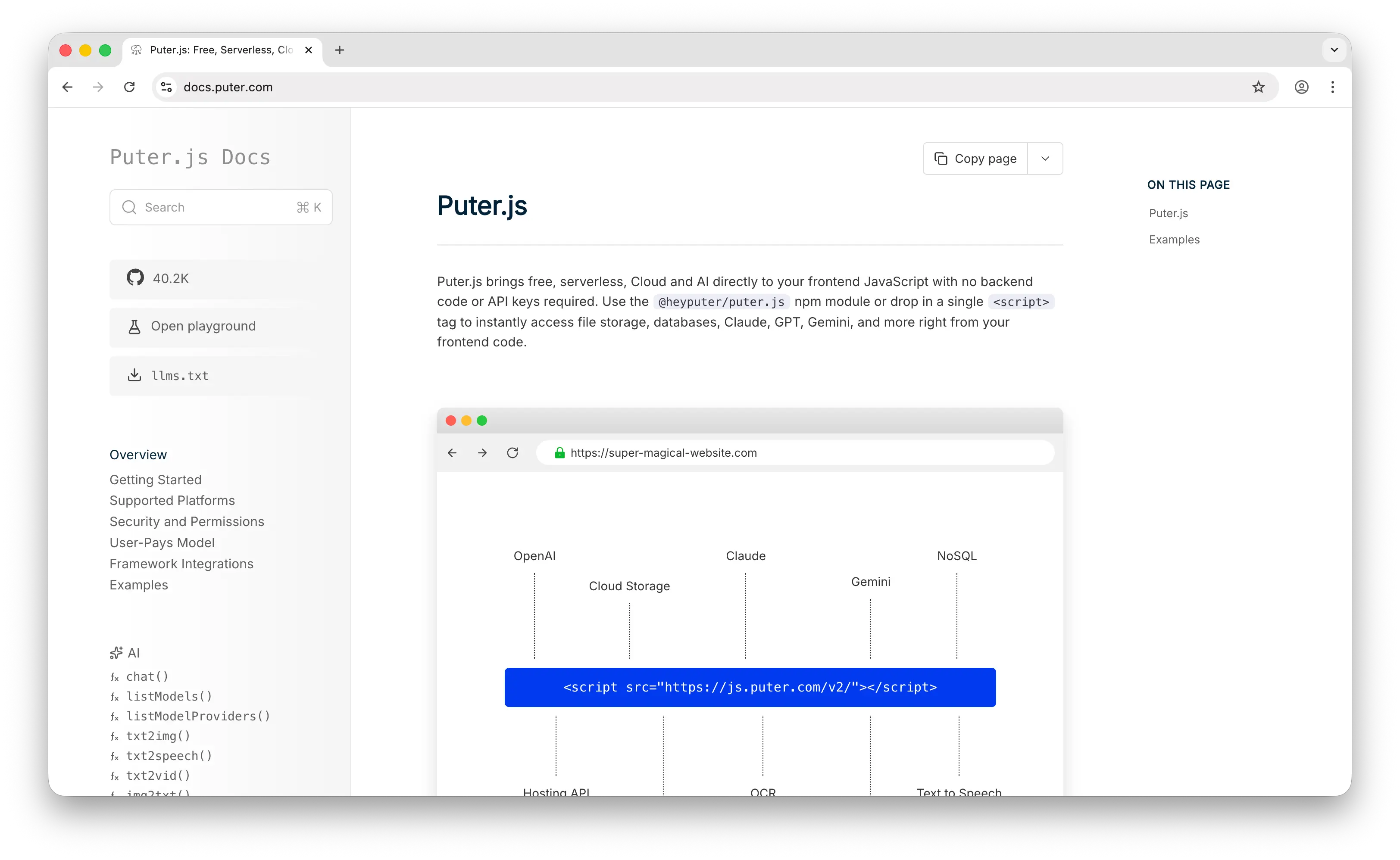
Puter.js is a client-side JavaScript library that gives you cloud storage, auth, a database, and 500+ AI models without deploying or configuring any backend. Where S3 requires an AWS account, IAM setup, bucket configuration, and server-side SDK integration, Puter.js is a script tag and a few lines of JavaScript.
What Makes It Different
Add Puter.js library and you're storing files. No project to create, no dashboard to navigate, no API keys to generate. The API mirrors local file operations — puter.fs.write('photo.png', file) — instead of making you think in buckets, objects, and presigned URLs.
Puter.js runs entirely client-side. No server code, no SDK initialization, no environment variables. Your frontend is your storage layer. It also uses the User-Pays Model: your app's users cover their own storage through their Puter account. Whether your app has 10 users or 10 million, your infrastructure cost stays at zero. This isn't a free tier you'll outgrow — it's a fundamentally different cost structure.
Puter is open-source (AGPL-3.0) and privacy-focused — no tracking, no data monetization. Auth, key-value database, and AI come bundled in the same library, so you don't need to wire up separate services.
Key Differences from S3
Puter.js has no S3-compatible API, no storage classes, and no lifecycle policies. You can't configure regions, set up cross-region replication, or fine-tune access control with IAM policies. This is built for app developers who want to ship, not infrastructure teams managing cloud services.
Comparison Table
| Feature | Puter.js | Amazon S3 |
|---|---|---|
| Setup time | Minutes (one script tag) | Hours (AWS account, IAM, bucket config) |
| API key required | No | Yes |
| Backend required | No | Yes |
| Pricing model | User-pays (free for devs) | Pay-as-you-go (storage + requests + egress) |
| Free tier | Unlimited (user-pays) | 5 GB / 12 months |
| S3-compatible API |  |
N/A |
| Storage classes | |
 (Standard, IA, Glacier, etc.) (Standard, IA, Glacier, etc.) |
| Lifecycle policies | |
|
| Region selection | |
|
| Built-in auth | |
(separate via Cognito) |
| Built-in database | |
(separate via DynamoDB) |
| Built-in AI | (400+ models) |
(separate via Bedrock) |
| Open source | |
|
| Best for | Frontend devs who want zero-cost storage with no backend | Teams needing enterprise-grade, highly configurable object storage |
2. Firebase Storage
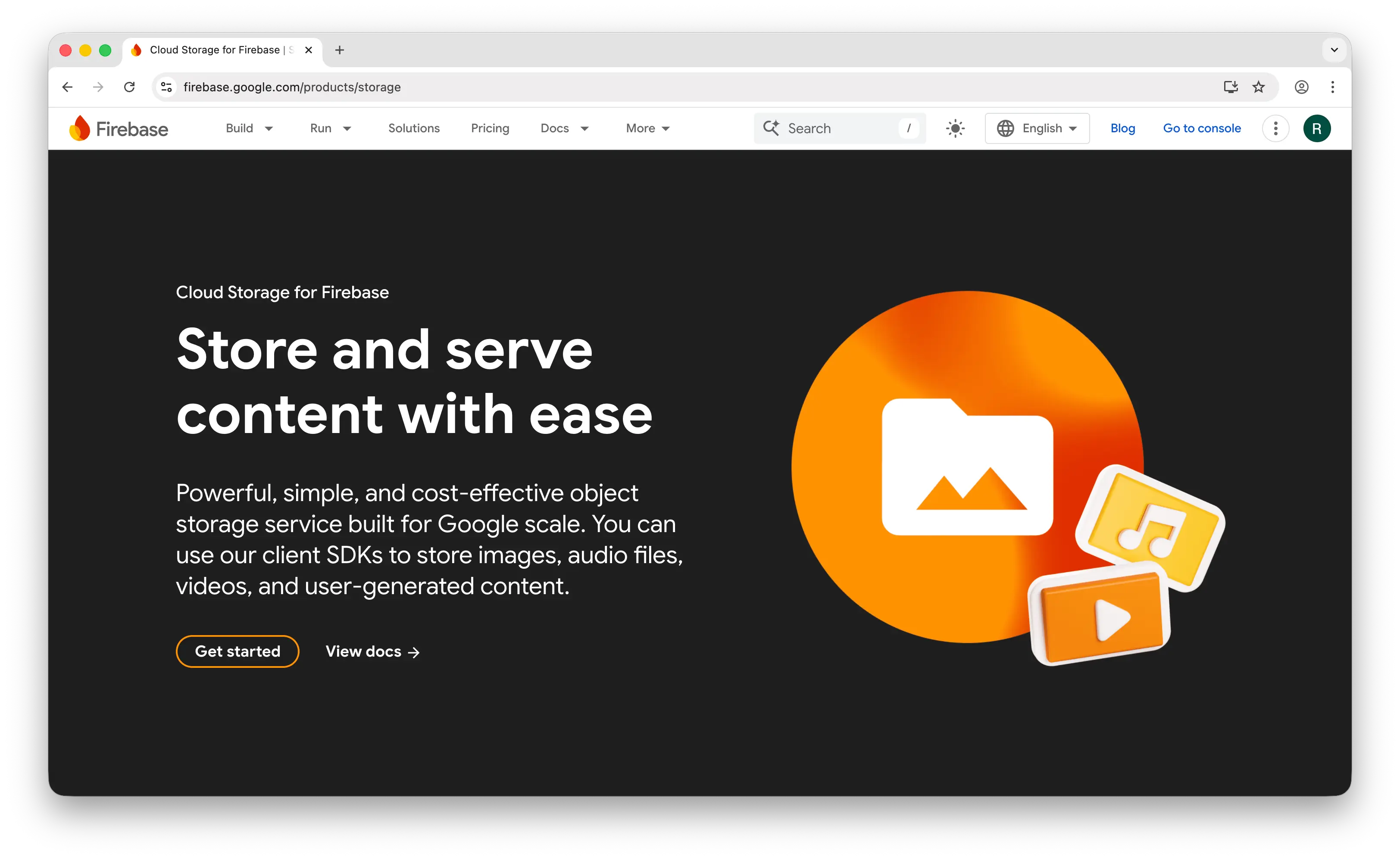
Firebase Storage (Cloud Storage for Firebase) is Google's managed file storage service designed for mobile and web apps. It wraps Google Cloud Storage in a developer-friendly SDK with built-in security rules and strong mobile support.
What Makes It Different
Firebase's real strength is its mobile SDKs — first-class support for iOS, Android, and web with built-in retry, offline handling, and progress monitoring. Security rules are declarative and straightforward: you write rules like "allow read if user is authenticated" in a config file, which is much easier than S3's IAM policies.
Setup is simpler than S3 but not zero: create a Google account, create a Firebase project, enable Cloud Storage, configure security rules, and initialize the SDK. Doable in 15–20 minutes. The free tier includes 5 GB storage and 100 GB/month downloads — generous for prototypes and small apps.
Key Differences from S3
As of February 2026, you need the Blaze (paid) plan just to use Cloud Storage at all, even within free-tier limits. There are no spending caps — if your app goes viral or a bug causes excessive downloads, your bill can spike with no automatic ceiling. Pricing is per-operation (every upload, download, and delete is billed), making costs harder to predict than S3's resource-based pricing. Firebase is also tightly coupled to Google's ecosystem with no S3-compatible API, so migrating away means rewriting your storage layer.
Comparison Table
| Feature | Firebase Storage | Amazon S3 |
|---|---|---|
| Setup time | 15–20 minutes | Hours |
| Pricing model | Pay-as-you-go (per operation) | Pay-as-you-go (storage + requests + egress) |
| Free tier | 5 GB storage, 100 GB egress/month (Blaze plan required) | 5 GB / 12 months |
| Spending caps | (manual budget alerts only) |
(manual budget alerts only) |
| S3-compatible API | |
N/A |
| Security rules | Declarative (simple config) | IAM policies (complex) |
| Mobile SDKs | Excellent (iOS, Android, web) |
(via AWS Amplify) |
| Offline handling | Built-in |
|
| Storage classes | |
|
| Lifecycle policies | Limited | |
| Image transformations | (requires Cloud Functions) |
(requires Lambda) |
| Vendor lock-in | High (Google ecosystem) | High (AWS ecosystem) |
| Best for | Mobile/web apps needing simple auth-integrated storage | Teams needing full control over storage infrastructure |
3. Supabase Storage
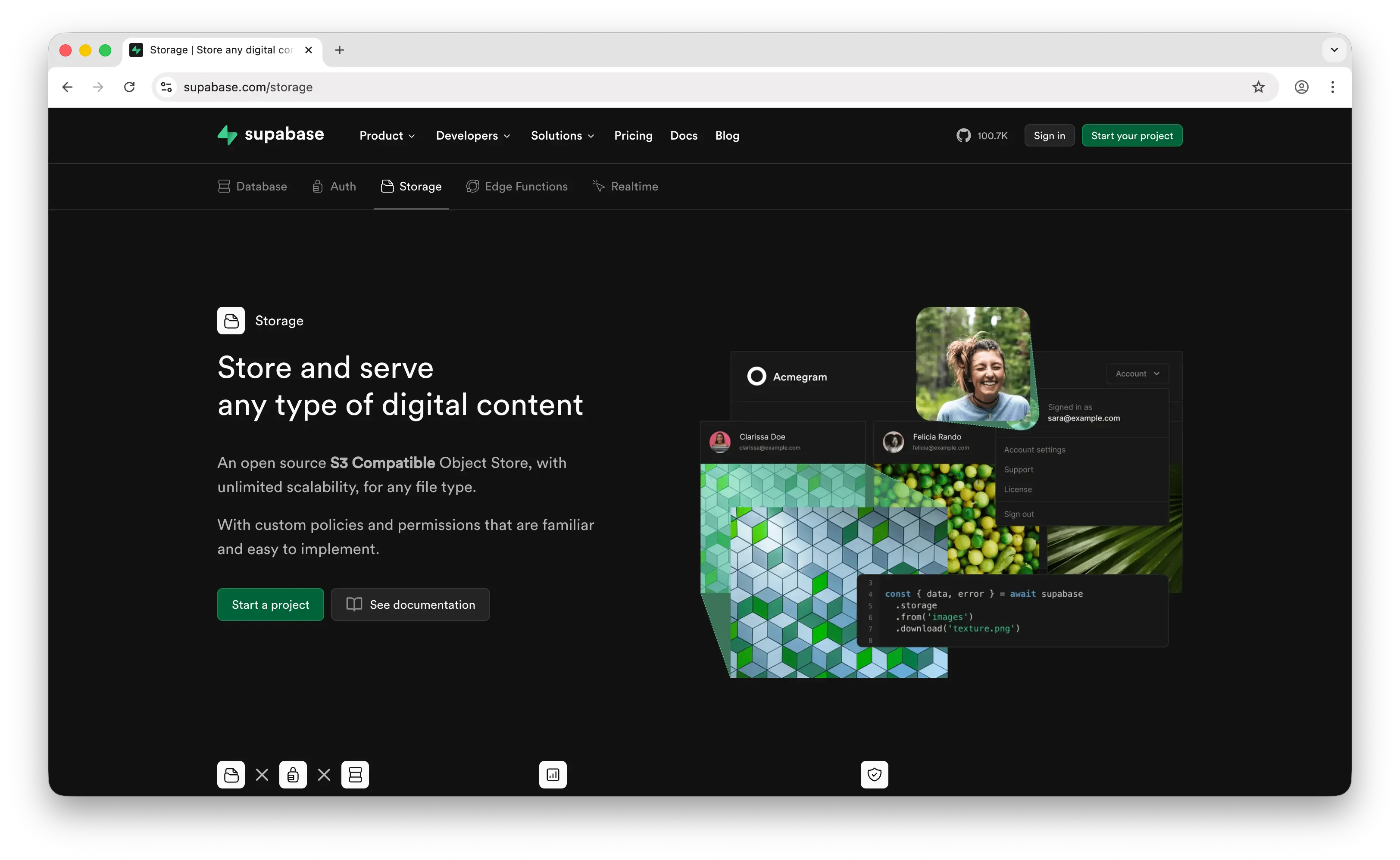
Supabase Storage is an open-source file storage service that sits on top of S3 and wraps it in a friendlier SDK with Postgres-based access control. If you're already using Supabase for your database and auth, adding storage is a natural extension.
What Makes It Different
Supabase integrates auth tightly with storage — you can write Row Level Security (RLS) policies like "users can only read their own files" directly in SQL. This is more powerful than Firebase's security rules, but you need to understand Postgres policies to get it right. Misconfiguration can expose user data.
It also offers built-in image transformations — resize, crop, and format-convert images via URL parameters. S3 and Firebase don't offer this without extra services (Lambda@Edge or Cloud Functions). And because it's open source, you can self-host the entire Supabase stack if you want full control. Neither Firebase nor the big cloud providers offer this.
Key Differences from S3
Setup is more involved than Firebase: create a Supabase account, create a project, create a storage bucket, configure RLS policies, and install the client library. Under the hood it's still S3, but you're interacting through supabase.storage.from('bucket').upload(...) rather than the raw S3 API. The free tier is tighter at 1 GB storage and 5 GB egress, and free projects pause after 7 days of inactivity — your storage becomes inaccessible until you wake the project up. The Pro plan ($25/month) includes 100 GB storage with overages at $0.021/GB.
Comparison Table
| Feature | Supabase Storage | Amazon S3 |
|---|---|---|
| Setup time | 20–30 minutes | Hours |
| Pricing model | Free tier + Pro ($25/month) + overages | Pay-as-you-go |
| Free tier | 1 GB storage, 5 GB egress | 5 GB / 12 months |
| S3-compatible API | Partial (S3 under the hood, custom SDK) | N/A |
| Access control | RLS policies (SQL-based) | IAM policies |
| Image transformations | Built-in |
(requires Lambda) |
| Storage classes | |
|
| Free tier inactivity | Projects pause after 7 days | No pausing |
| Built-in auth integration | |
|
| Built-in database | (Postgres) |
|
| Open source / self-host | |
|
| Vendor lock-in | Low (self-hostable, S3 underneath) | High (AWS ecosystem) |
| Best for | Teams already on Supabase who need integrated storage | Teams needing standalone, enterprise-grade object storage |
4. Google Cloud Storage
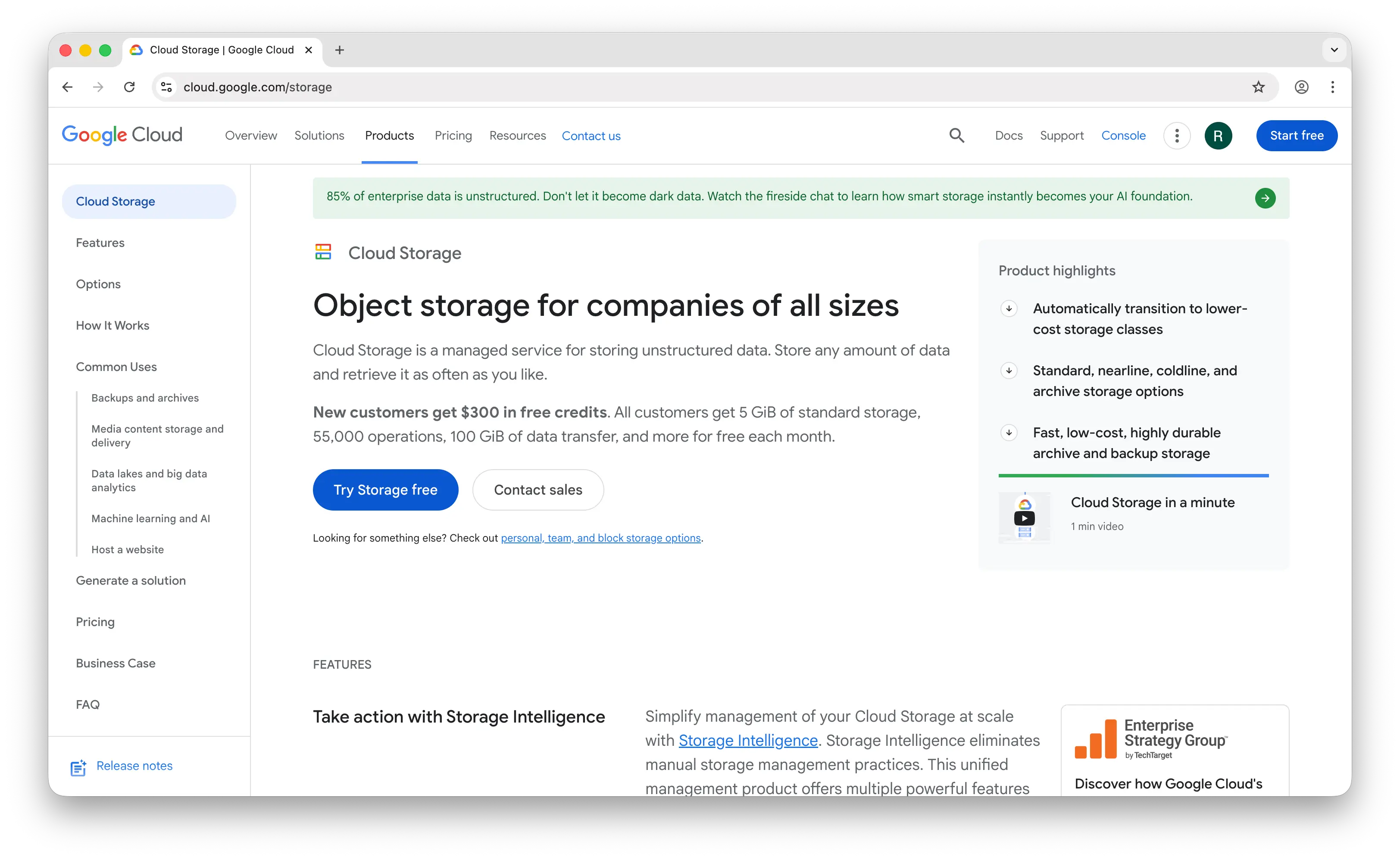
Google Cloud Storage (GCS) is Google's enterprise object storage service and the most direct competitor to S3. It matches S3 on durability, consistency, and feature set, with a few pricing and integration differences.
What Makes It Different
This is where "easy" ends — you're in enterprise cloud territory. To store your first file: create a Google Cloud account, set up a billing account, create a project, create a bucket (pick a region, pick a storage class, pick an access control model), configure IAM permissions, then use the SDK or CLI. You need to make decisions upfront about region, storage class (Standard, Nearline, Coldline, Archive), and uniform vs fine-grained access control.
GCS is cheaper per GB than S3 — $0.020/GB vs $0.023/GB for standard storage. But egress is more expensive at $0.12/GB, which is 33% more than AWS. Pricing is also complex: you're billed for storage, operations (per 10,000 requests), egress, and inter-region transfer, each with different rates per storage class.
Key Differences from S3
GCS offers strong consistency and 11-nines durability, but that's table stakes for all major cloud providers. Where GCS stands out is its integration with BigQuery and Vertex AI — if you're doing analytics or ML on stored data, GCS is the natural fit. For developers who just want to store files, GCS is just as overengineered as S3. The S3-compatible API (via the XML API) makes migration between the two feasible but not seamless.
Comparison Table
| Feature | Google Cloud Storage | Amazon S3 |
|---|---|---|
| Setup time | Hours | Hours |
| Standard storage cost | $0.020/GB | $0.023/GB |
| Egress cost | $0.12/GB | $0.09/GB |
| Free tier | 5 GB (Always Free) | 5 GB / 12 months |
| S3-compatible API | (XML API) |
N/A |
| Storage classes | Standard, Nearline, Coldline, Archive | Standard, IA, One Zone-IA, Glacier, Deep Archive |
| Lifecycle policies | |
|
| Strong consistency | |
|
| Durability | 99.999999999% (11 nines) | 99.999999999% (11 nines) |
| BigQuery integration | Native |
(Athena equivalent) |
| ML/AI integration | (Vertex AI) |
(SageMaker) |
| Pricing complexity | High | High |
| Best for | Teams on Google Cloud or doing analytics/ML | Teams on AWS or needing the broadest ecosystem |
5. Azure Blob Storage
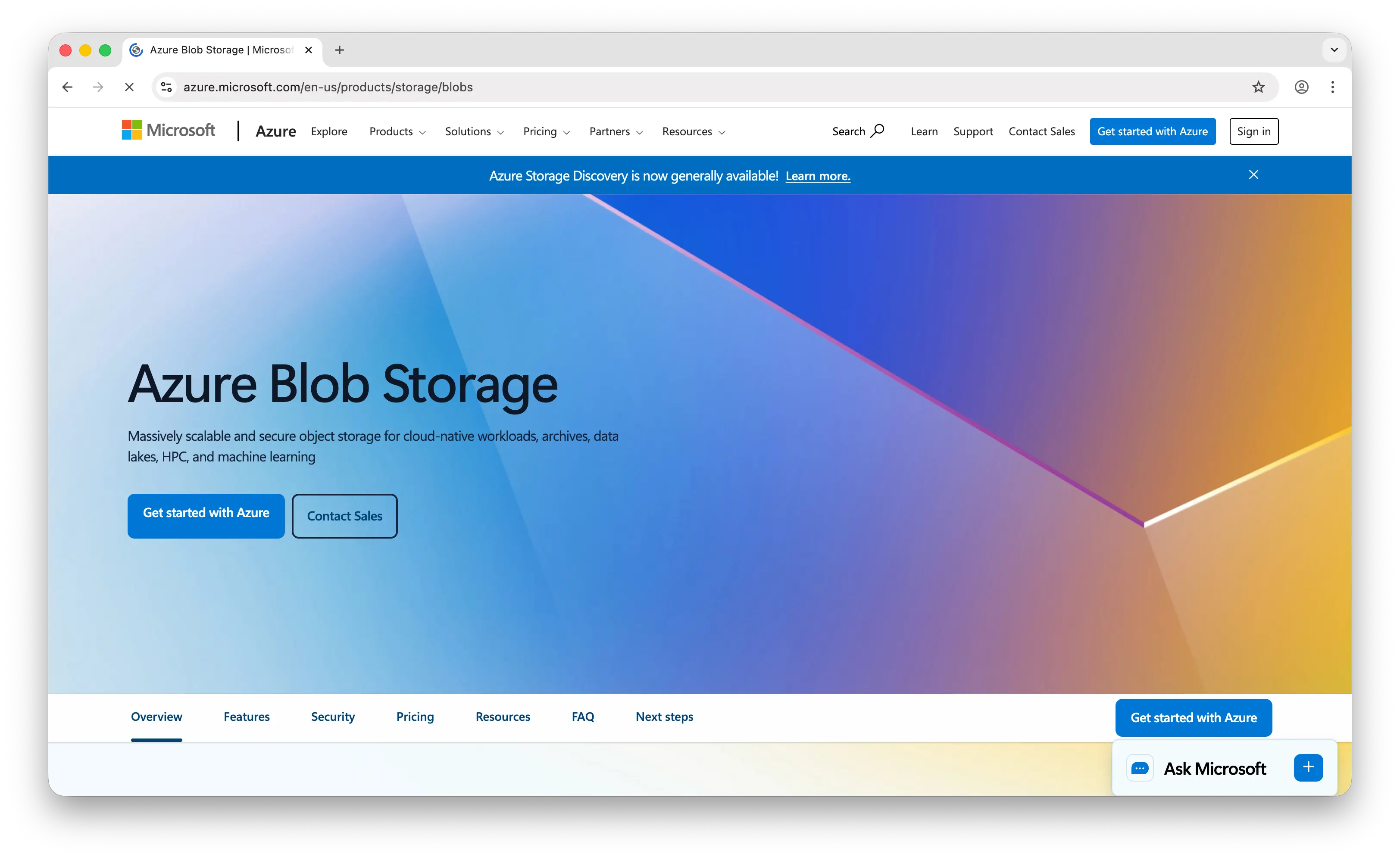
Azure Blob Storage is Microsoft's object storage service and the most enterprise-oriented option on this list. If your organization already lives in the Microsoft ecosystem, it's the path of least resistance.
What Makes It Different
Azure Blob is the cheapest per-GB of the big three cloud providers — approximately $0.018/GB for hot storage, about 20% less than S3. But you'll spend that savings in time figuring out the setup: create a Microsoft Azure account, set up a subscription, create a resource group, create a storage account (pick a region, pick a redundancy tier, pick a performance tier), create a container, then configure access policies via Entra ID or shared access signatures.
Redundancy options are powerful but overwhelming — LRS, ZRS, GRS, RA-GRS. For a developer who just wants their files safe, this is a quiz they didn't sign up for. Azure also integrates seamlessly with Microsoft 365, Active Directory, Azure Functions, and Synapse Analytics.
Key Differences from S3
Azure's tier model is less flexible — access tiers (Hot, Cool, Cold, Archive) are set at the storage account level, not per-object like S3. This gives you less granularity for mixed workloads. Azure Blob is also not S3-compatible, so migrating to or from Azure means rewriting your storage integration. There's no drop-in compatibility with the vast ecosystem of S3-compatible tools and libraries.
Comparison Table
| Feature | Azure Blob Storage | Amazon S3 |
|---|---|---|
| Setup time | Hours | Hours |
| Hot storage cost | ~$0.018/GB | $0.023/GB |
| Egress cost | $0.087/GB | $0.09/GB |
| Free tier | 5 GB / 12 months | 5 GB / 12 months |
| S3-compatible API | |
N/A |
| Access tiers | Hot, Cool, Cold, Archive (account-level) | Standard, IA, Glacier, etc. (per-object) |
| Tier granularity | Storage account level | Per-object |
| Lifecycle policies | |
|
| Redundancy options | LRS, ZRS, GRS, RA-GRS | Standard, One Zone, cross-region |
| Durability | 99.999999999% (11 nines) | 99.999999999% (11 nines) |
| Identity management | Entra ID (native) | IAM |
| Microsoft ecosystem | Seamless |
|
| Best for | Organizations already on Azure/Microsoft | Teams on AWS or needing the broadest tool ecosystem |
Which Should You Choose?
Choose Puter.js if you're building a web app and want to store files without any backend, server code, or infrastructure costs. The user-pays model means you never have to think about storage bills regardless of scale.
Choose Firebase Storage if you're building a mobile app and need excellent iOS/Android SDKs with built-in offline handling and retry logic. Just be aware of the per-operation pricing and lack of spending caps.
Choose Supabase Storage if you're already using Supabase for your database and auth. The integrated RLS policies and built-in image transformations are genuine advantages — and you can self-host if you need full control.
Choose Google Cloud Storage if you're on Google Cloud or doing analytics and ML work where BigQuery and Vertex AI integration matters. The per-GB pricing is slightly better than S3, though egress costs are higher.
Choose Azure Blob Storage if your organization is already in the Microsoft ecosystem. It's the cheapest per-GB of the big three, and the integration with Entra ID, Microsoft 365, and Azure Functions is seamless.
Stick with Amazon S3 if you need the broadest ecosystem compatibility, per-object storage class control, and the deepest set of integrations. It remains the default for a reason — nearly every tool, library, and cloud service supports S3's API.
Conclusion
The top 5 Amazon S3 alternatives are Puter.js, Firebase Storage, Supabase Storage, Google Cloud Storage, and Azure Blob Storage. They range from zero-config client-side storage to enterprise cloud platforms, each trading off some of S3's flexibility for simpler setup, lower cost, or tighter integration with a specific ecosystem. The best choice depends on your stack: Puter.js for frontend-first apps with no backend, Firebase or Supabase for apps that need auth-integrated storage, and GCS or Azure for teams already invested in those cloud platforms.
Related
- Getting Started with Puter.js
- Top 5 Cloudflare R2 Alternatives (2026)
- Top 5 Backblaze B2 Alternatives (2026)
- Top 5 Wasabi Alternatives (2026)
- Top 5 Filestack Alternatives (2026)
- Top 5 UploadThing Alternatives (2026)
- Top 5 Supabase Alternatives (2026)
- Top 5 Firebase Alternatives (2026)
- Best Appwrite Alternatives (2026)
- Top 5 OpenRouter Alternatives (2026)
- Top 5 Replicate Alternatives (2026)
- Best fal.ai Alternatives (2026)
- Best Together AI Alternatives (2026)
- Top 5 Google AI Studio Alternatives (2026)
- Best ElevenLabs Alternatives (2026)
- Top 5 Vertex AI Alternatives (2026)
- Best AWS Bedrock Alternatives (2026)
- Top 5 AWS Lambda Alternatives (2026)
- Top 5 PlanetScale Alternatives (2026)
- Top 5 Redis Alternatives (2026)
- Top 5 AWS Amplify Alternatives (2026)
Ship a Full-Stack App with One Prompt
Create a to-do list app using Puter.js
Coding manually? see the guide