Top 5 Wasabi Alternatives (2026)
On this page
Wasabi has built a strong reputation as the budget-friendly object storage provider — flat-rate pricing, no egress fees under normal use, no API request charges, and S3-compatible from day one. For backup, archive, and media workflows, it's hard to beat at $6.99/TB/month.
But that price comes with conditions you don't always see at first: a 90-day minimum storage duration, a 1TB monthly minimum, a 1:1 storage-to-egress ratio cap that throttles bandwidth-heavy workloads, and a single hot tier with no cold storage options. If your usage pattern doesn't fit Wasabi's mold — or you want more than just buckets and an S3 API — here are five alternatives worth considering.
1. Puter.js
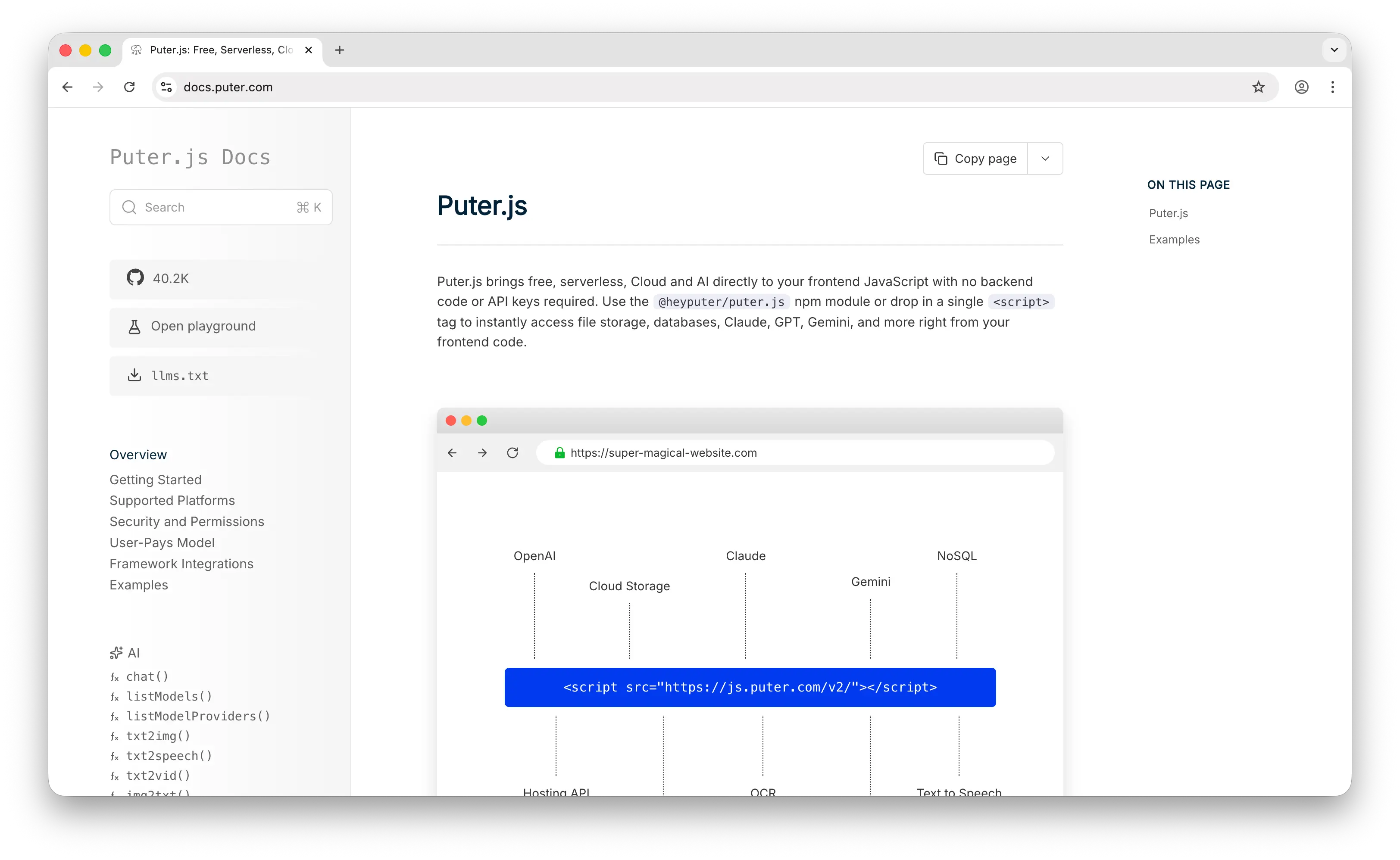
Puter.js is a client-side JavaScript library that gives you cloud storage, auth, a database, and 500+ AI models without provisioning any infrastructure. Where Wasabi gives you S3-compatible buckets that you connect to via SDK and credentials, Puter.js is a script tag and a few lines of JavaScript.
What Makes It Different
Add Puter.js to your page and you're storing files. No account to provision for your users, no bucket to configure, no access keys to manage, no 1TB monthly minimum to worry about. The API mirrors local file operations — puter.fs.write('photo.png', file), puter.fs.read('photo.png') — instead of making you think in buckets, regions, and presigned URLs.
Puter.js runs entirely client-side. No server code, no SDK initialization, no environment variables. Your frontend is your storage layer. It also uses the User-Pays Model: your app's users cover their own storage through their Puter account. With Wasabi you pay $6.99/TB regardless of who's using the data. With Puter.js, whether your app has 10 users or 10 million, your infrastructure cost stays at zero.
Puter is open-source (AGPL-3.0) and privacy-focused — no tracking, no data monetization. Auth, key-value database, hosting, and AI come bundled in the same library, so you're not stitching Wasabi together with Auth0, DynamoDB, and a separate CDN.
Key Differences from Wasabi
Puter.js has no S3-compatible API, no regions to choose, no storage classes, and no Object Lock or compliance certifications like SOC 2 or HIPAA. You can't point existing S3 backup tooling at it or use it for regulated archive workloads. This is built for app developers who want to ship features, not infrastructure teams replacing tape libraries.
Comparison Table
| Feature | Puter.js | Wasabi |
|---|---|---|
| Setup time | Minutes (one script tag) | 30+ minutes (account, bucket, IAM, SDK) |
| API key required | No | Yes |
| Backend required | No | Yes |
| Pricing model | User-pays (free for devs) | $6.99/TB/month (rising to $7.99 July 2026) |
| Monthly minimum | None | 1 TB |
| Minimum storage duration | None | 90 days |
| Egress fees | None (user-pays) | Free within 1:1 ratio cap |
| S3-compatible API |  |
 |
| Built-in auth | |
|
| Built-in database | |
|
| Built-in AI | (400+ models) |
|
| Compliance certifications | |
SOC 2, HIPAA, ISO 27001 |
| Open source | |
|
| Best for | Frontend devs who want zero-cost storage with no backend | Teams needing cheap S3-compatible bulk storage |
2. Amazon S3
Amazon S3 is the original object storage service and the reason Wasabi exists in the first place — Wasabi positions itself as "S3 without the egress bill." If you need the depth of features and ecosystem that Wasabi consciously strips away, S3 is where you go.
What Makes It Different
S3 has nine storage classes — Standard, Standard-IA, One Zone-IA, Glacier Instant, Glacier Flexible, Glacier Deep Archive, Intelligent-Tiering, and Express One Zone — each with different price-and-access tradeoffs. Wasabi has one (hot). For mixed workloads, this matters: cold data in Glacier Deep Archive costs $0.00099/GB, roughly 7x cheaper than Wasabi's hot rate for archive workloads you almost never touch.
S3 also has the deepest integration ecosystem of any storage product — Lambda, CloudFront, Athena, SageMaker, EMR, Glue, and several hundred third-party tools. If your stack already lives in AWS, S3 is the path of least resistance even at a higher sticker price.
Key Differences from Wasabi
The price gap is real. S3 Standard is $0.023/GB ($23/TB), roughly 3x Wasabi. Egress is $0.09/GB to the internet for the first 9.9TB, compared to Wasabi's zero (within the ratio cap). For a 100TB workload with 30TB monthly egress, real-world cost analyses put S3 at nearly 7x Wasabi's total bill. S3 also charges per request — $0.005 per 1,000 PUT operations and $0.0004 per 1,000 GETs — which Wasabi doesn't.
S3's free tier also changed in July 2025: new accounts get $200 in credits valid for 6 months across all AWS services, instead of the old "5GB forever" tier.
Comparison Table
| Feature | Amazon S3 | Wasabi |
|---|---|---|
| Setup time | Hours (account, IAM, bucket) | 30+ minutes |
| Standard storage cost | $0.023/GB (~$23/TB) | $6.99/TB |
| Egress cost | $0.09/GB to internet | Free (1:1 ratio cap) |
| Request fees | $0.005/1k PUT, $0.0004/1k GET | None |
| Free tier | $200 credits for 6 months (new accounts) | 30-day trial, 1 TB |
| Monthly minimum | None | 1 TB |
| Minimum storage duration | None (Standard tier) | 90 days |
| Storage classes | 9 (Standard, IA, Glacier tiers, etc.) | 1 (hot only) |
| Lifecycle policies | |
|
| Object Lock / immutability | |
|
| AWS service integration | Deep (Lambda, CloudFront, Athena, SageMaker) |
|
| Compliance certifications | SOC 2, HIPAA, FedRAMP, ISO 27001 | SOC 2, HIPAA, ISO 27001 |
| Pricing complexity | High (4 dimensions × 9 classes) | Low (flat rate) |
| Best for | Teams on AWS needing the deepest storage ecosystem | Cost-conscious teams storing hot data at scale |
3. Google Cloud Storage
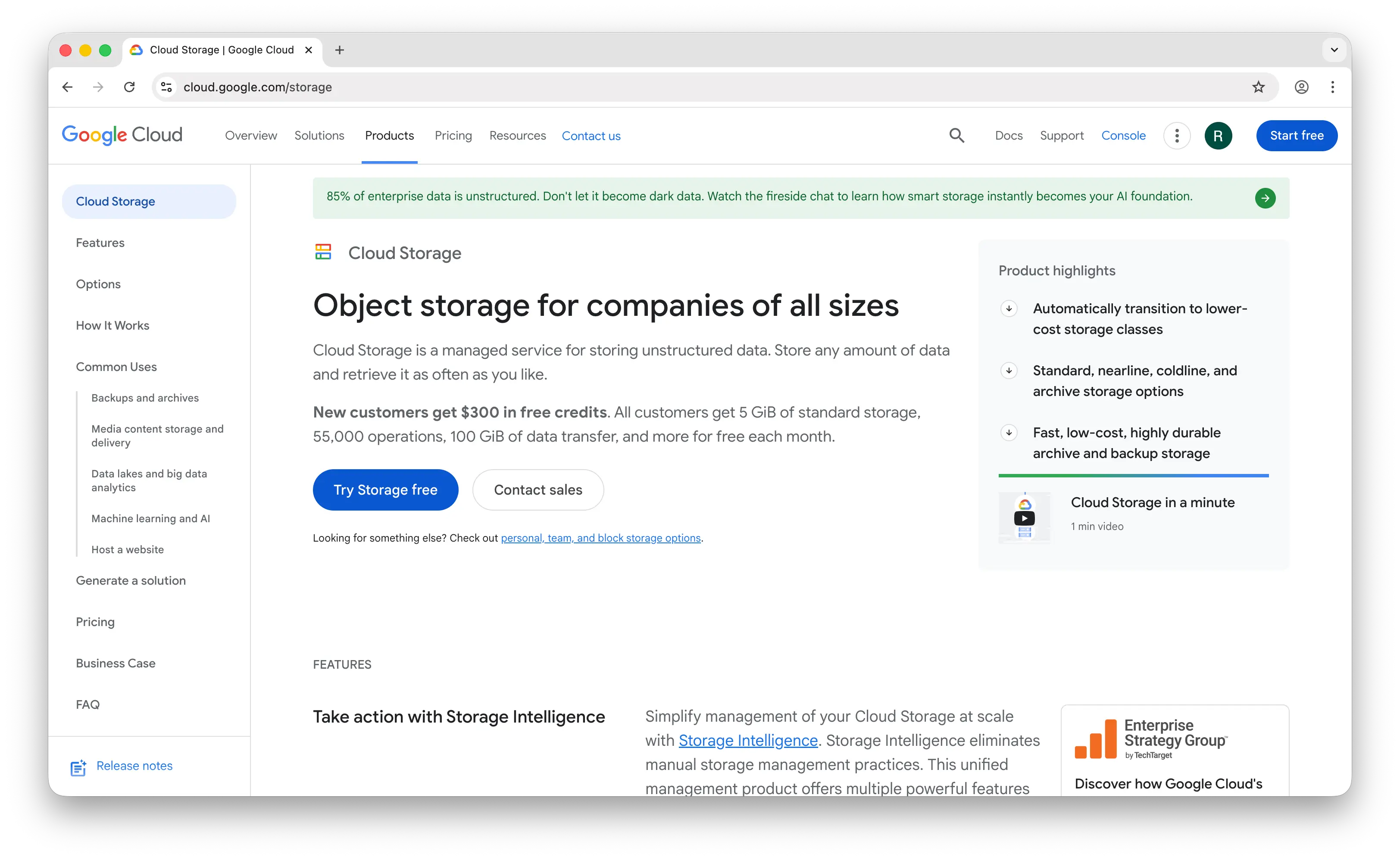
Google Cloud Storage (GCS) is Google's enterprise object storage and the closest hyperscaler match to S3. It's overkill if all you need is a bucket — but for teams running analytics or ML workloads on stored data, the integration story matters more than the storage price.
What Makes It Different
GCS offers four storage classes — Standard, Nearline, Coldline, Archive — with automatic tiering via Autoclass that Wasabi doesn't have. If access patterns are unpredictable, Autoclass moves objects between tiers without you writing lifecycle policies, which is genuinely useful for mixed workloads.
The bigger draw is BigQuery and Vertex AI integration. GCS buckets can be queried directly from BigQuery without copying data, and feed Vertex AI training pipelines natively. Wasabi has no equivalent — you'd export data out (and pay egress if you exceed the ratio cap) to do analytics anywhere meaningful.
Key Differences from Wasabi
At $0.020/GB Standard, GCS is slightly cheaper per GB than S3 but still about 3x Wasabi. The real cost killer is egress — $0.12/GB to the internet, the highest of the major providers. A 10TB monthly egress workload costs $1,200 on GCS versus near-zero on Wasabi (assuming you stay within Wasabi's ratio cap).
Nearline, Coldline, and Archive tiers carry minimum storage durations of 30, 90, and 365 days respectively, with early deletion fees if you move data out sooner. Wasabi's 90-day minimum applies to everything but is at least uniform — no surprise fees when transitioning between tiers because there are no tiers.
Comparison Table
| Feature | Google Cloud Storage | Wasabi |
|---|---|---|
| Setup time | Hours | 30+ minutes |
| Standard storage cost | $0.020/GB (~$20/TB) | $6.99/TB |
| Egress cost | $0.12/GB to internet | Free (1:1 ratio cap) |
| Request fees | Class A/B operations billed separately | None |
| Free tier | 5 GB (Always Free) | 30-day trial, 1 TB |
| Monthly minimum | None | 1 TB |
| Minimum storage duration | 0/30/90/365 days by tier | 90 days |
| S3-compatible API | (XML API) |
|
| Storage classes | 4 (Standard, Nearline, Coldline, Archive) | 1 (hot only) |
| Autoclass / auto-tiering | |
|
| Lifecycle policies | |
|
| BigQuery integration | Native |
|
| ML/AI integration | (Vertex AI) |
|
| Pricing complexity | High | Low |
| Best for | Teams on Google Cloud doing analytics/ML | Cost-conscious teams needing predictable bills |
4. Cloudflare R2
Cloudflare R2 is Cloudflare's S3-compatible object storage built around a single promise: zero egress fees, with no fine print. For workloads where data leaves the bucket more than it sits, R2 is often the only alternative that beats Wasabi outright.
What Makes It Different
Wasabi advertises "no egress fees" but enforces a 1:1 storage-to-egress ratio cap — exceed it consistently and you risk service throttling or being asked to upgrade. R2 has no such cap. You can store 1TB and egress 100TB in a month and pay zero in bandwidth. For content delivery, video streaming, or any egress-heavy workload, that math is unambiguous.
R2 has a single storage class with no minimum storage duration, no retrieval fees, and no minimum object size — simpler than Wasabi's 90-day minimum. It pairs natively with Cloudflare Workers, Pages, and the Cloudflare CDN, which gives you global edge caching effectively for free.
Key Differences from Wasabi
R2 storage is more expensive on paper: $0.015/GB ($15/TB), about 2x Wasabi's rate. And R2 charges per operation where Wasabi doesn't — Class A operations (writes) are $4.50 per million and Class B (reads) are $0.36 per million. For write-heavy or high-request workloads with low egress, Wasabi can still win on total cost.
R2's free tier is permanent: 10GB storage and 10M read operations per month, no credit card required. Wasabi has a 30-day trial with 1TB but no ongoing free tier — you commit to at least $6.99/month after trial.
Comparison Table
| Feature | Cloudflare R2 | Wasabi |
|---|---|---|
| Setup time | Minutes (account, bucket, API token) | 30+ minutes |
| Standard storage cost | $0.015/GB (~$15/TB) | $6.99/TB |
| Egress cost | $0 (unconditional, no ratio caps) | Free (1:1 ratio cap) |
| Request fees | $4.50/M Class A, $0.36/M Class B | None |
| Free tier | 10 GB storage, 10M reads/month (permanent) | 30-day trial, 1 TB |
| Monthly minimum | None | 1 TB |
| Minimum storage duration | None | 90 days |
| S3-compatible API | |
|
| Storage classes | 1 + Infrequent Access tier | 1 (hot only) |
| CDN integration | Native (Cloudflare CDN) |
|
| Workers / edge compute | |
|
| Object Lock / immutability | |
|
| Pricing complexity | Low | Very low |
| Best for | Egress-heavy workloads, content delivery, edge apps | Storage-heavy workloads with low egress ratios |
5. Firebase Storage
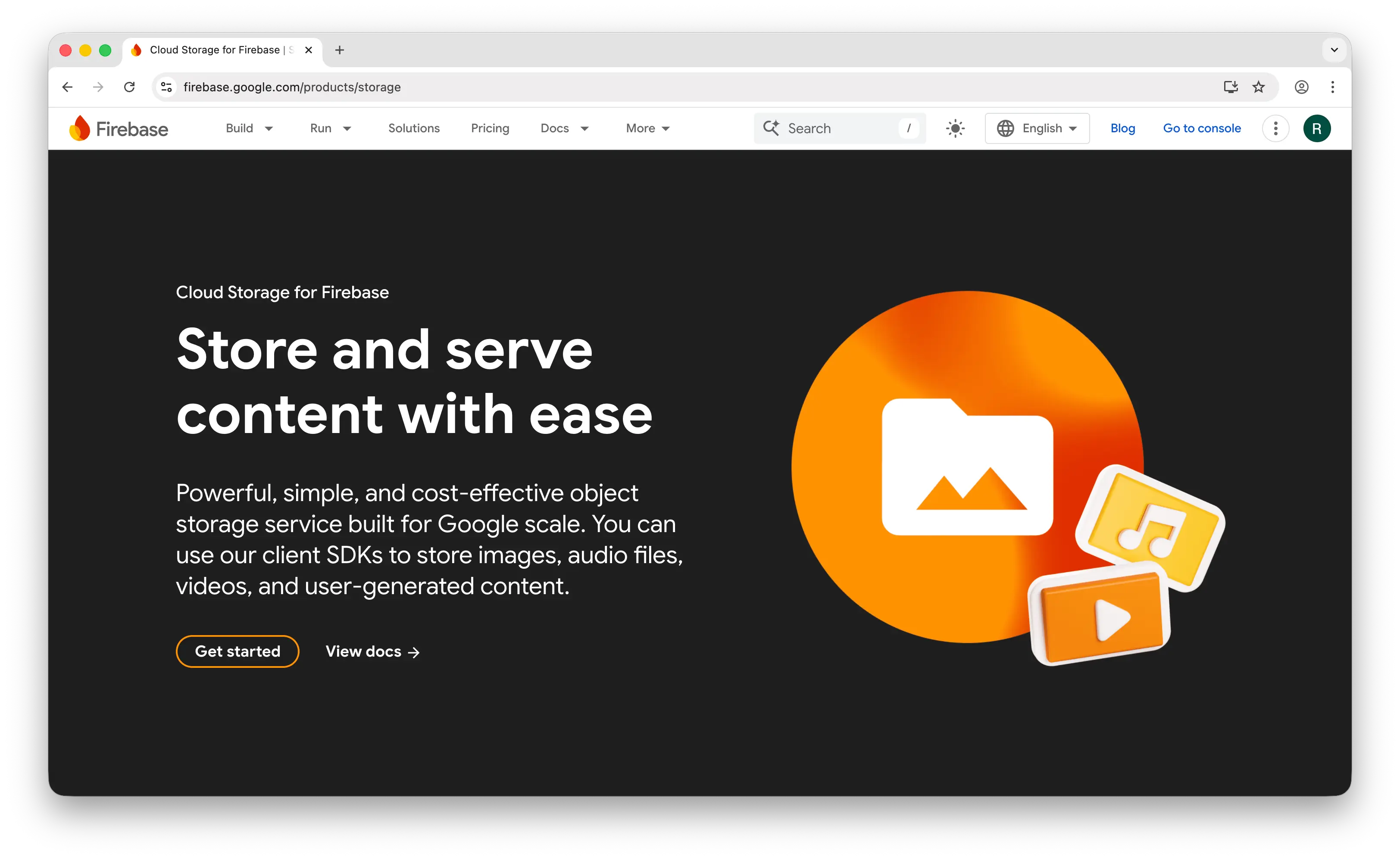
Firebase Storage (Cloud Storage for Firebase) is Google's managed file storage wrapped in a developer-friendly SDK. It's not really competing with Wasabi on raw economics — it's competing on developer experience for app builders who don't want to think about storage as a separate product.
What Makes It Different
Firebase's strength is its mobile SDKs — first-class iOS, Android, and web support with built-in retry, offline handling, and progress monitoring. Wasabi gives you S3 endpoints and tells you to bring your own SDK. Firebase also has declarative security rules that integrate directly with Firebase Auth — you write rules like "allow read if request.auth.uid == userId" in a config file, no IAM policies or bucket policies required.
Setup is much friendlier than Wasabi for app workflows: create a Firebase project, enable Cloud Storage, configure security rules, drop in the SDK. No bucket-level access keys to rotate, no S3 API to learn.
Key Differences from Wasabi
Firebase Storage is far more expensive than Wasabi for raw bytes — $0.026/GB stored and $0.15/GB downloaded, roughly 4x on storage and uncapped on egress where Wasabi is effectively free. As of February 2026, you also need the Blaze (paid) plan with billing enabled just to use Cloud Storage at all, even within free-tier limits.
Pricing is per-operation, which makes costs harder to predict than Wasabi's flat-rate model. There are no spending caps — if your app goes viral or a bug causes excessive downloads, your bill can spike with no automatic ceiling. Firebase is also tightly coupled to Google's ecosystem with no S3-compatible API, so migrating away means rewriting your storage layer entirely.
Comparison Table
| Feature | Firebase Storage | Wasabi |
|---|---|---|
| Setup time | 15–20 minutes | 30+ minutes |
| Pricing model | Pay-as-you-go (per operation) | Flat $6.99/TB/month |
| Storage cost | $0.026/GB (~$26/TB) | $6.99/TB |
| Egress cost | $0.15/GB | Free (1:1 ratio cap) |
| Free tier | 5 GB storage (Blaze plan required) | 30-day trial, 1 TB |
| Monthly minimum | None | 1 TB |
| Minimum storage duration | None | 90 days |
| S3-compatible API | |
|
| Mobile SDKs | Excellent (iOS, Android, web) |
(bring your own) |
| Offline handling | Built-in |
|
| Security rules | Declarative (simple config) | Bucket policies (S3-style) |
| Built-in auth integration | |
|
| Spending caps | (manual budget alerts only) |
(flat rate is the cap) |
| Vendor lock-in | High (Google ecosystem) | Low (S3-compatible) |
| Best for | Mobile/web apps needing auth-integrated storage | Cost-conscious bulk storage |
Which Should You Choose?
Choose Puter.js if you're building a web app and want to store files without provisioning any backend, managing API keys, or worrying about minimums. The user-pays model means you never have to think about storage bills regardless of scale — no 1TB monthly minimum, no 90-day retention penalty, just a script tag.
Choose Amazon S3 if you need storage classes for mixed hot/cold workloads, the deepest ecosystem of integrations, or you're already deeply invested in AWS. You'll pay 3x+ Wasabi's rate, but you get features and compliance coverage Wasabi can't match.
Choose Google Cloud Storage if you're running analytics or ML on your stored data. BigQuery and Vertex AI integration are genuine advantages over Wasabi. Just budget carefully for egress — at $0.12/GB it's the highest of any provider on this list.
Choose Cloudflare R2 if egress is your dominant cost driver. The unconditional zero-egress promise beats Wasabi's ratio-capped version, and the Workers/CDN integration is excellent for content-heavy apps. For storage-heavy workloads with low egress, Wasabi still wins on price.
Choose Firebase Storage if you're building a mobile app and need polished iOS/Android SDKs with offline handling and auth-integrated security rules. It's expensive per byte compared to Wasabi, but the developer experience for app workflows is in a different league.
Stick with Wasabi if you're storing large volumes of hot data with predictable access patterns, you need an S3-compatible API for backup/archive tooling, and your egress stays within the 1:1 ratio cap. For that use case, it remains one of the cheapest options on the market.
Conclusion
The top 5 Wasabi alternatives are Puter.js, Amazon S3, Google Cloud Storage, Cloudflare R2, and Firebase Storage. They range from zero-config client-side storage to enterprise cloud platforms, each trading off Wasabi's flat-rate simplicity for different strengths — Puter.js for frontend-first apps with no backend, S3 and GCS for ecosystem depth and storage class flexibility, R2 for truly unlimited egress, and Firebase Storage for mobile app developer experience. The best choice depends less on raw price-per-GB and more on how the storage fits into the rest of your stack.
Related
- Getting Started with Puter.js
- Top 5 Amazon S3 Alternatives (2026)
- Top 5 Cloudflare R2 Alternatives (2026)
- Top 5 Backblaze B2 Alternatives (2026)
- Top 5 Filestack Alternatives (2026)
- Top 5 UploadThing Alternatives (2026)
- Top 5 Firebase Alternatives (2026)
- Top 5 Supabase Alternatives (2026)
- Best Appwrite Alternatives (2026)
- Top 5 PocketBase Alternatives (2026)
- Best Cloudflare Pages Alternatives (2026)
- Top 5 Cloudflare Workers Alternatives (2026)
- Top 5 AWS Lambda Alternatives (2026)
- Top 5 DynamoDB Alternatives (2026)
- Top 5 MongoDB Alternatives (2026)
- Top 5 PostgreSQL Alternatives (2026)
- Top 5 Vertex AI Alternatives (2026)
- Best AWS Bedrock Alternatives (2026)
Ship a Full-Stack App with One Prompt
Create a to-do list app using Puter.js
Coding manually? see the guide