Top 5 DynamoDB Alternatives (2026)
On this page
Amazon DynamoDB is AWS's fully managed NoSQL database, built for single-digit millisecond latency at any scale. It auto-scales, handles replication across three availability zones, and integrates tightly with the rest of AWS. For applications with well-defined access patterns and high-throughput requirements, it's hard to beat.
But DynamoDB has real tradeoffs: you must design your schema around access patterns upfront, ad-hoc queries are severely limited, capacity planning can be confusing (on-demand vs. provisioned), the 400 KB item size limit forces awkward workarounds, and vendor lock-in to AWS is total. If your query needs evolve beyond what you anticipated, you're looking at a painful redesign or exporting data to a separate service. Here are five alternatives worth considering.
1. Puter.js (Key-Value Store)
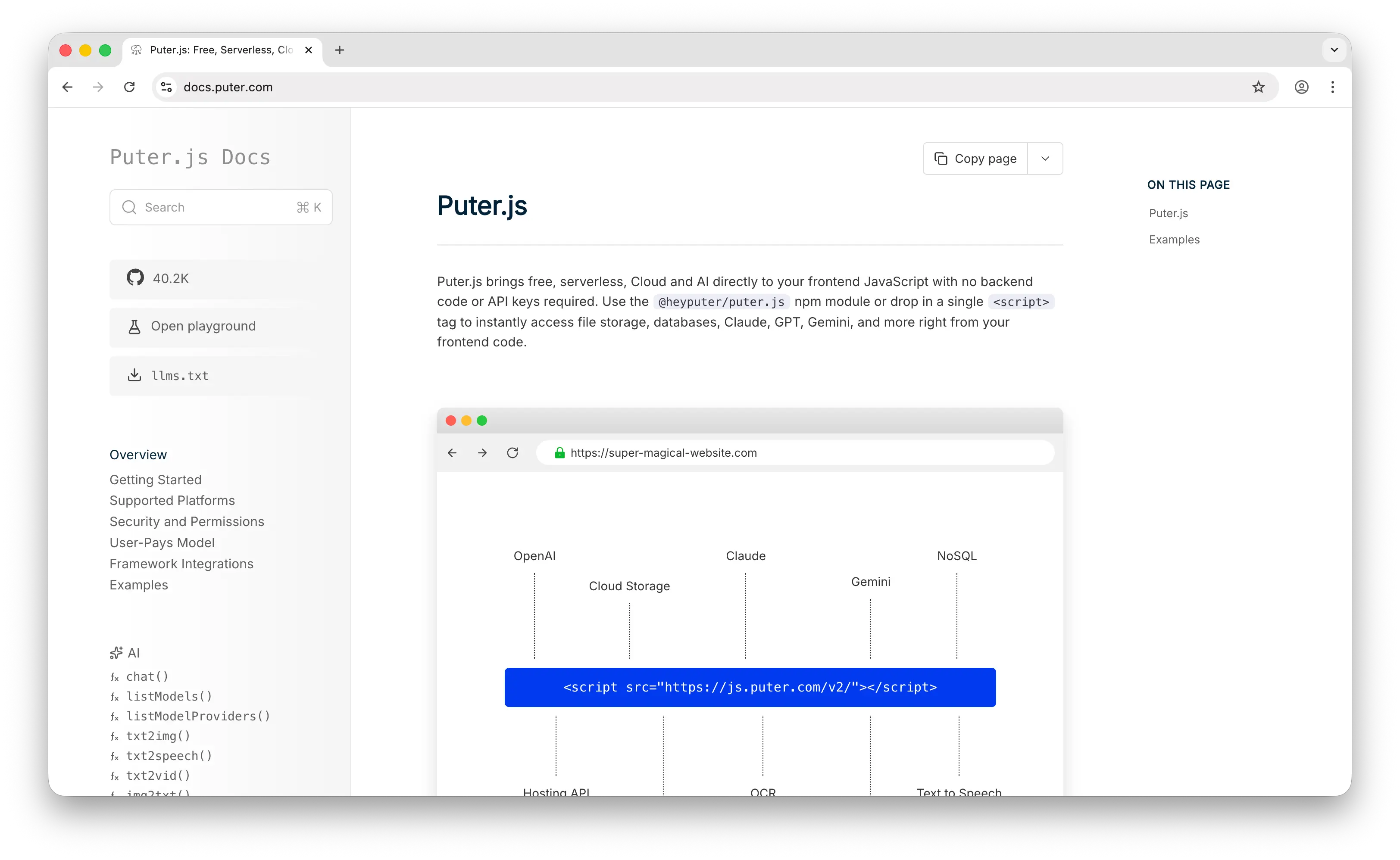
Puter.js is a client-side JavaScript library that includes a cloud key-value store as one of its capabilities. Where DynamoDB requires an AWS account, IAM roles, and capacity planning, Puter.js is puter.kv.set('key', 'value') from the browser — no backend, no API keys, no configuration.
What Makes It Different
DynamoDB charges per read/write capacity unit, and costs can escalate quickly at scale. Puter.js uses a User-Pays Model where your app's users cover their own storage and usage through their Puter account. Your cost as a developer stays at zero regardless of scale — not a free tier you'll outgrow, but a fundamentally different cost structure.
Beyond the database, Puter.js bundles auth, file storage, 500+ AI models, and serverless workers in one library. DynamoDB solves storage; Puter.js solves the entire backend. It supports atomic operations like incr, decr, list, and flush, and works from a <script> tag with no backend code needed.
Key Differences from DynamoDB
DynamoDB is a standalone, enterprise-grade database service designed for massive scale with predictable low-latency performance. Puter.js's key-value store is simpler — it doesn't offer DynamoDB's throughput guarantees, global tables, streams, or fine-grained IAM-based access control. If you need to handle millions of operations per second with single-digit millisecond latency across regions, DynamoDB is purpose-built for that. But if you're building a web app and want a zero-cost, zero-config key-value store with a full platform behind it, Puter.js eliminates the need to spin up AWS at all.
Comparison Table
| Feature | Puter.js | DynamoDB |
|---|---|---|
| Setup required | Drop-in script tag | AWS account + IAM + config |
| Pricing model | User-pays (free for devs) | Per read/write capacity unit |
| Database type | Key-value store | Key-value / document hybrid |
| Query flexibility | Basic KV operations | Key-value queries only |
| Authentication |  Built-in Built-in |
 (Cognito separate) (Cognito separate) |
| Cloud storage | Built-in |
(S3 separate) |
| Built-in AI | 400+ models |
|
| Global replication | |
Global tables |
| Streams / CDC | |
DynamoDB Streams |
| Auto-scaling | N/A | |
| Open-source | AGPL-3.0 |
|
| Self-hostable | |
|
| Best for | Zero-cost web apps with a full cloud platform | High-throughput AWS-native workloads |
2. MongoDB
MongoDB is a document-oriented database that stores data as BSON (binary JSON) documents. It's the most popular NoSQL database by a wide margin and can be deployed on any cloud, on-premises, or via MongoDB Atlas as a managed service.
What Makes It Different
Query power is the headline difference. MongoDB has a rich aggregation pipeline for analytics, supports joins via $lookup, full-text search, and ad-hoc queries across any field. DynamoDB only supports key-value queries — if your requirements exceed partition key and sort key lookups, you must export data to a separate AWS service like Redshift or OpenSearch. MongoDB lets you figure out your access patterns as you go; DynamoDB punishes you for not designing them upfront.
MongoDB's recent innovations include native vector search capabilities for AI/ML workloads, making it relevant for GenAI applications. It can be deployed anywhere — AWS, GCP, Azure, or on-prem — while DynamoDB is locked to AWS.
MongoDB Atlas offers a free tier and serverless option. According to the Stack Overflow 2021 Developer Survey, MongoDB had a market share of 27.7%, while DynamoDB captured 7.3% — reflecting MongoDB's massive community and ecosystem.
Key Differences from DynamoDB
DynamoDB excels where MongoDB doesn't: fully managed auto-scaling with zero operational overhead, predictable single-digit millisecond latency at any scale, and seamless integration with the AWS ecosystem (Lambda triggers, Kinesis, EventBridge). DynamoDB also has fewer data type options — it doesn't support dates natively, requiring app-side logic — but its operational simplicity is unmatched. If you know your access patterns and want hands-off scaling on AWS, DynamoDB is the more reliable choice. If you need query flexibility, MongoDB is in a completely different league.
Comparison Table
| Feature | MongoDB | DynamoDB |
|---|---|---|
| Data model | Document (BSON) | Key-value / document hybrid |
| Query flexibility | Rich queries, aggregation, joins |
Key-value queries only |
| Full-text search | Built-in |
(OpenSearch separate) |
| Vector search (AI) | Native |
|
| Auto-scaling | Atlas auto-scaling |
On-demand or provisioned |
| Multi-cloud | Any cloud or on-prem |
AWS only |
| Global replication | Atlas Global Clusters |
Global tables |
| Streams / CDC | Change Streams |
DynamoDB Streams |
| Managed service | Atlas |
Fully managed |
| Operational overhead | Moderate (Atlas reduces it) | Minimal |
| Item size limit | 16 MB | 400 KB |
| Community size | 27.7% market share | 7.3% market share |
| Best for | Apps needing flexible queries and multi-cloud portability | AWS-native apps with predictable access patterns |
3. Redis
Redis is an in-memory data store known for sub-millisecond latency. It's often used as a cache alongside DynamoDB, but with Redis 8 and its expanded capabilities, it's increasingly viable as a primary database for certain workloads.
What Makes It Different
Speed. DynamoDB offers single-digit millisecond latency; Redis delivers microsecond latency — orders of magnitude faster. Redis supports a far richer set of data structures than DynamoDB: hashes, lists, sets, sorted sets, bitmaps, streams, and with Redis 8, JSON documents, time series, and vector sets for AI workloads are integrated into core. DynamoDB's type system is comparatively limited.
Redis 8 merged Redis Stack (JSON, TimeSeries, Query Engine) into the core product, making it a more complete database rather than just a cache. It also introduced vector sets for semantic search and AI applications.
Key Differences from DynamoDB
DynamoDB is durable by default — your data is replicated across three availability zones and persisted to disk. Redis is primarily in-memory, meaning you must configure persistence (RDB snapshots or AOF logs) or use Redis Enterprise/Cloud to get durability guarantees. DynamoDB auto-scales seamlessly; Redis requires manual scaling and cluster management unless you use a managed offering.
The licensing history is worth noting: in March 2024, Redis moved to the SSPL license — not truly open source — which led to Valkey, a BSD-licensed fork backed by AWS, Google, Oracle, and the Linux Foundation. A 2024 survey found that 83% of large companies using Redis had already adopted Valkey or were testing it. Redis then backtracked: starting with Redis 8, Redis is available under a tri-license model (AGPLv3, RSALv2, SSPLv1). The licensing uncertainty and Valkey fork are a real trust and stability concern.
Comparison Table
| Feature | Redis | DynamoDB |
|---|---|---|
| Latency | Sub-millisecond | Single-digit millisecond |
| Storage model | In-memory (with persistence options) | Disk-based (SSD) |
| Data structures | Hashes, lists, sets, sorted sets, streams, JSON, vectors | Key-value / document |
| Persistence | Configurable (RDB/AOF) | Durable by default |
| Auto-scaling | Manual (or managed service) | Automatic |
| Multi-cloud | Any cloud or on-prem |
AWS only |
| Pub/sub messaging | |
|
| Vector search (AI) | Vector sets (Redis 8) |
|
| Built-in caching | (it is the cache) |
(DAX separate) |
| Global replication | Redis Enterprise |
Global tables |
| License | AGPLv3 / RSALv2 / SSPLv1 (tri-license) | Proprietary |
| Valkey fork | BSD-licensed alternative exists | N/A |
| Best for | Caching, real-time analytics, sub-ms latency workloads | Persistent, auto-scaling key-value storage |
4. ScyllaDB
ScyllaDB is a high-performance NoSQL database compatible with both Apache Cassandra and DynamoDB APIs. It's written in C++ with a shard-per-core architecture designed to extract maximum performance from modern hardware.
What Makes It Different
ScyllaDB has a DynamoDB-compatible API called Alternator — any application written for DynamoDB can run unmodified against ScyllaDB. This makes it the closest thing to a true drop-in replacement. The value proposition is straightforward: same API, lower latency, dramatically cheaper.
According to ScyllaDB's benchmarks, users can expect to save 80-93% on costs to support the same workload (5x-14x less expensive). ScyllaDB X Cloud can scale from 100,000 ops/sec to 2 million ops while maintaining single-digit millisecond P99 latency. Companies like Discord, Disney, Expedia, Samsung, Starbucks, and Zillow run on ScyllaDB.
ScyllaDB also has its own cache implementation — no need for ElastiCache or DynamoDB Accelerator (DAX) as a separate service.
Key Differences from DynamoDB
DynamoDB is fully managed with zero operational overhead — you never think about nodes, compaction, or hardware. ScyllaDB (self-hosted) requires database expertise for deployment, tuning, and maintenance. ScyllaDB Cloud reduces this burden but still involves more operational decisions than DynamoDB. DynamoDB also integrates seamlessly with the AWS ecosystem (Lambda, EventBridge, Kinesis), while ScyllaDB requires you to build those integrations yourself.
Yieldmo migrated a workload from DynamoDB to ScyllaDB in only a few days using one engineer. Freshworks found DynamoDB difficult to work with due to its 400 KB item size limit, which forced data splitting — a limitation ScyllaDB doesn't share.
Comparison Table
| Feature | ScyllaDB | DynamoDB |
|---|---|---|
| DynamoDB API compatible | Alternator |
N/A |
| Latency | Single-digit ms P99 at scale | Single-digit ms |
| Cost at scale | 5x-14x cheaper (ScyllaDB benchmarks) | Higher (per-capacity-unit billing) |
| Deployment options | Any cloud, on-prem, Kubernetes, bare metal | AWS only |
| Built-in caching | |
(DAX separate) |
| Operational overhead | Moderate (Cloud reduces it) | Minimal (fully managed) |
| Item size limit | No practical limit | 400 KB |
| Auto-scaling | ScyllaDB Cloud |
|
| Global replication | |
Global tables |
| AWS ecosystem integration | Manual | Native |
| Vendor lock-in | Low | High (AWS only) |
| Open-source | AGPL-3.0 |
|
| Best for | DynamoDB workloads that need lower cost and no vendor lock-in | Teams wanting zero-ops on AWS |
5. PostgreSQL
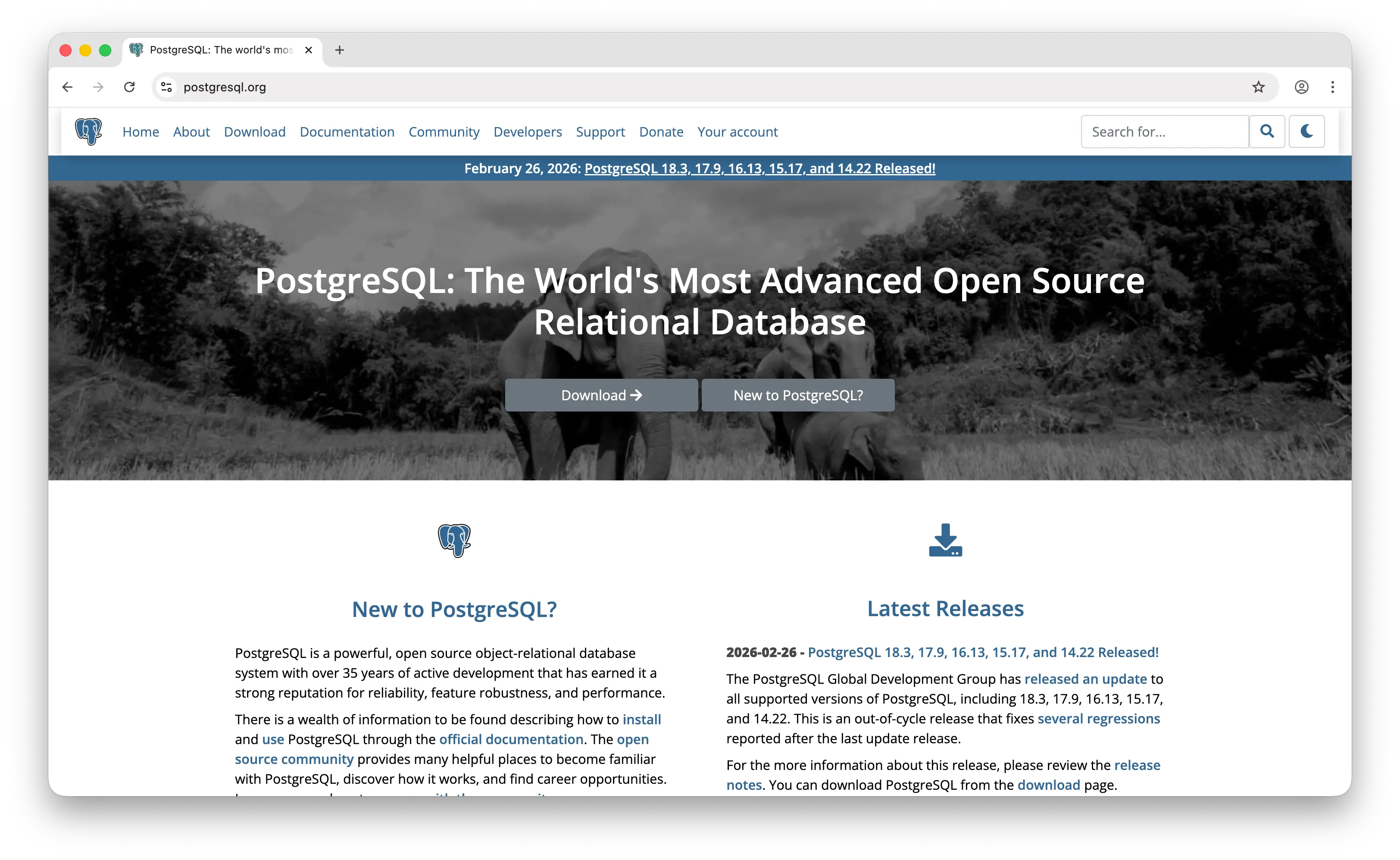
PostgreSQL is the most advanced open-source relational database, available under the permissive PostgreSQL License (similar to MIT). It's a fundamentally different paradigm from DynamoDB — relational SQL vs. NoSQL key-value — but it's often the better starting point.
What Makes It Different
PostgreSQL gives you full SQL: joins, foreign keys, views, stored procedures, window functions, CTEs, and ACID transactions. DynamoDB forces you to know your access patterns upfront and limits you to key-value queries — if you discover later that you need complex queries, you're looking at a redesign or exporting to Redshift. PostgreSQL lets you figure it out as you go.
PostgreSQL 18 introduces asynchronous I/O support with 2-3x performance improvements for read-heavy workloads. JSONB support makes it viable as a hybrid relational + document store. Extensions like PostGIS (geospatial), pgvector (AI embeddings), and TimescaleDB (time series) make it incredibly versatile — the "Swiss Army knife" of databases.
PostgreSQL is available as a managed service everywhere: AWS RDS, Google Cloud SQL, Azure Database, Supabase, Neon, and more. Most new applications should start with PostgreSQL unless they have specific requirements that DynamoDB addresses — moving from DynamoDB to PostgreSQL when you discover you need complex queries is far more painful than the reverse.
Key Differences from DynamoDB
DynamoDB auto-scales horizontally with no configuration. PostgreSQL scales vertically by default, and while extensions like Citus add horizontal scaling, it's not as seamless. DynamoDB handles millions of requests per second with consistent latency; PostgreSQL at that scale requires significant tuning and infrastructure expertise. DynamoDB is also fully managed and serverless — PostgreSQL always requires some level of infrastructure management, even on managed platforms.
The tradeoff is clear: DynamoDB gives you effortless scale but limited queries. PostgreSQL gives you unlimited query power but requires more infrastructure planning at scale. For most applications that aren't yet at DynamoDB-scale throughput, PostgreSQL is the more flexible and forgiving choice.
Comparison Table
| Feature | PostgreSQL | DynamoDB |
|---|---|---|
| Data model | Relational (SQL) + JSONB | Key-value / document |
| Query flexibility | Full SQL, joins, aggregations |
Key-value queries only |
| ACID transactions | Full support |
Limited (TransactWriteItems) |
| Horizontal scaling | Via extensions (Citus) | Automatic |
| Auto-scaling | Manual (or managed service) | Automatic |
| Multi-cloud | Every major cloud |
AWS only |
| Vector search (AI) | pgvector |
|
| Geospatial | PostGIS |
Limited |
| Time series | TimescaleDB |
|
| Managed options | RDS, Cloud SQL, Supabase, Neon, etc. | Fully managed |
| Operational overhead | Moderate | Minimal |
| License | PostgreSQL License (MIT-like) | Proprietary |
| Community | Largest open-source DB community | AWS ecosystem |
| Best for | Apps needing flexible queries and relational data modeling | High-throughput apps with predictable access patterns |
Which Should You Choose?
Choose Puter.js if you're building a web app and want a zero-cost, zero-config key-value store with auth, storage, and AI built in. It's the "why would I spin up AWS at all" alternative for projects that don't need complex cloud configuration.
Choose MongoDB if you need flexible queries, aggregations, and full-text search without being locked into AWS. It's the strongest choice when your access patterns are evolving and you need to query your data in ways you haven't anticipated yet.
Choose Redis if sub-millisecond latency is your primary requirement — caching, session management, leaderboards, and real-time analytics. It's often paired with DynamoDB rather than replacing it, but Redis 8's expanded capabilities make it increasingly viable as a primary store for the right workloads. Factor in the licensing history and the Valkey fork when evaluating long-term stability.
Choose ScyllaDB if you like DynamoDB's data model but want lower costs, no vendor lock-in, and the ability to deploy anywhere. The Alternator API means your existing DynamoDB code works unmodified — it's the closest thing to a drop-in replacement.
Choose PostgreSQL if you don't know your access patterns yet or need relational data modeling. Starting with Postgres and moving to DynamoDB when you hit scale is far less painful than the reverse. The extension ecosystem (pgvector, PostGIS, TimescaleDB) makes it the most versatile database on this list.
Stick with DynamoDB if you have well-defined access patterns, need effortless horizontal scaling on AWS, and want zero operational overhead. Its tight integration with Lambda, EventBridge, and the broader AWS ecosystem is unmatched — the tradeoff is query flexibility and vendor lock-in.
Conclusion
The top 5 DynamoDB alternatives are Puter.js, MongoDB, Redis, ScyllaDB, and PostgreSQL. Each addresses DynamoDB's core limitations differently: Puter.js eliminates backend costs and complexity entirely, MongoDB brings flexible querying and multi-cloud portability, Redis delivers unmatched speed for latency-sensitive workloads, ScyllaDB offers a DynamoDB-compatible API at a fraction of the cost, and PostgreSQL provides the full power of SQL with an unrivaled extension ecosystem. The best choice depends on your query needs, scale requirements, and how much you value AWS ecosystem integration versus portability.
Related
- Getting Started with Puter.js
- Top 5 Firebase Alternatives (2026)
- Top 5 Supabase Alternatives (2026)
- Top 5 PostgreSQL Alternatives (2026)
- Top 5 PlanetScale Alternatives (2026)
- Top 5 Neon Alternatives (2026)
- Best Appwrite Alternatives (2026)
- Best Convex Alternatives (2026)
- Top 5 Redis Alternatives (2026)
- Top 5 AWS Lambda Alternatives (2026)
- Top 5 MongoDB Alternatives (2026)
- Top 5 Memcached Alternatives (2026)
- Top 5 Turso Alternatives (2026)
- Top 5 AWS Amplify Alternatives (2026)
Ship a Full-Stack App with One Prompt
Create a to-do list app using Puter.js
Coding manually? see the guide