Top 5 Render Alternatives (2026)
On this page
Render has earned a loyal following as a modern, Heroku-style PaaS: push to Git, get a live app, don't think about infrastructure. One dashboard handles web services, background workers, cron jobs, static sites, and managed Postgres or Redis, all with pricing that's easy to reason about month to month.
But "one platform for everything" cuts both ways. For a static portfolio site, Render is overkill. For a Next.js app, Vercel's edge network leaves it behind. For a Firebase-backed mobile app, you're fighting the tooling. And if you want to skip the Git pipeline entirely, Render doesn't have an answer.
Below, we'll look at five Render alternatives, Puter, Vercel, Netlify, Cloudflare Pages, and Firebase Hosting, and where each one actually pulls ahead.
1. Puter
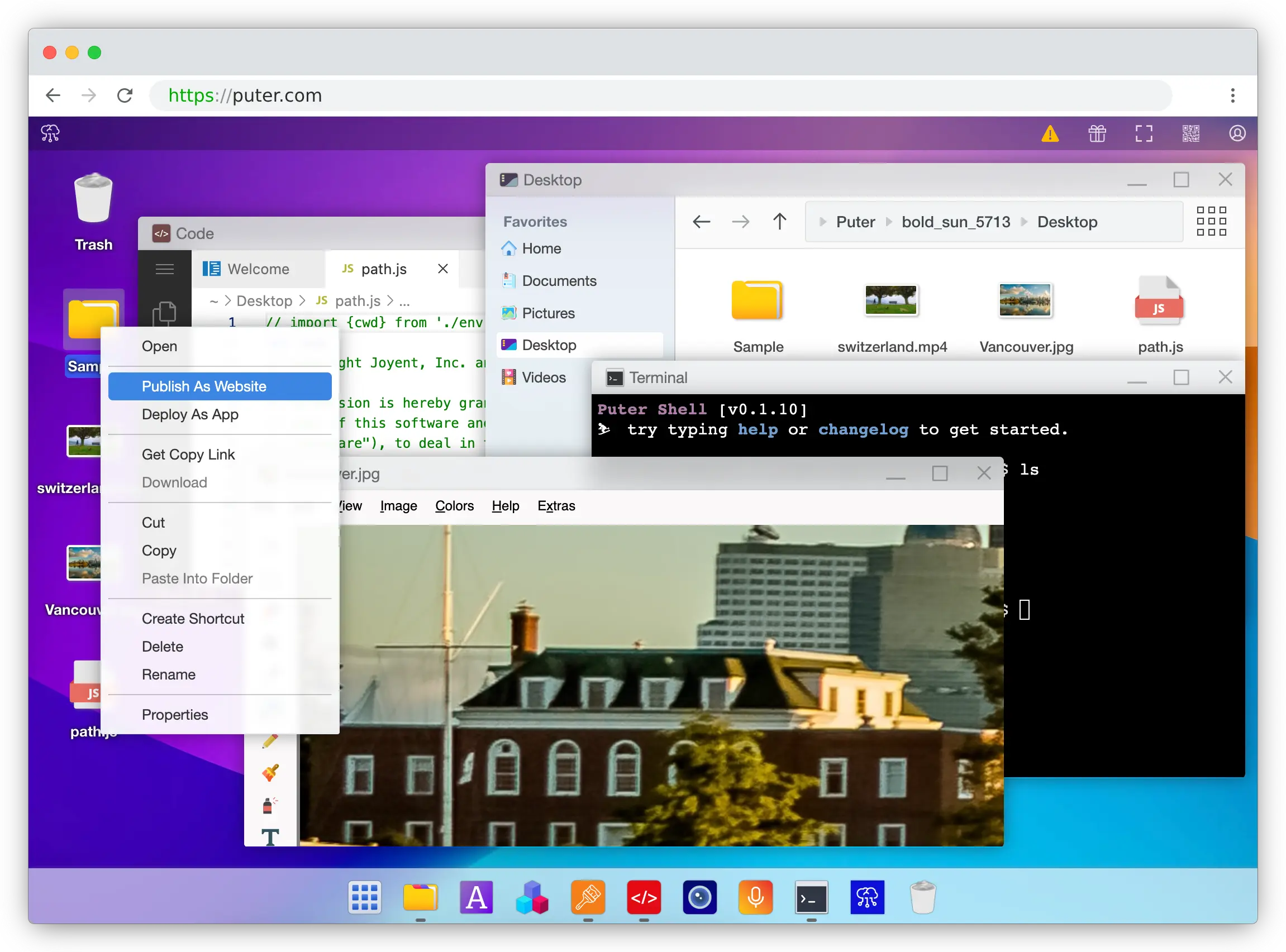
Puter is a cloud operating system that runs in your browser, offering free static site hosting and serverless workers through a familiar desktop-like interface. Instead of configuring a Git pipeline, you drag and drop your website folder and publish it with a right-click.
What Makes It Different
Puter makes hosting a website about as simple as it gets. You don't need Git, CI, a build step, or any config files. Drag your folder into the cloud OS, right-click, hit "Publish as Website," and you have a live site on a free puter.site subdomain in seconds. Changes made in the built-in code editor go live instantly, with no redeploy step.
Puter also bundles far more than hosting. Through Puter.js, you get access to AI models, object storage, a key-value database, serverless workers, image and video generation, OCR, TTS, and STT, all from the same SDK. You can deploy full-stack apps by adding a Worker with a simple router API, no server management required. And thanks to the User-Pays Model, your users can cover their own AI and storage costs, so you can ship without worrying about compute bills.
Key Differences from Render
Puter isn't designed to run long-lived backend containers or Dockerfiles the way Render is. If your app needs a persistent Python process, a Rails server, or a managed Postgres database, Puter's Workers + KV + object storage stack approaches the problem differently. Puter is also not Git-first, which is fine for most static and serverless workloads, but it doesn't replicate Render's auto-deploy-from-main workflow if that's core to how your team ships.
Comparison Table
| Feature | Puter | Render |
|---|---|---|
| Deployment model | Drag-and-drop / cloud OS | Git-based auto-deploy |
| Static site hosting |  Free Free |
Free |
| Free SSL | |
|
| Custom domains |  |
|
| Serverless backend | Workers |
|
| Long-running containers | |
|
| Managed Postgres | |
|
| Key-value database | Built-in |
Redis |
| Object storage | Built-in |
|
| Built-in AI APIs | |
|
| Built-in code editor | |
|
| Open source | |
|
| Starting paid tier | Pay-as-you-go / User-Pays | $7/month for web services |
| Cold starts on free tier | |
(spins down after 15 min) |
| Best for | Static sites with optional serverless, AI, and storage | Full-stack apps needing containers and managed DBs |
2. Vercel
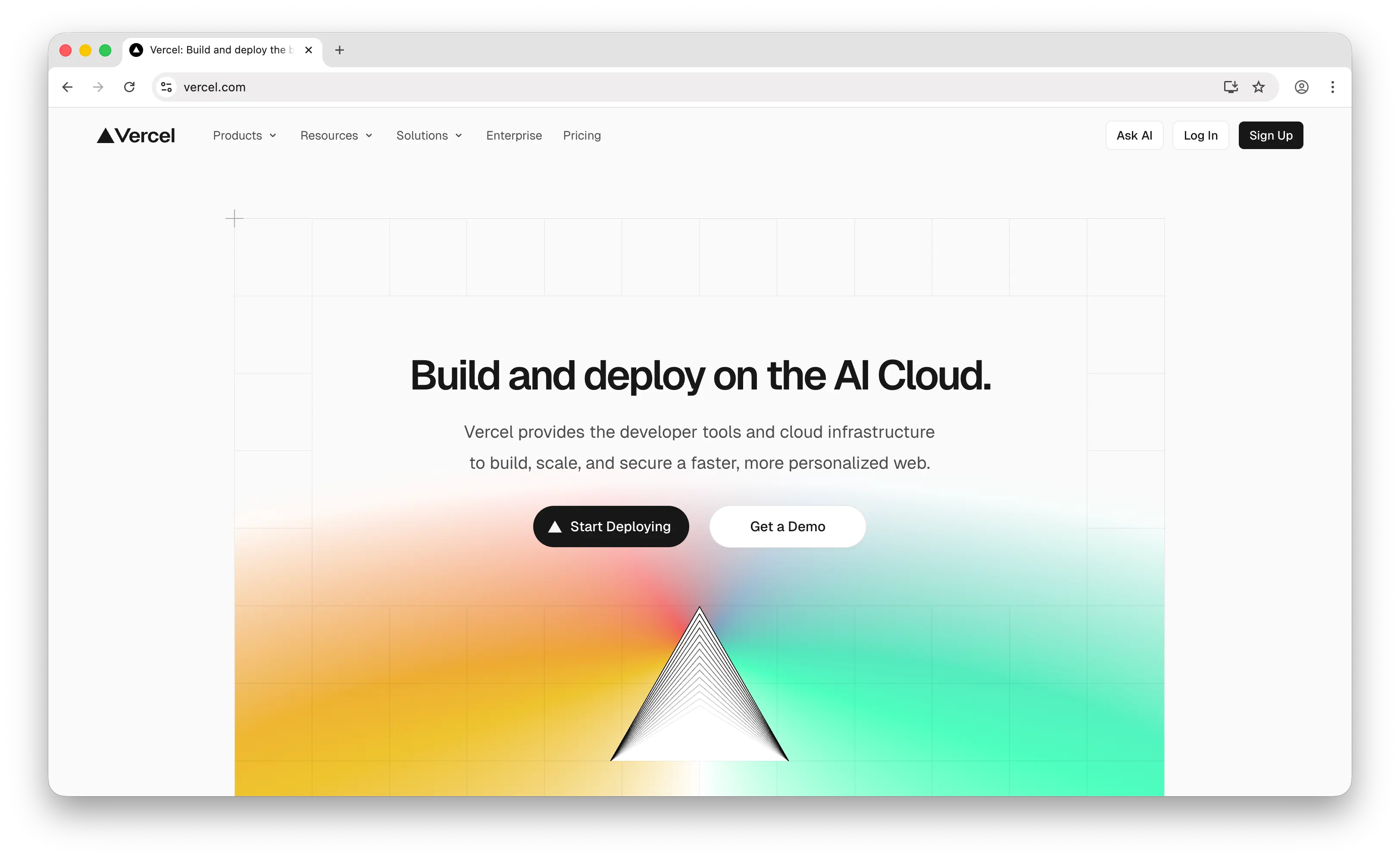
Vercel is a frontend cloud platform optimized for Next.js and modern JavaScript frameworks, offering serverless and edge functions with a polished developer experience.
What Makes It Different
Vercel has the best-in-class Next.js integration of any hosting platform. Features like Incremental Static Regeneration, middleware, and image optimization work out of the box with zero config. Vercel's global edge network delivers assets fast worldwide, preview deployments spin up on every pull request, and Fluid Compute with Active CPU pricing lowers cost for AI workloads by billing only for CPU time that's actively running.
Vercel also ships a polished end-to-end DX: built-in analytics, spend management, automatic HTTPS, and framework detection for Next.js, Nuxt, SvelteKit, Astro, and more. If your team lives in the JavaScript ecosystem, adoption is nearly frictionless.
Key Differences from Render
Vercel is fundamentally frontend-first. It doesn't run long-lived backend containers the way Render does, and it doesn't offer a first-party managed Postgres or Redis. Functions are short-lived: 60 seconds on Hobby, up to 5 minutes on Pro (or 13 minutes with Fluid Compute enabled). For a typical Django, Rails, or Express backend that expects a persistent process, Render is the better fit.
Vercel's pricing also runs multiple usage meters simultaneously (bandwidth, Edge Requests, CPU-hours, GB-hours, image transformations), which can produce surprise bills when traffic spikes. Render's plan-based pricing is more predictable. Vercel's Hobby tier is also non-commercial only; any revenue-generating project forces the $20/user/month Pro plan.
Comparison Table
| Feature | Vercel | Render |
|---|---|---|
| Deployment model | Git-based auto-deploy | Git-based auto-deploy |
| Static site hosting | |
|
| Serverless functions | |
|
| Long-running containers | |
|
| Max function duration | 13 min (Fluid Compute, Pro) | No limit (persistent services) |
| Managed Postgres | (BYO Neon/Supabase) |
|
| Managed Redis | |
|
| Background workers | |
|
| Cron jobs | |
|
| Edge network | (global) |
Regional |
| Framework support | JS-first (Next.js optimized) | Framework-agnostic (any Docker) |
| Preview deployments | |
|
| Free tier commercial use | (Hobby non-commercial) |
|
| Hard spend limits | (alerts only) |
(plan-based) |
| Pricing predictability | Multi-meter usage-based | Plan + prorated compute |
| Best for | Next.js apps and frontend-heavy projects | Full-stack apps with persistent backends |
3. Netlify
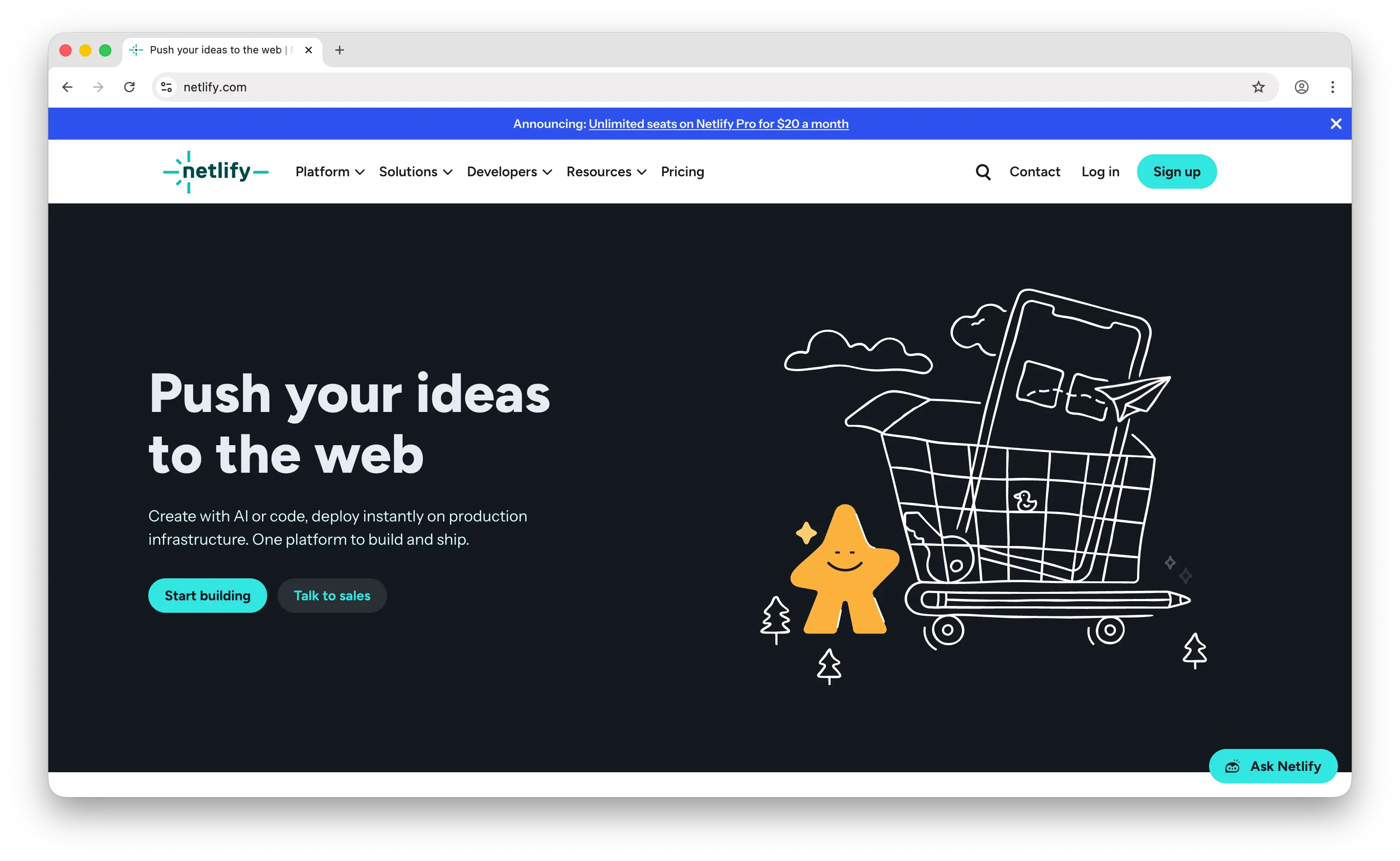
Netlify is a Jamstack-first platform that pioneered modern static hosting with serverless functions, offering built-in forms, identity, and split testing alongside continuous deployment.
What Makes It Different
Netlify ships a lot of built-in primitives that Render doesn't: native form handling, Netlify Identity for authentication, A/B split testing, and branch-based deploy previews that attach a preview URL to every pull request. It's framework-agnostic and particularly strong for Gatsby, Astro, Hugo, SvelteKit, and other Jamstack generators.
Netlify's free tier also has hard caps, meaning if you hit the bandwidth or build-minute limit, the site pauses until the next month instead of billing you for overages. That's a nice safety valve compared to platforms that let traffic spikes turn into surprise invoices.
Key Differences from Render
Netlify is Jamstack-focused, not full-stack. It has no managed Postgres, no Redis, and no long-running processes. Functions cap out at 10 seconds by default (up to 15 minutes for background functions on paid plans), so anything that needs an always-on backend belongs on Render.
In September 2025, Netlify migrated to a credit-based billing system (1 deploy = 15 credits, 1GB bandwidth = 10 credits, and so on). Some users find this harder to predict than a flat plan. Netlify Pro is also per-seat at $20/user/month, which adds up fast for larger teams compared to Render's workspace-level pricing.
Comparison Table
| Feature | Netlify | Render |
|---|---|---|
| Deployment model | Git-based auto-deploy | Git-based auto-deploy |
| Static site hosting | Free (100GB bandwidth) |
Free |
| Serverless functions | |
|
| Long-running containers | |
|
| Background functions | (max 15 min, paid) |
(persistent workers) |
| Managed Postgres | |
|
| Managed Redis | |
|
| Built-in forms | |
|
| Built-in identity/auth | |
|
| A/B split testing | |
|
| Preview deployments | |
|
| Free tier commercial use | |
|
| Hard spend limits (free) | (site pauses) |
|
| Pricing model | Credit-based + per-seat ($20/user) | Plan + prorated compute |
| Best for | Jamstack sites with forms and identity needs | Full-stack apps with persistent backends |
4. Cloudflare Pages
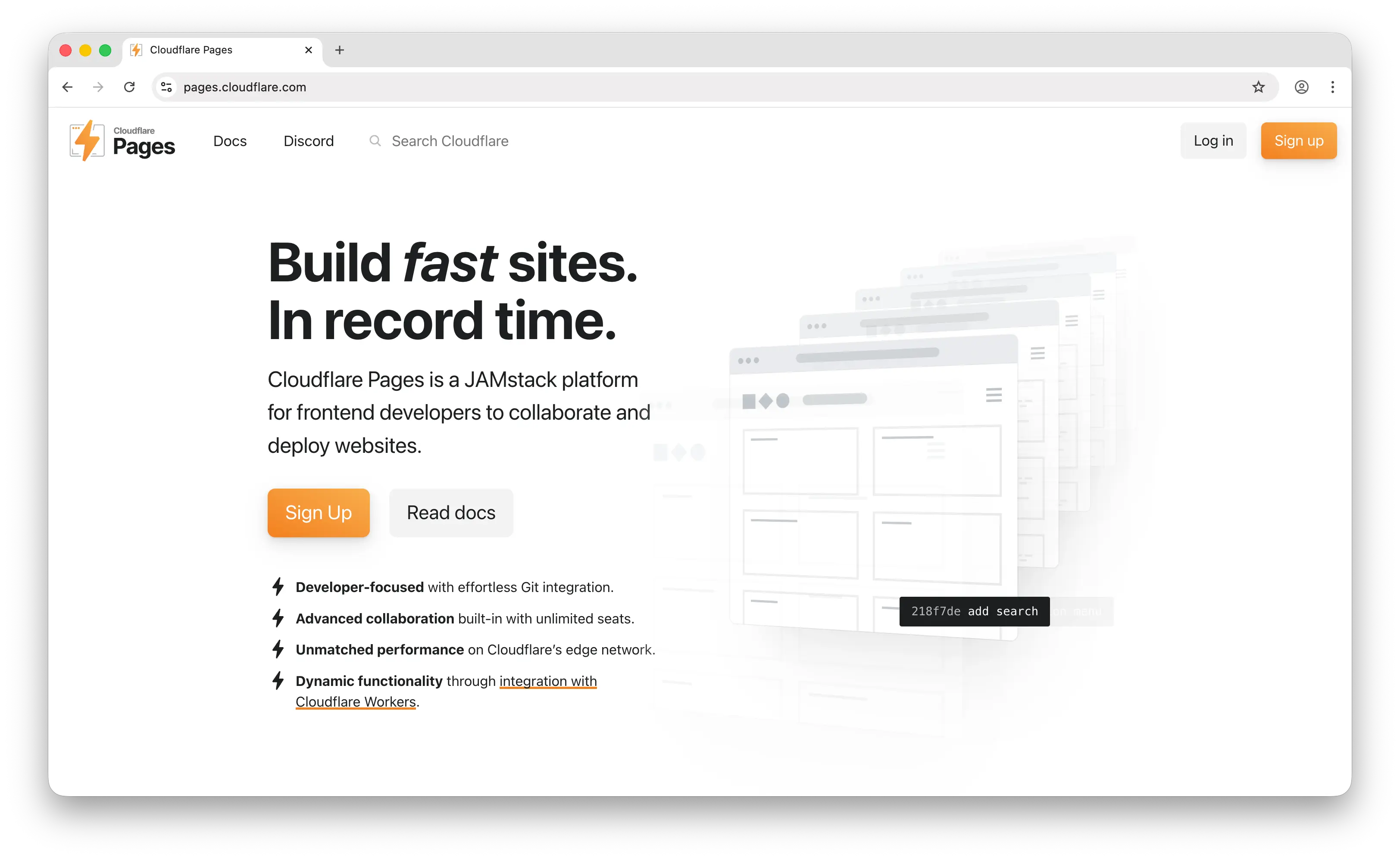
Cloudflare Pages is a Git-connected static site host integrated with Cloudflare's global edge network, offering unlimited bandwidth and serverless functions through Cloudflare Workers.
What Makes It Different
Cloudflare Pages offers unlimited bandwidth on the free tier, even for commercial use. For a traffic-heavy static site, this is often the single biggest cost saver compared to Render or any other host on this list. Sites deploy to Cloudflare's 300+ edge locations globally, and the free tier includes unlimited team seats, unlimited preview deployments, and 500 builds per month.
Paid features start at just $5/month (shared across Workers and Pages) and include 10 million Workers requests and 30 million CPU-ms, making it the cheapest paid tier of any platform on this list. Pages also integrates tightly with the broader Cloudflare data stack: R2 (S3-compatible object storage with zero egress fees), D1 (SQLite), KV, and Durable Objects.
Key Differences from Render
One important caveat: as of 2026, Cloudflare Pages is effectively in maintenance mode. Cloudflare is directing new projects to Workers, which now supports native static asset hosting. Pages still works fine, but new investment is going elsewhere.
More fundamentally, Cloudflare's stack is built around serverless Workers and edge-native data stores, not long-running containers or managed relational databases. D1 is SQLite, not Postgres. There's no Redis equivalent to Render's managed Redis. If your app expects a persistent Node/Python/Go server with a traditional database, Render is the more natural home.
Comparison Table
| Feature | Cloudflare Pages | Render |
|---|---|---|
| Deployment model | Git-based auto-deploy | Git-based auto-deploy |
| Static site hosting | Free |
Free |
| Bandwidth on free tier | Unlimited | Capped |
| Edge network | (300+ locations) |
Regional |
| Serverless functions | (Pages Functions / Workers) |
|
| Long-running containers | |
|
| Managed Postgres | |
|
| Managed Redis | |
|
| SQLite / KV / Object storage | (D1, KV, R2) |
|
| Unlimited seats on free plan | |
|
| Starting paid tier | $5/month (shared w/ Workers) | $7/month for web services |
| Active development status | Maintenance mode (→ Workers) | Actively developed |
| Best for | Traffic-heavy static and edge-first apps | Full-stack apps with persistent backends |
5. Firebase Hosting
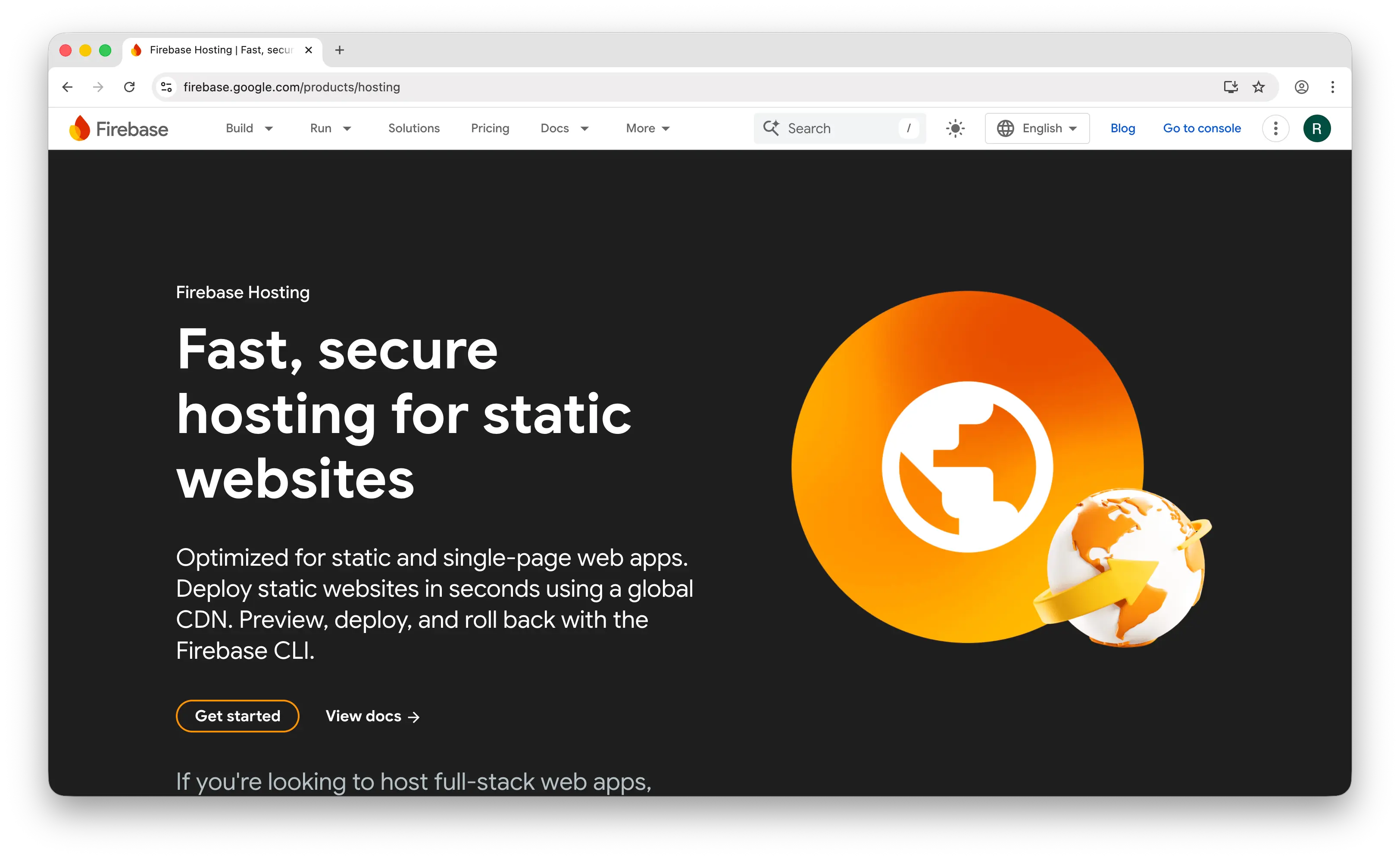
Firebase Hosting is Google's static and dynamic web content hosting service, part of the broader Firebase Backend-as-a-Service platform that integrates tightly with Auth, Firestore, and Cloud Functions.
What Makes It Different
Firebase Hosting's real strength is deep integration with the Firebase ecosystem. If you're already using Firestore for your database, Firebase Auth for users, Cloud Functions for your backend, and Cloud Messaging for push notifications, Hosting is the natural front door. Everything deploys together with the Firebase CLI and shares the same project boundary.
It also ships the essentials cleanly: preview channels for PR reviews, one-click rollbacks to any previous deploy, multi-site hosting from a single project, and free SSL on custom domains. The Spark (free) plan requires no credit card and is genuinely usable for small projects.
Key Differences from Render
Firebase Hosting only serves static files and proxies to Cloud Functions or Cloud Run. It has no long-running persistent containers the way Render does. The Spark free tier is tighter than most: 10GB storage and 360MB/day transfer, which is substantially less than Netlify or Cloudflare Pages offer for free.
The Blaze (pay-as-you-go) plan also has no hard spending limit by default, a well-documented source of bill shock for anyone who hits a traffic spike or a misconfigured function loop. Bandwidth on Blaze runs around $0.15/GB, which is notably more expensive than Cloudflare's unlimited bandwidth. Render's plan-based pricing is far more predictable.
Comparison Table
| Feature | Firebase Hosting | Render |
|---|---|---|
| Deployment model | Firebase CLI / Git integration | Git-based auto-deploy |
| Static site hosting | Free (Spark) |
Free |
| Free tier storage | 10 GB | Generous |
| Free tier bandwidth | 360 MB/day | Capped monthly |
| Serverless functions | (Cloud Functions) |
|
| Long-running containers | (use Cloud Run) |
|
| Managed Postgres | (Firestore/RTDB instead) |
|
| NoSQL database | Firestore / RTDB |
|
| Built-in auth | Firebase Auth |
|
| Preview channels | |
|
| One-click rollbacks | |
|
| Hard spend limits | (alerts only) |
|
| Pricing model | Spark free / Blaze pay-as-you-go | Plan + prorated compute |
| Best for | Firebase-based apps and mobile companions | Full-stack apps with persistent backends |
Which Should You Choose?
Choose Puter if you want to ship a site with the least friction possible, a drag-and-drop flow, no Git pipeline, no config files, plus a built-in SDK for AI, storage, databases, and serverless workers when you're ready to add a backend. The User-Pays model also means you don't pay for compute — your users cover their own usage.
Choose Vercel if you're building a Next.js app or a frontend-heavy project and want the most polished developer experience in the space. The edge network and Fluid Compute pricing make it great for AI-powered frontends.
Choose Netlify if you're building a Jamstack site and value the built-in primitives (forms, identity, split testing) that save you from wiring up separate services. The hard-capped free tier is also a useful safety net.
Choose Cloudflare Pages if your main concern is bandwidth and global performance. Unlimited free bandwidth across 300+ edge locations is unbeatable for traffic-heavy static sites, just be aware Cloudflare is nudging new projects toward Workers.
Choose Firebase Hosting if you're already using Firestore, Firebase Auth, or Cloud Functions. Hosting becomes the front door to a cohesive Google BaaS stack, especially if you're shipping a mobile app with a web companion.
Stick with Render if you need managed Postgres and Redis, long-running backend containers, background workers, and cron jobs all in one place with predictable plan-based pricing. Render's real strength is being a full-stack PaaS, not just a static host, and none of the alternatives on this list fully replicate that.
Conclusion
The top 5 Render alternatives are Puter, Vercel, Netlify, Cloudflare Pages, and Firebase Hosting. Each takes a different approach to web hosting, from Puter's drag-and-drop cloud OS with bundled AI and storage, to Vercel's Next.js-optimized edge platform, to Cloudflare's unlimited-bandwidth global network. Whichever platform you choose, the best option is the one that fits your stack, your traffic profile, and how much of the backend you want the platform to manage for you.
Related
- Host a Website for Free with Puter
- Best Netlify Alternatives (2026)
- Best Vercel Alternatives (2026)
- Top 5 Heroku Alternatives (2026)
- Top 5 Railway Alternatives (2026)
- Top 5 Fly.io Alternatives (2026)
- Top 5 Google Cloud Run Alternatives (2026)
- Top 5 Firebase Alternatives (2026)
- Top 5 Supabase Alternatives (2026)
- Best Appwrite Alternatives (2026)
- Top 5 PocketBase Alternatives (2026)
- Best Neocities Alternatives (2026)
- Best Cloudflare Pages Alternatives (2026)
Ship a Full-Stack App with One Prompt
Create a to-do list app using Puter.js
Coding manually? see the guide