Top 5 Cloudflare R2 Alternatives (2026)
On this page
Cloudflare R2 changed the economics of object storage by killing egress fees. It's S3-compatible, backed by Cloudflare's global network, and costs about 35% less per GB than S3 standard storage. For high-traffic media and content delivery workloads, the savings are dramatic.
But R2 is still infrastructure. You need a Cloudflare account, API tokens, bucket configuration, and usually a Worker or backend server to handle auth and signed URLs. The storage class options are limited, lifecycle policies are basic, and you're locked into Cloudflare's ecosystem for features beyond raw storage. Here are five alternatives that take different approaches — from zero-config client-side storage to enterprise cloud platforms.
1. Puter.js
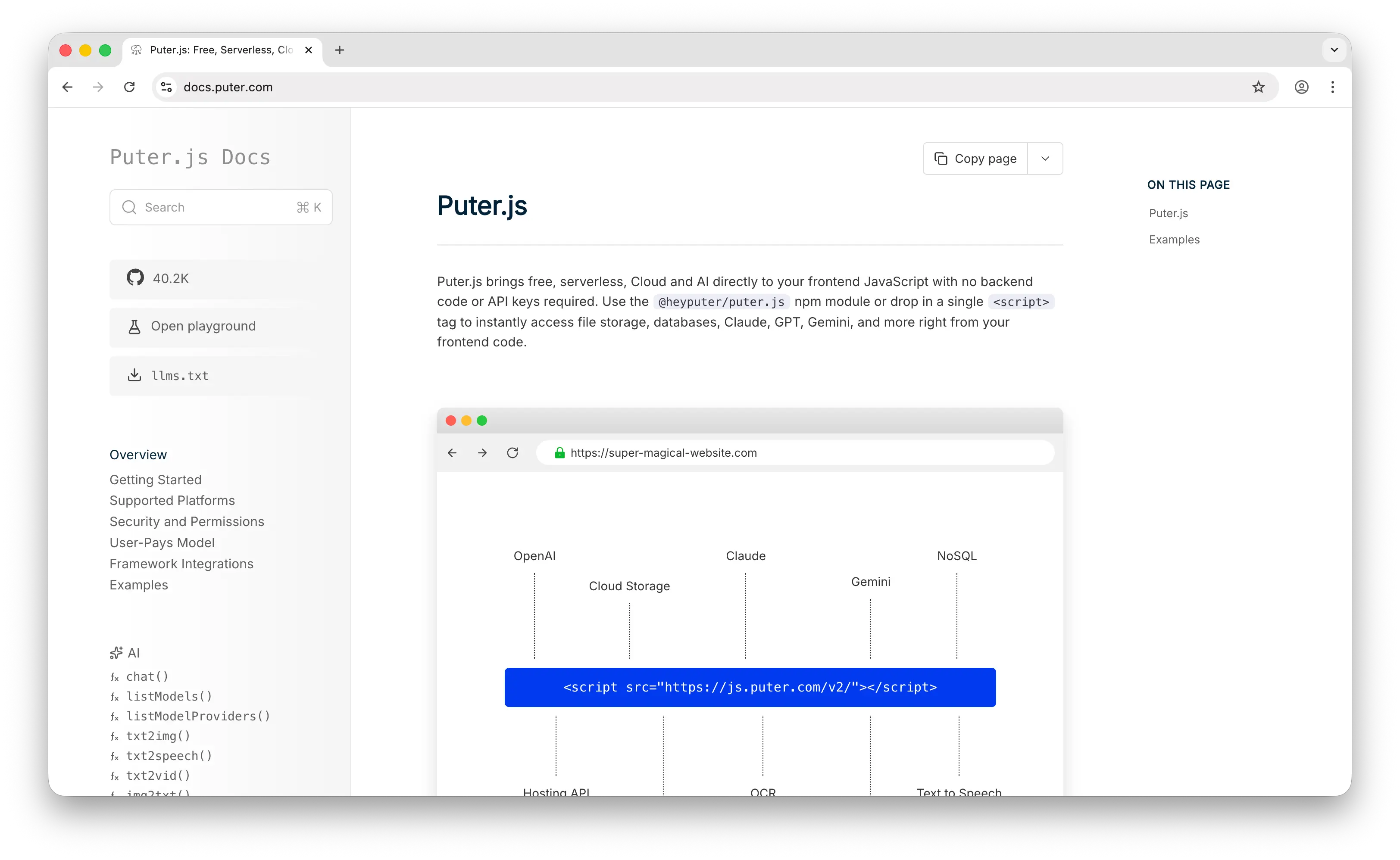
Puter.js is a client-side JavaScript library that gives you cloud storage, auth, a database, and 500+ AI models without deploying or configuring any backend. Where R2 requires a Cloudflare account, API tokens, bucket setup, and typically a Worker for auth, Puter.js is a script tag and a few lines of JavaScript.
What Makes It Different
Add Puter.js library and you're storing files. No Cloudflare account to create, no dashboard to navigate, no API tokens to generate, no Worker to deploy for signed URLs. The API mirrors local file operations — puter.fs.write('photo.png', file) — instead of making you think in buckets, objects, and S3-compatible endpoints.
Puter.js runs entirely client-side. No server code, no SDK initialization, no environment variables. Your frontend is your storage layer. It also uses the User-Pays Model: your app's users cover their own storage through their Puter account. Whether your app has 10 users or 10 million, your infrastructure cost stays at zero. R2's pricing is generous compared to S3, but it's still pay-as-you-go — storage, Class A, and Class B operations all add up as you scale.
Puter is open-source (AGPL-3.0) and privacy-focused — no tracking, no data monetization. Auth, key-value database, and AI come bundled in the same library, so you don't need to wire up separate Cloudflare services (D1, KV, Workers AI) to get a full stack.
Key Differences from R2
Puter.js has no S3-compatible API, no storage classes, and no lifecycle policies. You can't put files behind a Worker for custom routing, attach a custom domain to a bucket, or use existing S3 tooling. R2 wins for teams that need raw S3-compatible object storage with Cloudflare CDN in front. Puter.js wins for teams that want to skip the infrastructure layer entirely and ship features.
Comparison Table
| Feature | Puter.js | Cloudflare R2 |
|---|---|---|
| Setup time | Minutes (one script tag) | 30–60 minutes (Cloudflare account, R2 setup, API tokens) |
| API key required | No | Yes |
| Backend required | No | Usually (Worker or server for auth/signed URLs) |
| Pricing model | User-pays (free for devs) | Pay-as-you-go (storage + Class A/B ops) |
| Free tier | Unlimited (user-pays) | 10 GB storage, 1M Class A, 10M Class B / month |
| Egress cost | Free (user-pays) | Free |
| S3-compatible API |  |
 |
| Storage classes | |
(Standard, Infrequent Access) |
| Lifecycle policies | |
Limited |
| Built-in auth | |
|
| Built-in database | |
(separate via D1/KV) |
| Built-in AI | (400+ models) |
(separate via Workers AI) |
| Open source | |
|
| Best for | Frontend devs who want zero-cost storage with no backend | Teams needing S3-compatible storage with zero egress |
2. Amazon S3
Amazon S3 is the original object storage service and the API that R2 (and most alternatives) are compatible with. It's the most feature-rich option on this list, with the deepest ecosystem and the highest egress costs.
What Makes It Different
S3 has 18+ years of development behind it — eight storage classes (Standard, Intelligent-Tiering, Standard-IA, One Zone-IA, Glacier Instant, Glacier Flexible, Glacier Deep Archive, Express One Zone), versioning, Object Lambda, S3 Select, Storage Lens, Batch Operations, and Object Lock. R2 has effectively two storage classes (Standard and Infrequent Access) and a much smaller feature surface.
S3 also has the broadest ecosystem of any object storage service on the planet. Nearly every cloud service, ETL tool, backup product, and analytics platform speaks S3 natively. If you're running compliance-heavy workloads (SOC 2, HIPAA, FedRAMP), S3's certifications and audit trails are unmatched. Glacier Deep Archive at $0.00099/GB is the cheapest archival storage available — R2's Infrequent Access tier at $0.01/GB can't compete for cold data.
Key Differences from R2
The egress story is reversed. S3 charges $0.09/GB for the first 10 TB of internet egress per month, dropping to $0.085 and $0.07 at higher tiers. R2 charges $0 for egress at any volume. For a workload serving 5 TB/month to users, S3 costs around $450 in egress alone; R2 costs zero. The standard answer is to route S3 through CloudFront, which eliminates the S3-to-internet egress charge — but you still pay CloudFront's distribution costs, and you're managing two services instead of one. S3 is also more expensive per GB ($0.023 vs R2's $0.015) and bills across six separate dimensions, making cost forecasting much harder than R2's three-line pricing.
Comparison Table
| Feature | Amazon S3 | Cloudflare R2 |
|---|---|---|
| Setup time | Hours (AWS account, IAM, bucket config) | 30–60 minutes |
| Standard storage cost | $0.023/GB | $0.015/GB |
| Egress cost | $0.09/GB (first 10 TB) | Free |
| Free tier | None for new accounts (legacy tier ended July 2025) | 10 GB storage, 1M Class A, 10M Class B / month |
| S3-compatible API | (native) |
|
| Storage classes | 8 (Standard, IA, Glacier tiers, Express) | 2 (Standard, Infrequent Access) |
| Lifecycle policies | (advanced) |
Limited |
| Versioning | |
Limited |
| Object Lock / WORM | |
|
| Cheapest archival | $0.00099/GB (Glacier Deep Archive) | $0.01/GB (Infrequent Access) |
| Compliance certs | SOC 2, HIPAA, FedRAMP, ISO 27001 | SOC 2, ISO 27001 |
| Ecosystem | Broadest (200+ AWS services, every major tool) | Cloudflare Workers, Pages, CDN |
| Pricing complexity | Very high (6 billing dimensions) | Low (3 line items) |
| Best for | Enterprise workloads, archival, AWS-native pipelines | Bandwidth-heavy delivery, content serving |
3. Firebase Storage
Firebase Storage (Cloud Storage for Firebase) is Google's managed file storage for mobile and web apps. It wraps Google Cloud Storage in a developer-friendly SDK with built-in security rules and strong mobile support.
What Makes It Different
Firebase's real strength is its mobile SDKs — first-class support for iOS, Android, and web with built-in retry, offline handling, and progress monitoring. Security rules are declarative and straightforward: you write rules like "allow read if user is authenticated" in a config file. R2 has none of this — for auth you write a Worker, for offline upload retries you build it yourself, for mobile SDKs you use the AWS SDK pointed at the R2 endpoint.
If you're already using Firebase Auth and Firestore, adding Firebase Storage is essentially free integration work. R2 stands alone as object storage; you build the rest.
Key Differences from R2
The pricing model is fundamentally hostile to bandwidth-heavy workloads. Firebase Storage costs $0.026/GB for storage and charges around $0.12/GB for egress — every download counts. An image-heavy app with 100K photos viewed 10 times each pays roughly $240/month just in download costs. The same workload on R2 pays $0 in egress, regardless of view count. Firebase is also not S3-compatible, so migrating to or from it means rewriting your storage layer, and there are no spending caps on the Blaze plan — a viral app or a runaway bug can spike your bill into the thousands in a single day.
Comparison Table
| Feature | Firebase Storage | Cloudflare R2 |
|---|---|---|
| Setup time | 15–20 minutes | 30–60 minutes |
| Storage cost | $0.026/GB | $0.015/GB |
| Egress cost | ~$0.12/GB | Free |
| Free tier | 5 GB storage, 1 GB egress/day (Blaze plan required) | 10 GB storage, 1M Class A, 10M Class B / month |
| Spending caps | (manual budget alerts only) |
(manual budget alerts only) |
| S3-compatible API | |
|
| Security rules | Declarative config (simple) | Manual via Worker (custom code) |
| Mobile SDKs | Excellent (iOS, Android, web) |
(use AWS SDK with R2 endpoint) |
| Offline handling | Built-in |
|
| Storage classes | |
(Standard, IA) |
| Built-in auth integration | (Firebase Auth) |
|
| Vendor lock-in | High (Google ecosystem) | Medium (Cloudflare ecosystem) |
| Best for | Mobile/web apps already on Firebase | Bandwidth-heavy delivery, content serving |
4. Supabase Storage
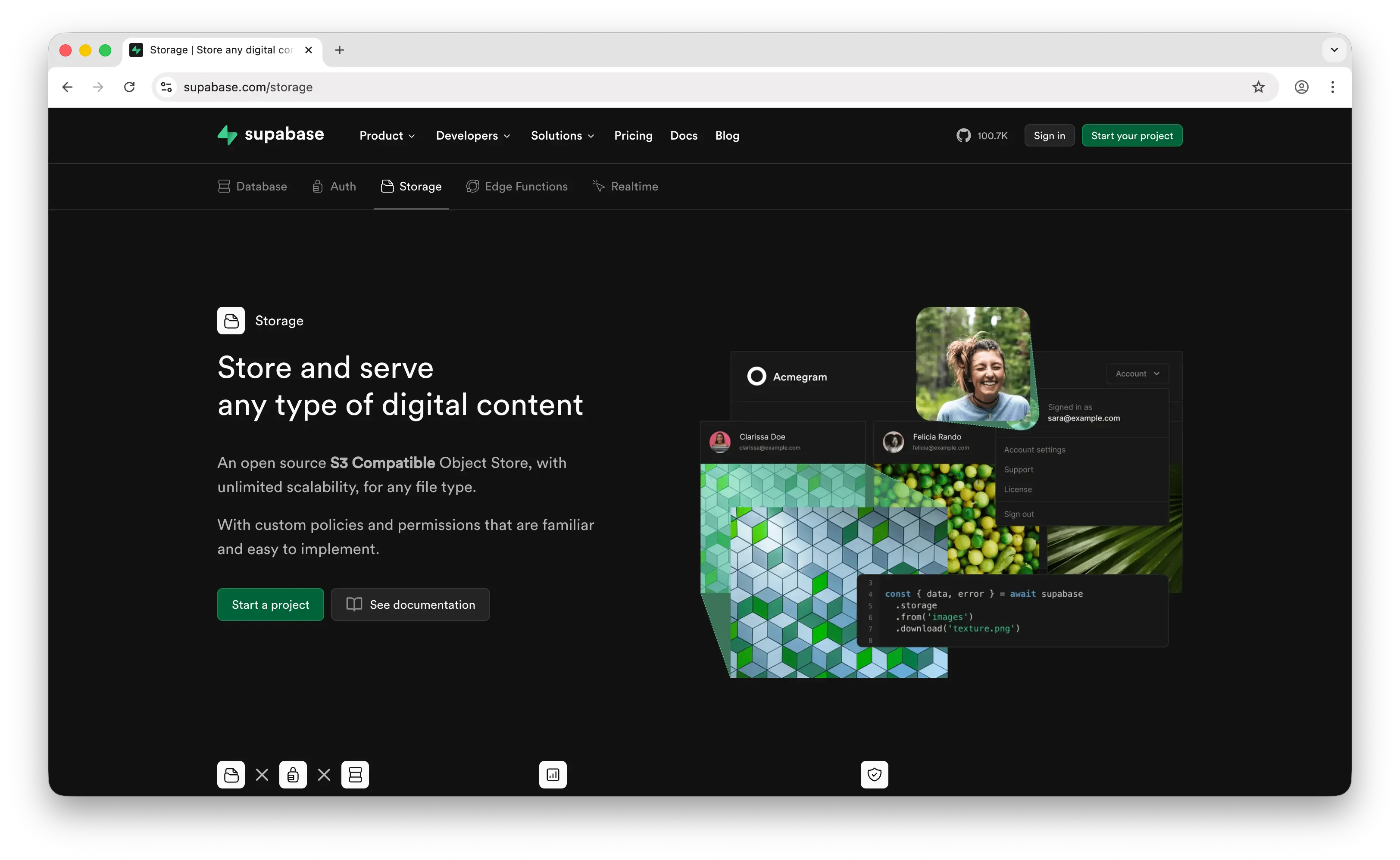
Supabase Storage is an open-source file storage service built on AWS S3, wrapped in a friendlier SDK with Postgres-based access control. If you're already using Supabase for your database and auth, adding storage is a natural extension.
What Makes It Different
Supabase integrates auth tightly with storage — you can write Row Level Security (RLS) policies like "users can only read their own files" directly in SQL. R2 has no equivalent; you handle auth in a Worker, which means writing and maintaining your own permission code. Supabase also offers built-in image transformations — resize, crop, and format-convert images via URL parameters. R2 requires Cloudflare Images (a separate paid service) or a Worker with custom transformation logic to do the same thing.
Supabase Storage added S3-compatible API support in 2024, so it can be a drop-in replacement for R2 from a tooling perspective. And because it's open source, you can self-host the entire Supabase stack — something neither R2 nor any other entry on this list offers natively.
Key Differences from R2
Pricing is bundle-based rather than purely per-GB. The free tier is tighter at 1 GB storage and 5 GB egress, and free projects pause after a week of inactivity. The Pro plan at $25/month includes 100 GB storage and 250 GB egress, with overages at $0.021/GB storage and $0.09/GB egress. For a high-traffic public delivery workload, R2's zero-egress model is dramatically cheaper. Supabase wins when your storage is tightly coupled to a Postgres database and you want RLS to govern both data and files in one place.
Comparison Table
| Feature | Supabase Storage | Cloudflare R2 |
|---|---|---|
| Setup time | 20–30 minutes | 30–60 minutes |
| Pricing model | Free tier + Pro ($25/month) + overages | Pay-as-you-go (storage + ops) |
| Storage cost | $0.021/GB (overages on Pro) | $0.015/GB |
| Egress cost | $0.09/GB (over included quota) | Free |
| Free tier | 1 GB storage, 5 GB egress | 10 GB storage, 1M Class A, 10M Class B / month |
| Free tier inactivity | Projects pause after 7 days | No pausing |
| S3-compatible API | |
|
| Access control | RLS policies (SQL-based) | Manual via Worker |
| Image transformations | Built-in |
(separate Cloudflare Images or Worker) |
| Resumable uploads | (TUS protocol) |
(multipart) |
| Built-in auth integration | |
|
| Built-in database | (Postgres) |
(separate D1) |
| Open source / self-host | |
|
| Best for | Teams already on Supabase needing integrated storage | Bandwidth-heavy delivery on Cloudflare |
5. Google Cloud Storage
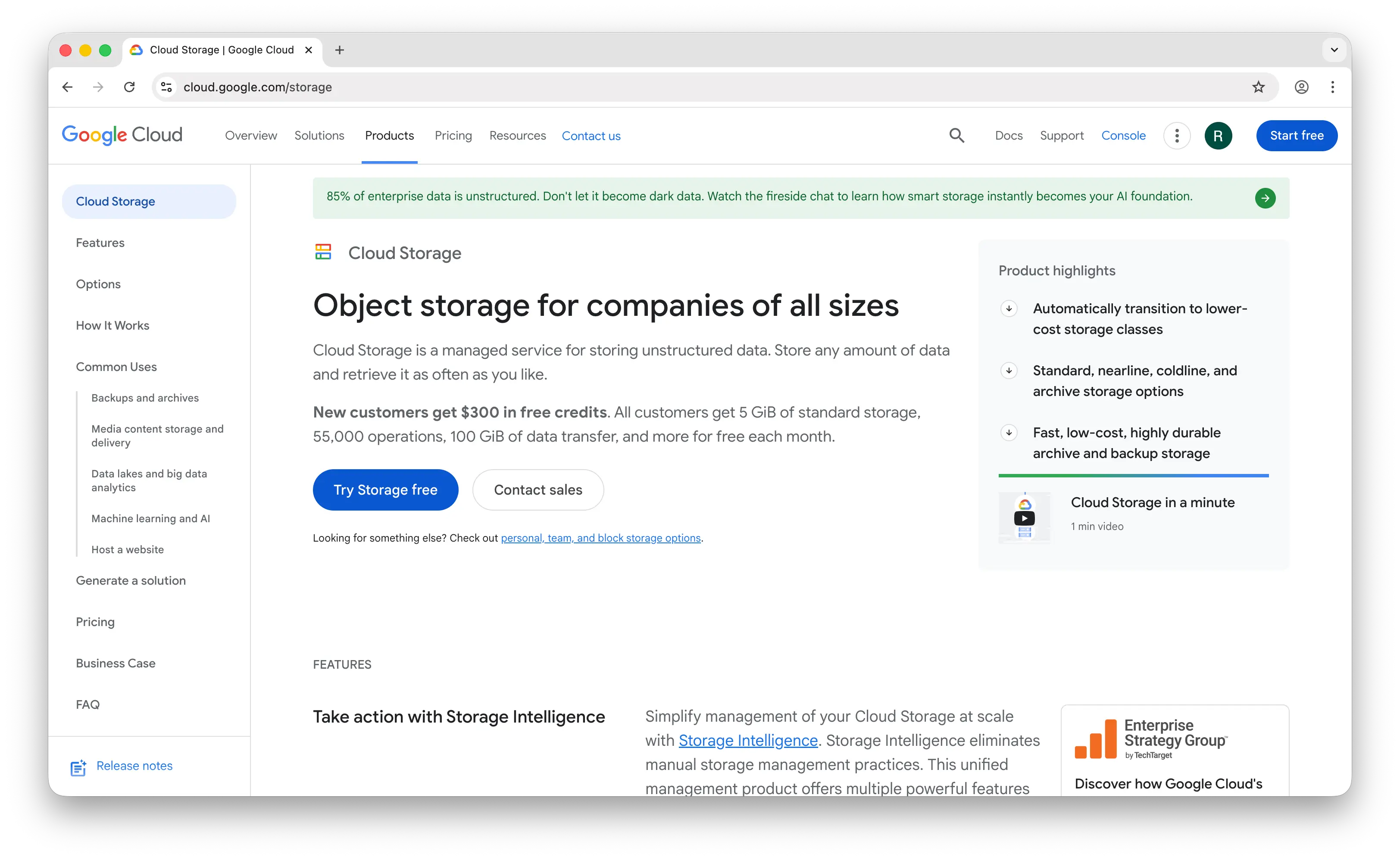
Google Cloud Storage (GCS) is Google's enterprise object storage service. It matches S3 on durability, consistency, and feature depth, with deep integration into the Google Cloud analytics and ML ecosystem.
What Makes It Different
GCS has four clearly named storage classes (Standard, Nearline, Coldline, Archive) with lifecycle automation that's simpler to reason about than S3's eight tiers. Autoclass automatically moves data between classes based on access patterns — typical savings of 30–50% on storage costs without manual lifecycle policy management. R2's storage class options are much more limited.
GCS shines if you're doing analytics or ML on stored data. BigQuery can query data directly in GCS without copying it, and Vertex AI training pipelines pull from GCS natively. R2 has no equivalent native integration with a data warehouse or ML platform. GCS also offers multi-region and dual-region buckets where inter-region reads inside the same multi-region are free — useful for globally distributed apps within GCP.
Key Differences from R2
Egress is GCS's biggest weakness. Internet egress starts at $0.12/GB — 33% more expensive than even S3, and infinitely more than R2's $0. A workload serving 10 TB/month externally pays around $1,200 on GCS versus $0 on R2. Storage is competitive at $0.020/GB regional (vs R2's $0.015), but the egress economics make GCS a poor fit for any public delivery workload. GCS is also significantly more complex to set up — you're picking regions, storage classes, access models, and IAM permissions upfront, where R2 just gives you a global namespace.
Comparison Table
| Feature | Google Cloud Storage | Cloudflare R2 |
|---|---|---|
| Setup time | Hours | 30–60 minutes |
| Standard storage cost | $0.020/GB (regional) | $0.015/GB |
| Egress cost | $0.12/GB (first TB) | Free |
| Free tier | 5 GB (Always Free) | 10 GB storage, 1M Class A, 10M Class B / month |
| S3-compatible API | (XML API) |
|
| Storage classes | 4 (Standard, Nearline, Coldline, Archive) | 2 (Standard, Infrequent Access) |
| Lifecycle policies | (with Autoclass) |
Limited |
| Region selection | Required (regional, dual-region, multi-region) | Not required (global by default) |
| Durability | 99.999999999% (11 nines) | 99.999999999% (11 nines) |
| BigQuery integration | Native |
|
| ML/AI integration | (Vertex AI) |
Limited (Workers AI) |
| Cheapest archival | $0.0012/GB (Archive regional) | $0.01/GB (Infrequent Access) |
| Best for | Analytics/ML workloads on Google Cloud | Bandwidth-heavy delivery, content serving |
Which Should You Choose?
Choose Puter.js if you're building a web app and want to store files without any backend, server code, or infrastructure costs. The user-pays model means you never have to think about storage bills regardless of scale — even compared to R2's zero egress, you're still paying for storage and operations as you grow.
Choose Amazon S3 if you need the deepest feature set, the broadest ecosystem, or the cheapest archival storage. Glacier Deep Archive at $0.00099/GB is unbeatable for cold data, and S3's compliance certifications and tooling support are unmatched. Just be aware that egress costs can dwarf your storage bill for any delivery-heavy workload.
Choose Firebase Storage if you're building a mobile app and need excellent iOS/Android SDKs with built-in offline handling and retry logic. Just be aware of the per-operation pricing, the lack of S3 compatibility, and the steep egress charges for image- or video-heavy apps.
Choose Supabase Storage if you're already using Supabase for your database and auth. The integrated RLS policies and built-in image transformations are genuine advantages — and you can self-host if you need full control. The S3-compatible API also makes Supabase a credible direct alternative to R2.
Choose Google Cloud Storage if you're doing analytics or ML work where BigQuery and Vertex AI integration matters. The Autoclass tiering and multi-region buckets are powerful for data-platform workloads, but the $0.12/GB egress makes GCS a poor fit for public content delivery.
Stick with Cloudflare R2 if your dominant cost is egress and you want raw S3-compatible object storage at the lowest delivery price. For content sites, media platforms, AI inference pipelines, and any workload where data leaves the bucket more than it sits in it, R2's zero-egress model is hard to beat.
Conclusion
The top 5 Cloudflare R2 alternatives are Puter.js, Amazon S3, Firebase Storage, Supabase Storage, and Google Cloud Storage. They range from zero-config client-side storage to enterprise cloud platforms, each trading off some of R2's zero-egress simplicity for richer features, tighter ecosystem integration, or a fundamentally different cost model. The best choice depends on your stack: Puter.js for frontend-first apps with no backend, S3 for enterprise depth and archival, Firebase or Supabase for apps that need auth-integrated storage, and GCS for analytics and ML workloads on Google Cloud.
Related
- Getting Started with Puter.js
- Top 5 Amazon S3 Alternatives (2026)
- Top 5 Backblaze B2 Alternatives (2026)
- Top 5 Wasabi Alternatives (2026)
- Top 5 Filestack Alternatives (2026)
- Top 5 UploadThing Alternatives (2026)
- Top 5 Firebase Alternatives (2026)
- Top 5 Supabase Alternatives (2026)
- Best Appwrite Alternatives (2026)
- Top 5 PocketBase Alternatives (2026)
- Best Cloudflare Pages Alternatives (2026)
- Top 5 Cloudflare Workers Alternatives (2026)
- Top 5 AWS Lambda Alternatives (2026)
Ship a Full-Stack App with One Prompt
Create a to-do list app using Puter.js
Coding manually? see the guide