Top 5 Filestack Alternatives (2026)
On this page
Filestack handles the messy parts of file uploads — the drag-and-drop widget, the resumable transfer protocol, on-the-fly image and video transformations, CDN delivery, and intelligence features like OCR and virus scanning — so you don't have to build them yourself. The tradeoff is the bill: plans start at $59/month and climb past $499, metered against uploads, bandwidth, transformations, and storage. As traffic grows, that ladder gets steep, which is why a lot of teams start shopping around.
Here are five Filestack alternatives worth comparing, how they stack up feature-by-feature, and which kind of project each one fits.
1. Puter.js
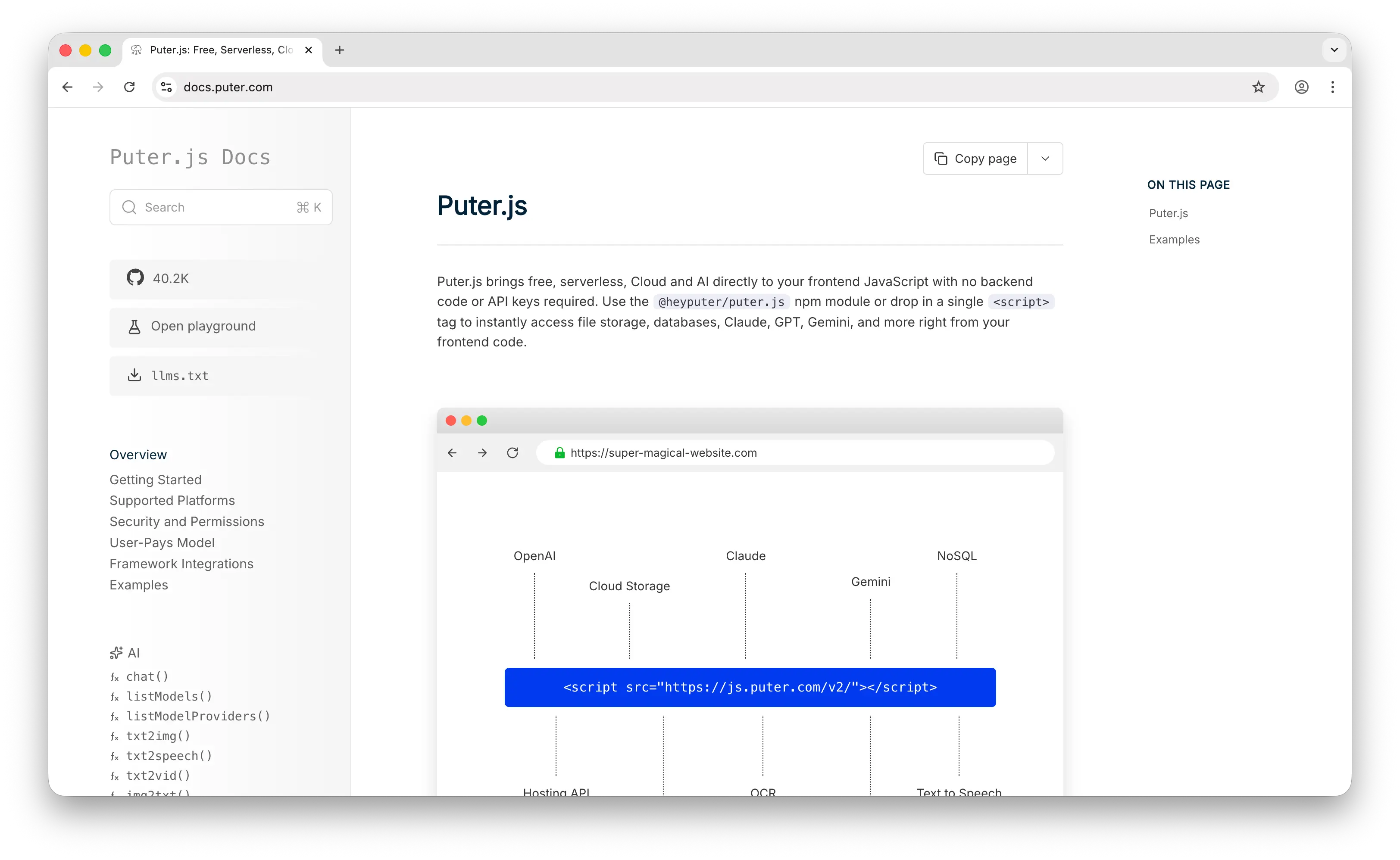
Puter.js is a JavaScript library that bundles cloud storage, AI, database, authentication, hosting, and more into a single package. It exposes a complete cloud filesystem API (write, read, upload, mkdir, readdir, copy, move, delete) directly from frontend JavaScript, with no backend or API keys required.
What Makes It Different
The thing that sets Puter.js apart from Filestack is who pays for storage. Filestack bills the developer for every upload, every gigabyte stored, every transformation, and every byte of bandwidth — the cost scales directly with your app's success. Puter.js inverts that with its User-Pays Model: each user authenticates with their own Puter account, and that account covers their storage, bandwidth, and AI usage. The developer's bill stays at zero whether the app has 10 users or 10 million, with no API key, no backend, and no server-side setup to manage.
Puter.js also goes well beyond file storage. It bundles AI models from OpenAI, Anthropic, Google, and Meta, a key-value database, instant subdomain hosting, and authentication — capabilities Filestack doesn't touch.
Key Differences from Filestack
The flip side: Puter.js leans heavily toward the frontend. It runs in Node.js, but the user-pays model only works cleanly when there's a user in front of a browser to authenticate against their account. Filestack's drag-and-drop widget, on-the-fly image and video transformations, OCR, virus scanning, and pre-built integrations with Dropbox, Google Drive, Instagram, and friends are all things you'd build yourself on top of Puter.js. If those out-of-the-box features are core to your product, that's real engineering work to recreate.
Comparison Table
| Feature | Puter.js | Filestack |
|---|---|---|
| API key required | No | Yes |
| Pricing model | User-pays (free for devs) | Per-developer ($59–$499+/mo) |
| Free tier | Unlimited (user-pays) | Limited |
| Backend required |  |
|
| Cloud filesystem API |  Full Full |
Upload-focused |
| Upload widget | Build your own | |
| Image transformations | |
|
| Video transformations | |
|
| OCR / AI tagging | Via bundled AI | Add-on |
| Virus scanning | |
Add-on |
| CDN delivery | |
|
| Multi-source integrations | |
20+ sources |
| Bundled AI / KV / hosting | |
|
| Open source | |
|
| Privacy-focused (no tracking) | |
Standard SaaS |
| Best for | Frontend devs who want zero-cost storage plus AI and auth | Teams needing a polished uploader with built-in transforms |
2. Amazon S3
Amazon S3 is the industry-standard object storage service from AWS, offering raw, low-level cloud storage at massive scale. It's the foundation many other storage services, including Filestack itself, are built on top of.
What Makes It Different
S3 is a raw storage primitive, not a packaged product. You get buckets, objects, and an API, and you build everything else on top: the upload UI, the security layer, the CDN (typically CloudFront), image transformations (Lambda or third-party), and so on. In exchange, you get unmatched durability (11 nines), virtually unlimited scale, and the deepest ecosystem in the cloud, with over 500 trillion objects stored and 200 million requests served per second.
S3 also offers multiple storage classes (Standard, Express One Zone, Intelligent-Tiering, Glacier, Glacier Deep Archive) that let you trade latency for cost, from $0.023/GB-month down to roughly $0.001/GB-month for archival data.
Key Differences from Filestack
S3 has no upload widget, no transformations, no virus scanning, no AI tagging, no source integrations, none of the value-adds Filestack provides. You also pay separately for storage, requests (PUT, GET), and outbound bandwidth, and egress is the cost trap for media-heavy apps at $0.09/GB and up. Direct frontend uploads to S3 require signed URLs or Cognito + IAM, there's no "drop this in HTML" path. S3 is the cheapest per-GB option, but the total cost of ownership includes engineering time for everything Filestack ships out of the box.
Comparison Table
| Feature | Amazon S3 | Filestack |
|---|---|---|
| Pricing model | Per-GB + per-request + egress | Per-upload + bandwidth + transforms |
| Free tier | 5 GB for 12 months | Limited |
| Storage cost | From $0.001/GB (Glacier Deep Archive) | Bundled in plan |
| Backend required | (for signed URLs) |
|
| Upload widget | DIY |
|
| Image transformations | (via Lambda) |
|
| Video transformations | |
|
| OCR / AI tagging | (via Rekognition) |
|
| Virus scanning | (third-party) |
|
| CDN delivery | (via CloudFront) |
|
| Multi-source integrations | |
20+ |
| Durability | 11 nines (industry leader) | Inherits from S3 |
| Storage classes / tiering | Multiple |
|
| Scale ceiling | Effectively unlimited | High |
| Best for | Teams needing maximum control and lowest per-GB cost | Teams wanting a complete file SaaS without infra work |
3. Bytescale
Bytescale is the most direct head-to-head Filestack competitor on this list. It offers file upload, image/video/audio processing, storage, and CDN delivery, with a sharper focus on developer experience and transparent pricing.
What Makes It Different
Bytescale's biggest pitch is pricing. It charges $0.31 per 1,000 source images compared to an industry average of $5–$15, and uses a permanent cache so a transformation is only paid for once, with no monthly re-billing for images you've already processed. Pricing is based on CPU hours of processing, which you can tune via compression, quality, and output dimensions.
Bytescale also ships a meaningfully lighter SDK (6KB core, 33KB widget) versus Filestack's 73KB SDK and 183KB widget, and supports hierarchical folder storage with per-folder permissions where Filestack uses flat storage.
Key Differences from Filestack
Bytescale's AI and intelligence layer is narrower than Filestack's, it has an antivirus API but doesn't bundle as many ML features (no emotion analysis, sentiment, or advanced OCR add-ons out of the box). Filestack also has a wider library of pre-built source integrations (Dropbox, Instagram, Google Drive, Facebook), while Bytescale focuses on direct uploads with BYO-storage support for S3, Azure, GCS, R2, or DigitalOcean Spaces.
Comparison Table
| Feature | Bytescale | Filestack |
|---|---|---|
| Pricing model | CPU-hour based, flat tiers | Per-upload + transforms + bandwidth |
| Transformation pricing | $0.31 per 1,000 source images | Industry avg $5–$15 |
| Permanent transformation cache | |
(expires) |
| Free tier | |
Limited |
| Upload widget | (33KB) |
(183KB) |
| SDK size | 6KB core | 73KB |
| Image transformations | |
|
| Video transformations | (real-time) |
|
| Audio processing | |
|
| Storage backend | Built-in or BYO (S3, GCS, Azure, R2, DO) | Built-in |
| Hierarchical folders | |
Flat |
| Per-folder permissions | |
|
| CDN delivery | |
|
| Virus scanning | |
|
| OCR / advanced AI | Limited | Extensive add-ons |
| Multi-source integrations | Limited | 20+ |
| JWT access control | |
Policy-based |
| SOC 2 compliant | |
|
| Best for | Teams wanting Filestack-like features at a fraction of the cost | Teams needing the deepest intelligence add-ons and integrations |
4. Supabase Storage
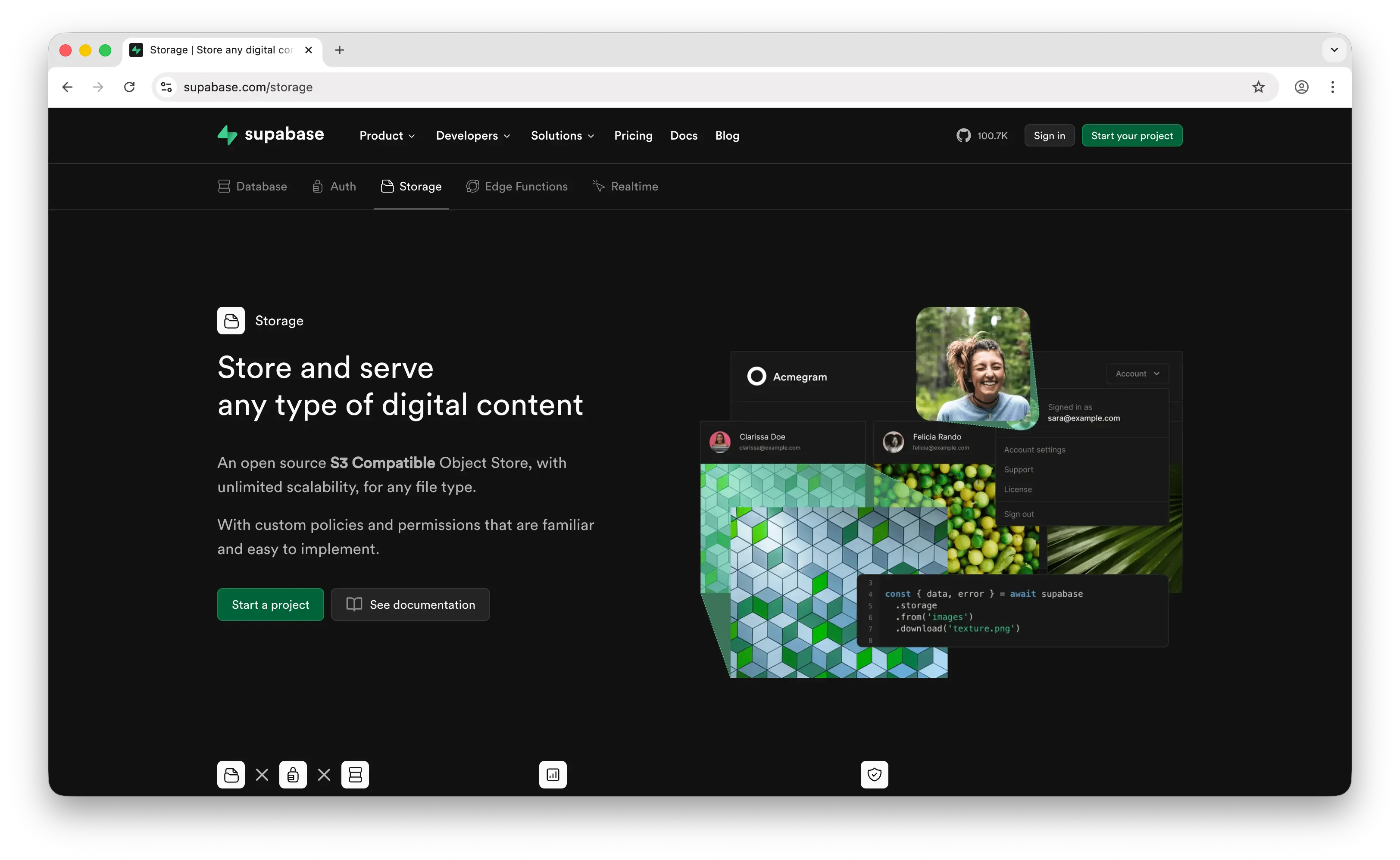
Supabase Storage is the file storage module of Supabase, an open-source backend-as-a-service built on PostgreSQL. It's typically chosen when storage is one of several backend needs alongside database, auth, realtime, and edge functions.
What Makes It Different
Supabase Storage uses row-level security policies tied to the Postgres database for access control, instead of signed policies and HMAC signatures like Filestack. If your app already runs on Supabase, file permissions can be expressed as SQL alongside your other data rules, which is unusually powerful.
It's also one of the only services on this list that supports specialized bucket types beyond files: Analytics buckets in Apache Iceberg format for data lakes, and Vector buckets for AI embeddings with similarity search. Files up to 500 GB are supported on paid plans, with S3-compatible API, RESTful API, TUS resumable uploads, and a global CDN serving from 285+ cities.
Key Differences from Filestack
Supabase Storage is a storage module inside a larger BaaS, not a focused file SaaS. The image transformation API exists but is narrower than Filestack's (mainly resize and compress, on-the-fly), and there's no built-in video transcoding, OCR, virus scanning, or multi-source ingestion from Dropbox or Instagram. You'll usually pick Supabase because you want the full stack (database, auth, storage), not because it's the best pure file uploader.
Comparison Table
| Feature | Supabase Storage | Filestack |
|---|---|---|
| Pricing model | $25/mo Pro with 100 GB, then $0.021/GB | $59–$499+/mo plans |
| Free tier | 1 GB storage, 5 GB bandwidth | Limited |
| Backend required | (client SDKs) |
|
| Upload widget | (DIY or Uppy) |
|
| Image transformations | (resize, compress) |
Extensive |
| Video transformations | |
|
| OCR / AI tagging | |
|
| Virus scanning | |
|
| CDN delivery | (285+ cities) |
|
| Multi-source integrations | |
20+ |
| S3-compatible API | |
|
| Resumable uploads | (TUS) |
(Intelligent Ingestion) |
| Max file size | 500 GB | 5 GB |
| Access control | Postgres row-level security | Signed policies |
| Vector / Analytics buckets | |
|
| Open source / self-hostable | |
|
| Bundled auth + database | |
|
| Best for | Teams already on Supabase or wanting a full open-source BaaS | Teams needing a focused file SaaS with deep transforms |
5. Firebase Storage
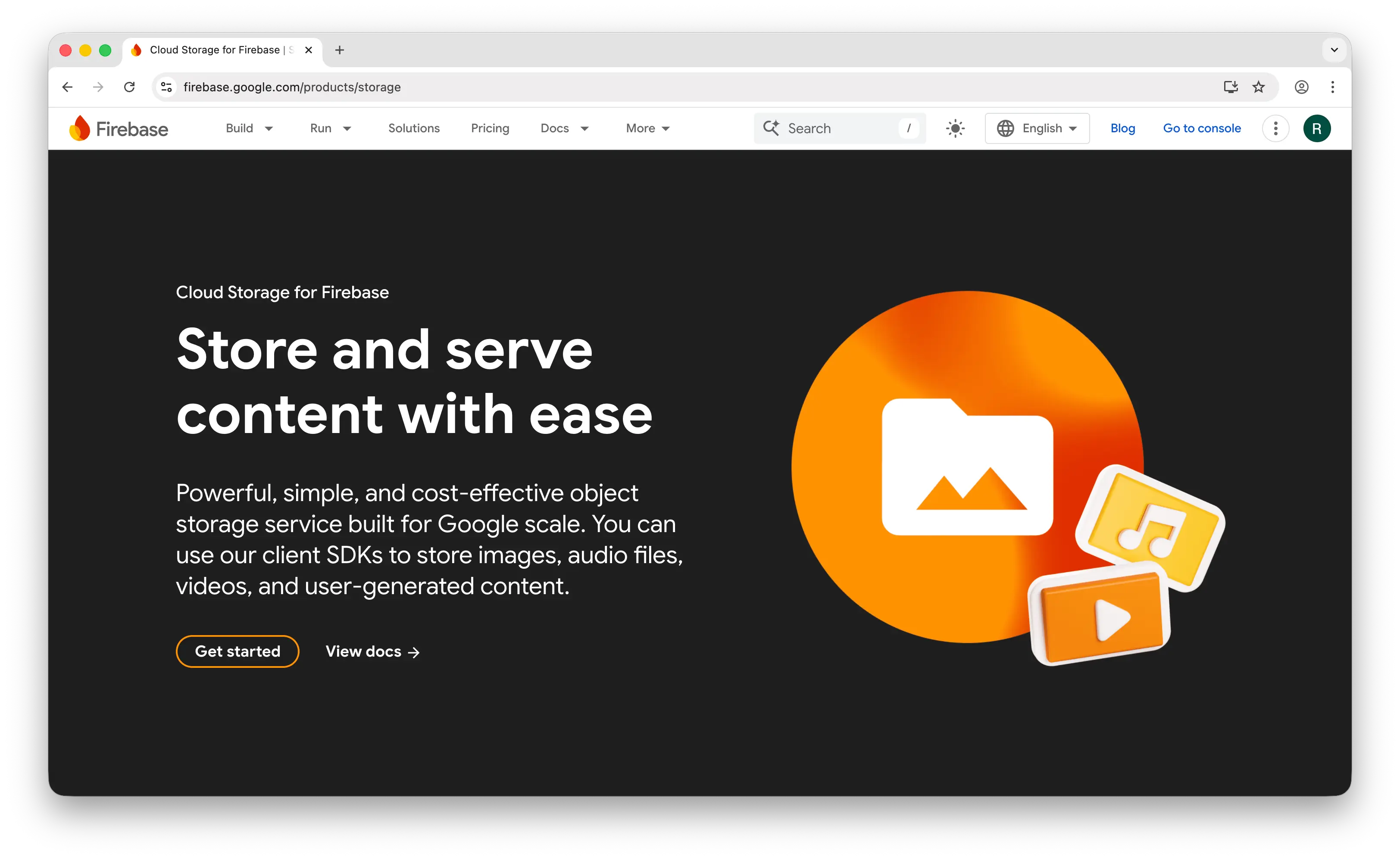
Firebase Storage (officially Cloud Storage for Firebase) is the file storage product in Google's Firebase platform, backed by Google Cloud Storage. Like Supabase, it's typically chosen when storage is one piece of a broader backend stack.
What Makes It Different
Firebase Storage's biggest advantage is deep mobile SDK support and tight integration with Firebase Auth. It ships first-class SDKs for iOS, Android, Web, Flutter, and Unity, with resumable uploads and automatic authentication built in. Security is expressed through declarative Security Rules that read like a DSL, simpler for app-internal access patterns than Filestack's signed policy + HMAC signature model.
Backed by Google Cloud Storage, durability and scale match enterprise expectations, and you get the rest of Firebase (Auth, Firestore, Functions, Realtime Database, FCM) in the same project.
Key Differences from Filestack
Firebase Storage has no built-in image or video transformation API, you wire up Cloud Functions or use the official "Resize Images" extension. There's no upload widget, no OCR, no virus scanning, no multi-source ingestion. Pricing also has friction: as of late 2024, even default Cloud Storage buckets require the Blaze (pay-as-you-go) plan with a credit card on file, and the free quota only applies to buckets in us-central1, us-west1, and us-east1. Egress at $0.12/GB can dominate the bill for media-heavy apps.
Comparison Table
| Feature | Firebase Storage | Filestack |
|---|---|---|
| Pricing model | Per-GB + ops + egress (Blaze plan required) | $59–$499+/mo plans |
| Free tier | 5 GB, 1 GB/day egress (US regions only) | Limited |
| Storage cost | $0.026/GB/month | Bundled in plan |
| Egress cost | $0.12/GB | Bundled |
| Credit card required | (since Oct 2024) |
|
| Backend required | |
|
| Upload widget | |
|
| Image transformations | (via extension) |
|
| Video transformations | |
|
| OCR / AI tagging | (via Vision API) |
|
| Virus scanning | |
|
| CDN delivery | (Google network) |
|
| Multi-source integrations | |
20+ |
| Resumable uploads | |
|
| Mobile SDKs | iOS, Android, Flutter, Unity |
|
| Access control | Declarative Security Rules | Signed policies |
| Bundled auth + database | (Firebase suite) |
|
| Open source | |
|
| Best for | Mobile-first teams already in the Firebase ecosystem | Teams needing a focused file SaaS with deep transforms |
Which Should You Choose?
Choose Puter.js if you're building a web app and want to add cloud storage (plus AI, auth, and hosting) without any backend or API costs. The user-pays model is ideal for developers who don't want to be on the hook for storage and bandwidth as their app scales.
Choose Amazon S3 if you need maximum control, the lowest per-GB storage cost, and the deepest cloud ecosystem, and you have the engineering bandwidth to build the uploader, CDN, transformations, and security layers yourself.
Choose Bytescale if you want a near-direct Filestack replacement at a fraction of the cost. The CPU-hour pricing model and permanent transformation cache make it the most cost-effective option for transformation-heavy workloads.
Choose Supabase Storage if you're already using Supabase or want a full open-source BaaS, and you value Postgres row-level security for fine-grained access control. The vector and analytics bucket types are unique on this list.
Choose Firebase Storage if you're building a mobile app and already in the Firebase ecosystem. The SDK depth across iOS, Android, Flutter, and Unity is unmatched, and the Firebase Auth integration is seamless.
Stick with Filestack if you need the most polished out-of-the-box upload widget, the widest set of pre-built source integrations (Dropbox, Instagram, Google Drive, etc.), and the deepest set of AI intelligence add-ons (OCR, image tagging, SFW detection, emotion analysis) in a single API.
Conclusion
The top 5 Filestack alternatives are Puter.js, Amazon S3, Bytescale, Supabase Storage, and Firebase Storage. Each takes a different approach to file storage and delivery, from Puter.js's zero-cost frontend integration to S3's raw object-storage primitive to Bytescale's cost-optimized transformation pipeline. Whichever platform you choose, the best option is the one that fits your stack, your budget, and how files flow through your app.
Related
- Getting Started with Puter.js
- Top 5 Amazon S3 Alternatives (2026)
- Top 5 Cloudflare R2 Alternatives (2026)
- Top 5 Wasabi Alternatives (2026)
- Top 5 UploadThing Alternatives (2026)
- Top 5 Firebase Alternatives (2026)
- Top 5 Supabase Alternatives (2026)
- Best Appwrite Alternatives (2026)
- Top 5 PocketBase Alternatives (2026)
Ship a Full-Stack App with One Prompt
Create a to-do list app using Puter.js
Coding manually? see the guide