Top 5 MongoDB Alternatives (2026)
On this page
MongoDB has been the default document database for more than a decade, and for good reason: a flexible BSON model, a powerful aggregation pipeline, native sharding, and a polished managed service in Atlas. It's a safe pick that rarely gets anyone fired.
But the database landscape in 2026 looks nothing like it did when MongoDB first became popular. Postgres now handles JSON as a first-class citizen. Every major cloud has shipped its own managed document or key-value store. New tools are collapsing the database, auth, and backend layers into a single SDK. And Atlas pricing, the SSPL license, and the operational weight of self-hosting have pushed plenty of teams to look elsewhere.
Below are five alternatives worth considering, each solving a different slice of what MongoDB does, and where each one tends to be a better fit.
1. Puter.js
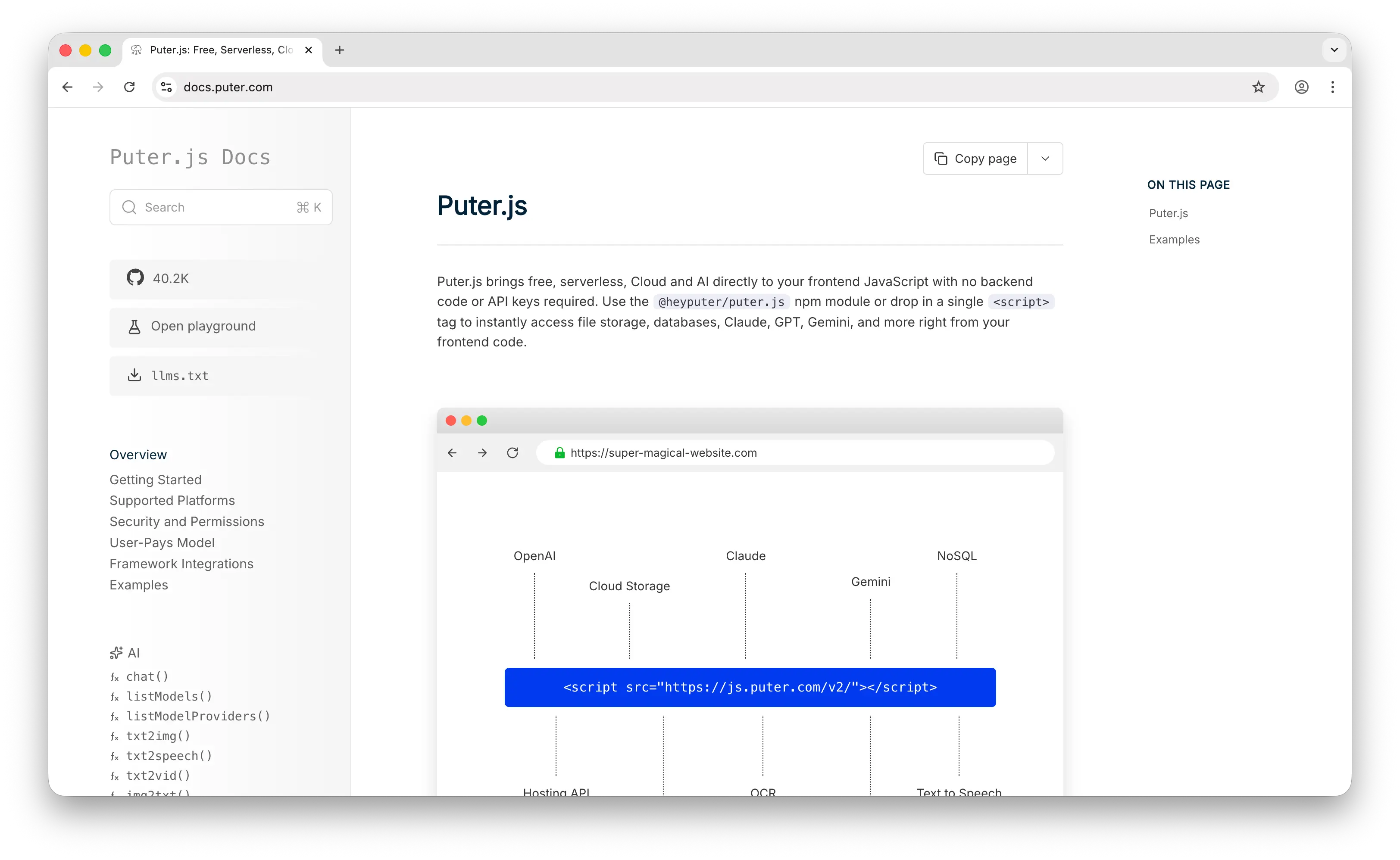
Puter.js takes a different shape from every other entry on this list. Rather than handing you a database server to connect to, it gives you a cloud-backed key-value store (puter.kv) that you call directly from the browser with a single <script> tag. Auth, per-user data scoping, and billing are all handled for you, so the "backend" you'd normally build around MongoDB just isn't there.
What Makes It Different
The defining feature is the User-Pays Model. When someone uses your app, they sign into their own Puter account, and their reads, writes, and storage count against their allowance, not yours. Your hosting cost for the database layer is effectively zero whether you have ten users or ten million. That's structurally different from MongoDB, where every document you store shows up on a bill you pay.
The second thing worth calling out is automatic per-user data isolation. Each user of your app gets their own sandboxed namespace, so multi-tenant patterns that normally require a user_id column on every collection, row-level access rules, and careful query filtering just work out of the box. On top of that, Puter.js KV supports atomic incr/decr, TTL via expire/expireAt, prefix-based list() queries for range-scan patterns, and identical APIs across the browser, Node.js, and Puter's own Serverless Workers.
Key Differences from MongoDB
Puter.js KV is a key-value store, not a document database, so there's no aggregation pipeline, no secondary indexes, and no ad-hoc querying. Instead, you design key names around your access patterns (for example, user:42:post:001) and query by prefix. If your app needs complex reporting queries, joins across collections, or heavy analytics, MongoDB is the stronger fit. If your app is frontend-driven, built around per-user data, or you just want to skip standing up a backend entirely, Puter.js lets you ship in an afternoon what would normally take days.
Comparison Table
| Feature | Puter.js | MongoDB |
|---|---|---|
| API key / connection string required | No | Yes |
| Pricing model | User-pays (free for devs) | Self-hosted or Atlas (paid tiers) |
| Backend required |  |
 |
| Data model | Key-value (JSON values) | Document (BSON) |
| Query language | Prefix-based list() |
MQL + Aggregation Pipeline |
| Per-user data isolation | Built-in |
(DIY) |
| Atomic operations | (incr, decr) |
|
| TTL / expiration | |
|
| Full-text search | |
(Atlas Search) |
| Aggregation / joins | |
|
| Vector search | |
(Atlas) |
| Runs in the browser | |
|
| Open source | |
(SSPL) |
| Setup time | Seconds (one script tag) | Minutes to hours |
| Best for | Frontend devs wanting zero-cost cloud storage | Teams needing rich document queries at scale |
2. AWS DynamoDB
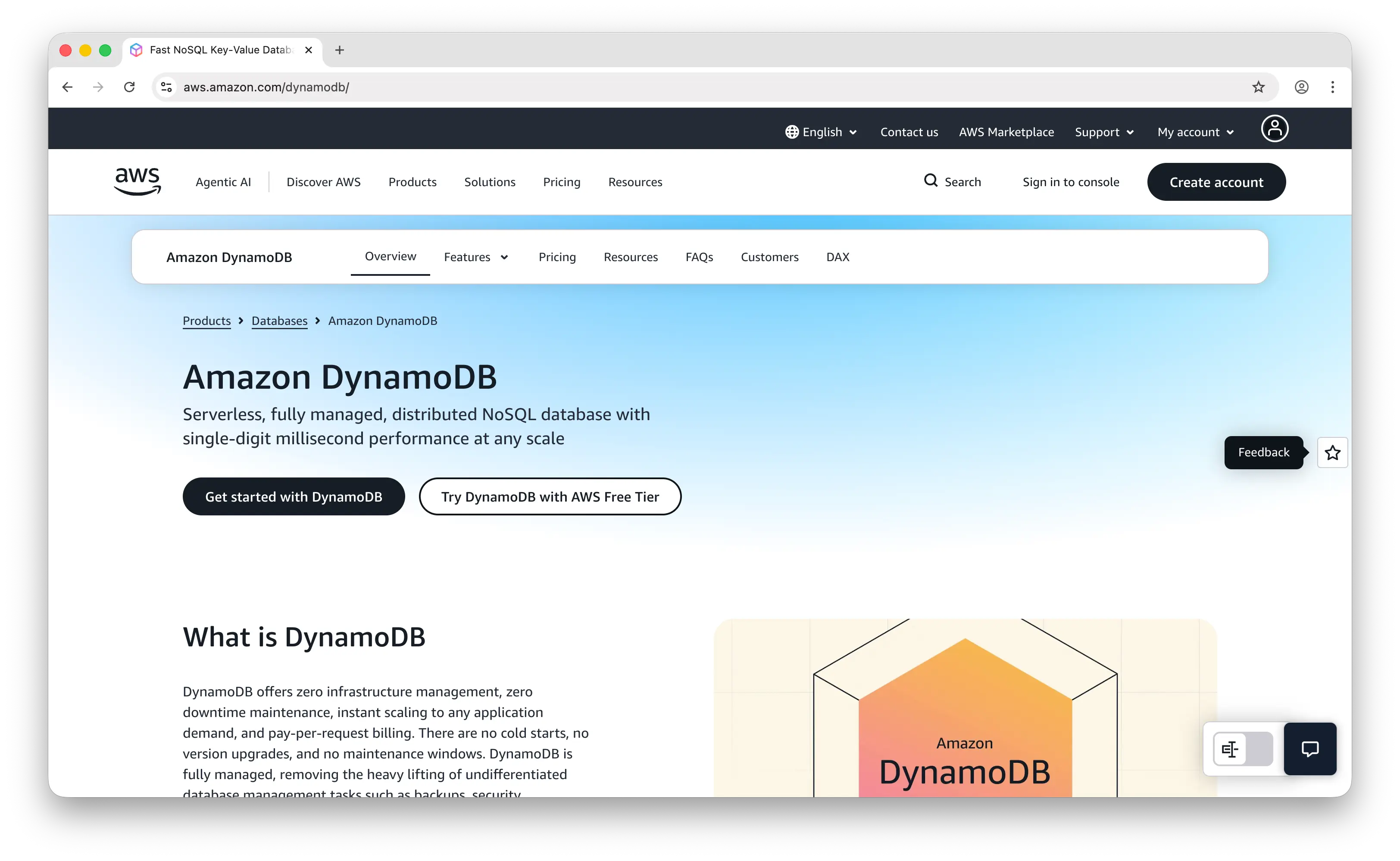
AWS DynamoDB is a fully managed, serverless NoSQL database from Amazon that supports both key-value and document data models. It powers large portions of Amazon.com and is designed for applications that need consistent single-digit millisecond performance at virtually any scale.
What Makes It Different
DynamoDB is truly serverless. There are no instances to provision, no clusters to size, and no patching to schedule. On-demand pricing lets you pay per request with zero capacity planning, while provisioned capacity offers predictable costs for steady workloads. Global Tables provide active-active multi-region replication out of the box, and DAX (DynamoDB Accelerator) adds an in-memory cache layer that can push read latency into the microsecond range.
DynamoDB integrates deeply with the AWS ecosystem. Streams trigger Lambda functions for event-driven architectures, IAM handles authentication, and CloudWatch provides observability. For AWS-native teams, this tight coupling can dramatically reduce operational overhead.
Key Differences from MongoDB
DynamoDB forces you to design your access patterns upfront. There's no ad-hoc querying, no joins, and secondary indexes cost extra and come with their own quirks (like eventual consistency on Global Secondary Indexes). MongoDB, by contrast, is much more forgiving for exploratory queries, complex aggregations, and evolving data models. DynamoDB wins on hands-off scaling and operational simplicity; MongoDB wins on query expressiveness and developer ergonomics. Costs can also surprise teams with write-heavy workloads or poorly chosen partition keys, and you're locked into AWS.
Comparison Table
| Feature | AWS DynamoDB | MongoDB |
|---|---|---|
| Pricing model | On-demand or provisioned capacity | Self-hosted or Atlas subscription |
| Fully managed | |
(Atlas) |
| Serverless | |
(Atlas Serverless) |
| Data model | Key-value + document | Document (BSON) |
| Query language | PartiQL / API operations | MQL + Aggregation Pipeline |
| Ad-hoc queries | Limited (requires indexes) | |
| Joins | |
($lookup) |
| Horizontal scaling | (automatic) |
(sharding, manual) |
| Multi-region | (Global Tables) |
(Atlas Global Clusters) |
| In-memory cache | (DAX) |
(external) |
| Transactions | (limited scope) |
(multi-document) |
| Full-text search | |
(Atlas Search) |
| Vector search | |
(Atlas) |
| Change streams / CDC | (Streams) |
|
| Cloud lock-in | AWS only | Multi-cloud (Atlas) |
| Best for | AWS-native teams with known access patterns | Teams needing flexible queries and aggregation |
3. Couchbase
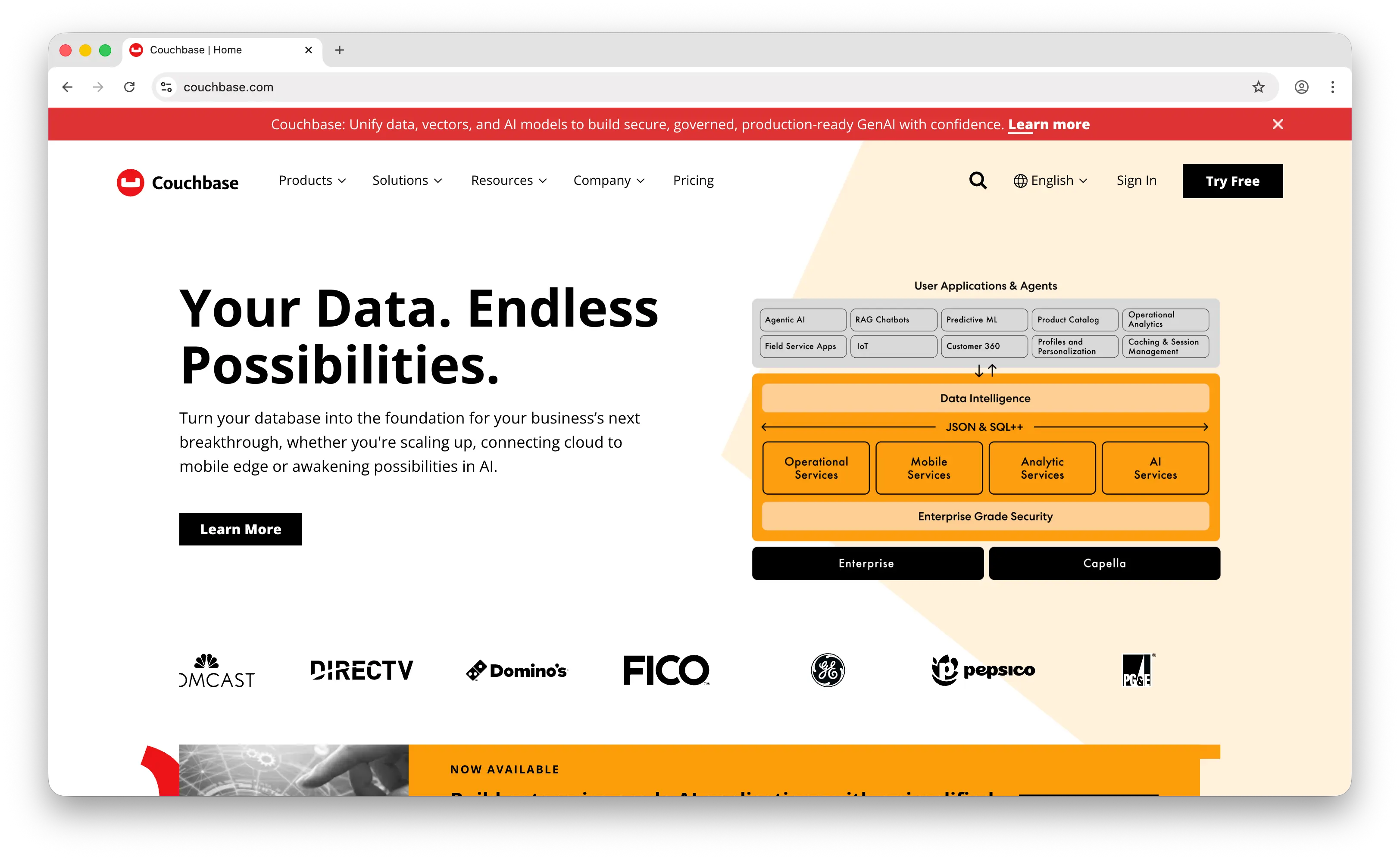
Couchbase is a distributed, multi-model NoSQL database that combines the speed of an in-memory cache with the flexibility of a document database. Its managed cloud offering, Couchbase Capella, is available across AWS, Azure, and Google Cloud.
What Makes It Different
Couchbase has a memory-first architecture. It grew out of Memcached, so the cache and the database are effectively the same layer, making reads extremely fast. Its query language is SQL++ (formerly N1QL), which gives you real SQL syntax over JSON documents, a big advantage for teams that find MongoDB's JSON-based query DSL awkward.
Couchbase is genuinely multi-model: key-value, document, full-text search, analytics, and eventing all run in one engine, so you don't need to bolt on Elasticsearch or a separate cache. Couchbase Mobile with Couchbase Lite and built-in sync is a standout feature for offline-first mobile apps, a space where MongoDB's offerings have been winding down.
Key Differences from MongoDB
Couchbase generally benchmarks faster than MongoDB on raw throughput and has a more integrated caching story, but MongoDB has a dramatically larger community, ecosystem, and hiring pool. Couchbase also tends to feel like an enterprise product, with complexity that may be overkill for small teams, while MongoDB feels more developer-friendly out of the gate. MongoDB Atlas also has a richer set of managed add-ons (Search, Charts, Vector Search, Triggers) that Capella is still catching up to.
Comparison Table
| Feature | Couchbase | MongoDB |
|---|---|---|
| Pricing model | Self-hosted or Capella subscription | Self-hosted or Atlas subscription |
| Data model | Multi-model (KV + document) | Document (BSON) |
| Query language | SQL++ (N1QL) | MQL + Aggregation Pipeline |
| In-memory cache | (built-in) |
(external) |
| Full-text search | (built-in) |
(Atlas Search) |
| Analytics engine | (built-in) |
Limited (Atlas Data Federation) |
| Vector search | |
(Atlas) |
| Mobile sync | (Couchbase Mobile) |
Limited |
| Transactions | |
|
| Horizontal scaling | |
(sharding) |
| Multi-cloud managed | (Capella) |
(Atlas) |
| Community size | Moderate | Very large |
| Ecosystem maturity | Enterprise-focused | Developer + enterprise |
| Learning curve | Steeper | Gentler |
| Best for | Performance-critical apps, offline-first mobile | Broad-purpose document workloads |
4. AWS DocumentDB
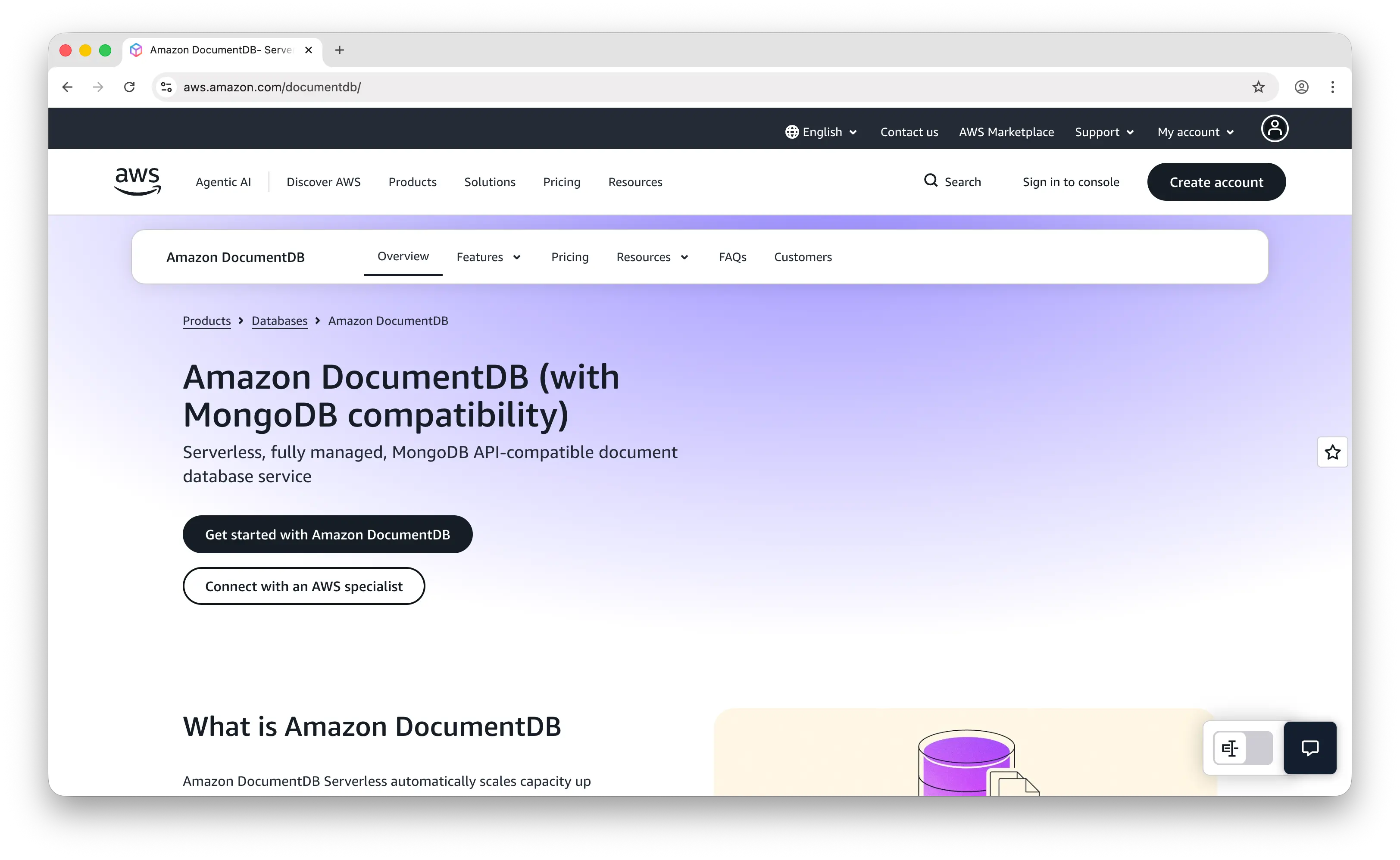
AWS DocumentDB is a fully managed document database from Amazon that's compatible with the MongoDB API (wire protocol versions 3.6, 4.0, and 5.0). It's aimed at teams who want MongoDB-style ergonomics without managing clusters themselves.
What Makes It Different
DocumentDB uses a decoupled compute-and-storage architecture. Storage auto-scales in 10 GB increments up to 128 TiB per cluster, and data is replicated six times across three Availability Zones out of the box. You can drop in existing MongoDB drivers with just a connection string change and, in many cases, your app will keep working.
AWS handles backups, patching, failover, and monitoring. Integration with CloudWatch, IAM, VPC, and the rest of the AWS ecosystem is seamless, and pricing is predictable (per-instance-hour plus storage and I/O).
Key Differences from MongoDB
This is the most politically loaded comparison in this list. DocumentDB is not MongoDB, it's AWS's independent re-implementation of the wire protocol. That means it lags on features: missing aggregation operators, limited or delayed transaction support, no parity with MongoDB's change streams in all cases, and no equivalent to Atlas Search, Atlas Vector Search, or Charts. MongoDB Inc. has publicly criticized DocumentDB's compatibility claims. DocumentDB also scales via replica sets only, not true sharding, which caps write throughput compared to sharded MongoDB clusters. It's a good fit if you're AWS-native and want a MongoDB-flavored managed database without the Atlas bill, but a bad fit if you rely on recent MongoDB features.
Comparison Table
| Feature | AWS DocumentDB | MongoDB |
|---|---|---|
| Pricing model | Per-instance-hour + storage/IO | Self-hosted or Atlas subscription |
| Fully managed | |
(Atlas) |
| MongoDB wire protocol | (3.6 / 4.0 / 5.0) |
(native) |
| Feature parity | Partial (lags on new features) | Full |
| Aggregation pipeline | Partial | |
| Transactions | Limited | |
| Full-text search | |
(Atlas Search) |
| Vector search | |
(Atlas) |
| Native sharding | (replica sets only) |
|
| Auto-scaling storage | (up to 128 TiB) |
(Atlas) |
| Multi-AZ replication | (6 copies, 3 AZs) |
|
| Backups / PITR | |
|
| Cloud lock-in | AWS only | Multi-cloud (Atlas) |
| Driver compatibility | Most MongoDB drivers work | |
| Best for | AWS-native teams wanting MongoDB-ish ergonomics | Teams needing full modern MongoDB feature set |
5. PostgreSQL
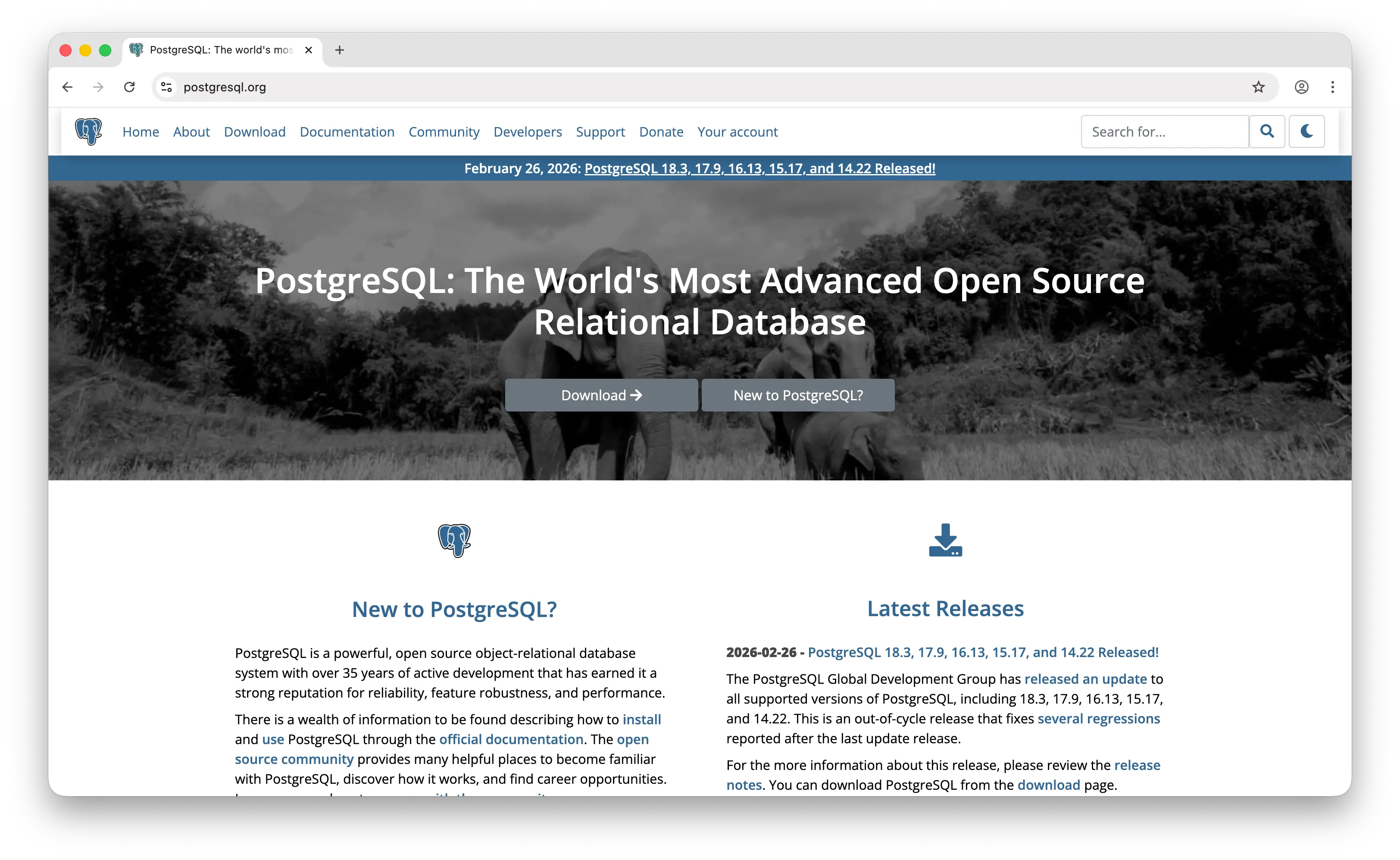
PostgreSQL is an open-source relational database that has quietly become one of the most popular MongoDB alternatives. With its JSONB column type and GIN indexes, Postgres can handle document workloads almost as naturally as MongoDB, while also giving you full SQL, ACID transactions, and a massive extension ecosystem.
What Makes It Different
Postgres is the "best of both worlds" database. You can have relational tables for orders and users, JSONB columns for flexible event payloads or user preferences, and query both in a single SQL statement with joins, window functions, and CTEs. Every operation is ACID by default, across documents and rows alike, and strong consistency is guaranteed.
The extension ecosystem is what really sets Postgres apart. pgvector turns it into a production-grade vector database for AI and embeddings. PostGIS is the industry standard for geospatial workloads. TimescaleDB adds time-series capabilities. Citus gives you distributed SQL. Managed options are everywhere: AWS RDS, Supabase, Neon, Crunchy Bridge, Render, Aiven, and more, all competing on price and developer experience.
Key Differences from MongoDB
The common take in 2026 is "just use Postgres with JSONB unless you have a specific reason not to." Postgres wins on ACID guarantees, SQL familiarity, multi-model flexibility, and the extension ecosystem. MongoDB still wins on ergonomics for deeply nested, constantly-evolving documents, on horizontal sharding (Postgres sharding is still rough without Citus or similar), and on built-in managed features like Atlas Search and Atlas Vector Search at the managed tier. For greenfield apps, Postgres is often the safer default; for high-write, document-heavy workloads that need automatic sharding, MongoDB remains stronger.
Comparison Table
| Feature | PostgreSQL | MongoDB |
|---|---|---|
| Pricing model | Free (OSS) or managed service fees | Self-hosted or Atlas subscription |
| Data model | Relational + JSONB (hybrid) | Document (BSON) |
| Query language | SQL (+ JSONB operators) | MQL + Aggregation Pipeline |
| Schema flexibility | Mixed (strict columns + flexible JSONB) | Fully flexible |
| ACID transactions | (default, full) |
(multi-doc from 4.0) |
| Joins | (native SQL) |
($lookup) |
| Full-text search | (built-in) |
(Atlas Search) |
| Vector search | (pgvector) |
(Atlas) |
| Geospatial | (PostGIS) |
|
| Time-series | (TimescaleDB) |
(time-series collections) |
| Native horizontal sharding | Limited (Citus / extensions) | |
| Replication | |
(replica sets) |
| Open source license | PostgreSQL License (permissive) | SSPL (restrictive) |
| Managed options | Many (RDS, Supabase, Neon, etc.) | Atlas + self-hosted |
| Ecosystem / extensions | Huge | Focused on document workloads |
| Best for | Hybrid workloads, AI apps, greenfield projects | High-write document workloads, auto-sharding |
Which Should You Choose?
Choose Puter.js if you're building a web app and want to add a cloud database without any backend or API costs. The user-pays model and automatic per-user data isolation make it ideal for frontend devs, prototypes, games, and multi-tenant SaaS.
Choose AWS DynamoDB if you're on AWS, know your access patterns upfront, and need guaranteed single-digit millisecond performance at any scale. It's the most hands-off option once your data model is locked in.
Choose Couchbase if you need maximum performance with a built-in cache, want SQL-style querying over documents, or are building an offline-first mobile app that needs robust sync.
Choose AWS DocumentDB if you're AWS-native, want MongoDB-style ergonomics in a fully managed service, and don't depend on the newest MongoDB features. It's the easiest MongoDB-adjacent option for AWS shops.
Choose PostgreSQL if you want one database that can handle relational, document, vector, geospatial, and time-series workloads with ACID guarantees. It's the safest default for most greenfield projects in 2026.
Stick with MongoDB if you need the richest document query language, automatic horizontal sharding, and the best managed document-database experience via Atlas (Search, Vector Search, Charts, Triggers). It remains the leader in its category for a reason.
Conclusion
The best MongoDB alternatives are Puter.js, AWS DynamoDB, Couchbase, AWS DocumentDB, and PostgreSQL. Each takes a different approach to storing and querying data, from Puter.js's zero-backend key-value store to DynamoDB's serverless scale to PostgreSQL's multi-model Swiss Army knife. Whichever platform you choose, the best option is the one that fits your stack, your budget, and the way your app actually needs to read and write data.
Related
- Getting Started with Puter.js
- How to Use Puter.js Key-Value Store API
- Add a Key-Value Store to Your App: A Free Alternative to DynamoDB
- Top 5 Supabase Alternatives (2026)
- Top 5 PostgreSQL Alternatives (2026)
- Top 5 PlanetScale Alternatives (2026)
- Top 5 Neon Alternatives (2026)
- Top 5 Firebase Alternatives (2026)
- Best Appwrite Alternatives (2026)
- Best Convex Alternatives (2026)
- Top 5 PocketBase Alternatives (2026)
- Top 5 Amazon S3 Alternatives (2026)
- Top 5 OpenRouter Alternatives (2026)
- Top 5 Turso Alternatives (2026)
Ship a Full-Stack App with One Prompt
Create a to-do list app using Puter.js
Coding manually? see the guide