Top 5 Google Cloud Run Alternatives (2026)
On this page
Google Cloud Run has earned its place as the go-to serverless container platform for developers who want to push a container image and get back a URL. You get scale-to-zero, automatic scaling under load, GPU support on demand, and tight integration with the rest of Google Cloud — all without provisioning a single VM.
But Cloud Run isn't the only way to run a backend. Some teams don't want to deal with containers at all. Others need long-running stateful workloads, true global edge deployment, or a pricing model that doesn't grow linearly with traffic. And in August 2024, Google quietly merged Cloud Functions into Cloud Run, which complicates the picture further. Here are five alternatives worth considering, what they do differently, and where each one is the better pick.
1. Puter (Serverless Workers)
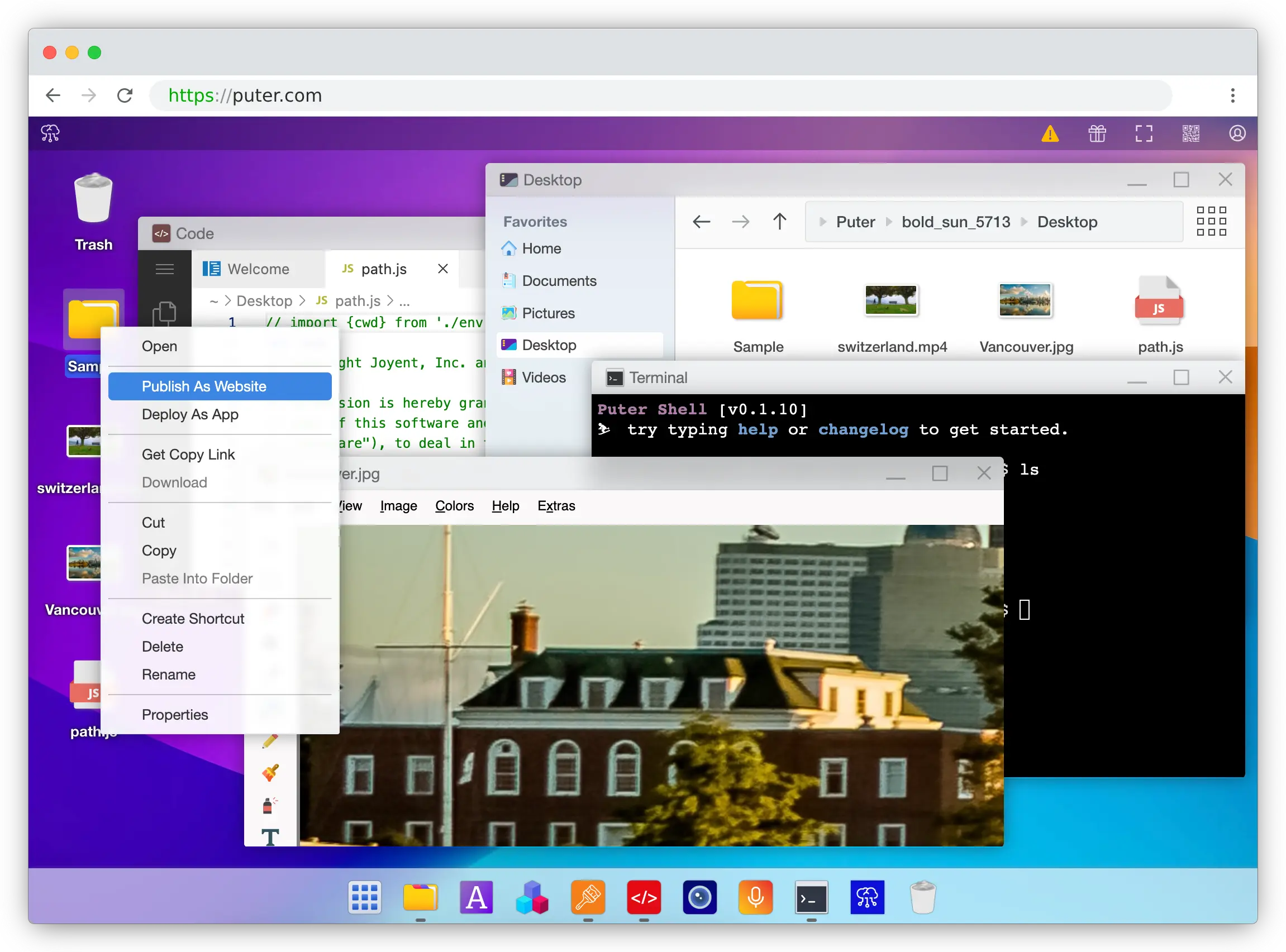
Puter is a browser-based cloud platform whose Serverless Workers let you publish a worker.js file in seconds — right-click the file inside Puter, pick "Publish as Worker," and your endpoint is live. No gcloud CLI, no Dockerfile, no Artifact Registry, no IAM roles, no build step.
What Makes It Different
The Worker itself is dramatically lighter than a Cloud Run service. You write standard routes against Request/Response objects — router.get('/users/:id', ...) — and Puter handles scaling, deployment, and TLS. The runtime is V8 isolates, so cold starts are effectively sub-5ms versus the 1-3 seconds typical of a Cloud Run container. Puter is also open-source (AGPL-3.0) and self-hostable, which Cloud Run is not.
What makes Workers more than just a deployment shortcut is the bundle. Each worker has first-class access to Puter.js — 500+ AI models (OpenAI, Anthropic, Google, Meta), a key-value store, object storage, hosting, auth, and networking — all reachable from the same SDK without API keys or service-by-service wiring. Cloud Run, by contrast, gives you compute and expects you to wire up Firestore, Cloud Storage, Secret Manager, and Vertex AI as separate services with IAM between each.
On top of that, Puter Workers offer a User-Pays Model that no other Cloud Run alternative on this list has. A worker can call user.puter.ai.chat() and the cost of that AI inference, storage, or compute is charged to the end user's Puter account rather than the developer's. Cloud Run — and every other option here — bills the developer for everything by default, so passing costs through to end users means building your own metering, quota, and billing layer.
Key Differences from Cloud Run
Puter Workers are JavaScript-only. Cloud Run runs any language you can put in a container — Python, Go, Java, Rust, .NET, Ruby. If your backend is Django, FastAPI, Spring, or anything non-JS, Puter isn't a fit.
There's also no concept of regions, memory tiers, VPCs, GPUs, or provisioned concurrency knobs. For the vast majority of web app backends and lightweight APIs this is a feature, not a bug — but if you need 16GB of memory, a private VPC connection, or a GPU for inference, Cloud Run is the platform that has those dials. Puter is best suited for web app backends, REST APIs, webhooks, and AI-powered endpoints. It's not the right tool for ML training, multi-hour batch jobs, or workloads that depend on GCP-specific event sources.
Comparison Table
| Feature | Puter | Cloud Run |
|---|---|---|
| Language support | JavaScript | Any (container) |
| Deployment | Right-click or SDK | gcloud run deploy + Artifact Registry |
| Cold start | ~5ms (isolate runtime) | 1-3s typical (container) |
| Pricing model | User-pays (free for devs) | Per vCPU-sec, GiB-sec, requests |
| Cost passthrough to end users |  Built-in Built-in |
 (DIY billing) (DIY billing) |
| Scale-to-zero | |
|
| GPU support | |
(L4, Blackwell) |
| Long-running jobs | |
(60 min) |
| Built-in KV + object storage | |
(separate GCP services) |
| Built-in AI | 400+ models |
(Vertex AI separate) |
| Built-in auth | |
(IAM only) |
| Open-source | AGPL-3.0 |
|
| Self-hostable | |
|
| Best for | Web app backends, AI endpoints, zero-config APIs | Containerized backends across any language |
2. Render
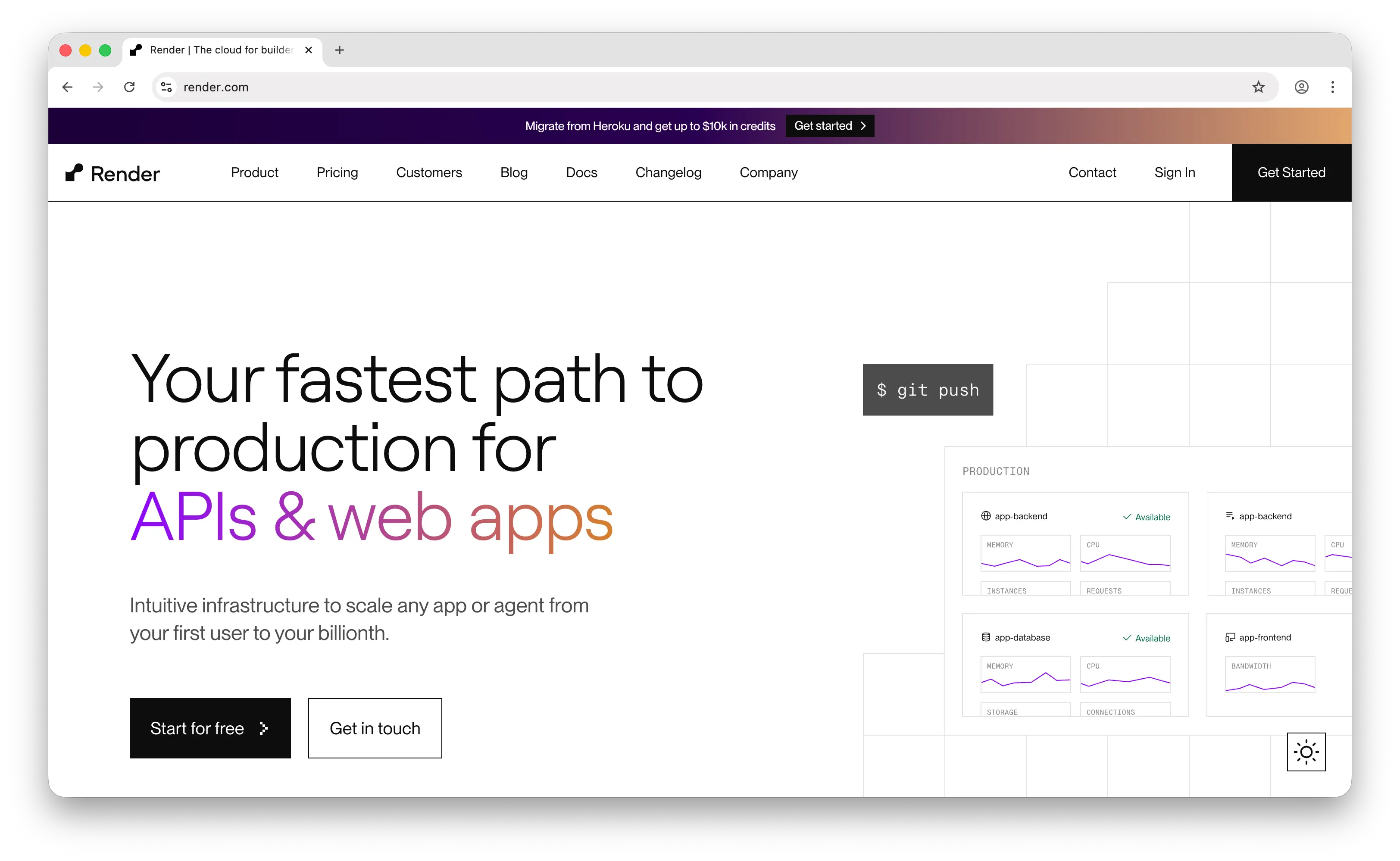
Render is a modern PaaS that hosts web services, background workers, cron jobs, static sites, and managed databases under a single Git-push-to-deploy workflow. Where Cloud Run is a single primitive — stateless containers — Render is a full platform.
What Makes It Different
Render's selling point is unified developer experience. You connect a GitHub repo, configure a build command, and Render handles deploys, zero-downtime rollouts, preview environments, and TLS automatically. Managed PostgreSQL, Redis, and Key Value live in the same dashboard, so a full-stack app doesn't require gluing together five different services. Cloud Run, by contrast, expects you to bring your own Postgres (Cloud SQL), your own Redis (Memorystore), and your own CI/CD (Cloud Build), and configure IAM between all of them.
The deployment model is different too. Cloud Run scales containers up from zero per request; Render keeps a service warm on paid plans and treats it more like a traditional long-running server. That makes Render better for apps with steady traffic where cold starts are unwelcome, and worse for spiky workloads where scaling to literal zero is what makes the pricing work.
Key Differences from Cloud Run
Render's pricing has two layers that Cloud Run does not. There's a per-seat workspace fee ($19/user/month on Professional) on top of per-service compute charges. For solo devs on the free tier this is invisible, but it scales worse than Cloud Run's pure pay-per-use as the team grows. The free tier itself has gotchas: web services spin down on inactivity, and free Postgres expires after 30 days.
Render has no GPU support, narrower regional coverage than GCP, and no equivalent to Cloud Run's 60-minute timeout for batch jobs. On the other hand, it has a much friendlier UI, native cron job support, and a Git-based workflow that doesn't require any CLI knowledge.
Comparison Table
| Feature | Render | Cloud Run |
|---|---|---|
| Deployment model | Git push to deploy | Container push + gcloud |
| Scaling default | Warm (paid) / spin-down (free) | Scale-to-zero per request |
| Pricing model | Per-seat + per-service compute | Per vCPU-sec, GiB-sec, requests |
| Managed Postgres | Built-in |
Separate (Cloud SQL) |
| Managed Redis | Built-in |
Separate (Memorystore) |
| Cron jobs | Native |
Via Cloud Run Jobs |
| Background workers | Native |
Via Worker Pools |
| GPU support | |
|
| Long-running tasks | |
(60 min) |
| Preview environments | Native |
(manual setup) |
| Free tier | (with caveats) |
Generous |
| Best for | Full-stack apps wanting Heroku-style DX | Pure compute with per-request scaling |
3. Google Cloud Functions
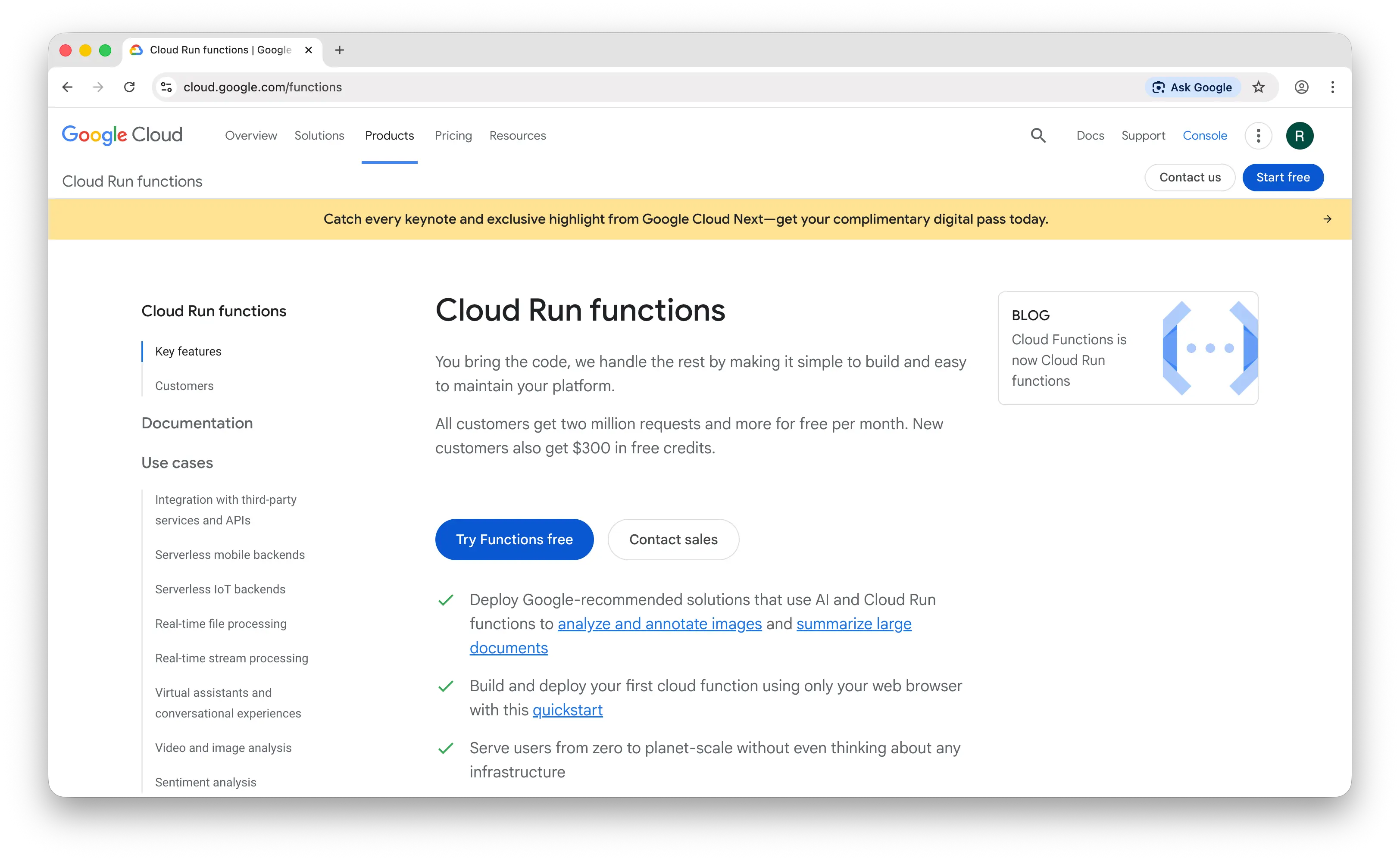
Worth a small asterisk here — on August 21, 2024, Google merged Cloud Functions into Cloud Run. The product is now officially "Cloud Run Functions," and 2nd-gen functions are Cloud Run services under the hood. So it's not a true alternative — but the developer experience is still meaningfully different from deploying a Cloud Run service directly.
What Makes It Different
Cloud Run Functions is opinionated where Cloud Run is configurable. You write a function with an HTTP or event handler in Node.js, Python, Go, Java, Ruby, PHP, or .NET, and Google builds the container, picks the base image, and deploys it as a Cloud Run service. No Dockerfile, no port binding, no server framework — just code.
Event triggers are first-class. Where vanilla Cloud Run gives you HTTPS endpoints, Cloud Run Functions integrates natively with Pub/Sub, Cloud Storage object changes, Firestore writes, and Eventarc. If your workload is "respond when a file lands in a bucket" or "process this Pub/Sub message," the function-shaped DX is substantially cleaner than wiring an Eventarc trigger to a Cloud Run service yourself.
Cold starts are also typically faster — 100-800ms for a simple Python function versus 1-3 seconds for an equivalent container — because Google can pre-optimize the runtime layer.
Key Differences from Cloud Run
Cloud Run Functions inherits Cloud Run's 60-minute timeout, GPU support, concurrency settings, and IAM model — they're now the same underlying engine. The differences are upstream. You can't add system dependencies, custom base images, or non-standard binaries; you're restricted to a fixed set of supported language runtimes; and some Cloud Run features like sidecars and custom audiences aren't exposed through the Functions API.
Bottom line: if Cloud Run feels like too much config for a webhook or a Pub/Sub handler, Cloud Run Functions is the same engine with a function-shaped door. For everything else, you're already in the Cloud Run world.
Comparison Table
| Feature | Cloud Run Functions | Cloud Run |
|---|---|---|
| Underlying engine | Cloud Run | Cloud Run |
| Deployment unit | Function | Container |
| Languages | Node, Python, Go, Java, Ruby, PHP, .NET | Any (container) |
| Dockerfile required | (auto-generated) |
(you write it) |
| Cold start | 100-800ms typical | 1-3s typical |
| Pub/Sub triggers | First-class |
Via Eventarc |
| Storage triggers | First-class |
Via Eventarc |
| HTTP triggers | |
|
| Timeout | 60 min | 60 min |
| GPU support | (inherited) |
|
| Sidecars / multi-container | |
|
| Custom base images | |
|
| Best for | Event-driven handlers, webhooks, simple HTTP endpoints | Full container control, complex apps |
4. AWS Fargate
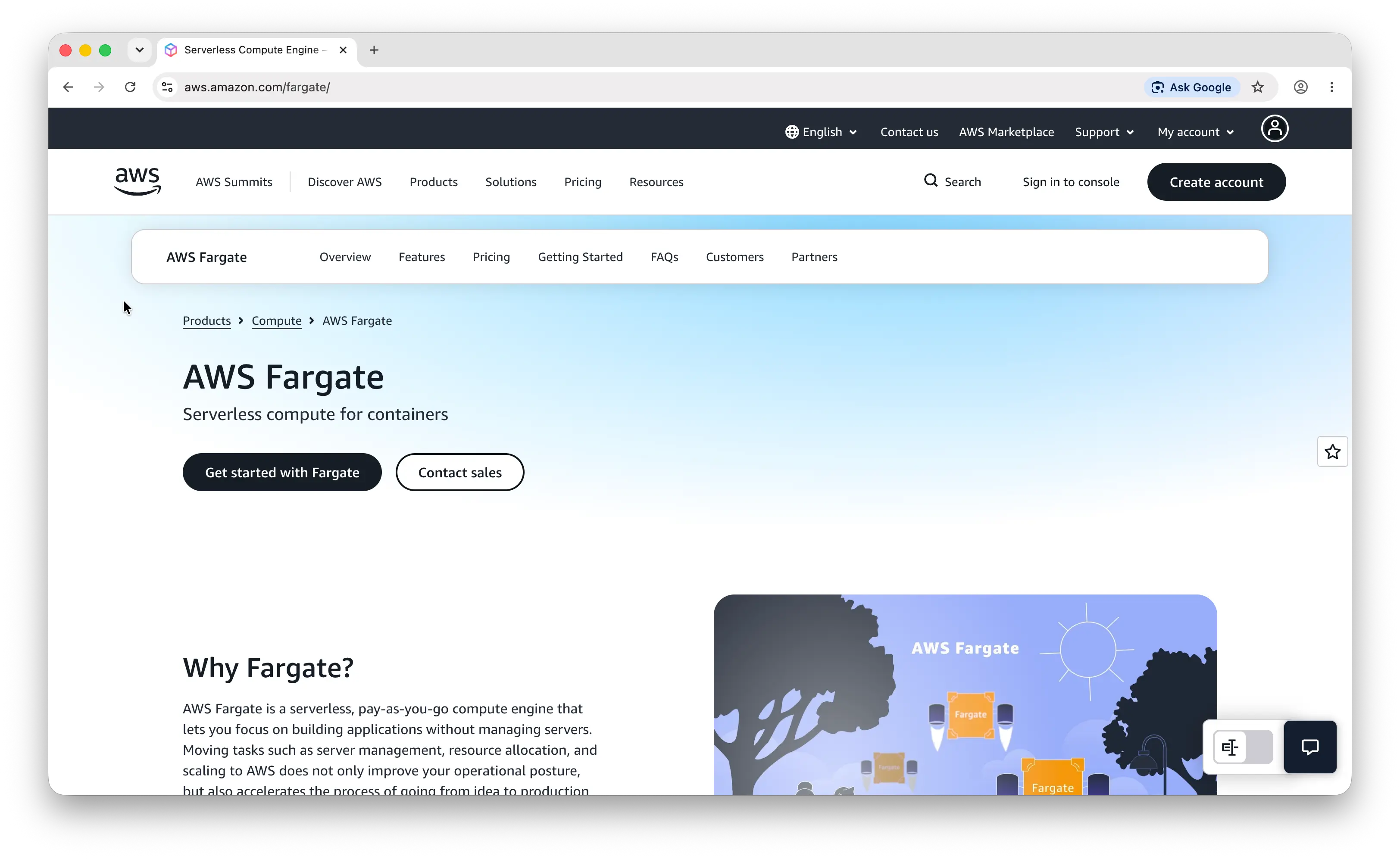
AWS Fargate is the serverless launch type for Amazon ECS and EKS. You don't manage EC2 instances, but you do manage clusters, task definitions, services, load balancers, security groups, and IAM roles. It's the closest AWS equivalent to Cloud Run — and meaningfully heavier.
What Makes It Different
Fargate's killer feature is depth of AWS integration. VPC networking, security groups, IAM roles, EFS volumes, ALB/NLB load balancers, Kinesis, DynamoDB Streams, Step Functions — all first-class. If your stack is already AWS and you need fine-grained network controls or AWS-specific event sources, Fargate is the natural home. Cloud Run's GCP integration is excellent but doesn't have an equivalent to the AWS event source catalog.
Multi-container task definitions also work natively. You can run a sidecar (Envoy, OpenTelemetry collector, log shipper) alongside your main container in the same task, sharing a network namespace. Cloud Run added sidecar support relatively recently and it's still more limited.
Key Differences from Cloud Run
Fargate is not pure serverless in the Cloud Run sense. Minimum task count is 1 — there's no native scale-to-zero, unless you bolt on EventBridge schedules or Lambda triggers to start and stop tasks. Provisioning new capacity can take a couple of minutes; Cloud Run goes from push to live URL in seconds.
The pricing model is also different. Fargate charges per vCPU-second and GB-second of allocated capacity for the duration the task runs — not per request. For a service handling sporadic traffic, Cloud Run's per-request billing is dramatically cheaper. For a steady workload, Fargate can come out ahead.
The developer experience is the biggest gap. A first deploy on Fargate involves a cluster, a task definition (JSON or IaC), an ECS service, a target group, a load balancer, security groups, and an IAM execution role. Cloud Run is gcloud run deploy. Some teams want that level of control; many don't.
Comparison Table
| Feature | Fargate | Cloud Run |
|---|---|---|
| Underlying platform | ECS or EKS | Knative |
| Scale-to-zero | Native |
Default |
| Deployment complexity | High (task defs + cluster + IAM + LB) | Low (gcloud run deploy) |
| Multi-container (sidecars) | First-class |
Limited |
| Persistent storage | EFS volumes |
Limited (Cloud Storage mount) |
| VPC integration | Full |
Via Direct VPC |
| Pricing model | Per vCPU-sec + GB-sec (allocated) | Per vCPU-sec + GiB-sec + requests |
| Free tier | |
Generous |
| Startup time | Minutes for new capacity | Seconds |
| GPU support | |
|
| Windows containers | |
Linux only |
| Best for | Teams deep in AWS needing VPC depth and AWS event sources | Simpler container deploys with per-request pricing |
5. Fly.io
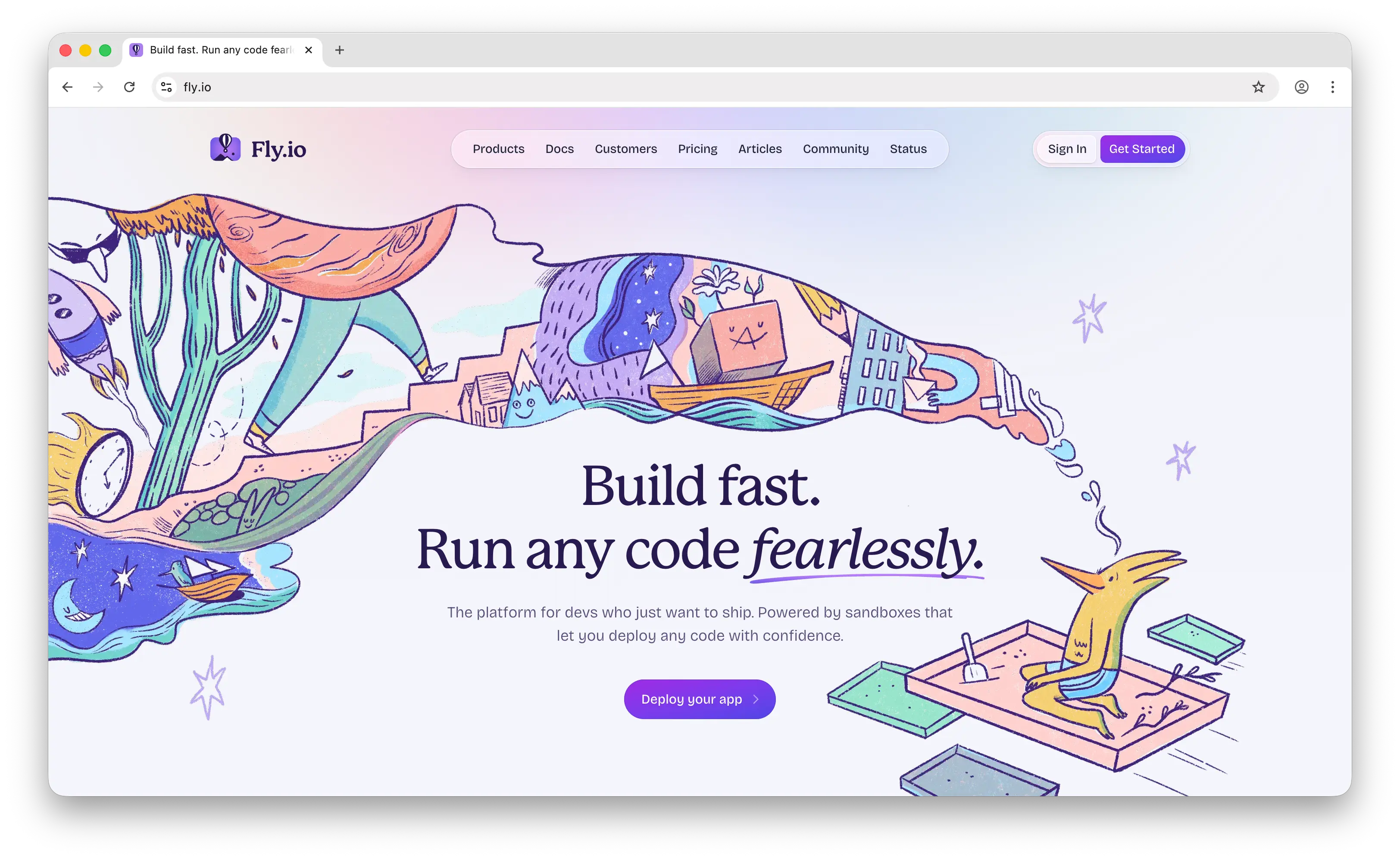
Fly.io runs apps as Firecracker micro-VMs across 30+ global regions. Where Cloud Run deploys your service to one or two GCP regions, Fly puts your app close to users by default. It's also more stateful than Cloud Run — persistent volumes, long-lived processes, full TCP/UDP — making it suitable for workloads that don't fit a stateless HTTP model.
What Makes It Different
Global edge placement is the headline. Fly runs your app in micro-VMs in regions across North America, Europe, South America, Africa, Asia, and Oceania, and routes incoming connections via Anycast to the nearest healthy region. For latency-sensitive global apps — multiplayer games, real-time collaboration, low-latency APIs — this is a meaningful advantage over Cloud Run, which typically routes traffic to a single region unless you set up a global load balancer in front.
Fly is also stateful in ways Cloud Run isn't. You get persistent volumes attached to specific machines, WireGuard-based private networking between apps, support for raw TCP and UDP (not just HTTP/gRPC), and machines that can run as long as you want them to. Cloud Run is fundamentally stateless and request-driven.
Key Differences from Cloud Run
Fly's default model is "keep machines warm," the opposite of Cloud Run's "scale to zero per request." You can opt into scale-to-zero with auto_stop_machines, but it's an explicit choice rather than the default. Volumes also continue to bill even when the attached machine is stopped — a frequent surprise on the invoice.
The developer experience is CLI-first. There's no UI for primary deployment flows, no Git-push-to-deploy, just flyctl and a Dockerfile. That's powerful for engineers who want VM-level control, but it's a step down in convenience compared to Cloud Run's single-command deploys with both CLI and console support.
Comparison Table
| Feature | Fly.io | Cloud Run |
|---|---|---|
| Runtime | Firecracker micro-VMs | Containers (Knative) |
| Global regions | 30+ worldwide | Single region per service |
| Default scaling | Warm machines | Scale-to-zero per request |
| Scale-to-zero | Opt-in |
Default |
| Persistent volumes | |
Limited |
| TCP/UDP support | Full |
HTTP/gRPC only |
| Private networking | WireGuard |
Via VPC |
| Deployment | flyctl CLI |
gcloud or console |
| Git-based deploys | |
(source deploys) |
| GPU support | |
|
| Pricing model | Per-machine + regional bandwidth | Per vCPU-sec + GiB-sec + requests |
| Best for | Global low-latency apps, stateful workloads | Stateless services with per-request pricing |
Which Should You Choose?
Choose Puter if you're building a JavaScript web app backend or AI-powered API and want to skip the entire GCP setup ritual. The User-Pays Model is unique on this list — there's no other Cloud Run alternative that lets your end users foot their own AI, storage, and compute bill — and the bundled SDK gives you AI, storage, KV, hosting, and auth without wiring up separate services. Ideal when you don't need polyglot runtimes, GPUs, or VPC controls.
Choose Render if you want a Heroku-style developer experience with Git push to deploy, managed Postgres, and background workers all in one dashboard. Best for full-stack apps with steady traffic where the scale-to-zero math doesn't matter much.
Choose Cloud Run Functions if you're already on GCP and your workload is event-driven (Pub/Sub, Cloud Storage triggers, webhooks). It's the same engine as Cloud Run with a function-shaped door, plus faster cold starts and zero Dockerfile work.
Choose AWS Fargate if you're deep in AWS and need VPC depth, AWS-specific event sources, multi-container task definitions, or Windows containers. Accept the operational complexity in exchange for the AWS ecosystem.
Choose Fly.io if low latency for global users is a requirement, or if your app needs stateful behavior (volumes, long-lived connections, TCP/UDP) that Cloud Run can't provide. Best for engineers who want VM-level control and don't mind a CLI-first workflow.
Stick with Cloud Run if you want the cleanest serverless container experience on a major cloud, need polyglot runtime support, or are already invested in the GCP ecosystem. For most stateless backend services, it's still the strongest overall choice.
Conclusion
The top 5 Google Cloud Run alternatives are Puter, Render, Google Cloud Functions, AWS Fargate, and Fly.io. Each takes a different approach to running backend workloads: Puter routes AI, storage, and compute costs to end users via the User-Pays Model, Render bundles compute with managed databases for a Heroku-style PaaS, Cloud Run Functions wraps the same Cloud Run engine in a function-shaped DX, Fargate trades simplicity for AWS ecosystem depth, and Fly.io spreads your app across the globe in micro-VMs. The best choice depends on your runtime, your pricing tolerance, and how much infrastructure control you actually need.
Related
- Getting Started with Puter.js
- Deploy Serverless Functions on Puter
- Top 5 AWS Lambda Alternatives (2026)
- Top 5 Cloudflare Workers Alternatives (2026)
- Top 5 Fly.io Alternatives (2026)
- Top 5 Render Alternatives (2026)
- Top 5 Modal Alternatives (2026)
- Best Vercel Alternatives (2026)
- Top 5 Railway Alternatives (2026)
- Top 5 Heroku Alternatives (2026)
- Best Netlify Alternatives (2026)
- Top 5 Vertex AI Alternatives (2026)
Ship a Full-Stack App with One Prompt
Create a to-do list app using Puter.js
Coding manually? see the guide