Best Neocities Alternatives (2026)
On this page
Neocities is a beloved corner of the web — part free static host, part community of over 1.5 million personal sites built in the spirit of the old GeoCities. You upload HTML, CSS, and images through an in-browser editor, get a .neocities.org subdomain, and you're online in minutes. No build step, no Git, no config files.
But Neocities isn't the only option. The 1 GB storage cap, paid-only custom domains, hard-coded static-only rule, and file-type restrictions on the free tier push plenty of people to look elsewhere — whether that's for more room, more flexibility, or the ability to add a backend later. Here are five alternatives worth knowing about, how they compare to Neocities, and which one fits which kind of project.
1. Puter
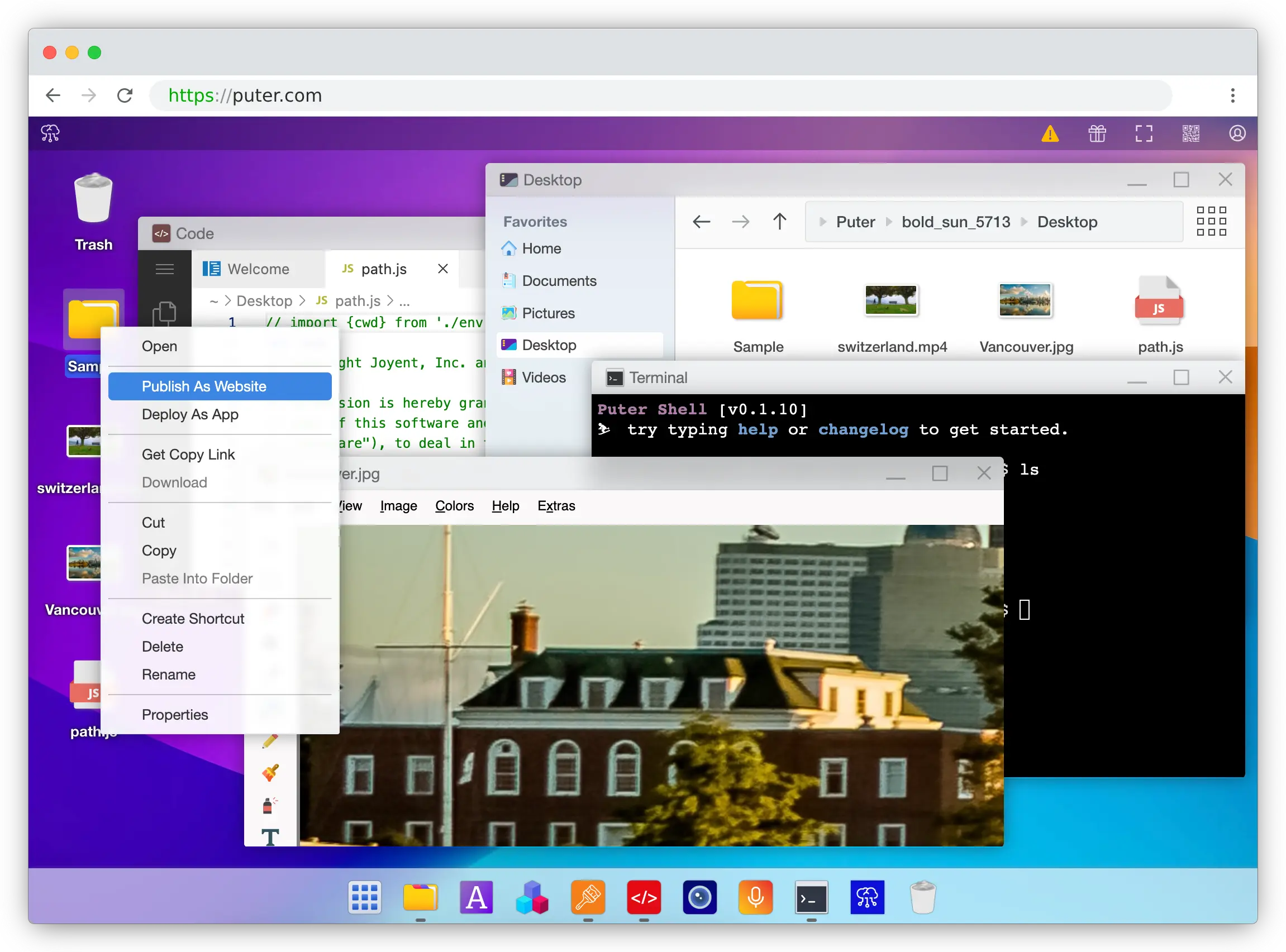
Puter is a cloud operating system that runs in your browser and bundles free static hosting, drag-and-drop file management, serverless workers, AI, databases, cloud storage, and more.
What Makes It Different
Puter treats hosting as a feature of a full cloud OS. You drag a folder into Puter, right-click it, and select "Publish as Website" — your site is live in seconds on a free puter.site subdomain. No Git, no CLI, no build config, and no redeployment step when you edit files. Changes go live instantly from the built-in code editor.
Puter also goes well beyond static files. Puter.js lets your client-side code access AI, databases, and cloud storage with no backend of your own. Serverless Workers add a full router API for backend logic, deployed from the same right-click menu. And through the User-Pays Model, your end users sign into their own Puter account and cover their own AI and storage costs — so you can add a contact form, user accounts, or AI features on top of a Neocities-style page without taking on a scaling bill, something Neocities has no equivalent for since it's static-only.
Key Differences from Neocities
Puter does not have a built-in social network or site gallery like Neocities — if following other sites, tag-based discovery, and the GeoCities-revival community are what draw you in, Puter doesn't replicate that layer. Puter is also positioned as a general-purpose cloud OS rather than an indie-web preservation project, so the cultural tone leans more maker/developer than "bring back the old web."
On the other hand, Puter's free tier has no file-type restrictions (Neocities' free plan limits uploads to HTML, CSS, JS, Markdown, XML, text, fonts, and images).
Comparison Table
| Feature | Puter | Neocities |
|---|---|---|
| Deployment | Drag-and-drop in cloud OS | Drag-and-drop / CLI / WebDAV |
| In-browser code editor |  |
|
| Instant updates (no rebuild) | |
|
| Free SSL | |
|
| Free subdomain | (.puter.site) |
(.neocities.org) |
| Custom domain on free tier |  |
(Supporter only, $5/mo) |
| File type restrictions (free) | None |
HTML/CSS/JS/MD/images/fonts only |
| Serverless functions | (Workers) |
|
| Built-in AI / DB / storage | (Puter.js) |
|
| Framework support (React/Next/Vue/etc.) | |
Limited (static output only) |
| Community / site gallery | |
|
| Commercial use on free tier | |
|
| Open source | |
|
| Best for | Creators who want instant publishing plus a path to full-stack | Indie-web creators who love the GeoCities-style community |
2. Vercel
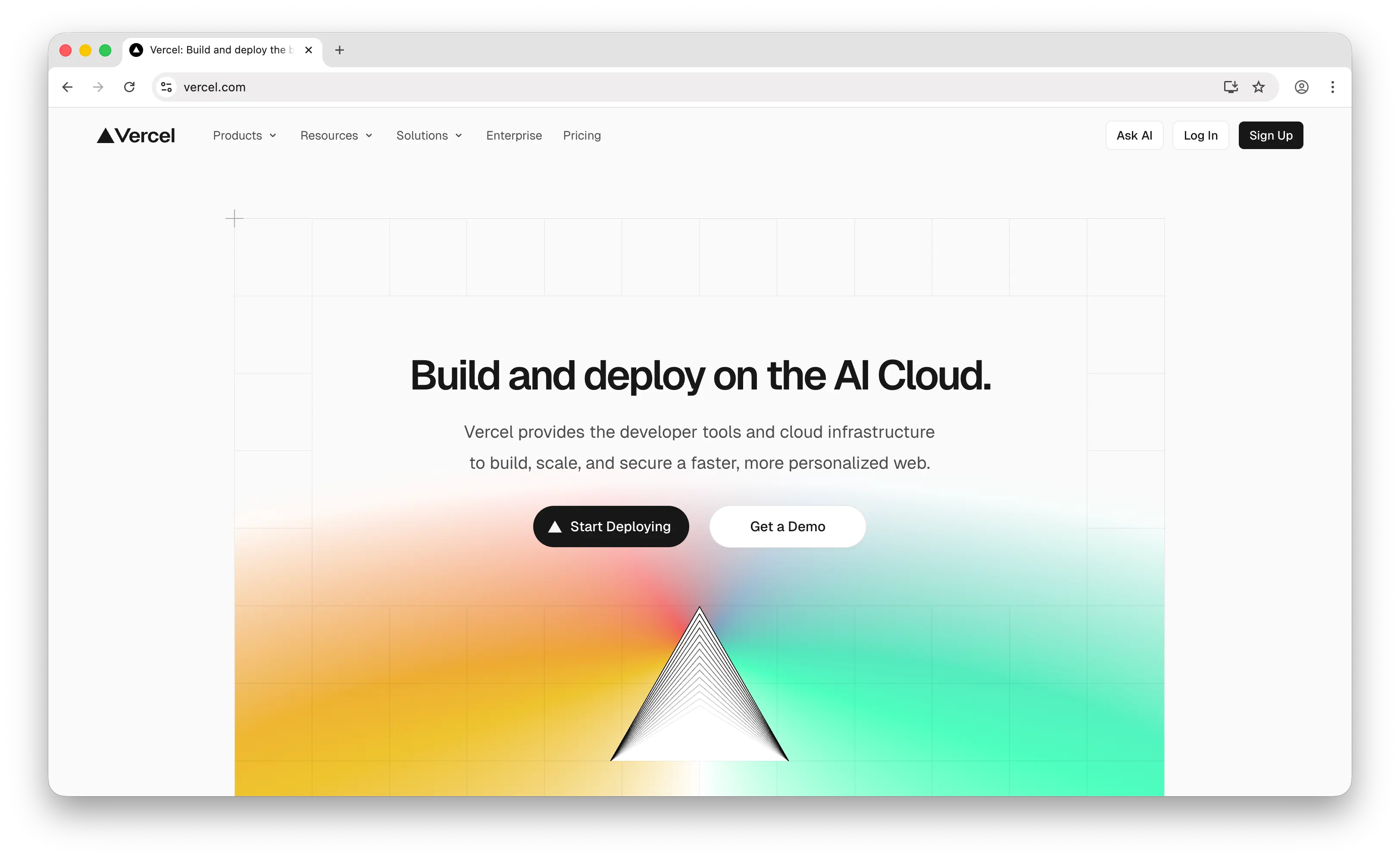
Vercel is a Git-based deployment platform for frontend frameworks, especially Next.js, with a generous free Hobby tier and polished developer experience.
What Makes It Different
Vercel is built around a push-to-Git workflow. Every commit triggers a build, every pull request gets a preview URL, and production auto-deploys when you merge. It's deeply optimized for Next.js (made by the same company) and supports nearly every modern frontend framework with zero-config.
The Hobby tier includes 100 GB bandwidth/month, 1M edge requests, and 150K serverless function invocations. Serverless and edge functions are first-class, so you can add API routes to a static site without leaving the platform.
Key Differences from Neocities
Vercel's Hobby tier is explicitly personal and non-commercial only — running a business site, monetizing, or doing anything revenue-generating on the free tier violates their terms and requires the $20/user/month Pro plan. Neocities has no such restriction on any plan.
Onboarding is also heavier: you need a Git repository and a build configuration. There's no drag-and-drop upload flow, no in-browser editor for live files, and no community or discovery layer. Hobby function duration is capped at 60 seconds, which cuts off longer workloads. Bandwidth overages on Pro are billed at $0.15/GB, so a viral post can produce surprise charges.
Comparison Table
| Feature | Vercel | Neocities |
|---|---|---|
| Deployment | Git push / CLI | Drag-and-drop / CLI / WebDAV |
| Free bandwidth | 100 GB/month | 200 GB/month |
| In-browser code editor | |
|
| Instant updates (no rebuild) | (build required) |
|
| Free SSL | |
|
| Free subdomain | (.vercel.app) |
(.neocities.org) |
| Custom domain on free tier | |
(paid only) |
| Commercial use on free tier | (Hobby is non-commercial) |
|
| Serverless functions | (150K/mo, 60s cap) |
|
| Framework support | Extensive, Next.js native |
Limited |
| Preview deployments | (per PR) |
|
| Community / site gallery | |
|
| Open source | |
|
| Best for | Frontend devs shipping Next.js / React apps via Git | Hobbyists who want zero-friction HTML publishing |
3. Netlify
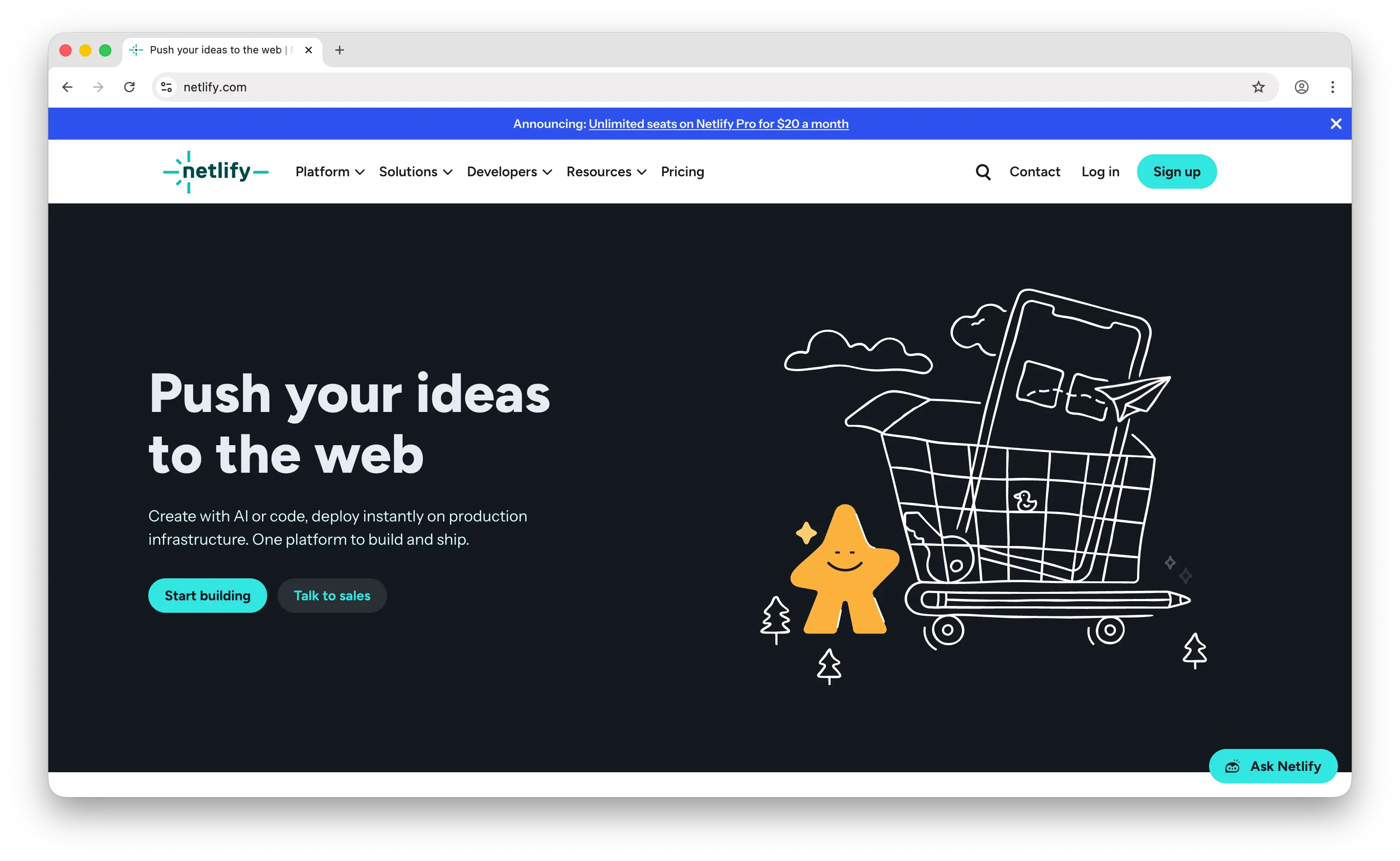
Netlify is the platform that pioneered Git-based continuous deployment for static sites, with built-in forms, authentication, and split testing.
What Makes It Different
Netlify bundles features you'd normally stitch together from third-party services: form handling, identity/auth, split testing, and edge functions are all built in. This makes it a compelling choice for marketing sites and landing pages that need light interactivity without a dedicated backend.
The free tier allows commercial use (unlike Vercel Hobby) and includes 100 GB bandwidth, 300 build minutes, 125K function invocations, 1M edge function invocations, and unlimited deploy previews.
Key Differences from Neocities
Netlify's deployment model requires a Git repo and a build pipeline — there's no drag-and-drop-a-folder flow like Neocities (beyond one-off manual drops). In September 2025, Netlify moved to credit-based billing: the Free tier gives 300 credits/month, where a deploy costs 15 credits and 1 GB of bandwidth costs 10 credits. This makes predicting your monthly bill harder than Neocities' flat-limit model.
Exceed the free limits and your site is suspended until the next calendar month unless you upgrade. Netlify also has no in-browser editor for live files, no community or site gallery, and none of the hand-coded indie-web character.
Comparison Table
| Feature | Netlify | Neocities |
|---|---|---|
| Deployment | Git push / CLI | Drag-and-drop / CLI / WebDAV |
| Free storage | 10 GB | 1 GB |
| Free bandwidth | 100 GB/month | 200 GB/month |
| In-browser code editor | |
|
| Instant updates (no rebuild) | (build required) |
|
| Free SSL | |
|
| Free subdomain | (.netlify.app) |
(.neocities.org) |
| Custom domain on free tier | |
(paid only) |
| Commercial use on free tier | |
|
| Serverless functions | (125K/mo) |
|
| Built-in forms | |
|
| Built-in auth / identity | |
|
| Billing model | Credit-based (300 credits/mo free) | Flat free tier |
| Community / site gallery | |
|
| Open source | |
|
| Best for | Marketing / JAMstack sites with forms, auth, and split testing | Personal creative sites and hobbyists |
4. Cloudflare Pages
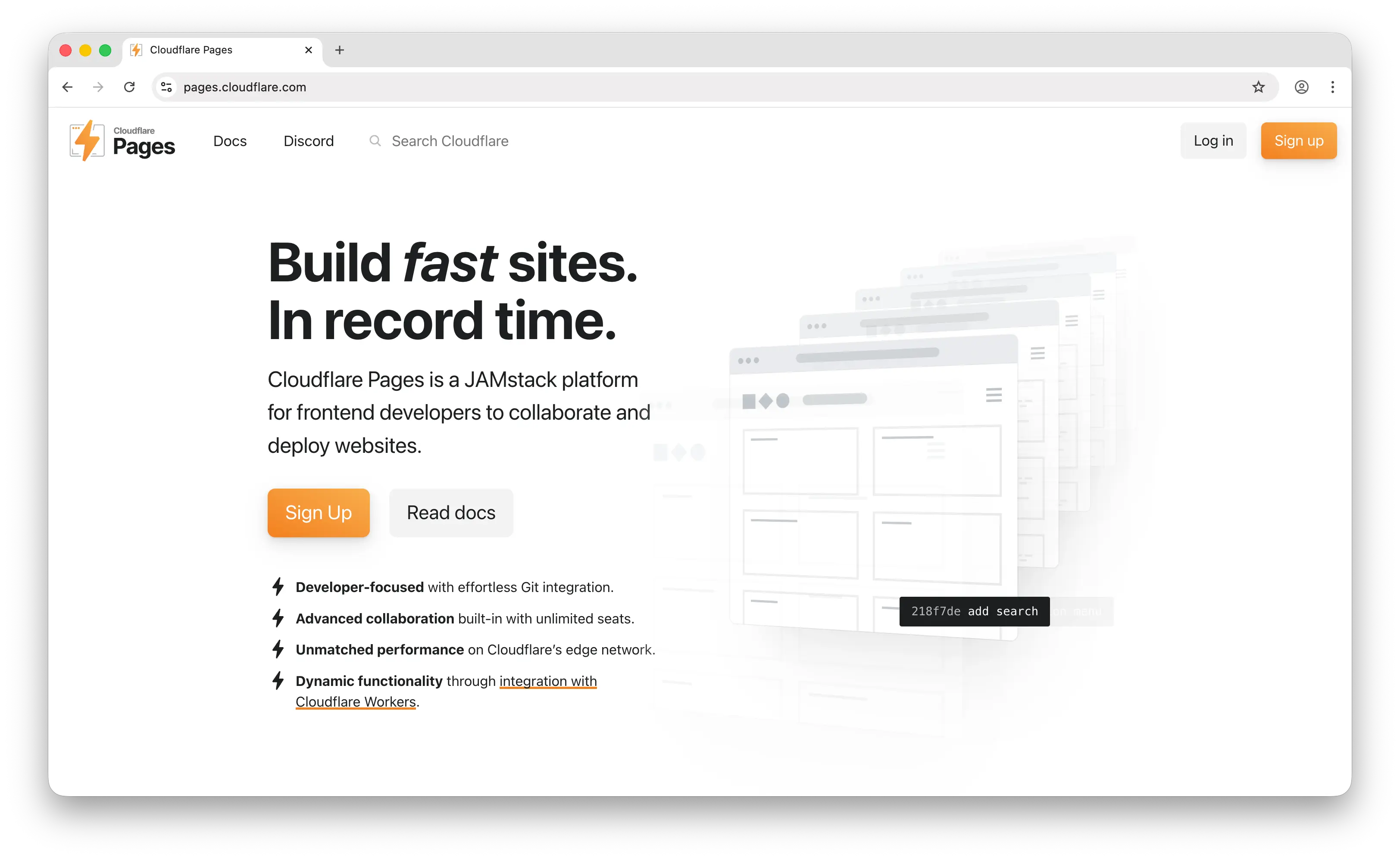
Cloudflare Pages is a Git-deployed static hosting platform running on Cloudflare's 300+ location edge network, with the industry's most generous free tier.
What Makes It Different
Cloudflare Pages offers unlimited bandwidth on every tier, including the free one. While most competitors cap free bandwidth at 100 GB/month, Pages has no egress meter at all. Combined with unlimited team seats, 500 builds/month, and Cloudflare's global edge network, the free tier is hard to beat for high-traffic or viral-prone sites.
It integrates tightly with the rest of Cloudflare's developer platform: Workers for serverless compute, KV for key-value storage, D1 for SQL, R2 for object storage, and Cloudflare Access for authentication. If you outgrow static, the next steps are already wired up.
Key Differences from Neocities
Deployment is Git-based, requiring a repo and a build config. There's no in-browser editor for live files and no community or social layer — Cloudflare Pages is pure infrastructure. Individual file uploads are capped at 25 MB; larger assets need to be served from R2 through a custom domain.
Pages Functions share quota with Cloudflare Workers — the free tier allows 100,000 requests/day combined across both — so heavy API usage will push you to a paid plan. There's also no equivalent of Neocities' tag-based discovery, follows, or comments.
Comparison Table
| Feature | Cloudflare Pages | Neocities |
|---|---|---|
| Deployment | Git push / Wrangler CLI | Drag-and-drop / CLI / WebDAV |
| Free bandwidth | Unlimited | 200 GB/month |
| In-browser code editor | |
|
| Instant updates (no rebuild) | (build required) |
|
| Free SSL | |
|
| Free subdomain | (.pages.dev) |
(.neocities.org) |
| Custom domain on free tier | |
(paid only) |
| Commercial use on free tier | |
|
| Serverless functions | (Workers, 100K req/day) |
|
| Max single file size | 25 MB | Larger allowed |
| Edge network | 300+ locations |
(own anycast CDN) |
| Unlimited team seats (free) | |
— |
| Community / site gallery | |
|
| Open source | |
|
| Best for | Content-heavy or viral-prone sites that fear bandwidth bills | Creators who prefer a file-based, community-backed host |
5. Firebase Hosting
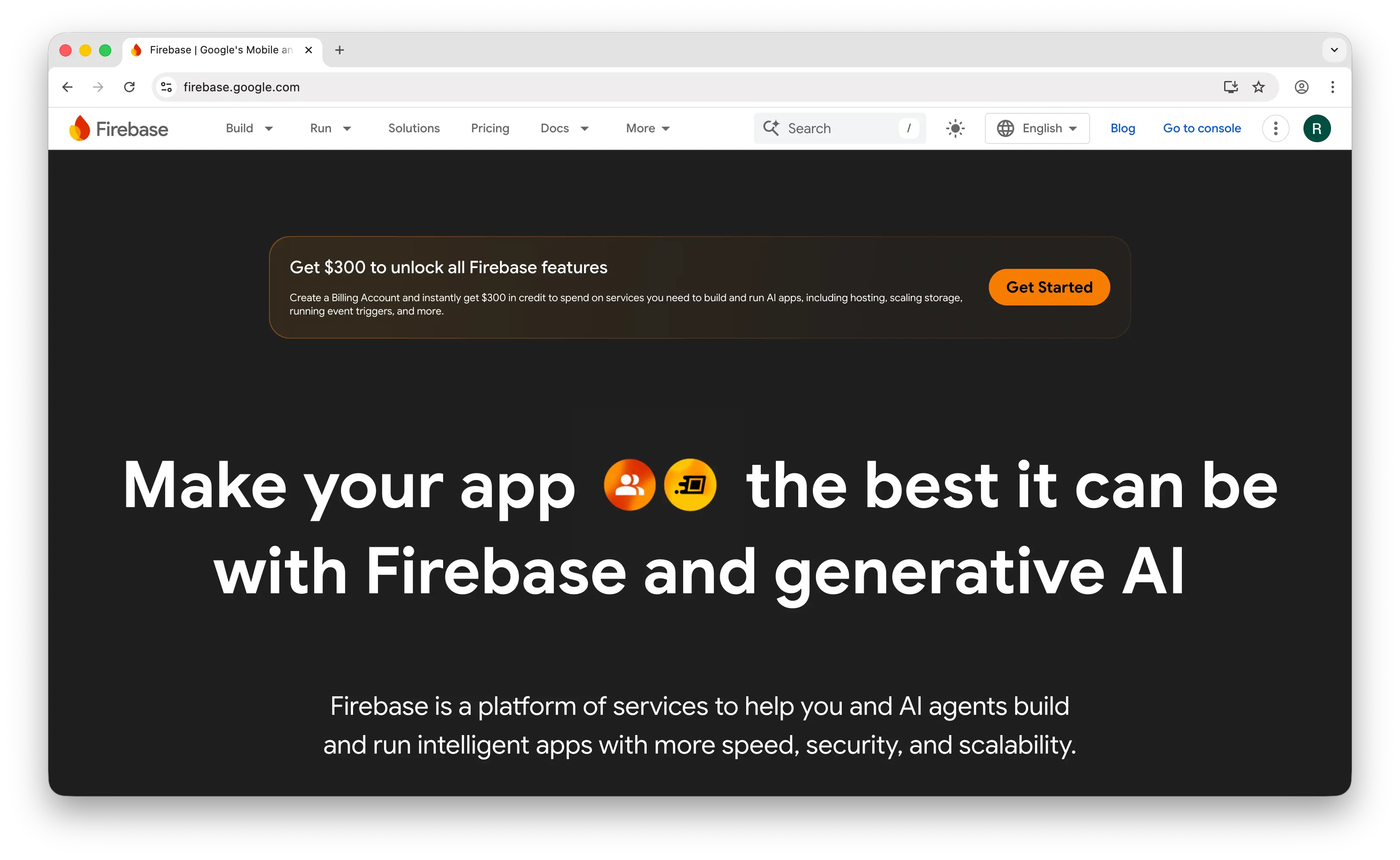
Firebase Hosting is Google's static hosting service, tightly coupled to the broader Firebase backend-as-a-service ecosystem.
What Makes It Different
Firebase Hosting shines when you're already using other Firebase services — Auth, Firestore, Cloud Functions, Realtime Database — because everything is wired together from the same console. You get a global CDN, free SSL, and default subdomains on both .web.app and .firebaseapp.com.
Deployment is CLI-based: firebase init, firebase deploy, and your build output goes live. Atomic deploys and instant rollback to previous versions are built in.
Key Differences from Neocities
Firebase's free Spark plan gives 10 GB of storage but only 360 MB/day of transfer — roughly 10 GB/month — significantly less than Neocities' 200 GB. It's easy to exceed if a page gets even modestly popular. Going beyond Spark means switching to the Blaze pay-as-you-go plan, where hosting bandwidth is billed at $0.15/GiB cached ($0.20/GiB uncached).
There's no in-browser editor, no drag-and-drop upload, and no community layer. The CLI-first workflow assumes you're comfortable with Node.js and the terminal. The Spark plan also restricts outbound network calls from Cloud Functions, so calling external APIs requires upgrading to Blaze.
Comparison Table
| Feature | Firebase Hosting | Neocities |
|---|---|---|
| Deployment | Firebase CLI | Drag-and-drop / CLI / WebDAV |
| Free storage | 10 GB | 1 GB |
| Free bandwidth | ~10 GB/month (360 MB/day) | 200 GB/month |
| In-browser code editor | |
|
| Instant updates (no rebuild) | Depends on your build setup | |
| Free SSL | |
|
| Free subdomain | (.web.app / .firebaseapp.com) |
(.neocities.org) |
| Custom domain on free tier | |
(paid only) |
| Commercial use on free tier | |
|
| Serverless functions | (Blaze required for external calls) |
|
| Built-in auth | (Firebase Auth) |
|
| Built-in database | (Firestore, Realtime DB) |
|
| Billing beyond free | Pay-as-you-go (Blaze) | Flat $5/mo Supporter |
| Community / site gallery | |
|
| Open source | |
|
| Best for | Apps already using Firebase Auth / Firestore | Creators wanting generous bandwidth and indie-web vibes |
Which Should You Choose?
Choose Puter if you want Neocities' drag-and-drop simplicity without the static-only ceiling. You get instant publishing, zero build config, and a direct path to AI, databases, and serverless workers when you need them.
Choose Vercel if you're building a Next.js or React app and are comfortable with a Git-based workflow — just note that the Hobby tier is personal and non-commercial only.
Choose Netlify if you need built-in forms, auth, or split testing for a marketing site and prefer JAMstack conventions.
Choose Cloudflare Pages if you expect high traffic or unpredictable viral spikes. Unlimited bandwidth on the free tier makes it the safest choice for content-heavy projects.
Choose Firebase Hosting if you're already committed to Firebase Auth, Firestore, or Cloud Functions and want your frontend living under the same roof.
Stick with Neocities if the social layer — the site gallery, follows, tags, and GeoCities-revival culture — is what you love about it. No alternative here replicates that indie-web community.
Conclusion
The best Neocities alternatives are Puter, Vercel, Netlify, Cloudflare Pages, and Firebase Hosting. Each takes a different approach to static site hosting, from Puter's drag-and-drop cloud OS to Cloudflare's unlimited-bandwidth edge network to Firebase's tight BaaS integration. Whichever platform you choose, the best option is the one that fits how you work and where you want your site to go next.
Related
- Getting Started with Puter.js
- How to Host a Website for Free
- Top 5 Glitch Alternatives (2026)
- Best Vercel Alternatives (2026)
- Best Netlify Alternatives (2026)
- Top 5 Firebase Alternatives (2026)
- Top 5 Render Alternatives (2026)
- Top 5 Heroku Alternatives (2026)
- Top 5 Railway Alternatives (2026)
- Top 5 Fly.io Alternatives (2026)
- Best Cloudflare Pages Alternatives (2026)
- Best GitHub Pages Alternatives (2026)
Ship a Full-Stack App with One Prompt
Create a to-do list app using Puter.js
Coding manually? see the guide