Top 5 Fly.io Alternatives (2026)
Fly.io carved out a real niche by running Docker containers as Firecracker microVMs across 35 regions, letting teams push their code to the edge without rewriting it for a serverless runtime. But the trade-offs are real: no free tier, Dockerfile-driven workflows, volumes that keep billing even when your Machines are stopped, and a learning curve that can bite anyone who just wants their app online.
In this article, you'll learn about five Fly.io alternatives, each with a different take on the same problem, and which one might be the best fit for what you're actually building.
1. Puter
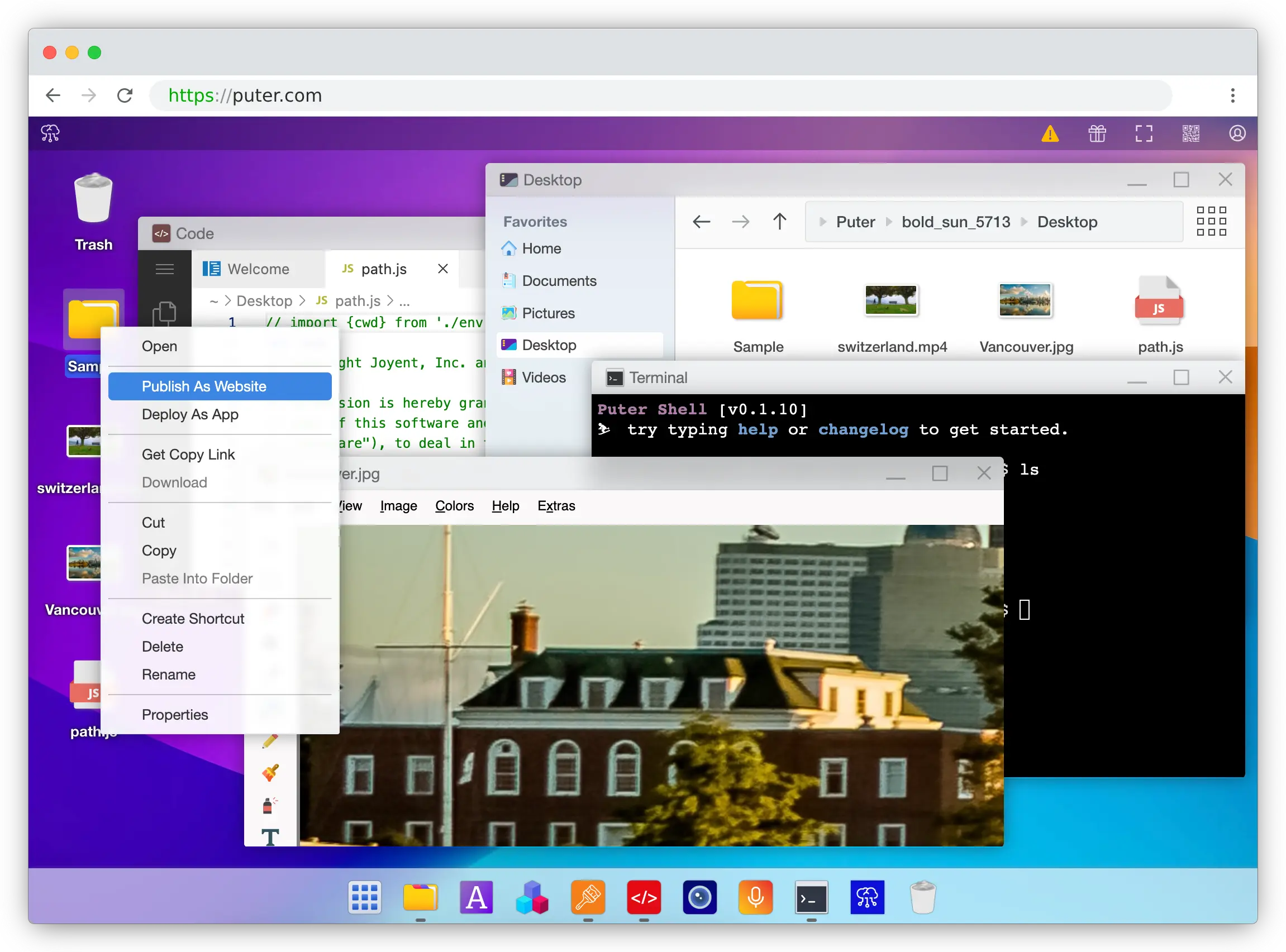
Puter is an open-source cloud operating system that runs in your browser. It combines free static hosting, serverless workers, and Puter.js, a JavaScript library that bundles AI, key-value database, object storage, authentication, and more into a single package, all accessible directly from the frontend.
What Makes It Different
The biggest shift is who pays. With Fly.io, every VM-second, gigabyte of bandwidth, and provisioned volume lands on your credit card, and your bill grows with every new user. Puter flips this with the User-Pays Model: each end user of your app covers their own cloud and AI consumption through their Puter account. A hobby project and a million-user app both cost the developer $0 to run.
The second shift is how much infrastructure you deal with at all. There's no Dockerfile, no CLI, no region picker, and no fly.toml. Static sites go live by dragging a folder into the Puter cloud OS, complete with auto-SSL and a free puter.site subdomain. For anything dynamic, Puter.js drops into your frontend as a single <script> tag and gives you direct access to cloud storage, a NoSQL database, authentication, hosting, CORS-free networking, P2P (with built-in TURN relays), and AI models from OpenAI, Anthropic, Google, Meta, and others. When you genuinely need server-side logic, Serverless Workers deploy with a single click and integrate back into the same Puter.js APIs.
Key Differences from Fly.io
Puter is primarily designed for web apps. While Workers cover most backend use cases, it does not run arbitrary Docker containers, persistent stateful services, or long-running processes the way Fly.io does. It also doesn't expose low-level primitives like dedicated VM sizes, volumes, or region selection, which teams building latency-sensitive edge workloads may need. If your app requires a specific runtime, custom system packages, or SSH access, Fly.io remains the more flexible option.
Comparison Table
| Feature | Puter | Fly.io |
|---|---|---|
| Pricing model | User-pays (free for devs) | Usage-based (pay-as-you-go) |
| Free tier for devs |  Unlimited Unlimited |
 Removed Oct 2024 Removed Oct 2024 |
| Deployment method | Drag-and-drop / Puter.js | CLI + Dockerfile |
| Static hosting | Free with SSL |
Via container |
| Serverless functions | Workers |
(VMs only) |
| Database included | KV store |
Managed Postgres (paid) |
| Object storage | |
Via Tigris (paid) |
| Built-in auth | |
|
| Built-in AI access | 400+ models |
|
| Custom Docker containers | |
|
| Persistent volumes | |
($0.15/GB/mo) |
| Multi-region / edge | Global CDN | 35 regions |
| CLI required | |
|
| Auto SSL + custom domains | |
|
| Open source | |
|
| Best for | Web app devs who want zero-cost, zero-infra deployment | Teams needing low-level control over globally distributed containers |
2. Railway
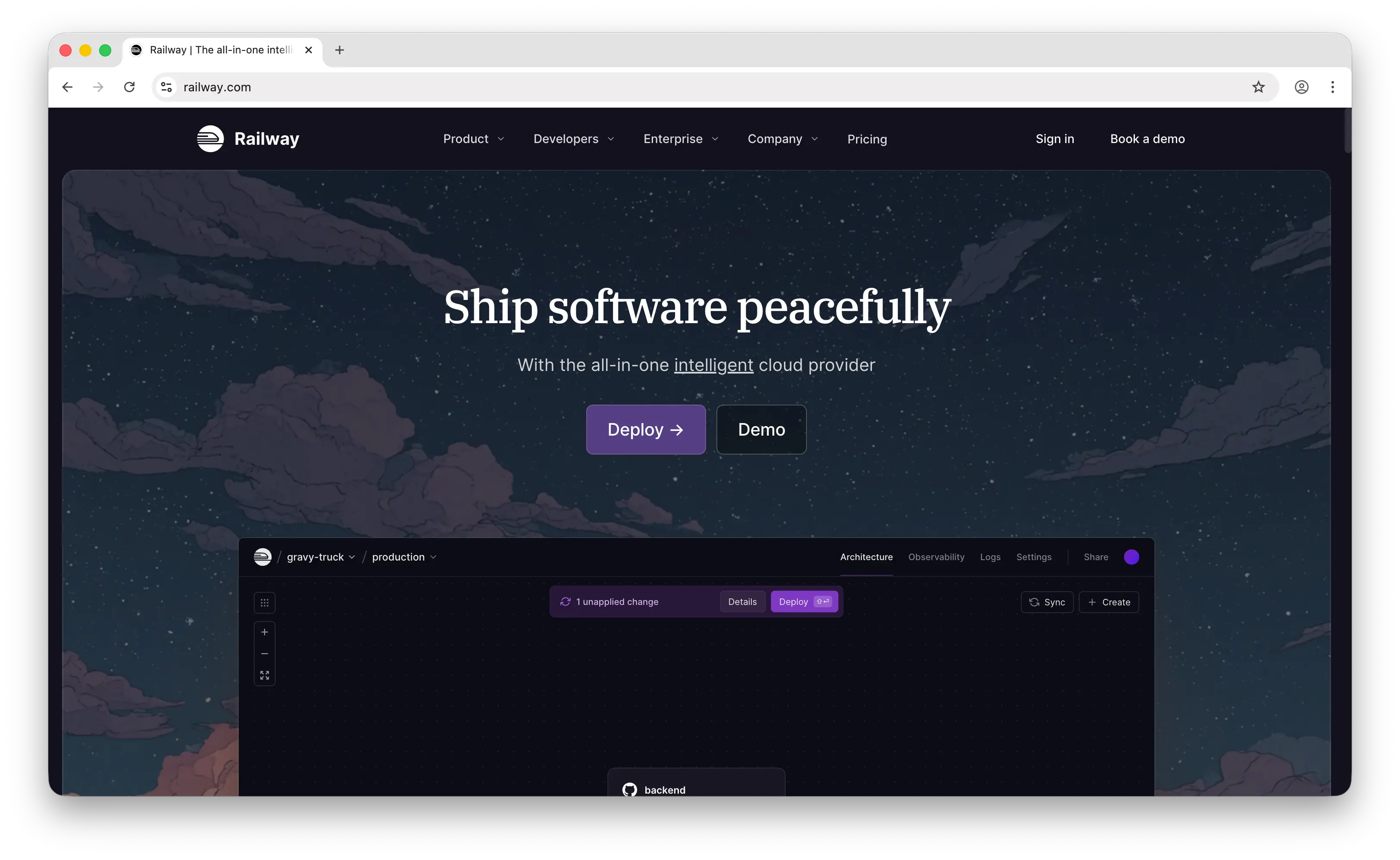
Railway is a developer-focused deployment platform that abstracts infrastructure into a git-push workflow. Like Fly.io, it's built for full-stack applications with databases, workers, and APIs, but its focus is squarely on developer experience over infrastructure control.
What Makes It Different
Railway automatically detects your framework using Nixpacks, so most projects deploy without a Dockerfile or config file. It bills per second for actual CPU and memory usage, runs its own hardware across the US, EU, and Asia, and bundles managed databases (PostgreSQL, MySQL, Redis) at the same usage rates as any other service, no separate database pricing tier.
The Hobby plan is $5/month and includes $5 of usage credits, and the Pro plan at $20/month includes $20 in credits plus hard spend limits, a feature that directly addresses Fly.io's biggest user complaint: surprise bills from forgotten volumes, bandwidth, or stopped machines that still accrue charges.
Key Differences from Fly.io
Railway has only 4 data center regions compared to Fly's 35, so it's not a competitor for edge or latency-sensitive workloads. There's no permanent free tier, the $5 trial credit expires after 30 days and then services pause until you upgrade. Railway also offers less low-level control: you don't pick VM sizes, configure Firecracker settings, or fine-tune regional placement the way you can on Fly.io.
Comparison Table
| Feature | Railway | Fly.io |
|---|---|---|
| Pricing model | Subscription + usage-based | Usage-based (pay-as-you-go) |
| Starting price | $5/mo (Hobby, includes $5 credit) | Pay only for resources used |
| Free tier | 30-day trial with $5 credit | Removed Oct 2024 |
| Deployment method | Git push / Dockerfile / CLI | CLI + Dockerfile |
| Dockerfile required | Optional (Nixpacks auto-detect) | Typically |
| Managed databases | Same usage rates |
Separate pricing (MPG from $38/mo) |
| Regions | 4 | 35 |
| Edge deployment | |
|
| Spend limits | (Pro) |
|
| Preview environments | |
Via custom setup |
| Persistent volumes | Up to 1 TB (Pro) |
|
| Custom domains + SSL | |
|
| Private networking | |
|
| Scale to zero | |
|
| Open source | |
|
| Best for | Teams wanting polished DX and predictable low-scale costs | Teams needing globally distributed, low-level control |
3. Render
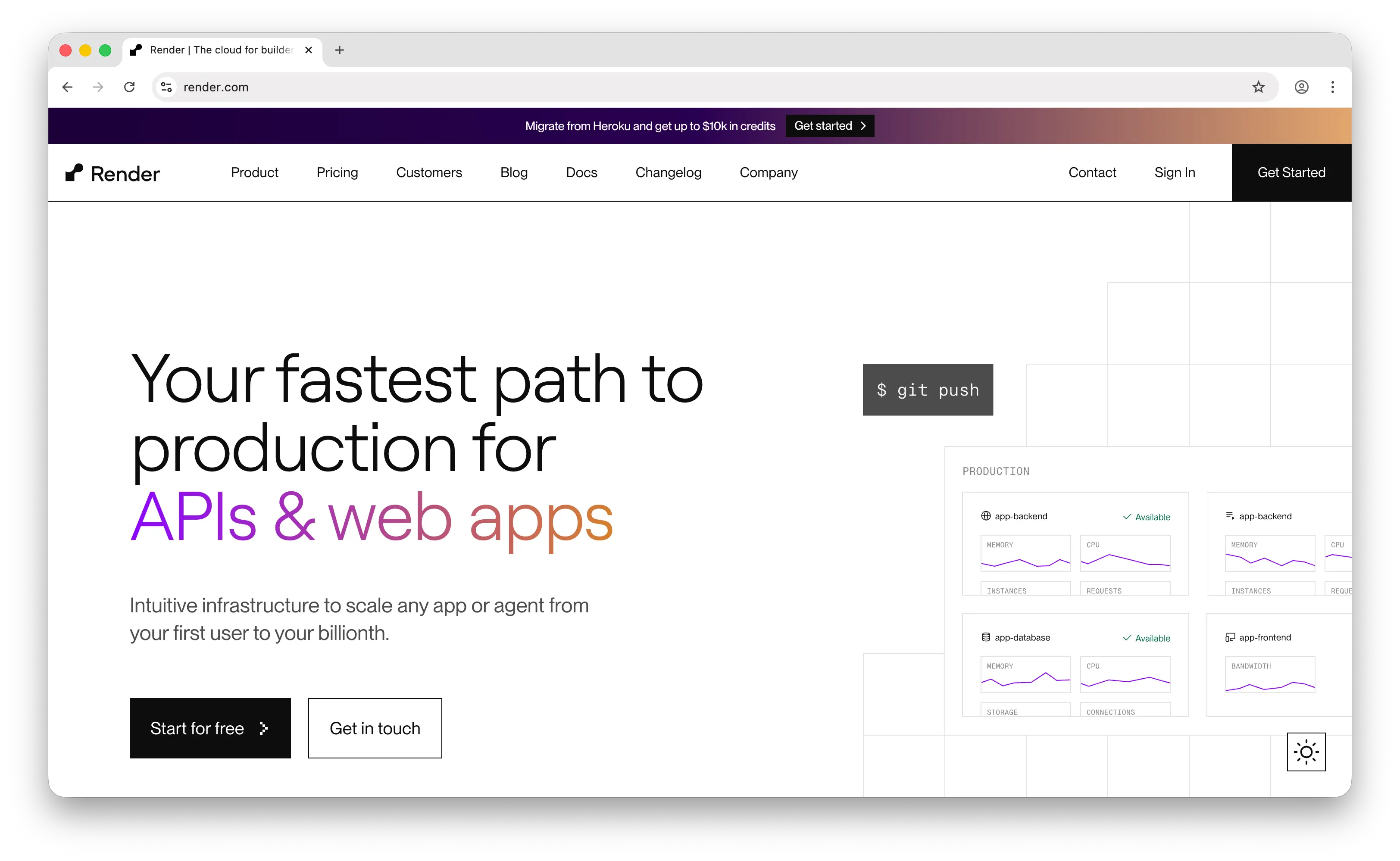
Render is a cloud hosting platform focused on "it just works" deployments for web services, static sites, background workers, and managed databases. It's often positioned as the modern Heroku replacement.
What Makes It Different
Render's biggest differentiator from Fly.io is predictable plan-based pricing instead of usage-based billing. You pick an instance type (Starter $7/mo, Standard $25/mo, Pro $85/mo, etc.) and that's your monthly cost, no surprise bandwidth bills, no hourly volume charges, no bill that scales silently with traffic spikes.
Render also has a real permanent free tier: static sites are free with unlimited bandwidth and free TLS, and web services, Key Value stores, and Postgres databases have free instance types meant for personal projects and exploration. It offers the same primitives as Fly (web services, workers, cron jobs, managed Postgres and Redis) but packaged in a more prescriptive, Heroku-style model.
Key Differences from Fly.io
Render is not an edge platform. Services run in a handful of regions and you don't get Fly's per-request global routing or Firecracker microVM performance. Free web services spin down after 15 minutes of inactivity, with 30–60 second cold starts, fine for demos, a dealbreaker for production. Team plans also add significant per-seat costs: a 5-person team pays roughly $95/month before deploying anything, on top of per-service charges.
Comparison Table
| Feature | Render | Fly.io |
|---|---|---|
| Pricing model | Plan-based (fixed monthly per service) | Usage-based (pay-as-you-go) |
| Starting price | $0 (free) / $7 per web service | Pay only for resources used |
| Free tier | Permanent (with spin-down) |
Removed Oct 2024 |
| Predictable monthly cost | |
Variable |
| Deployment method | Git push / Dockerfile | CLI + Dockerfile |
| Managed Postgres | Free tier available |
Managed Postgres from $38/mo |
| Background workers | |
(as Machines) |
| Cron jobs | Native primitive |
Via scheduled Machines |
| Cold starts (free tier) | 30–60s after 15 min idle | N/A (no free tier) |
| Regions | Handful (US, EU, Asia) | 35 |
| Edge / multi-region routing | |
|
| Persistent disks | |
|
| Preview environments | |
Via custom setup |
| Team per-seat pricing | Yes (adds cost) |
|
| Custom domains + auto SSL | |
|
| Best for | Teams wanting predictable bills and a Heroku-like experience | Teams needing global edge deployment with per-second billing |
4. Vercel
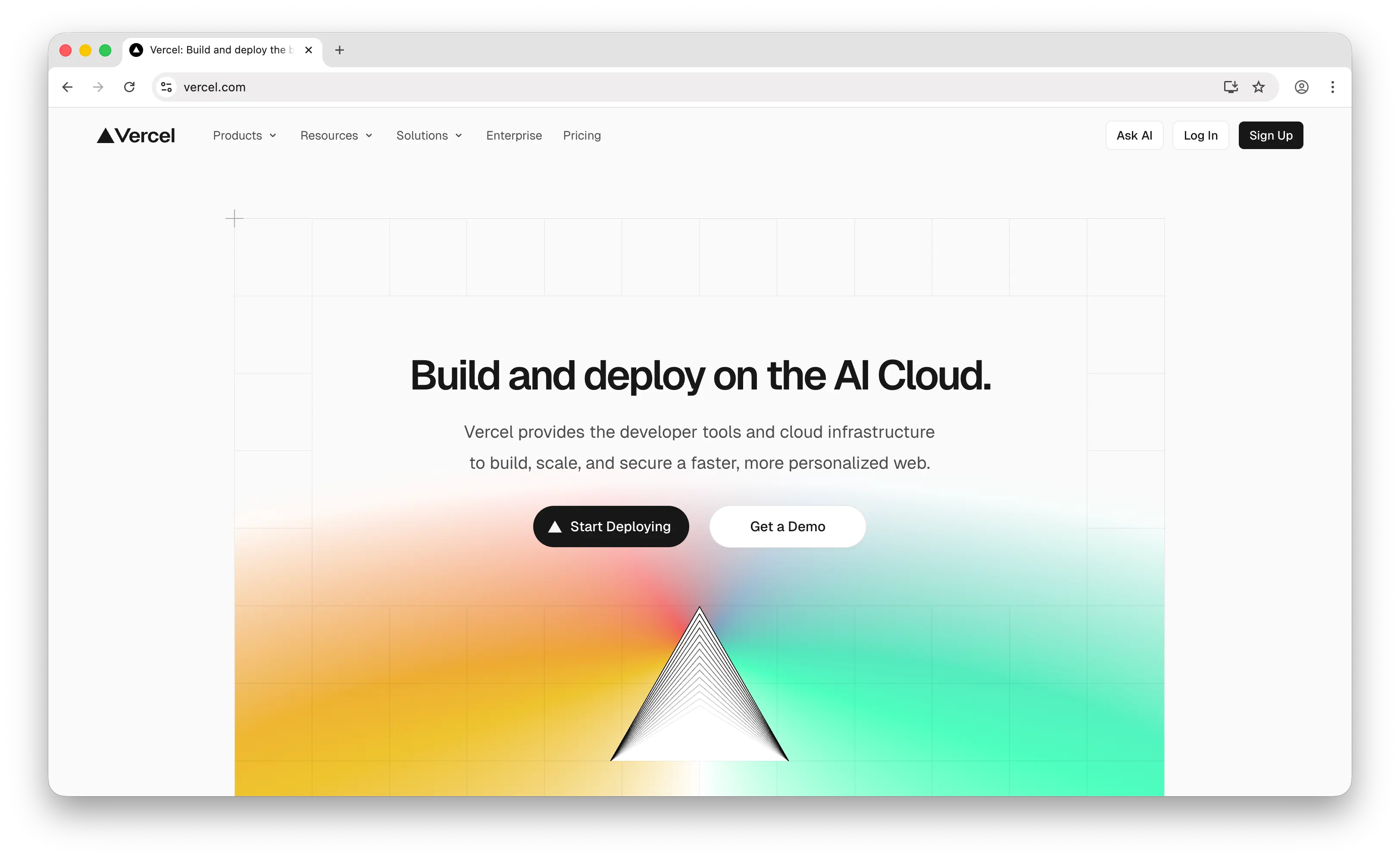
Vercel is a frontend-focused platform optimized for Next.js, React, and other modern JavaScript frameworks, with a global edge network and serverless functions.
What Makes It Different
Vercel offers the best-in-class developer experience for frontend frameworks. Every git push generates a unique preview URL, builds are fast and parallelized, and features like Incremental Static Regeneration (ISR), Edge Functions, and Fluid Compute are deeply integrated with Next.js. The Hobby plan is free forever for personal projects, and the Pro plan at $20/user/month includes $20 in monthly usage credits.
For Next.js apps and static sites with serverless API routes, Vercel's global CDN and edge network deliver performance that Fly.io requires much more configuration to match.
Key Differences from Fly.io
Vercel is in a different category, it's not a general-purpose container platform. It doesn't run persistent processes, custom Docker containers, or long-running background workers the way Fly.io does. Functions on the Hobby plan time out at 60 seconds; even on Pro, the cap is 5 minutes. For AI agent loops, WebSocket servers, or data pipelines, Vercel will time out where Fly.io keeps running. Bandwidth overages on Pro ($0.15/GB after 1 TB) are also significantly higher than raw cloud egress. Pricing is per developer seat, so team costs scale with headcount, and the free Hobby plan is restricted to non-commercial use.
Comparison Table
| Feature | Vercel | Fly.io |
|---|---|---|
| Pricing model | Per-seat subscription + usage | Usage-based (pay-as-you-go) |
| Starting price | $0 (Hobby, non-commercial) / $20 per seat (Pro) | Pay only for resources used |
| Free tier | (Hobby, personal use only) |
Removed Oct 2024 |
| Deployment method | Git push (framework auto-detected) | CLI + Dockerfile |
| Platform type | Frontend + serverless functions | General-purpose containers |
| Custom Docker containers | |
|
| Long-running processes | |
|
| Function timeout | 60s (Hobby) / 5 min (Pro) | No limit |
| Persistent storage | (via add-ons) |
|
| Background workers | |
|
| WebSockets / sockets | Limited | |
| Global edge network | Built-in |
35 regions |
| Preview deployments | Per PR |
Via custom setup |
| Bandwidth overage | $0.15/GB after 1 TB | $0.02–$0.12/GB by region |
| Next.js optimization | Native |
Via custom setup |
| Team pricing | $20 per seat / month | Organization-level billing |
| Best for | Next.js / React apps with short-lived APIs | General-purpose containers globally |
5. Heroku
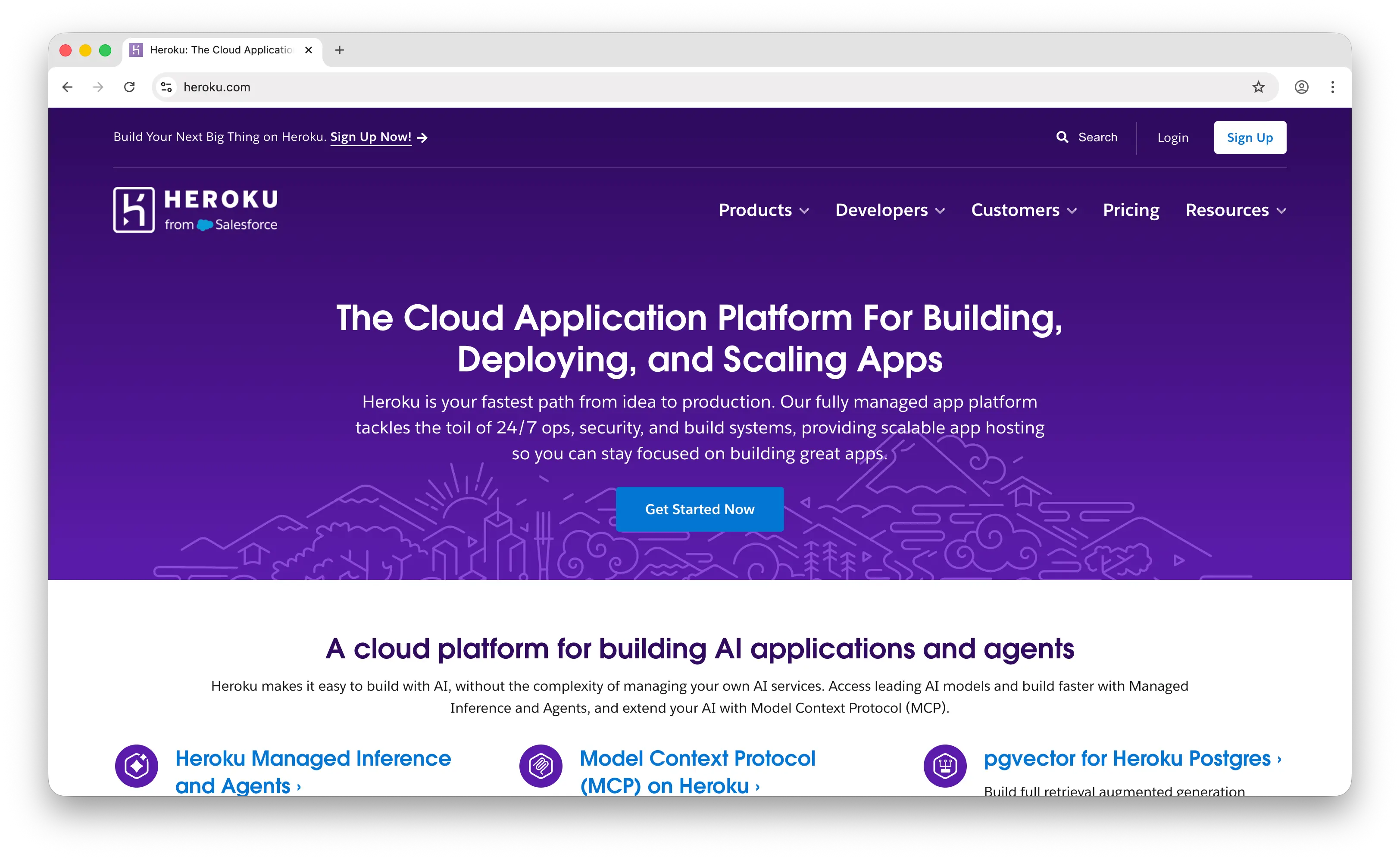
Heroku is the original developer PaaS that defined git-push deployment in the late 2000s. Acquired by Salesforce in 2010, it remains a stable, enterprise-friendly platform with a mature add-on ecosystem.
What Makes It Different
Heroku's add-on marketplace is its most unique asset: hundreds of third-party services (logging, monitoring, email, queues, databases) install with a single CLI command and bill through your Heroku account. It has a long track record, SOC 2 / HIPAA compliance options, and deep Salesforce integration via Heroku Connect for teams already in the Salesforce ecosystem.
The platform runs on two foundations today: the classic Cedar stack and the newer Kubernetes-powered Fir stack for more observability and control.
Key Differences from Fly.io
Heroku removed its free tier in November 2022, and pricing now starts at $5/month for Eco dynos (which sleep after 30 minutes of inactivity) and $7/month for always-on Basic dynos, with Standard at $25–$50 and Performance at $250+. Unlike Fly.io's unified billing, Heroku's costs stack across separate line items: dynos, Postgres, Redis, CI pipelines, and every add-on are billed independently, which often makes real-world bills meaningfully higher than Fly for equivalent workloads.
Heroku's architecture also hasn't evolved much since Salesforce's acquisition. There's no edge network, no Firecracker-style microVM performance, and the Procfile + buildpack model creates real migration lock-in. You can't SSH into a dyno, install custom system packages easily, or tune kernel parameters the way you can with a Fly Machine.
Comparison Table
| Feature | Heroku | Fly.io |
|---|---|---|
| Pricing model | Dyno-based + separate add-ons | Usage-based (pay-as-you-go) |
| Starting price | $5/mo (Eco, sleeps) / $7/mo (Basic) | Pay only for resources used |
| Free tier | Removed Nov 2022 |
Removed Oct 2024 |
| Deployment method | Git push + Procfile / Buildpacks | CLI + Dockerfile |
| Docker support | (container registry) |
Native |
| Add-on marketplace | Extensive |
Limited (Fly Extensions) |
| Managed Postgres | (from $5/mo Mini) |
(from $38/mo) |
| Global edge network | |
35 regions |
| VM-level control | No SSH |
|
| Auto-sleep (low-tier) | Eco dynos |
Auto-stop machines |
| Persistent storage | Ephemeral only |
Volumes |
| Compliance (HIPAA/SOC2) | (Shield / Private) |
($99/mo add-on) |
| Salesforce integration | Heroku Connect |
|
| Firecracker microVMs | |
|
| Billing complexity | High (stacked add-ons) | Moderate (unified per org) |
| Best for | Enterprise teams in the Salesforce ecosystem | Cost-conscious teams needing global edge containers |
Which Should You Choose?
Choose Puter if you're building a web app and want to deploy without paying for servers, managing API keys, or running a backend. The User-Pays Model is ideal for developers who want AI, storage, databases, and auth available from day one without infrastructure costs scaling with user growth.
Choose Railway if you want a Fly.io-style usage-based experience but with a smoother developer workflow, automatic framework detection, and hard spend limits to prevent surprise bills. It's the best general-purpose pick for indie devs and small teams who don't need 35 regions.
Choose Render if predictable monthly pricing matters more than global edge performance. It's the easiest platform to budget for and a strong default for Heroku refugees who want a modern, simpler alternative.
Choose Vercel if your app is primarily a frontend (especially Next.js) with short-lived API routes. The developer experience is unmatched in that niche, though it's a poor fit for anything requiring long-running processes or custom containers.
Choose Heroku if you're already in the Salesforce ecosystem or value its mature add-on marketplace and compliance track record over modern features or cost-efficiency.
Stick with Fly.io if you need low-level control over globally distributed containers, Firecracker microVM performance, per-request regional routing, or the ability to run any Docker image at the edge. It remains the most flexible option for teams comfortable with Dockerfiles and CLI-driven workflows.
Conclusion
The top 5 Fly.io alternatives are Puter, Railway, Render, Vercel, and Heroku. Each takes a different approach to deploying and scaling web applications, from Puter's user-pays, zero-infra model to Railway's polished usage-based DX to Vercel's frontend-first edge network. Whichever platform you choose, the best option is the one that fits your stack, your budget, and how much infrastructure work you actually want to do.
Related
- Getting Started with Puter.js
- Host a Website for Free
- Deploy Serverless Functions on Puter
- Top 5 Heroku Alternatives (2026)
- Best Vercel Alternatives (2026)
- Top 5 Render Alternatives (2026)
- Best Netlify Alternatives (2026)
- Top 5 AWS Lambda Alternatives (2026)
- Top 5 PocketBase Alternatives (2026)
- Best Neocities Alternatives (2026)
- Top 5 Cloudflare Workers Alternatives (2026)
- Best Cloudflare Pages Alternatives (2026)
- Top 5 Google Cloud Run Alternatives (2026)
Ship a Full-Stack App with One Prompt
Create a to-do list app using Puter.js
Coding manually? see the guide