Top 5 Railway Alternatives (2026)
Railway has become a go-to platform for developers who want Heroku-style simplicity without the Heroku-style pricing. Push a repo, get a live URL in under two minutes, spin up a Postgres or Redis instance with a single click, and pay only for the CPU and memory you actually use. For most indie devs and small teams, it's hard to beat. But Railway isn't the right answer for every project, and the ecosystem around it has grown considerably.
In this article, you'll learn about five Railway alternatives, how they compare, and which one might be the best fit for your project.
1. Puter
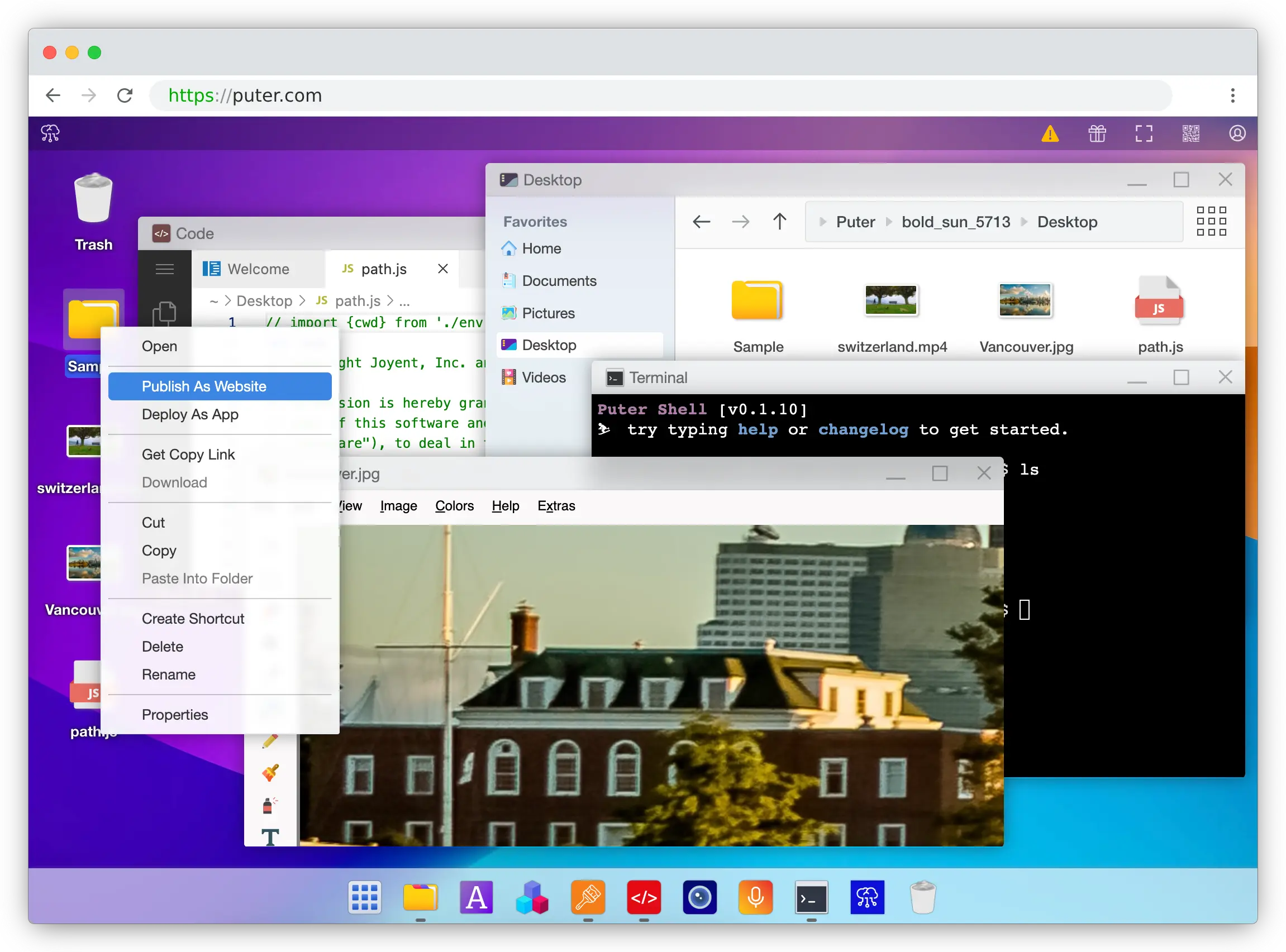
Puter is an open-source cloud operating system that combines static site hosting, serverless workers, and Puter.js, a JavaScript library that bundles cloud storage, a key-value database, authentication, AI, and more into a single package, all callable directly from your frontend code.
What Makes It Different
With Railway, someone pays for every CPU cycle, gigabyte of RAM, and database row your app consumes, and that someone is you. Puter flips the arrangement. Through the User-Pays Model, each user of your app brings their own Puter account, and their usage is billed to them. Your infrastructure cost stays at $0 whether you have ten users or ten million.
The other thing about Puter is where the backend lives: mostly, it doesn't exist. A single <script src="https://js.puter.com/v2/"> tag in your HTML unlocks cloud file storage, a NoSQL database, user auth, programmatic hosting, CORS-free networking (including raw sockets and peer-to-peer primitives), and 500+ AI models, all called directly from the browser. When you genuinely need server-side code, such as API endpoints, Puter's Workers handle it with a simple router API, without the Dockerfile-and-container dance Railway requires.
Key Differences from Railway
Puter is primarily designed for web apps where most logic can live on the frontend or in lightweight Workers. If your app is a long-running Node, Python, Go, or Rails server with custom system libraries, or if you need a relational database with complex joins and transactions, Railway's container model is a better fit. Puter's key-value store covers most CRUD needs, but it's not Postgres. It also doesn't support Dockerfile-based deployments or background workers that run continuously for hours.
Comparison Table
| Feature | Puter | Railway |
|---|---|---|
| Pricing model | User-pays (free for devs) | Usage-based ($5/mo Hobby, $20/mo Pro) |
| Permanent free tier |  |
 ($5 trial credit only) ($5 trial credit only) |
| Backend required | |
|
| Git-based deploys | (drag-and-drop / API) |
|
| Static hosting | |
|
| Serverless workers | |
(containers only) |
| Built-in database | Key-value |
PostgreSQL, MySQL, MongoDB, Redis |
| Built-in cloud storage | |
(volumes only) |
| Built-in auth | |
|
| Built-in AI | 400+ models |
|
| Custom domains | |
|
| Free SSL | |
|
| Dockerfile support | |
|
| Long-running processes | |
|
| Open-source | (AGPL-3.0) |
|
| Scales with traffic | (zero cost) |
(bill grows) |
| Best for | Frontend/web app devs who want zero-cost full-stack hosting | Backend devs needing containers and managed SQL databases |
2. Render
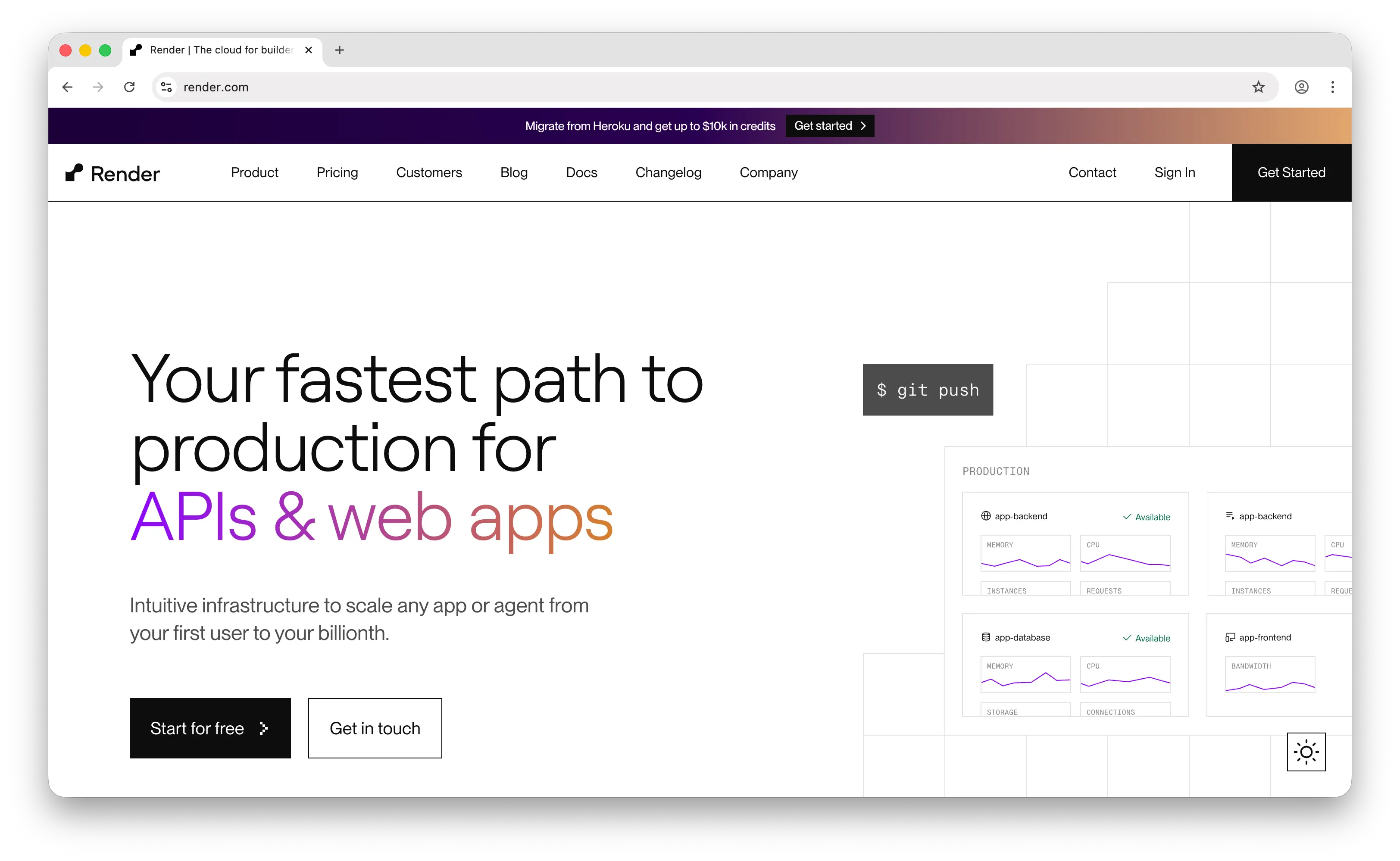
Render is a cloud hosting platform that focuses on "it just works" deployments for web services, static sites, background workers, and managed databases. It's often described as the spiritual successor to the original Heroku, and it's the closest Railway competitor in terms of feature overlap.
What Makes It Different
Render's biggest differentiator from Railway is predictable, plan-based pricing. Instead of billing per second of CPU and memory, Render charges a flat monthly fee per service ($7/mo for a starter web service, $19/user/mo for Professional team features). Your bill doesn't balloon when traffic spikes, and it doesn't surprise you mid-month.
Render also maintains a permanent free tier for static sites with no credit card required. It natively supports web services, static sites, background workers, cron jobs, and managed PostgreSQL and Redis, covering most of what a typical full-stack team needs. Migration guides specifically target developers coming from Heroku, and the overall DX will feel familiar to anyone from that ecosystem.
Key Differences from Railway
Render's managed database catalog is narrower: it supports PostgreSQL and Redis out of the box, but MongoDB requires custom setup via private services, while Railway one-clicks all four. Render's free PostgreSQL databases also expire after 30 days and cap at 1 GB, a gotcha worth planning around. Team pricing is per-seat ($19/user/mo on Professional), which scales worse than Railway's workspace-level model for larger teams. And Render's free web services spin down after inactivity, just like the old Heroku Hobby dynos.
Comparison Table
| Feature | Render | Railway |
|---|---|---|
| Pricing model | Flat plan-based ($7/mo services, $19/user Pro) | Usage-based (per-second billing) |
| Free tier | Permanent for static sites |
($5 trial credit only) |
| Predictable billing | |
Less predictable (usage-based) |
| Git-based deploys | |
|
| Web services | |
|
| Static sites | Free |
(billed as compute) |
| Background workers | |
|
| Cron jobs | |
|
| Managed PostgreSQL | |
|
| Managed Redis | |
|
| Managed MongoDB | (DIY private service) |
|
| Free DB persistence | 30-day expiry | Within usage credits |
| Preview environments | |
|
| Custom domains | |
|
| Auto-sleep on free tier | |
N/A |
| Team seats pricing | Per-seat | Workspace-level |
| Open-source | |
|
| Best for | Teams wanting predictable plan-based bills and a free static tier | Teams wanting per-second billing and a broader DB catalog |
3. Heroku
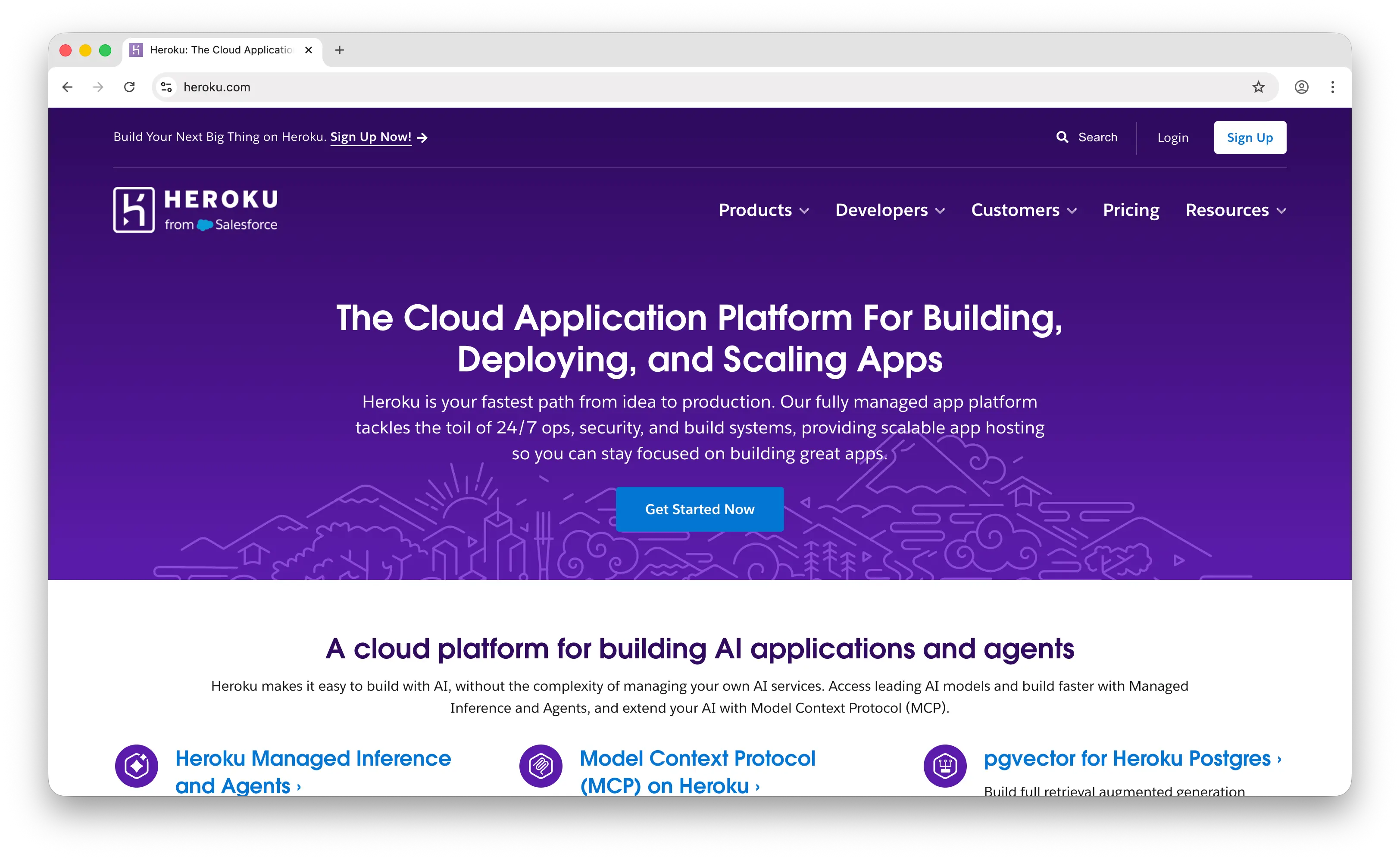
Heroku is the original Platform-as-a-Service that defined the modern "git push and it runs" workflow back in 2007. Railway is often called "the new Heroku," and Heroku is acquired by Salesforce, still running, still trusted for production workloads, but priced and paced like the incumbent it has become.
What Makes It Different
Heroku's advantage over Railway is maturity and ecosystem depth. The Heroku add-on marketplace has hundreds of one-click integrations (monitoring, logging, email, analytics, search, payments), and its buildpacks for Ruby, Python, Node, Java, Go, and PHP are battle-tested across millions of apps. For enterprise teams, Heroku offers compliance certifications (SOC 2, HIPAA BAA, PCI), Private Spaces for network isolation, and the kind of support SLAs Railway doesn't match.
Heroku also has the Cedar platform foundation most developers know, plus the newer Kubernetes-powered Fir runtime for teams that want more observability and control. If your team is already invested in the Salesforce ecosystem, Heroku Connect for bi-directional Salesforce-Postgres sync is a unique offering.
Key Differences from Railway
Heroku permanently removed its free tier on November 28, 2022. The cheapest option is now the Eco dyno at $5/mo (shared 1,000-hour pool, sleeps after 30 minutes of inactivity), with Basic always-on dynos at $7/mo. Crucially, databases are separate paid add-ons: Postgres Essential-0 starts at $5/mo, and Key-Value Store (Redis) Mini at $3/mo. A realistic minimum-viable Heroku app with a database runs $10–12/month, roughly double what a Railway Hobby plan covers. Innovation pace has also slowed under Salesforce ownership compared to Railway, Render, and Fly.io.
Comparison Table
| Feature | Heroku | Railway |
|---|---|---|
| Pricing model | Per-dyno monthly ($5 Eco, $7 Basic, $25+ Standard) | Usage-based ($5/mo Hobby, $20/mo Pro) |
| Free tier | (removed Nov 2022) |
($5 trial credit only) |
| Minimum realistic cost | ~$10–12/mo (dyno + DB) | $5/mo (includes DB usage) |
| Git-based deploys | (the original) |
|
| Buildpacks | Extensive |
Nixpacks |
| Dockerfile support | |
|
| Managed PostgreSQL | (add-on, $5+/mo) |
(included usage) |
| Managed Redis | (add-on, $3+/mo) |
|
| Add-on marketplace | Hundreds |
Limited |
| Background workers | |
|
| Cron jobs | Heroku Scheduler |
|
| Preview apps | |
|
| Enterprise compliance | SOC 2, HIPAA, PCI |
Enterprise plan only |
| Auto-sleep on cheapest tier | (Eco dynos) |
N/A |
| Innovation pace | Slow (Salesforce-owned) | Fast |
| Open-source | |
|
| Best for | Enterprise teams needing maturity, compliance, and a rich add-on ecosystem | Indie devs and startups wanting modern DX at a lower floor |
4. Fly.io
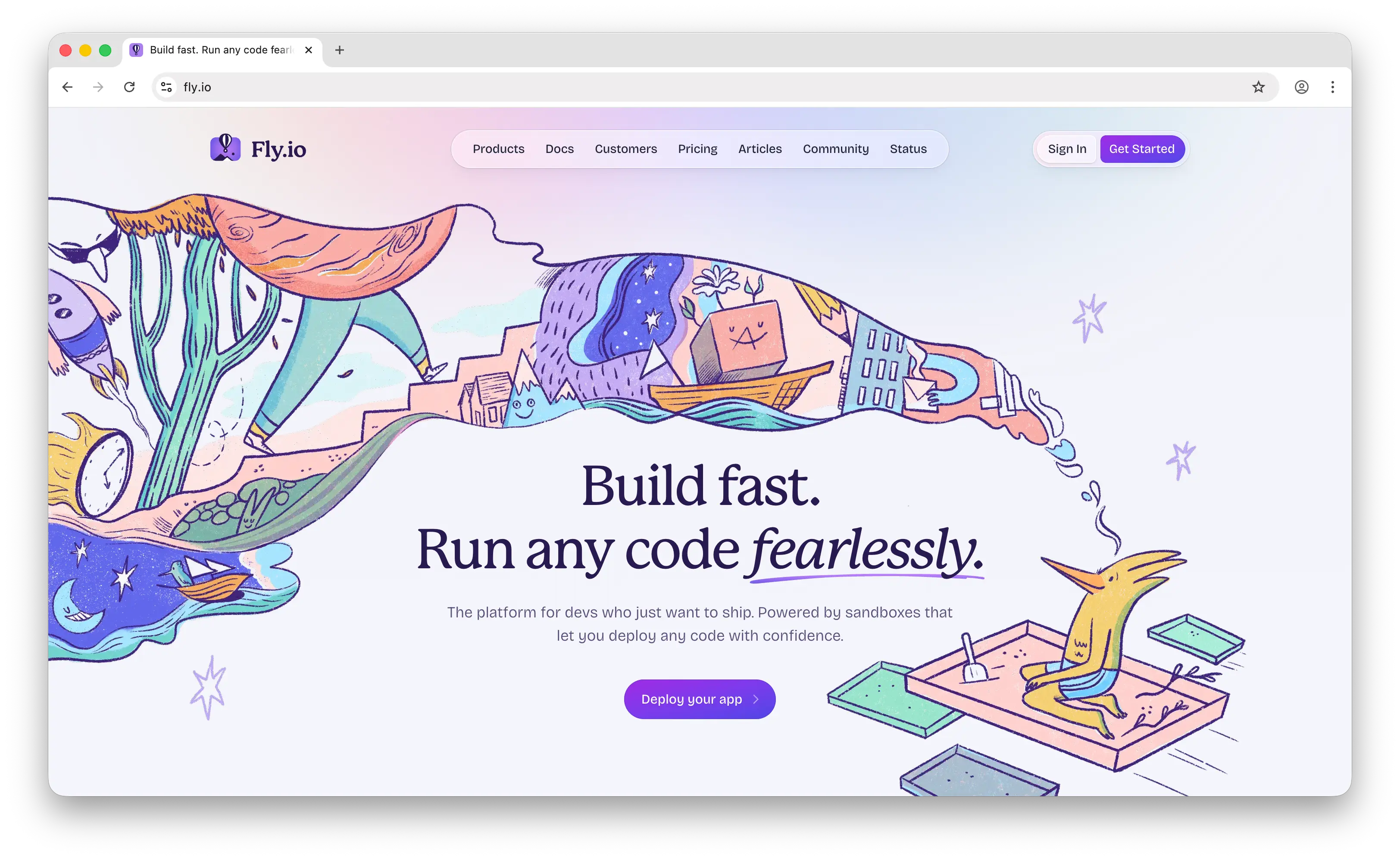
Fly.io is an app hosting platform built around running your app in regions close to your users. Instead of deploying to a single datacenter, you can deploy replicas globally across 35+ regions.
What Makes It Different
Fly.io's core value is global, edge-distributed deployment. Your app runs as Firecracker VMs ("Machines") that you can place in specific regions, with automatic request routing to the closest replica. For latency-sensitive workloads, APIs serving global users, or apps that need failover across regions, this is genuinely better than Railway's single-region default.
Fly also gives you more infrastructure-level control than Railway. You think in terms of Machines, volumes, private networking, and Anycast IPs, rather than just "services." Per-second billing on running machines, auto-stop when idle, and reserved compute blocks (40% discount) give advanced users fine-grained cost control. Managed Postgres and Redis are available, and HIPAA-compliant workloads are supported via a $99/month add-on.
Key Differences from Railway
Fly.io no longer offers a free tier for new users. New signups get a trial of 2 VM hours or 7 days, whichever comes first, after which a credit card is required. Legacy users on the deprecated Hobby/Launch/Scale plans keep their old allowances, but that door is closed for newcomers. Fly's managed Postgres is pricier than Railway's ($38/mo for the Basic plan with 1GB RAM), and outbound bandwidth has regional pricing ($0.02/GB in North America/Europe, up to $0.12/GB in other regions) that can quietly run up bills. Volumes also keep billing even when the attached machine is stopped. The learning curve is steeper than Railway, and the DX is more "infrastructure" than "platform."
Comparison Table
| Feature | Fly.io | Railway |
|---|---|---|
| Pricing model | Pay-as-you-go (per-second machines + volumes + egress) | Usage-based ($5/mo Hobby, $20/mo Pro) |
| Free tier | (2-hour / 7-day trial only) |
($5 trial credit only) |
| Multi-region deploy | 35+ regions |
Limited (US, EU, Asia) |
| Edge/global routing | Anycast |
|
| Per-second billing | |
|
| Git-based deploys | |
|
| Dockerfile support | |
|
| Auto-stop when idle | |
|
| Managed PostgreSQL | ($38+/mo) |
(included usage) |
| Managed Redis | (Upstash) |
|
| Managed MongoDB | |
|
| Persistent volumes | |
|
| HIPAA compliance | ($99/mo) |
Enterprise plan only |
| Reserved compute discounts | (40% off) |
|
| Regional bandwidth pricing | $0.02–$0.12/GB egress | Included |
| Learning curve | Steeper (infrastructure-level) | Gentle (platform-level) |
| Open-source | |
|
| Best for | Teams needing multi-region / edge latency and granular infra control | Teams wanting the simplest single-region PaaS experience |
5. Vercel
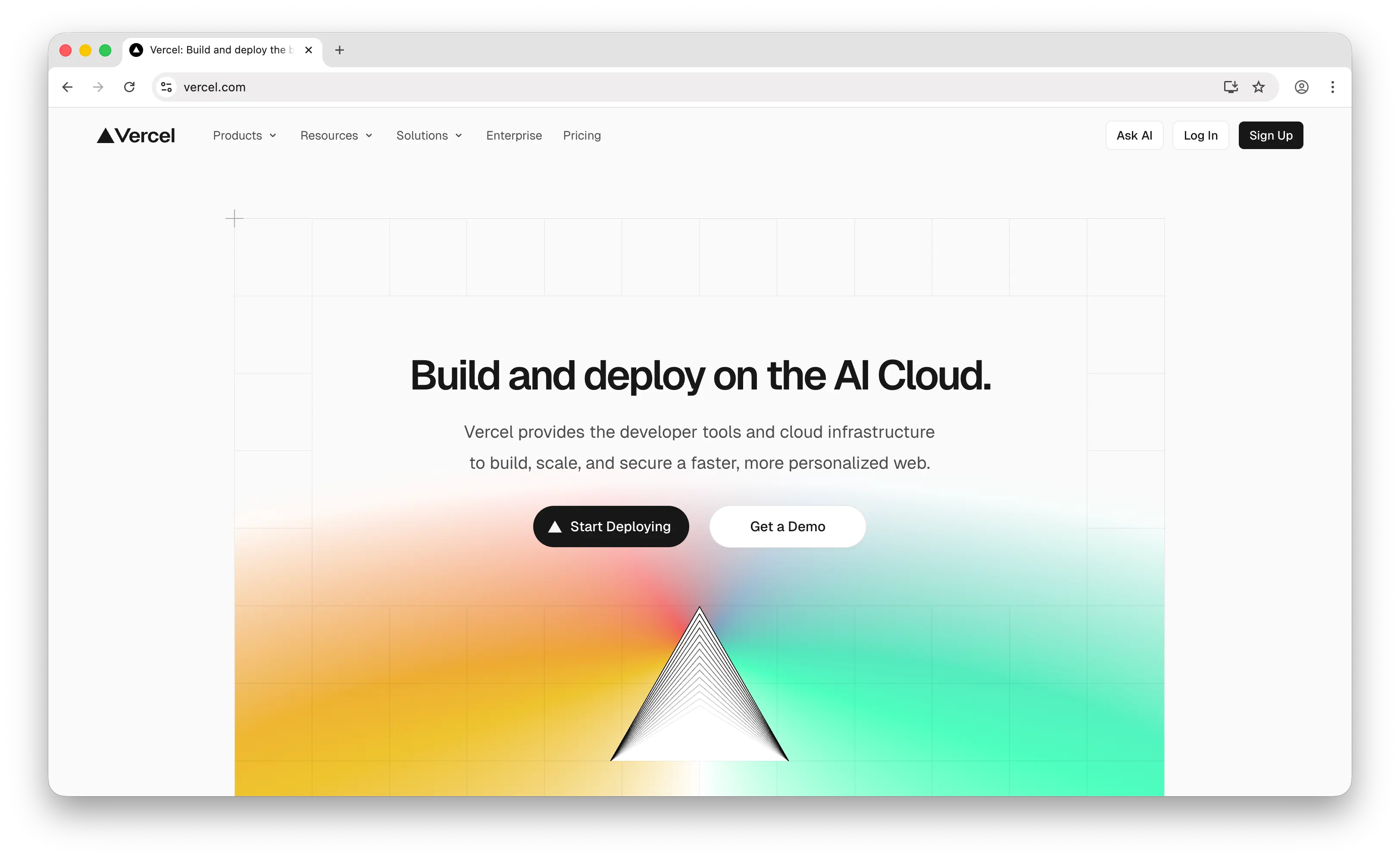
Vercel is a frontend cloud platform best known as the company behind Next.js. It offers a global edge network, serverless and edge functions, and deep integration with modern JavaScript frameworks.
What Makes It Different
Vercel's biggest strength is its best-in-class developer experience for frontend apps, particularly Next.js. Automatic preview URLs for every pull request, Fluid Compute for cost-efficient serverless execution, Incremental Static Regeneration, Edge Middleware, and a global CDN with hundreds of points of presence make it a favorite for marketing sites, dashboards, and JAMstack apps.
Vercel also offers generous free-tier limits for personal projects (100 GB bandwidth, 1M edge requests, 1M function invocations per month) and a rich add-on ecosystem for databases (Neon Postgres, Upstash Redis), analytics, web application firewall, and AI Gateway. For teams shipping Next.js apps commercially, Vercel is the default choice.
Key Differences from Railway
Vercel and Railway are in different categories. Railway runs long-lived containers with managed databases, ideal for Django, Rails, Go, or Node server apps. Vercel runs frontend apps with serverless functions, with a hard function timeout of 60–300 seconds depending on tier, which makes it a poor fit for long-running backend jobs, streaming AI responses, or WebSocket-heavy workloads. Vercel's free Hobby tier is also strictly non-commercial by Terms of Service; any revenue-generating project requires Pro at $20/user/month, which stacks fast for teams. Usage overages (bandwidth $0.15/GB, CPU time, invocations, build minutes) can push bills well beyond the sticker price.
Comparison Table
| Feature | Vercel | Railway |
|---|---|---|
| Pricing model | $20/user/mo Pro + usage overages | Usage-based ($5/mo Hobby, $20/mo Pro) |
| Free tier | Hobby (non-commercial only) |
($5 trial credit only) |
| Commercial use on free tier | |
N/A |
| Git-based deploys | |
|
| Frontend/static hosting | Excellent |
|
| Long-running backends | (60–300s function cap) |
|
| Background workers | |
|
| Cron jobs | |
|
| Managed PostgreSQL | Via partners (Neon) | Native |
| Managed Redis | Via partners (Upstash) | Native |
| Managed MongoDB | Via partners | Native |
| Global edge network | |
|
| Preview deployments | Per-PR |
|
| Next.js optimization | Best in class |
Standard |
| Team seat pricing | $20/user/mo | Workspace-level |
| Bandwidth overage | $0.15/GB after 1 TB | Included in usage |
| WebSocket support | Limited | |
| Open-source | |
|
| Best for | Frontend-heavy apps, especially Next.js, on a global edge | Full-stack backend apps with managed SQL databases |
Which Should You Choose?
Choose Puter if you're building a web app and want to ship a full-stack product with zero infrastructure cost. The User-Pays Model and backend-in-a-script-tag approach let you add auth, storage, a database, and AI to a static site without ever provisioning a server.
Choose Render if you want the closest drop-in alternative to Railway with a more predictable plan-based bill. It's the safest pick for teams that want familiar PaaS primitives (web services, workers, cron, databases) and a permanent free tier for static sites.
Choose Heroku if you're an enterprise team that needs a mature add-on ecosystem, established compliance certifications, or deep Salesforce integration, and you're willing to pay a premium for stability. The minimum realistic cost is higher than Railway, but the ecosystem depth is unmatched.
Choose Fly.io if latency matters. Multi-region edge deployment, auto-stop machines, reserved compute discounts, and infrastructure-level control are genuinely better than Railway for globally distributed apps. Just budget for the learning curve and bandwidth pricing.
Choose Vercel if you're building a Next.js or frontend-heavy app and want the best DX in the space. Preview URLs, Fluid Compute, and the global edge network are worth the per-seat pricing. Just don't treat it as a replacement for a real backend host.
Stick with Railway if you want the fastest Git-push-to-live workflow with per-second usage billing, a broad managed database catalog (Postgres, MySQL, MongoDB, Redis), and a gentle learning curve. It remains the most straightforward option for teams that just want to deploy a backend and a database without thinking about infrastructure.
Conclusion
The top 5 Railway alternatives are Puter, Render, Heroku, Fly.io, and Vercel. Each takes a different approach to making app deployment accessible, from Puter's zero-cost User-Pays Model to Render's predictable flat pricing to Fly.io's global edge network. Whichever platform you choose, the best option is the one that fits your stack, your budget, and how your users will interact with your app.
Related
- Getting Started with Puter.js
- How to Host a Website for Free
- Top 5 Heroku Alternatives (2026)
- Top 5 Render Alternatives (2026)
- Best Vercel Alternatives (2026)
- Best Netlify Alternatives (2026)
- Best Neocities Alternatives (2026)
- Top 5 Supabase Alternatives (2026)
- Top 5 Firebase Alternatives (2026)
- Best Appwrite Alternatives (2026)
- Top 5 PocketBase Alternatives (2026)
Ship a Full-Stack App with One Prompt
Create a to-do list app using Puter.js
Coding manually? see the guide