How to Get a Moonshot AI (Kimi) API Key: A Step-by-Step Guide
On this page
This guide shows you how to get a Moonshot AI (Kimi) API key. You'll create a Moonshot account, generate your key, and make your first API call, plus a free alternative for adding Moonshot AI models to your web app.
Prerequisites
- A Google account — Moonshot uses Google sign-in
- A payment method — Moonshot's API is usage-based
- Basic familiarity with code (we'll show simple JavaScript examples)
Step 1: Create Your Moonshot AI Account
Go to platform.moonshot.ai. You'll see the landing page.
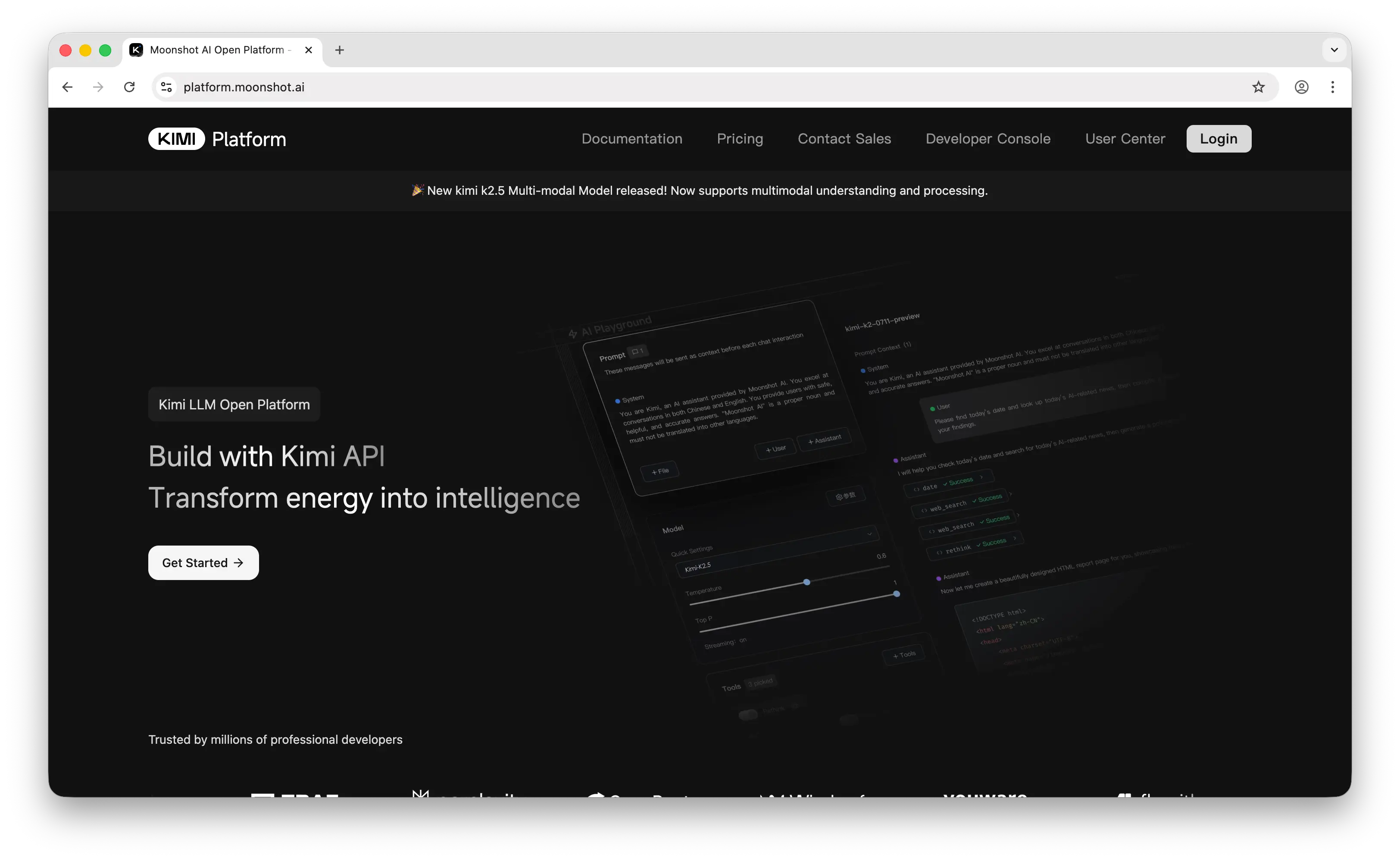
Click Get Started to sign in with your Google account. Once you're in, you'll land on the dashboard.
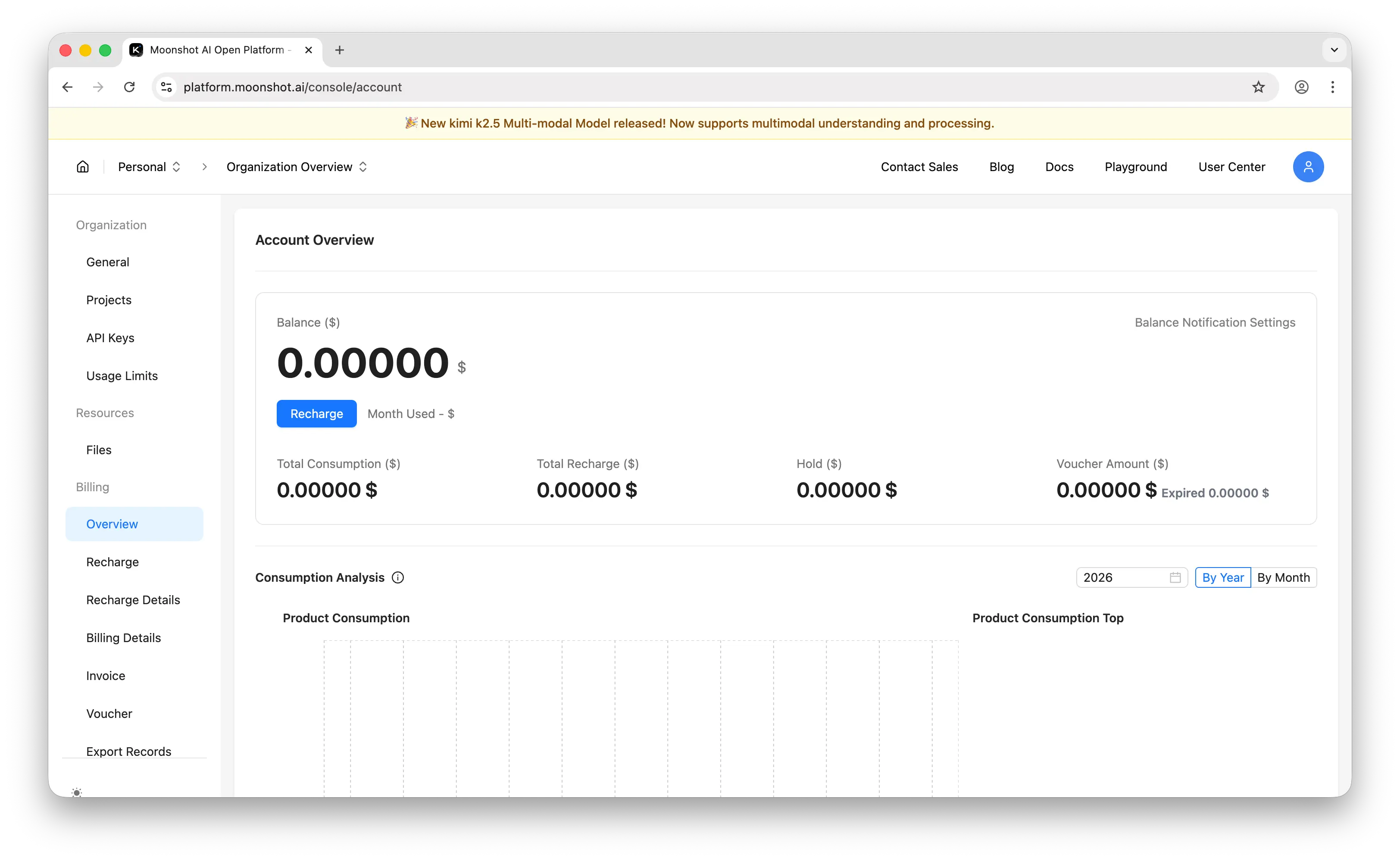
Step 2: Generate Your API Key
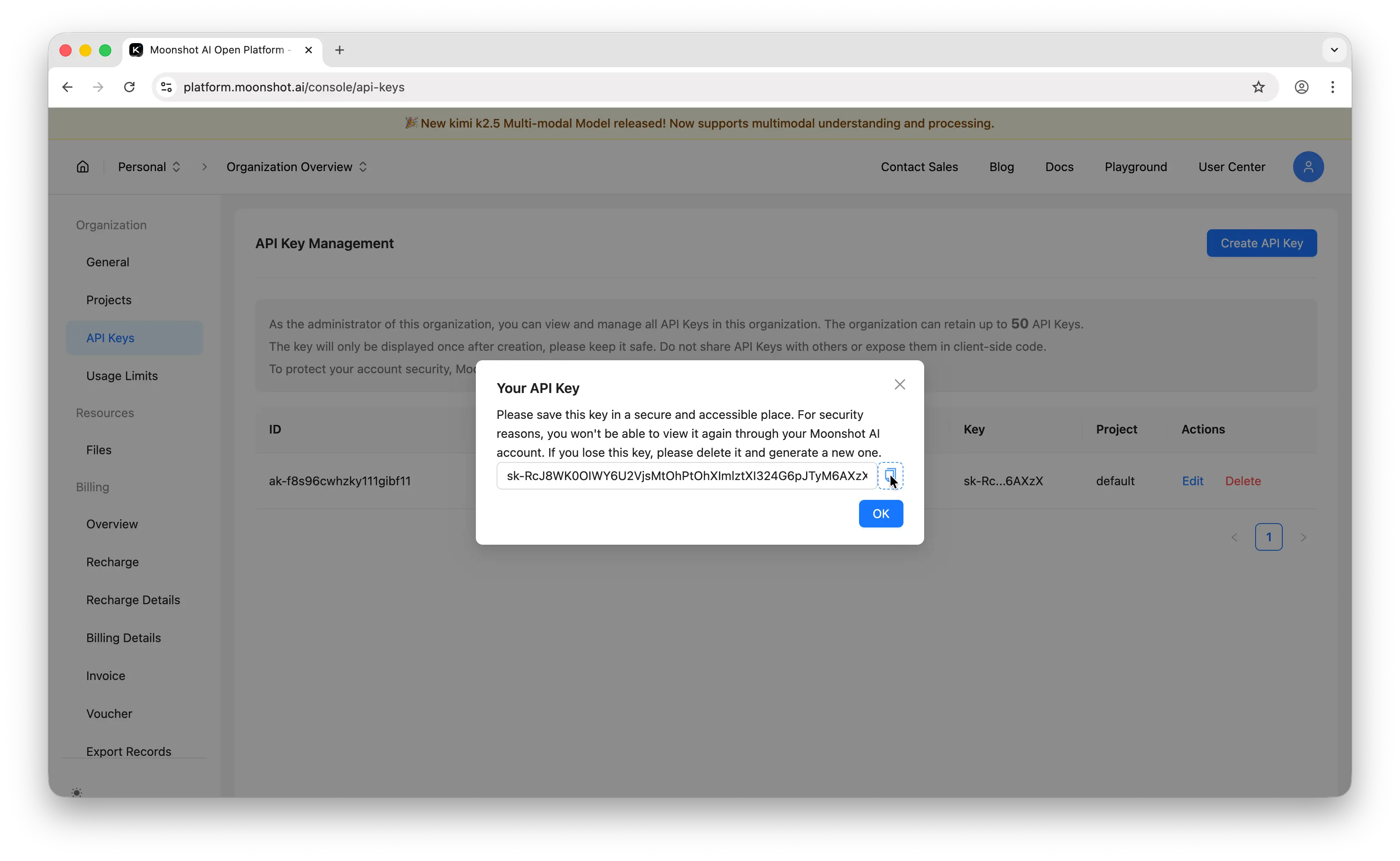
In the left sidebar, click API Keys. You'll land on the API key management page.
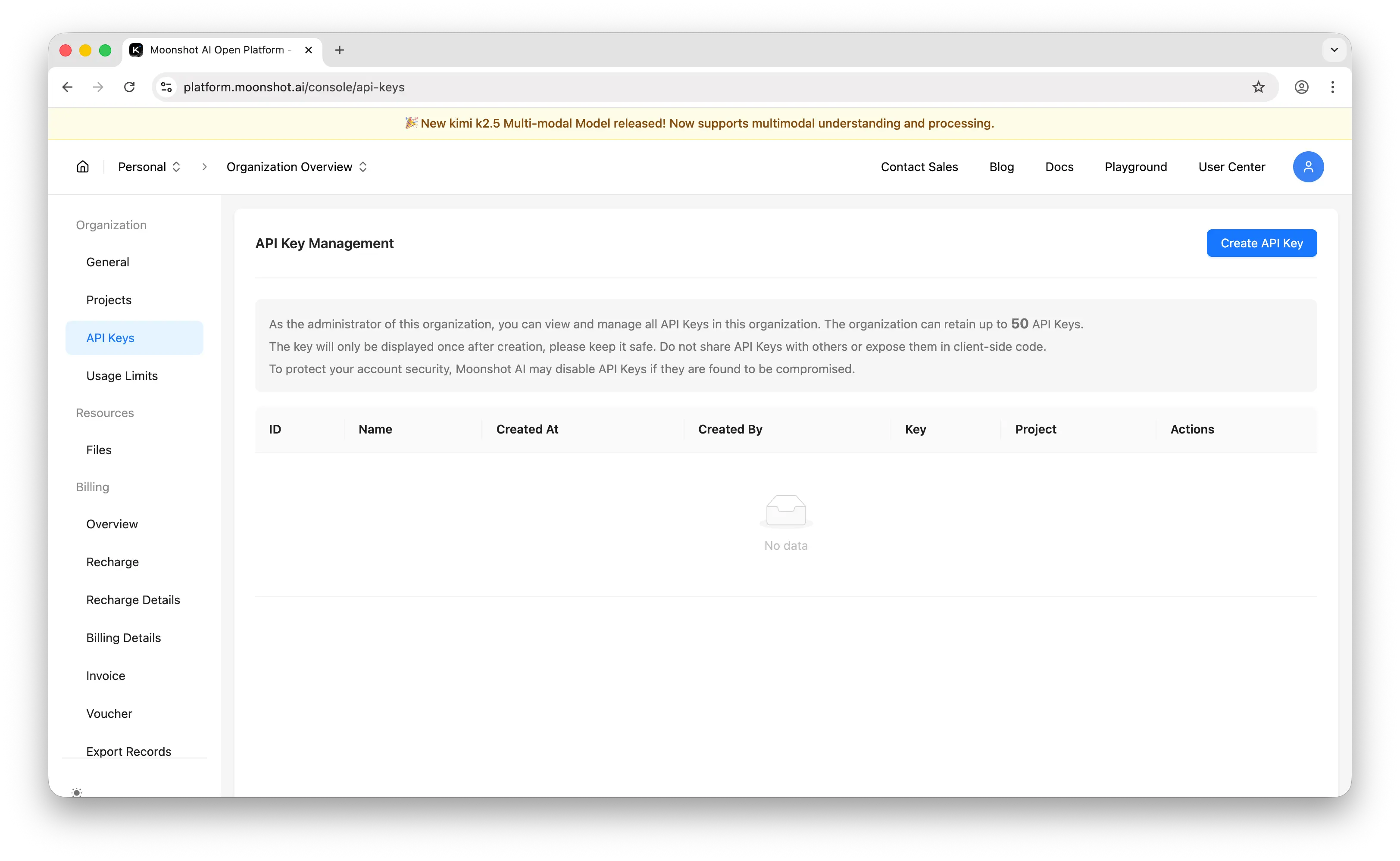
Click Create API Key. Enter a name and select the project for the key.
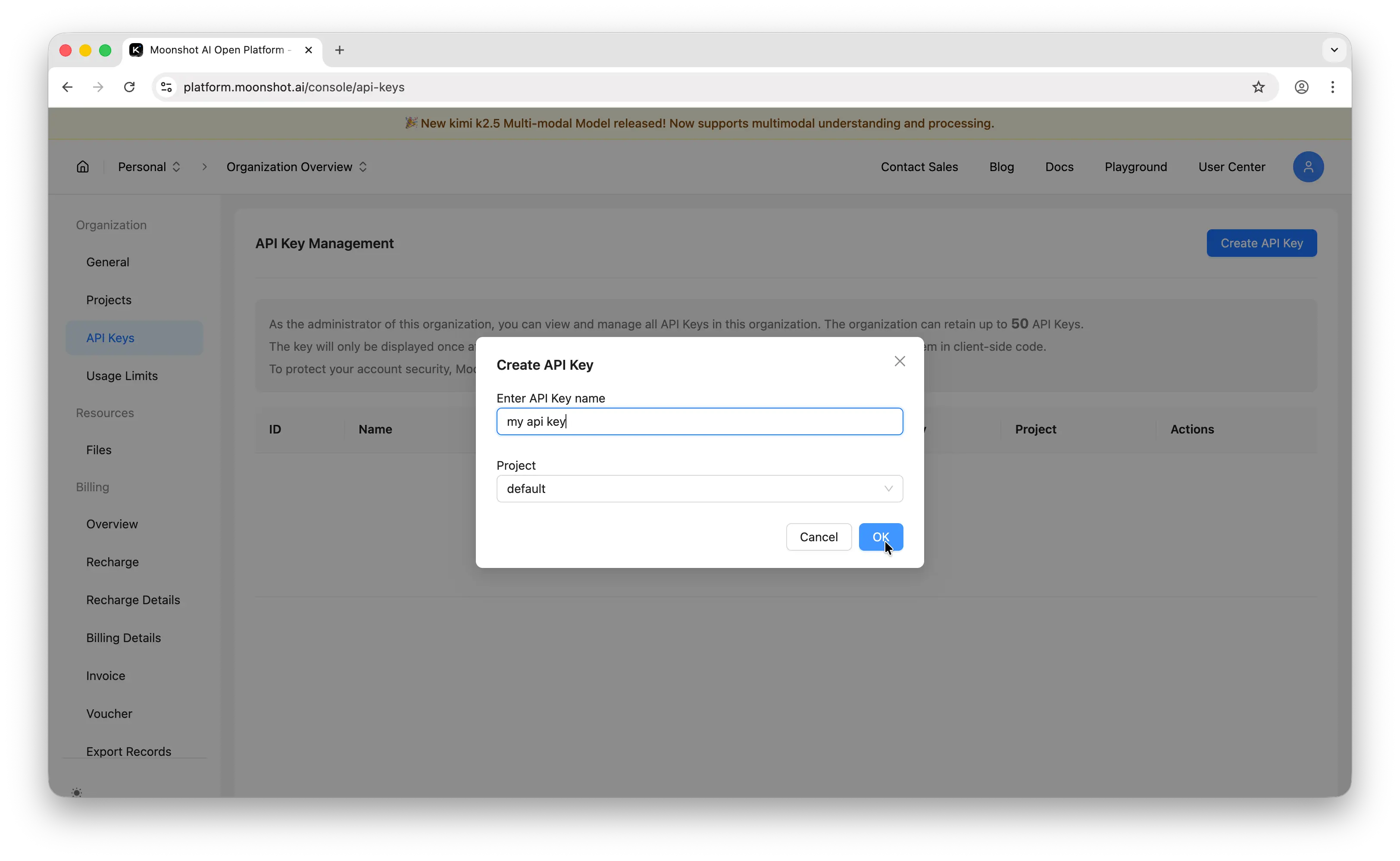
Important: Copy the key immediately. Moonshot only shows it once. If you lose it, you'll need to generate a new one.
Store it somewhere safe — a password manager, an .env file, or your platform's secrets manager. Never commit API keys to a public repository.
Step 3: Make Your First API Call
Moonshot uses an OpenAI-compatible API, so you can use the OpenAI SDK directly. Install it first:
npm install openai
Then make your first call:
import OpenAI from "openai";

const openai = new OpenAI({
  baseURL: "https://api.moonshot.ai/v1",
  apiKey: process.env.MOONSHOT_API_KEY,
});

const completion = await openai.chat.completions.create({
  model: "kimi-k3",
  messages: [{ role: "user", content: "Hello, world!" }],
});

console.log(completion.choices[0].message.content);
If you get a response back, everything is working. For the full set of endpoints and parameters, see Moonshot AI's official API docs.
Can You Use the Moonshot AI API for Free?
Creating an API key is free, but using it requires prepaid credits. Moonshot bills per token, and a minimum $1 recharge activates an account. When your cumulative recharge reaches $5, Moonshot gives you a $5 voucher to spend on usage.
Puter.js offers a different model. With its User-Pays model, you can add Moonshot AI models to your app for free: each user covers their own AI usage through their own Puter account, so your cost stays at $0 regardless of how many users you have, with no API key and no backend.
Add Moonshot AI models with the browser script tag:
<script src="https://js.puter.com/v2/"></script>
<script>
  puter.ai.chat("Explain quantum computing in simple terms", {
    model: "moonshotai/kimi-k3"
  }).then(response => {
    document.body.innerHTML = response.message.content;
  });
</script>
or the npm package:
import { puter } from '@heyputer/puter.js';

const response = await puter.ai.chat("Explain quantum computing in simple terms", {
  model: "moonshotai/kimi-k3"
});
console.log(response.message.content);
This fits front-end apps where your users sign into Puter: usage is tied to their accounts, and Puter.js runs in the browser, so it does not replace a server-side key for a backend you control. For a backend, see the pricing below.
How Much Does the Moonshot AI API Cost?
Moonshot bills per token, with separate input and output rates, so cost scales with usage instead of a flat fee. The flagship, Kimi K3, is $3.00 per 1M input tokens and $15.00 per 1M output. The cheapest current model, Kimi K2.5, is $0.60 input and $3.00 output. A minimum $1 recharge activates an account.
For the full breakdown, including the Batch discount and the cache-hit input rates, see our Moonshot AI API pricing guide.
Conclusion
To get a Moonshot AI API key: sign up at platform.moonshot.ai, add a payment method, then go to API Keys and click Create API Key. From there you can make your first API call, or skip the key entirely and add Moonshot AI models to a web app for free with Puter.js.
Related
- Free, Unlimited Kimi API
- Free, Unlimited Claude API
- How to Get an OpenAI API Key
- How to Get an Anthropic (Claude) API Key
- How to Get a Gemini API Key
- How to Get a Grok (xAI) API Key
- How to Get a DeepSeek API Key
- How to Get an ElevenLabs API Key
- How to Get a Mistral API Key
- How to Get a MiniMax API Key
- How to Get a Qwen API Key
- How to Get a Z.AI (GLM) API Key
- How to Get an OpenRouter API Key
- How to Get a FLUX (Black Forest Labs) API Key
- How to Get a Stability AI (Stable Diffusion) API Key
- How to Get a Kling API Key
- How to Get a Leonardo.Ai API Key
- How to Get a Together AI API Key
- How to Get a Cohere API Key
- How to Use OpenAI SDK with Puter
- Free, Unlimited OpenAI API
- Free, Unlimited Gemini API
- How to Use LangChain with Puter
- How to Use Vercel AI SDK with Puter
Ship a Full-Stack App with One Prompt
Build an AI chat app using Puter.js
Coding manually? see the guide