How to Get a Kling API Key: A Step-by-Step Guide
On this page
This guide shows you how to get a Kling API key. You'll create a Kling AI account, generate your access and secret keys, and make your first video generation API call, plus a free alternative for adding Kling models to your web app.
Prerequisites
- A Google, Apple, or email account for signing up
- Basic familiarity with code (we'll show simple JavaScript examples)
Step 1: Create Your Kling AI Account
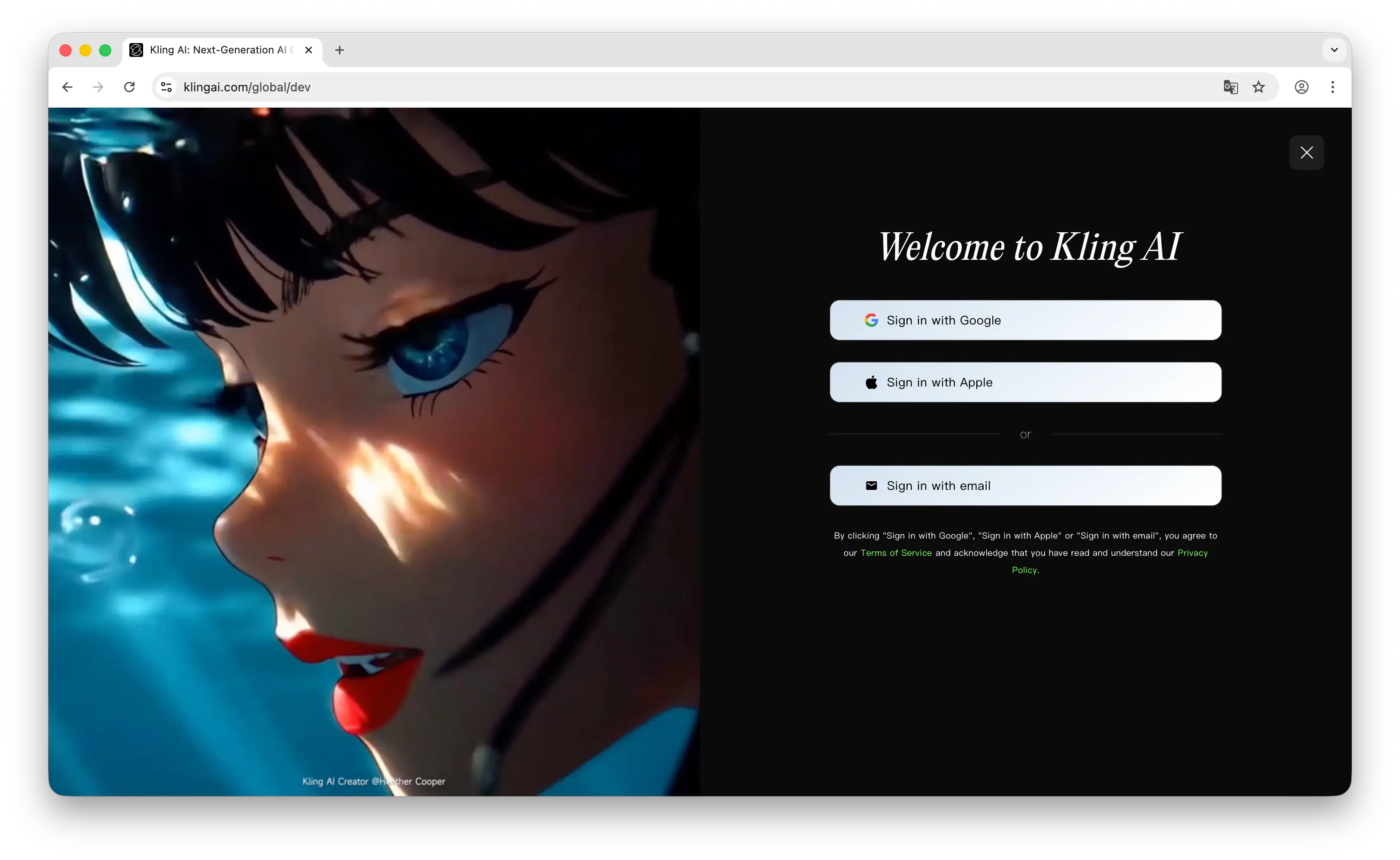
Go to kling.ai/dev/api-key. You'll see a login or sign-up page — create your account using your Google account, Apple account, or email.
Step 2: Generate Your API Key
Once signed in, you'll land directly on the API keys page. Click Create a new API Key to generate a new key.
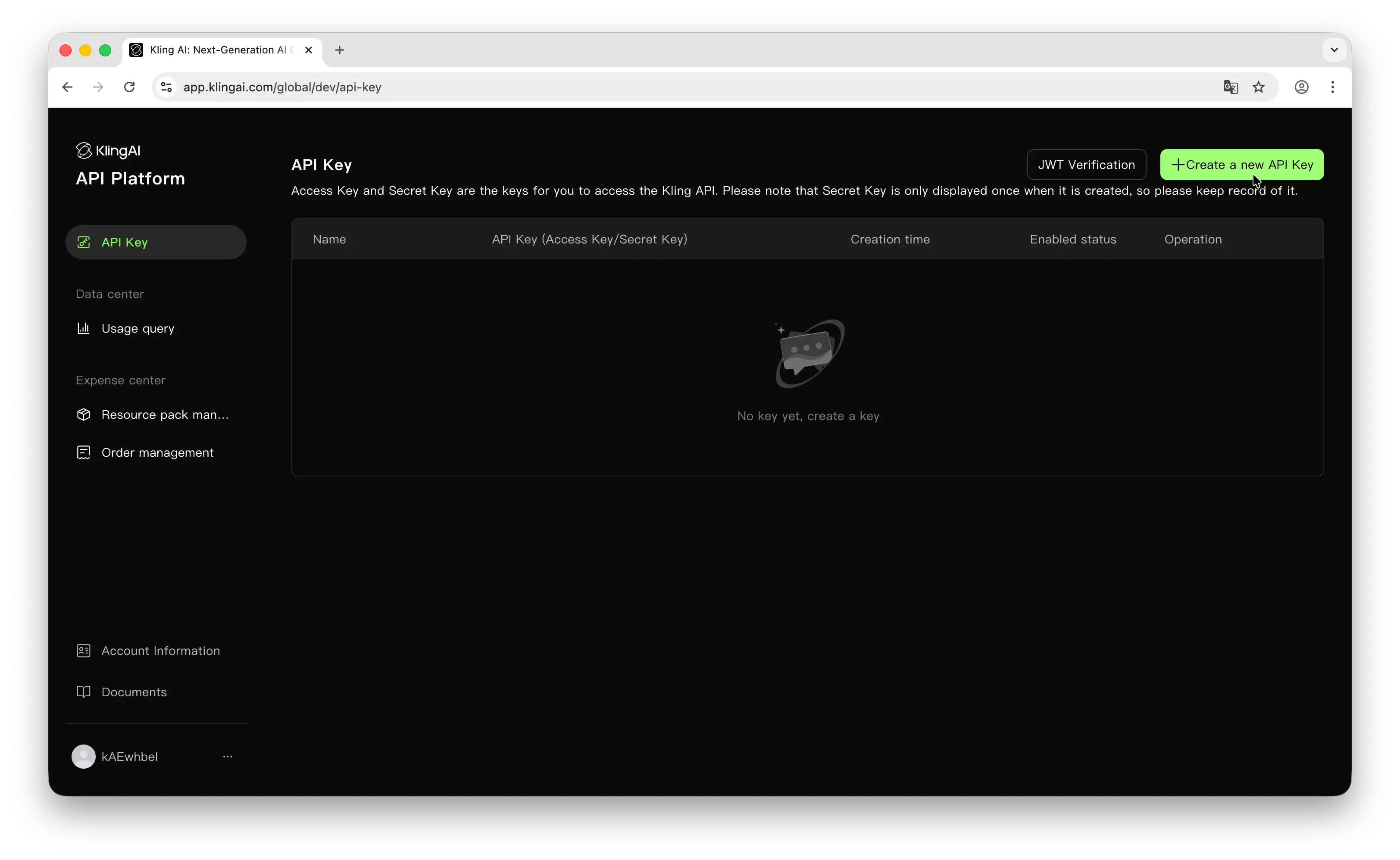
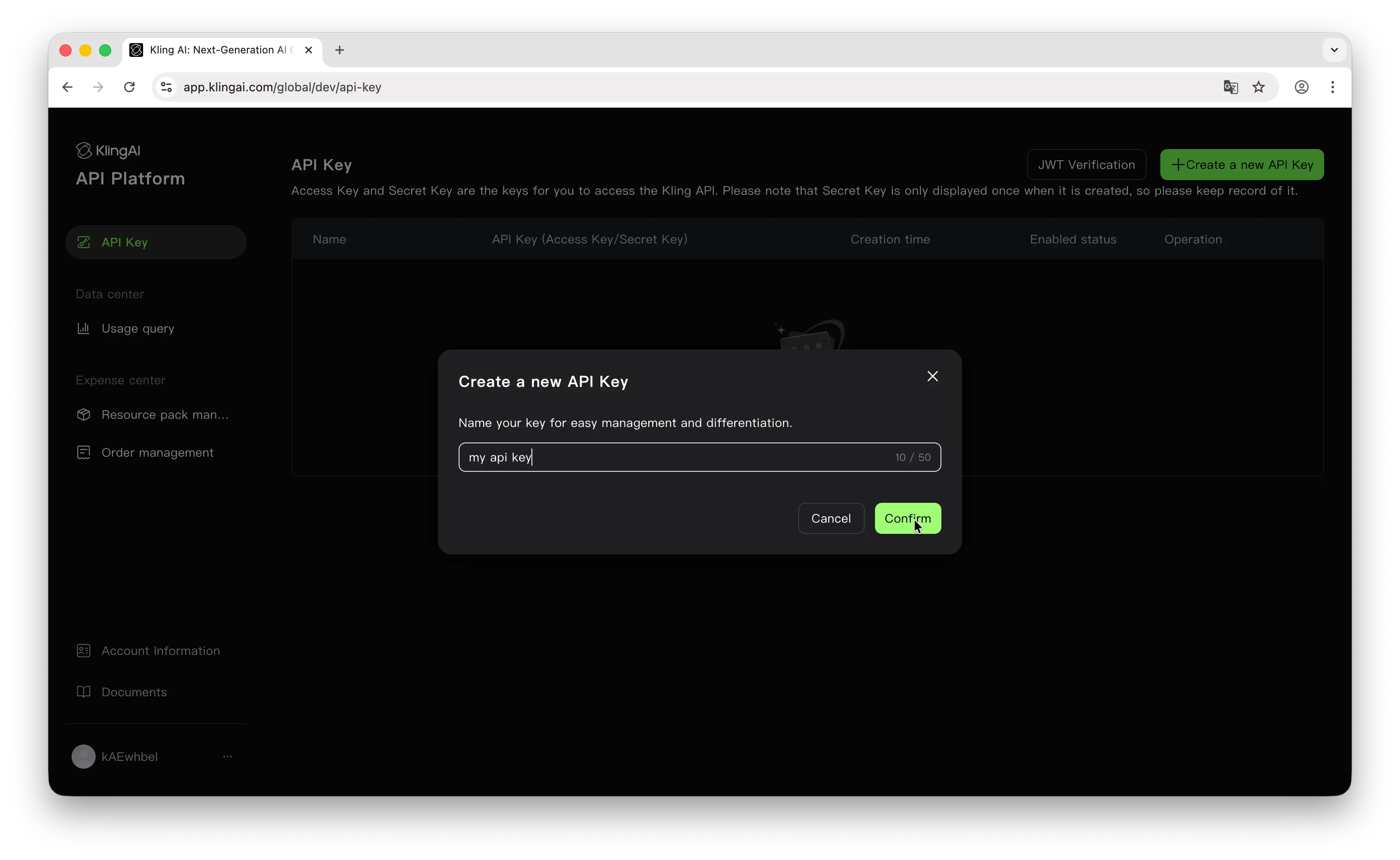
Give your key a descriptive name so you can identify it later.
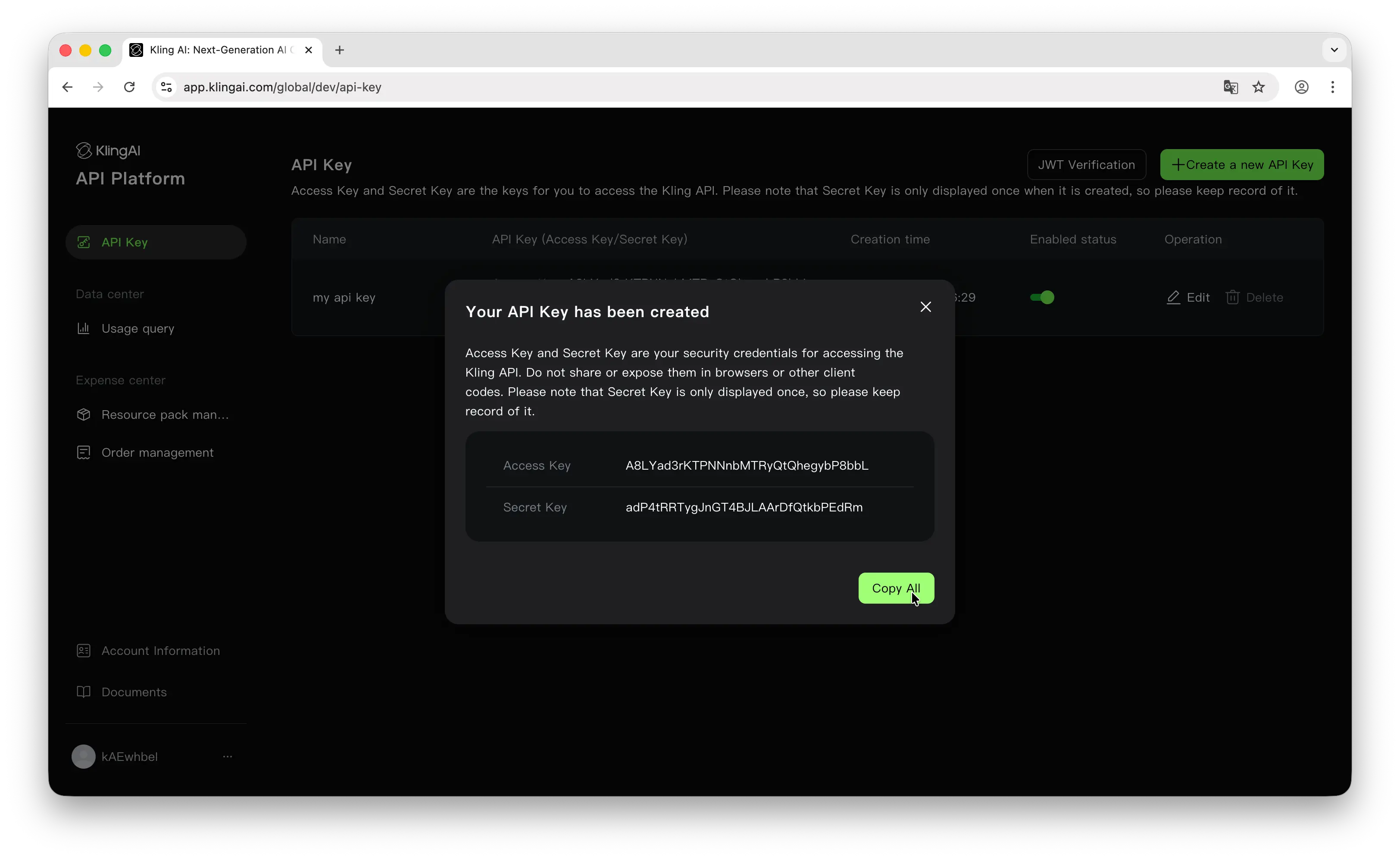
After creation, you'll see both your Access Key and Secret Key. Important: Your secret key is only shown once, so make sure to copy and store it somewhere safe — a password manager, an .env file, or your platform's secrets manager. Never commit API keys to a public repository.
Step 3: Make Your First API Call
Kling doesn't have an official SDK, but you can use community-built wrappers. The kling-api package on npm handles JWT generation, auto-polling, and retry logic automatically.
Install it:
npm install kling-api
Then make a text-to-video request:
import { KlingAPI } from 'kling-api';

const api = new KlingAPI({
  accessKey: 'your-access-key',
  secretKey: 'your-secret-key'
});

const task = await api.textToVideo({
  prompt: 'A cat playing piano in a cozy room',
  model_name: 'kling-v2-master',
  duration: '5'
});

const result = await api.waitForVideoResult(task.data.task_id);
console.log('Video URL:', result.data.task_result.videos[0].url);
If you get a video URL back, everything is working. For the full set of endpoints and parameters, see Kling's official API docs.
Can You Use the Kling API for Free?
Creating an API key is free, but the API itself is paid: you pay for each video you generate. Rates depend on the model and the length of the clip, so check Kling's pricing for current numbers.
Puter.js offers a different model. With its User-Pays model, you can add Kling models to your app for free: each user covers their own AI usage through their own Puter account, so your cost stays at $0 regardless of how many users you have, with no API key and no backend.
Add Kling models with the browser script tag:
<script src="https://js.puter.com/v2/"></script>
<script>
  puter.ai.txt2vid("A sunrise drone shot flying over a calm ocean", {
    model: "kwaivgi/kling-2.1-master"
  }).then(video => {
    document.body.appendChild(video);
  });
</script>
or the npm package:
import { puter } from '@heyputer/puter.js';

const video = await puter.ai.txt2vid("A sunrise drone shot flying over a calm ocean", {
  model: "kwaivgi/kling-2.1-master"
});
document.body.appendChild(video);
This fits front-end apps where your users sign into Puter: usage is tied to their accounts, and Puter.js runs in the browser, so it does not replace a server-side key for a backend you control.
Conclusion
To get a Kling API key: sign up at kling.ai/dev/api-key, then click Create a new API Key to generate your access key and secret key. From there you can make your first API call, or skip the key entirely and add Kling models to a web app for free with Puter.js.
Related
- How to Get an OpenAI API Key
- How to Get an Anthropic (Claude) API Key
- How to Get a Gemini API Key
- How to Get a Grok (xAI) API Key
- How to Get a DeepSeek API Key
- How to Get a Leonardo.Ai API Key
- How to Get a Mistral API Key
- How to Get a MiniMax API Key
- How to Get a Moonshot AI (Kimi) API Key
- How to Get a Qwen API Key
- How to Get a Z.AI (GLM) API Key
- How to Get an OpenRouter API Key
- How to Get a Together AI API Key
- How to Get a FLUX (Black Forest Labs) API Key
- How to Get a Stability AI (Stable Diffusion) API Key
- How to Get an ElevenLabs API Key
- How to Get a Cohere API Key
- Free, Unlimited Bytedance Seedance API
- Free, Unlimited OpenAI API
- Free, Unlimited Claude API
Ship a Full-Stack App with One Prompt
Build an AI chat app using Puter.js
Coding manually? see the guide