Best Text to Speech APIs in 2026
On this page
To pick the right text-to-speech API, you need to look at your specific needs: how natural the voices sound, how fast the first audio arrives, how many languages and voices are supported, whether voice cloning is available, how the pricing scales, and how the API fits the rest of your stack.
In this article, you'll learn what a TTS API is, the criteria worth using when comparing them, and a breakdown of the best text-to-speech APIs with their pros, cons, and ideal use cases. We compared eight providers on voice quality, latency, language and voice coverage, voice cloning, and pricing, drawing the details from each provider's official documentation.
What Is a Text to Speech API?
A text-to-speech (TTS) API is a service that takes text as input and returns audio of that text being spoken. You send characters, you get back an audio stream or file in a format like MP3, WAV, or PCM. Modern TTS APIs use neural models to produce voices that sound close to human, support SSML or natural-language prompts for tone control, and many offer voice cloning to generate speech in a specific person's voice.
TTS APIs are used in voice agents, accessibility features, AI tutors, navigation prompts, audiobook and podcast pipelines, and video voiceovers. The right API depends on the requirements of your use case: real-time voice agents need low latency, multilingual products need broad language coverage, and branded products often need voice cloning.
Comparison Criteria
There isn't a single best text-to-speech API. The trade-offs depend on what the provider is optimized for, so the right choice comes from matching your use case to the criteria below. These are the same dimensions used in the comparison table at the end.
- Voice quality. How natural and expressive the output sounds, including emotion, pacing, and prosody.
- Latency. Time-to-first-audio (TTFA), which determines whether the API can support real-time voice agents or only batch narration.
- Voice and language coverage. How many voices the provider offers, how many languages they support, and how regional the variants get.
- Voice cloning. Whether you can train a custom voice from samples, and how long that takes.
- Pricing model. Per-character billing, subscription tiers, or pay-as-you-go, and how predictable the bill is at scale.
- SSML and controls. Support for Speech Synthesis Markup Language, prompt-based tone control, and fine-grained pronunciation tuning.
- Setup complexity. How long it takes to go from "decided to use this" to a first audio file in production.
- Integration fit. How well the API plugs into your existing stack, including SDK availability and cloud ecosystem ties.
1. Puter.js
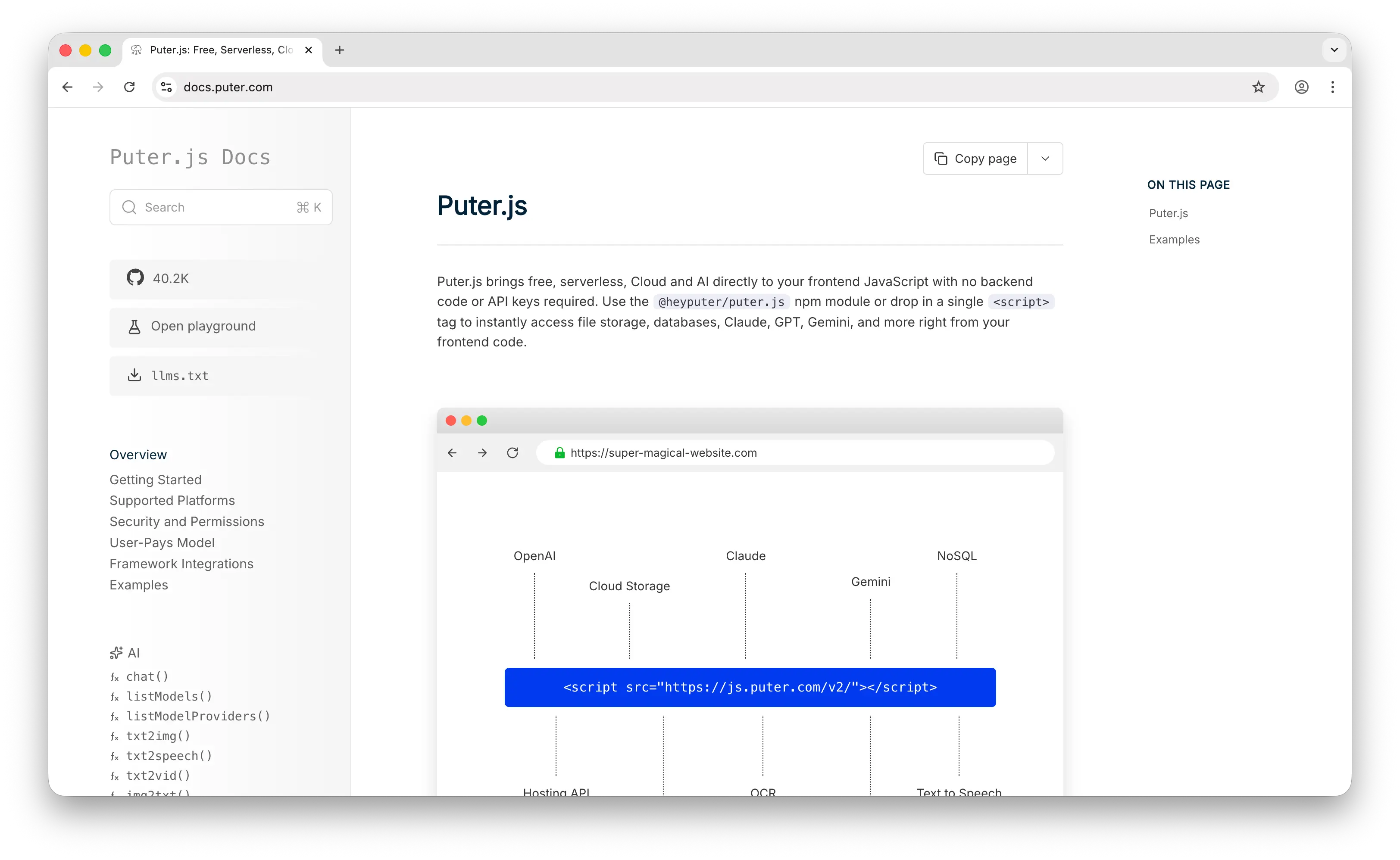
Puter.js is a JavaScript SDK that bundles AI, database, cloud storage, and authentication into a single library. On the TTS side, it provides puter.ai.txt2speech() in front of six providers — aws-polly (default), openai, elevenlabs, gemini, xai, and speechify — so you can switch engines by changing one argument instead of swapping SDKs.
Puter.js uses the User-Pays Model, where end users cover their own AI usage costs through their own Puter accounts. This inverts the usual developer-pays setup: instead of you holding an API key and absorbing a per-character bill that grows with usage, each user's speech is billed to their own account, so your cost stays flat as you add users. That means no API keys in your code, no backend to host, and no per-character bill for the developer. You add Puter.js to a page, call puter.ai.txt2speech("Hello world"), and the routing, billing, and provider call happen client-side against the user's account.
Each underlying provider keeps its own options. Polly exposes standard, neural, long-form, and generative engines. OpenAI exposes gpt-4o-mini-tts, tts-1, and tts-1-hd with 13 voices. ElevenLabs exposes eleven_multilingual_v2, eleven_flash_v2_5, eleven_turbo_v2_5, and eleven_v3. Gemini exposes 30 named voices on gemini-2.5-flash-preview-tts. xAI exposes Grok voices with 20+ language support. Speechify exposes simba-3.2, simba-english, and simba-multilingual with five catalog voices. Beyond TTS, Puter.js also covers chat, image and video generation, OCR, speech-to-text, and voice changing in the same SDK.
You can add Puter.js via a script tag:
<script src="https://js.puter.com/v2/"></script>
Or via npm:
npm install @heyputer/puter.js
Pros
- No backend, no API keys, and no per-character cost to the developer.
- Six TTS providers behind one call, switchable with a single argument.
- Multimodal coverage (chat, image, video, OCR, STT) in the same SDK.
- Works as a drop-in for browser apps and code generated by AI coding assistants.
Cons
- Primarily designed for frontend/browser usage; works in Node.js but the user-pays model is most natural in the browser.
- Voice cloning depends on which provider you select (ElevenLabs supports it; Polly does not).
- Observability is lighter than what dedicated TTS dashboards offer.
2. ElevenLabs
ElevenLabs is a TTS provider focused on voice quality and voice cloning. You can pick from a large preset voice library, design a new voice from a text description, or clone a voice with Instant Voice Cloning (from a one- to two-minute sample) or Professional Voice Cloning (from 30 minutes of audio).
The model lineup covers eleven_multilingual_v2 for the highest-quality output, eleven_flash_v2_5 and eleven_turbo_v2_5 for low-latency real-time use (around 75ms TTFA on Flash), and eleven_v3 for the newest expressive model. ElevenLabs supports 70+ languages and 10,000+ community-shared voices, with SSML-style controls plus newer natural-language tone instructions.
Pricing runs from a free tier through subscription plans starting at $5/month, with API rates from roughly $0.05 per 1K characters on Flash and Turbo up to $0.10 on Multilingual v2 and v3. We found ElevenLabs generally the most expensive option among the providers here at high volume.
Pros
- High voice quality and emotional range.
- Instant and Professional voice cloning.
- 70+ languages and 10,000+ voices, including a community marketplace.
- Flash and Turbo models reach sub-100ms latency for real-time use.
Cons
- Premium pricing at scale.
- Free tier is limited to non-commercial use.
- Less integrated with cloud ecosystems than the hyperscaler offerings.
3. Google Cloud Text-to-Speech
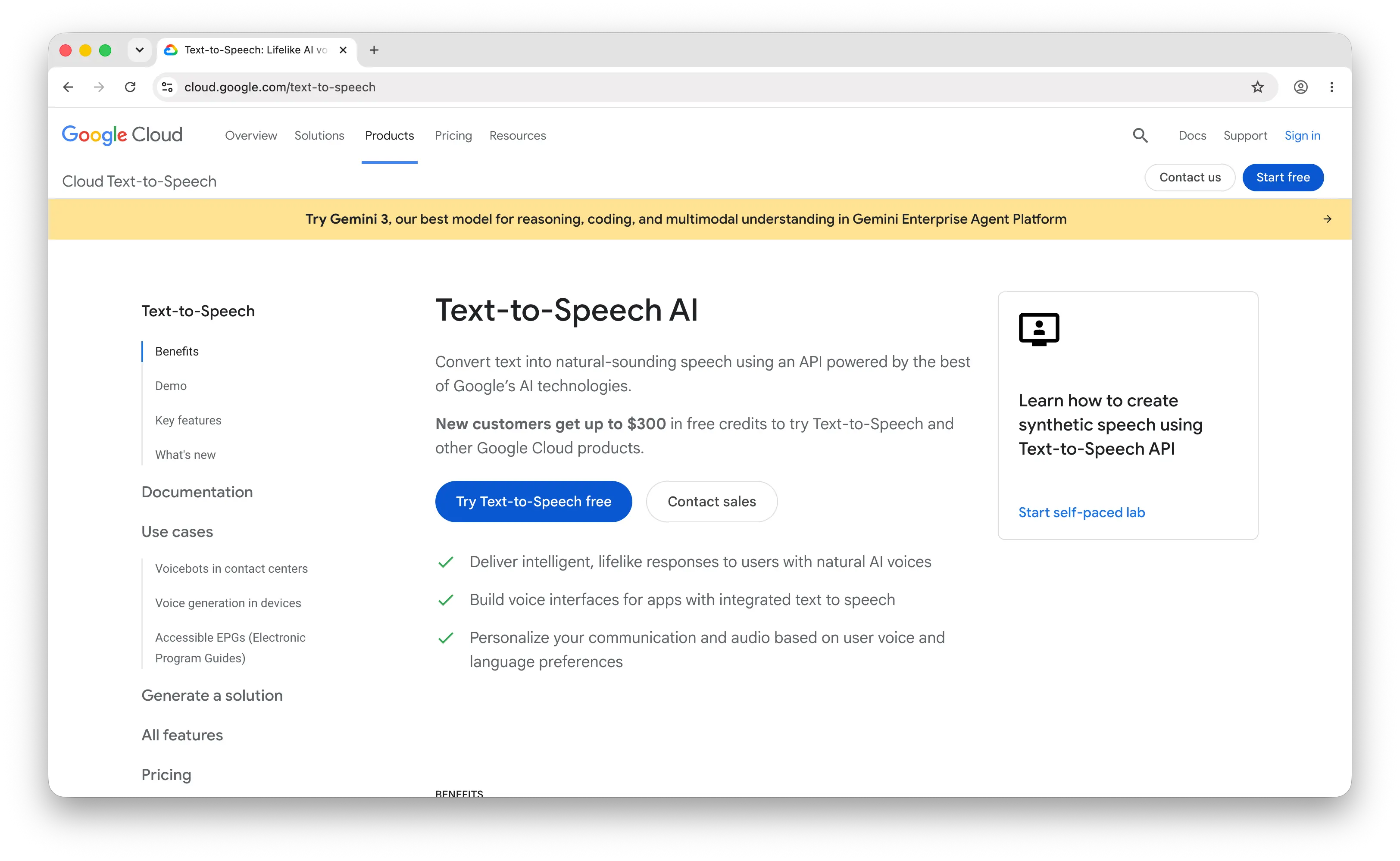
Google Cloud Text-to-Speech is Google's managed TTS service. It offers 380+ voices across 75+ languages and variants, spanning Standard, WaveNet, Neural2, Studio, Polyglot, and the newer Chirp 3: HD and Gemini-TTS voices.
The API supports full SSML, audio profile tuning for different playback devices (headphones, car speakers, phones), and a custom voice training path through Instant Custom Voice. We found latency in the 200–500ms range depending on voice tier, which is suitable for narration but slower than the latency-focused providers below.
Pricing is per million characters and varies by voice tier: $4 for Standard and WaveNet, $16 for Neural2 and Polyglot, $30 for Chirp 3: HD, $60 for Instant Custom Voice, and $160 for Studio voices. The free tier covers 4M Standard and 4M WaveNet characters per month indefinitely.
Pros
- 380+ voices across 75+ languages, including regional variants.
- Full SSML support and audio profile tuning.
- Permanent free tier with generous monthly allowance.
- Tight integration with the rest of Google Cloud.
Cons
- Latency higher than the real-time-focused providers.
- Studio and Chirp tiers get expensive at volume.
- Setup involves a Google Cloud project, billing account, and IAM.
4. Amazon Polly
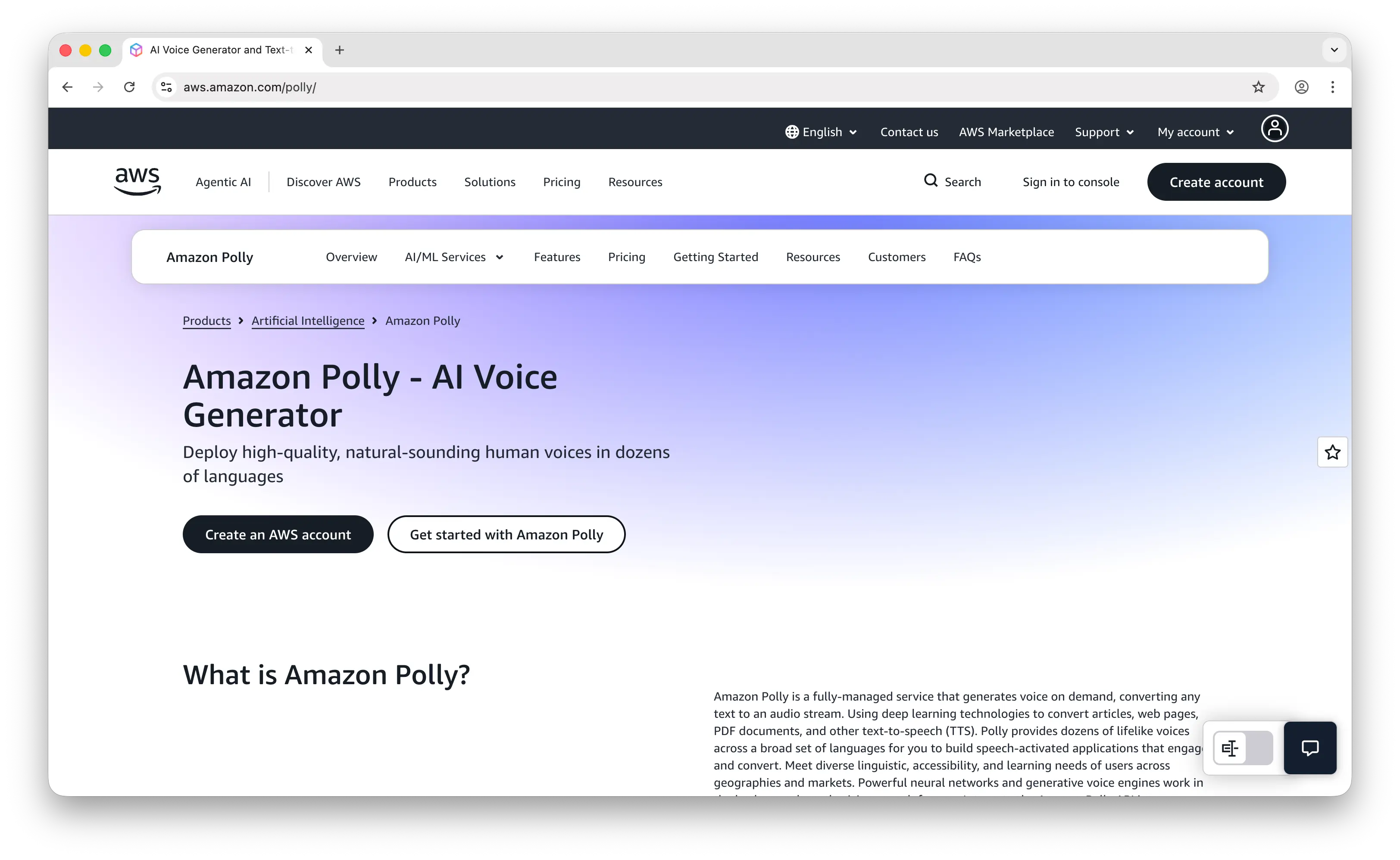
Amazon Polly is the AWS-native TTS service. It exposes four engines: Standard, Neural, Long-Form, and Generative, with the Generative engine producing the most natural and conversational voices. Polly covers 100+ voices across 40+ languages, and the Generative variant is currently available in 43 voices.
Polly integrates with the rest of AWS through IAM for auth, S3 for output storage, CloudWatch for monitoring, and Lambda for serverless pipelines. The Speech Marks feature returns word-level and viseme (mouth-shape) timestamps, which is useful for lip-sync animations, karaoke-style highlighting, and subtitle alignment.
Pricing is per million characters: $4 for Standard, $16 for Neural, $30 for Generative, and $100 for Long-Form. The free tier covers 5M Standard characters per month indefinitely, plus 1M Neural, 100K Generative, and 500K Long-Form characters per month for the first 12 months.
Pros
- Affordable per-character pricing across multiple engines.
- Generative engine produces expressive, conversational voices.
- Speech Marks for word and viseme timing.
- Native fit for AWS-based stacks.
Cons
- Top-end voice quality lower than ElevenLabs.
- No voice cloning.
- Most useful when you're already on AWS.
5. Microsoft Azure Text-to-Speech
Microsoft Azure AI Speech offers 400+ neural voices across 140+ languages and locales, which we found to be the broadest language coverage among the major cloud providers. The service includes standard Neural voices, Neural HD voices with stronger expressiveness, and Custom Neural Voice for training a branded voice from your own recordings.
Azure TTS supports full SSML plus a mstts namespace for fine-grained controls (style, role, emphasis), real-time and batch synthesis, and direct integration with Azure OpenAI, Cognitive Services, and Bot Service. Latency lands in a similar range to Google's offering.
Pricing is per million characters: $4 for Standard, $15 for Neural, $22 for Neural HD (down from $30 in March 2026), and $24 for Custom Professional ($48 for Custom HD). The F0 free tier covers 0.5M neural characters per month.
Pros
- 400+ voices across 140+ languages, the broadest language coverage on this list.
- Neural HD voices with improved expressiveness and recently lower pricing.
- Custom Neural Voice for training branded voices.
- Native fit for Azure stacks and Azure OpenAI.
Cons
- Latency higher than the real-time-focused providers.
- Setup involves an Azure subscription and resource configuration.
- Custom Neural Voice has an approval and onboarding process.
6. OpenAI TTS
OpenAI TTS is available through the same API as the rest of OpenAI's models, so teams already using OpenAI for chat or transcription can add speech without switching SDKs or keys. The current lineup includes gpt-4o-mini-tts (13 voices, steerable tone via natural-language prompts), plus the older tts-1 and tts-1-hd models.
The gpt-4o-mini-tts voices include Alloy, Ash, Ballad, Coral, Echo, Fable, Marin, Cedar, Nova, Onyx, Sage, Shimmer, and Verse. The model accepts a separate instructions field where you can describe the tone, pace, or character of the delivery in plain English. Language support covers 50+ languages, and output is available in MP3, WAV, Opus, AAC, FLAC, and PCM.
Pricing for gpt-4o-mini-tts is token-based: $0.60 per 1M text input tokens and $12 per 1M audio output tokens, which works out to roughly $0.015 per minute of generated audio.
Pros
- One API and one key for chat, embeddings, transcription, and TTS.
- Natural-language tone control via the instructions field.
- 13 voices and 50+ language support.
- Competitive per-minute pricing at $0.015/min.
Cons
- Smaller preset voice library than ElevenLabs or the hyperscalers.
- No voice cloning.
- SSML support is limited compared to Azure and Google.
7. Deepgram Aura
Deepgram Aura is built for real-time voice agents. Aura-2 reports around 90ms optimized latency and sub-200ms time-to-first-byte, which is in the range typically required for conversational voice flow.
Aura focuses on English voice agent use cases rather than language breadth, with 40+ English voices across multiple accents and styles and a smaller set of additional languages. Deepgram pairs Aura with its STT and Voice Agent API, so you can run a full conversational turn — listen, think, speak — through one provider with consistent latency budgets.
Pricing is $0.030 per 1,000 characters on the pay-as-you-go plan, dropping to $0.027 at the Growth tier, with $200 in free credit on signup.
Pros
- Sub-200ms TTFB latency optimized for real-time voice agents.
- Competitive per-character pricing.
- Pairs cleanly with Deepgram's STT and Voice Agent API.
- $200 in free credit to test at production volume.
Cons
- Narrower language coverage than the hyperscalers.
- No voice cloning.
- Less expressive than ElevenLabs for narration or long-form content.
8. Speechify
Speechify AI is the developer API from the company behind the Speechify reading app. It offers text-to-speech and voice cloning through one endpoint, built on the Simba model family: simba-3.2 (English, the recommended model, lowest latency), simba-3.0 (six languages across seven locales, the API default), and the older simba-multilingual (30+ languages) and simba-english models, which Speechify has marked as legacy and is retiring from API version 2026-09-21.
Simba 3.2 is streaming-native and accepts up to 20,000 characters per request. Speechify reports 56ms p50 and 102ms p90 time to first byte (measured from US East, September 2026), and says the model tops the Artificial Analysis TTS leaderboard. On Vapi's independent Humanness Index (July 2026), Simba 3.2 scored 96, second to Eleven v3 at 97, with a measured 428ms median latency against 758ms for the ElevenLabs model. The catalog has 900+ voices, full SSML (pitch, rate, pauses, emphasis), 13 emotion presets, and Speech Marks for word-level timing. Voice cloning works from a 10–30 second sample with verified spoken consent, on paid plans only, and cloned voices on Simba 3.2 go through a manual Speechify review.
Pricing is subscription plus per-character overage: a free plan with 500K characters per month (no credit card, commercial use allowed), Starter at $10/month for 1.9M characters then $10 per 1M, Pro at $99/month for 13.5M then $8 per 1M, and Scale at $499/month for 78M then $6 per 1M. Whitespace and SSML tags are not billed. Speechify is also one of the providers behind puter.ai.txt2speech(); see the Speechify API tutorial.
Pros
- Listener-test scores close to ElevenLabs at $6–$10 per 1M characters.
- Free tier of 500K characters per month that allows commercial use.
- Full SSML, emotion presets, and word-level Speech Marks.
- Streaming-native with 20,000-character requests.
Cons
- Simba 3.2 is English-only; other languages run on Simba 3.0 or the legacy multilingual model.
- 900+ voices is a smaller library than ElevenLabs or the hyperscalers.
- Voice cloning needs a paid plan, and clones on Simba 3.2 wait for manual review.
- No speech-to-text, dubbing, or self-serve voice agents.
Comparison Table
| API | Voice Quality | Latency | Voices / Languages | Voice Cloning | Pricing (per 1M chars) | SSML | Best For |
|---|---|---|---|---|---|---|---|
| Puter.js | Provider-dependent | Provider-dependent | 6 providers, 10,000+ voices combined | Yes (via ElevenLabs) | Free for devs (user-pays) | Provider-dependent | Frontend/web apps, AI-generated code |
| ElevenLabs | Very high | ~75ms (Flash) | 10,000+ / 70+ | Yes (Instant + Professional) | $50–$100 (API) | Partial + natural-language | Voice cloning, expressive narration |
| Google Cloud TTS | High | 200–500ms | 380+ / 75+ | Yes (Instant Custom Voice) | $4–$160 | Full | Multilingual content, GCP stacks |
| Amazon Polly | High (Generative) | 200–400ms | 100+ / 40+ | No | $4–$100 | Full | Budget AWS pipelines |
| Azure TTS | High (Neural HD) | 200–500ms | 400+ / 140+ | Yes (Custom Neural Voice) | $4–$48 | Full + mstts | Widest language coverage, Azure stacks |
| OpenAI TTS | High | ~300ms | 13 / 50+ | No | ~$15 (token-based) | Limited | Teams already on OpenAI |
| Deepgram Aura | Good | ~90ms | 40+ English voices | No | $27–$30 | Limited | Real-time voice agents |
| Speechify | High (Simba 3.2) | 56ms p50 (vendor), 428ms (Vapi) | 900+ / English (3.2), 6 (3.0), 30+ (legacy) | Yes (10–30 sec sample, paid plans) | $6–$10 | Full | Real-time English voices on a budget |
Verdict
Here's what we found after comparing the eight on voice quality, latency, coverage, cloning, and pricing.
Puter.js is best for frontend and web app developers who want to add speech without a backend, API keys, or a per-character bill. The user-pays model fits client-side apps and code generated by AI coding assistants, and the six-provider switch lets you pick the right engine per call.
ElevenLabs is best for teams that need expressive voices for narration or production-grade voice cloning, and are willing to pay a premium for them.
Google Cloud Text-to-Speech is best for products with global audiences that need broad language coverage, full SSML, and integration with Google Cloud.
Amazon Polly is best for AWS-based stacks that want affordable TTS, Speech Marks for animation or subtitle sync, and a Generative engine for conversational voices.
Microsoft Azure Text-to-Speech is best for teams on Azure that need the broadest language coverage and want Custom Neural Voice for a branded voice identity.
OpenAI TTS is best for teams already building on OpenAI that want speech behind the same API key, with natural-language tone control and predictable per-minute pricing.
Deepgram Aura is best for real-time voice agents that need sub-200ms time-to-first-byte and run mostly in English.
Speechify is best for English products that want voice quality close to ElevenLabs at a fraction of the per-character price, with SSML and a free tier that allows commercial use.
Conclusion
The best text-to-speech APIs in 2026 are Puter.js, ElevenLabs, Google Cloud TTS, Microsoft Azure TTS, Amazon Polly, OpenAI TTS, Deepgram Aura, and Speechify.
Which one is right for you depends on how realistic the voices need to sound, how fast the first audio needs to arrive, how many languages you need to cover, whether you need voice cloning, and how the API fits the rest of your stack. Puter.js is suitable for frontend and AI-generated apps that want zero backend across six TTS providers. ElevenLabs is suitable for expressive voices and voice cloning. Google Cloud TTS and Microsoft Azure TTS are suitable when language breadth and enterprise integration matter. Amazon Polly is suitable as the affordable AWS-native option. OpenAI TTS is suitable when you're already on OpenAI. Deepgram Aura is suitable when latency is the main constraint. Speechify is suitable for English real-time voices when price per character matters.
Related
- Getting Started with Puter.js
- Free, Unlimited Text-to-Speech API
- Free, Unlimited ElevenLabs API
- Free, Unlimited OpenAI Text to Speech API
- Free, Unlimited Speechify API
- Free, Unlimited Amazon Polly API
- Free, Unlimited Speech-to-Text API
- Free, Unlimited Voice Changer API
- Best ElevenLabs Alternatives (2026)
- Best Deepgram Alternatives (2026)
- Best AssemblyAI Alternatives (2026)
- Best AI Gateway in 2026
- Top 5 OpenRouter Alternatives (2026)
- Top 5 Google AI Studio Alternatives (2026)
- Best AWS Bedrock Alternatives (2026)
- Top 5 Vertex AI Alternatives (2026)
- Best Image Generation APIs in 2026
- Best OCR APIs in 2026
Ship a Full-Stack App with One Prompt
Create a to-do list app using Puter.js
Coding manually? see the guide