Best OCR APIs in 2026
On this page
There are a few things to consider when choosing an OCR API. The right pick depends on what you're reading: clean printed pages, handwriting, scanned receipts, structured documents like invoices and forms, or text in natural scenes such as signs and product labels. On top of that, you have to weigh how accurate the output is, whether you can run it client-side or need a backend, what it costs at your volume, and how much engineering effort it takes to deploy and maintain.
We compared five OCR APIs on those criteria and checked each provider's current docs and pricing. In this article, you'll learn what an OCR API is, the criteria worth using when comparing them, and a breakdown of the best OCR APIs with their pros, cons, and ideal use cases.
What Is an OCR API?
OCR stands for optical character recognition: the process of converting text inside an image or scanned document into machine-readable text. An OCR API is a service you call with an image or document and get back the extracted text, often along with layout information such as bounding boxes, lines, paragraphs, and table or form structure. Modern OCR APIs use deep learning models, which lets them handle varied fonts, multiple languages, handwriting, and degraded scans far better than older rule-based systems, and some return structured output that maps text to fields like invoice totals, dates, or table cells.
OCR APIs are used for digitizing paper documents, extracting data from invoices and receipts, reading IDs, processing forms, indexing scanned archives, and pulling text out of photos. Each of those jobs has different requirements, which is why no single API is the best fit for all of them.
Comparison Criteria
There isn't a single best OCR API. The trade-offs depend on what each service is optimized for, so the right choice comes from matching your use case to the criteria below. These are the same dimensions used in the comparison table at the end.
- Accuracy. How reliably the API reads text, including on handwriting, low-quality scans, and complex layouts. Most modern APIs are strong on clean printed text and diverge on harder inputs.
- Document and content types. Whether it handles plain pages, dense documents, handwriting, scene text, or structured documents like invoices and forms with field-level extraction.
- Structured output. Whether you get back raw text only, or layout and table/form data you can map to fields.
- Language support. How many languages and scripts the API recognizes.
- Deployment. Whether it's a hosted cloud API, something you self-host, or a library you run yourself, and how much infrastructure that requires.
- Pricing. Cost per page or per image, free tier, and how predictable the bill is at scale.
- Integration fit. How much setup the API requires and how well it plugs into the rest of your stack.
1. Puter.js
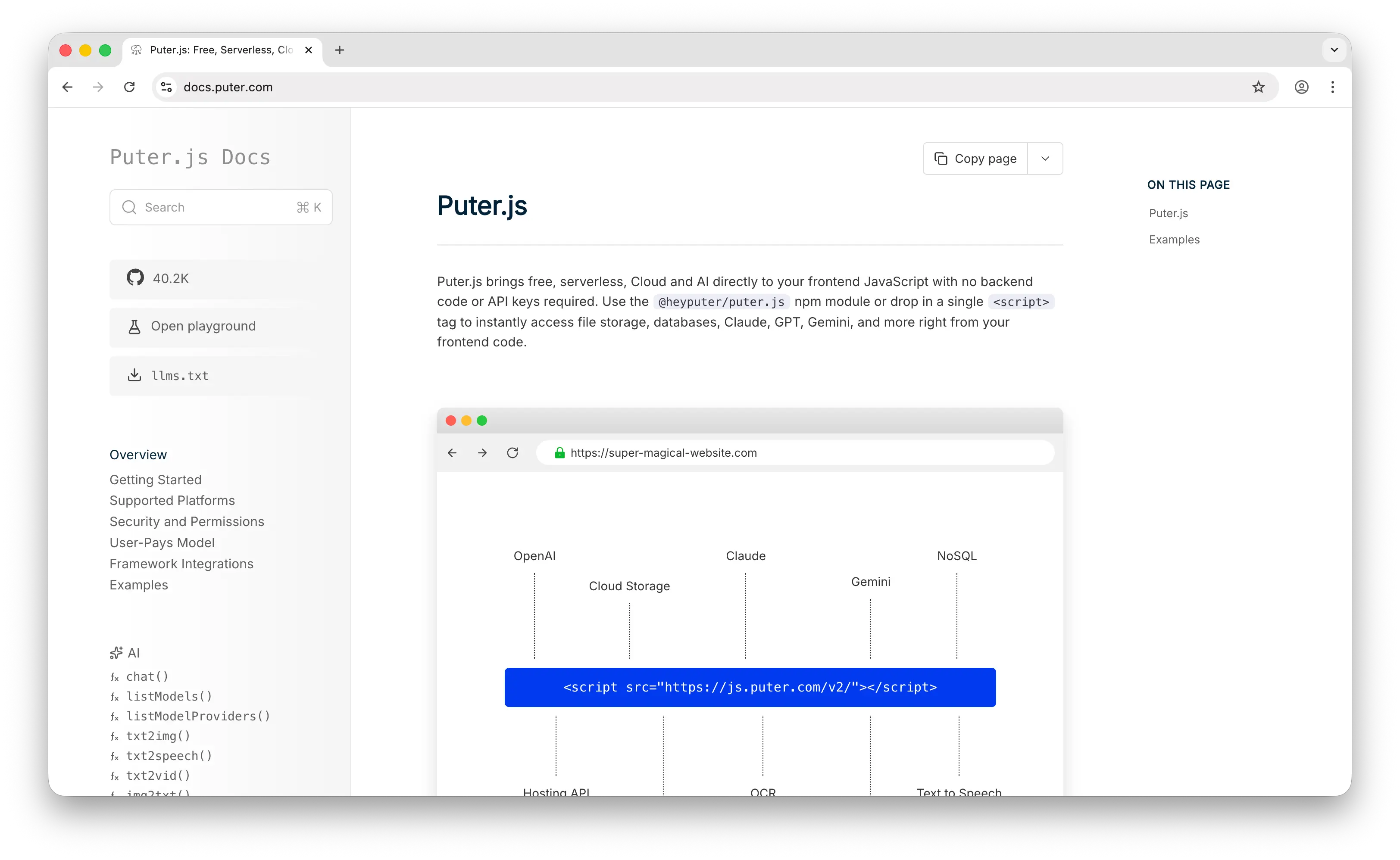
Puter.js is a JavaScript SDK that bundles AI, database, cloud storage, and authentication into a single library. For OCR, it provides puter.ai.img2txt(), which extracts text from images of printed text, handwriting, and other text-based content. You pass a URL, a Puter path, or a File/Blob, and it returns the recognized text. It runs on a hosted OCR provider behind the scenes (AWS Textract by default, with Mistral also available), so you don't integrate or manage any of them yourself. Selecting a provider is a single provider option on the same call, which is the part we found most differentiated: one function gives you more than one OCR engine without separate accounts or SDKs.
Puter.js uses the User-Pays Model, where end users cover their own usage costs through their own Puter accounts. That means no API keys in your code, no backend to host, and no per-page bill for the developer. You add Puter.js to a page, call puter.ai.img2txt(), and the routing, billing, and provider call happen client-side against the user's account. Most OCR APIs require you to hold an API key, stand up a backend to keep it secret, and pay for every page your users process; the user-pays model removes all three of those, which is what makes it suited to static sites and code that AI assistants generate without infrastructure. There's also a testMode option for development that doesn't consume credits.
Because OCR lives in the same SDK as the rest of Puter's features, you can pair it with chat models in the same code path, for example to extract text from a document and then summarize or classify it without wiring up a second service. Beyond OCR, Puter.js also covers image generation, video generation, text-to-speech, and speech-to-text.
You can add Puter.js via a script tag:
<script src="https://js.puter.com/v2/"></script>
Or via npm:
npm install @heyputer/puter.js
A basic OCR call looks like this:
puter.ai.img2txt('https://assets.puter.site/letter.png')
    .then(text => {
        console.log(text);
    });
Pros
- No backend, no API keys, and no per-page cost to the developer.
- OCR sits in the same SDK as chat, storage, and auth, so you can chain extraction and downstream processing in one code path.
- Works as a drop-in for browser apps and code generated by AI coding assistants, with nothing to provision.
- A free test mode for development that doesn't consume credits.
Cons
- Primarily designed for frontend/browser usage; it works in Node.js, but the user-pays model is most natural in the browser.
- Returns extracted text rather than a fully structured field-level schema for documents like invoices.
- Runs on a curated set of providers rather than letting you bring an arbitrary OCR engine.
2. Google Cloud Vision
Google Cloud Vision is Google's image analysis API, and OCR is one of its core features. It offers two text modes: TEXT_DETECTION for short text in natural scenes such as signs, menus, and product labels, and DOCUMENT_TEXT_DETECTION for dense printed or handwritten pages, which returns paragraph-level structure with bounding boxes. For structured document work like invoices, forms, and tables, Google's separate Document AI product is purpose-built for field-level extraction.
Vision is accurate on clean documents and supports a wide range of languages. Google doesn't publish an official accuracy figure, but third-party tests put it in the high 90s on standard printed documents, with the usual decline on handwriting and poor-quality scans. It's a strong fit if you're already on Google Cloud, since it integrates with the rest of the platform's storage and services, but it carries the same trade-off as the other large cloud APIs: setup involves cloud credentials, project configuration, and a learning curve, and costs can climb at scale.
Cloud Vision pricing includes 1,000 units per month free, then $1.50 per 1,000 units for text detection. Document AI is billed separately, at around $1.50 per 1,000 pages for basic OCR and $30 per 1,000 pages for forms and tables.
Pros
- High accuracy on clean printed documents and broad language support.
- Two OCR modes covering both scene text and dense documents.
- Tight integration if you're already building on Google Cloud.
- A separate Document AI product for structured field extraction.
Cons
- Setup involves cloud credentials and project configuration, with a learning curve.
- Structured document extraction requires the separate, more expensive Document AI product.
- Costs can grow at high volume.
3. Amazon Textract
Amazon Textract is AWS's OCR and document analysis service. Beyond plain text detection, it's built around extracting structured data: it reads tables and preserves their row and column structure, pulls key-value pairs out of forms, and has specialized features for invoices, receipts, IDs, and lending documents. That makes it a common choice when the goal isn't just reading text but turning a document into structured fields.
Textract is the natural pick if your infrastructure is already on AWS, since it plugs into S3, Lambda, and the rest of the ecosystem. The flip side is that it's tightly coupled to AWS; using it well generally means working within that ecosystem, with its IAM permissions and SDK setup. Accuracy on printed documents and forms is strong, with the usual decline on handwriting and degraded scans.
Textract pricing is feature-based and per page. In US West (Oregon), detecting text and layout is the cheapest tier, while table extraction runs about $0.015 per page and form (key-value) extraction about $0.05 per page, with both charges applying when you request both features on the same page. Rates drop at volume and vary by region. There's also a free tier for the first three months.
Pros
- Strong table and form extraction, not just plain text.
- Specialized models for invoices, receipts, IDs, and lending documents.
- Integrates cleanly with S3, Lambda, and the rest of AWS.
Cons
- Tightly coupled to AWS and less convenient outside that ecosystem.
- Per-feature pricing can add up when you need both tables and forms.
- Setup involves IAM permissions and AWS SDK configuration.
4. Tesseract OCR
Tesseract is the long-standing open-source OCR engine, originally developed at HP, sponsored by Google from 2006 to 2017, and now maintained by the open-source community. It's free, runs entirely on your own hardware, and supports more than 100 languages. Because there's no per-page cost and no data leaving your machine, it's a common baseline for projects with privacy requirements, high volume, or tight budgets.
The trade-off is that Tesseract isn't a hosted API and isn't production-grade out of the box. It performs well on clean, high-resolution printed text but degrades on noisy scans, unusual layouts, and handwriting unless you invest in pre-processing such as deskewing, thresholding, and noise removal. Getting reliable results usually means engineering effort: tuning the pipeline, handling page segmentation, and wrapping the engine in your own service if you want API-style access. It returns text and basic layout data, but no built-in structured extraction for invoices or forms.
Tesseract is free and open source under the Apache 2.0 license. The only cost is the infrastructure you run it on and the engineering time to deploy and maintain it.
Pros
- Free, open source, and self-hosted, with no per-page cost.
- Data stays on your own infrastructure, which suits privacy-sensitive use cases.
- Supports over 100 languages.
Cons
- Needs pre-processing and tuning to perform well on anything but clean scans.
- Not a hosted API; you have to deploy, scale, and maintain it yourself.
- No built-in structured extraction for documents like invoices or forms.
5. Nanonets
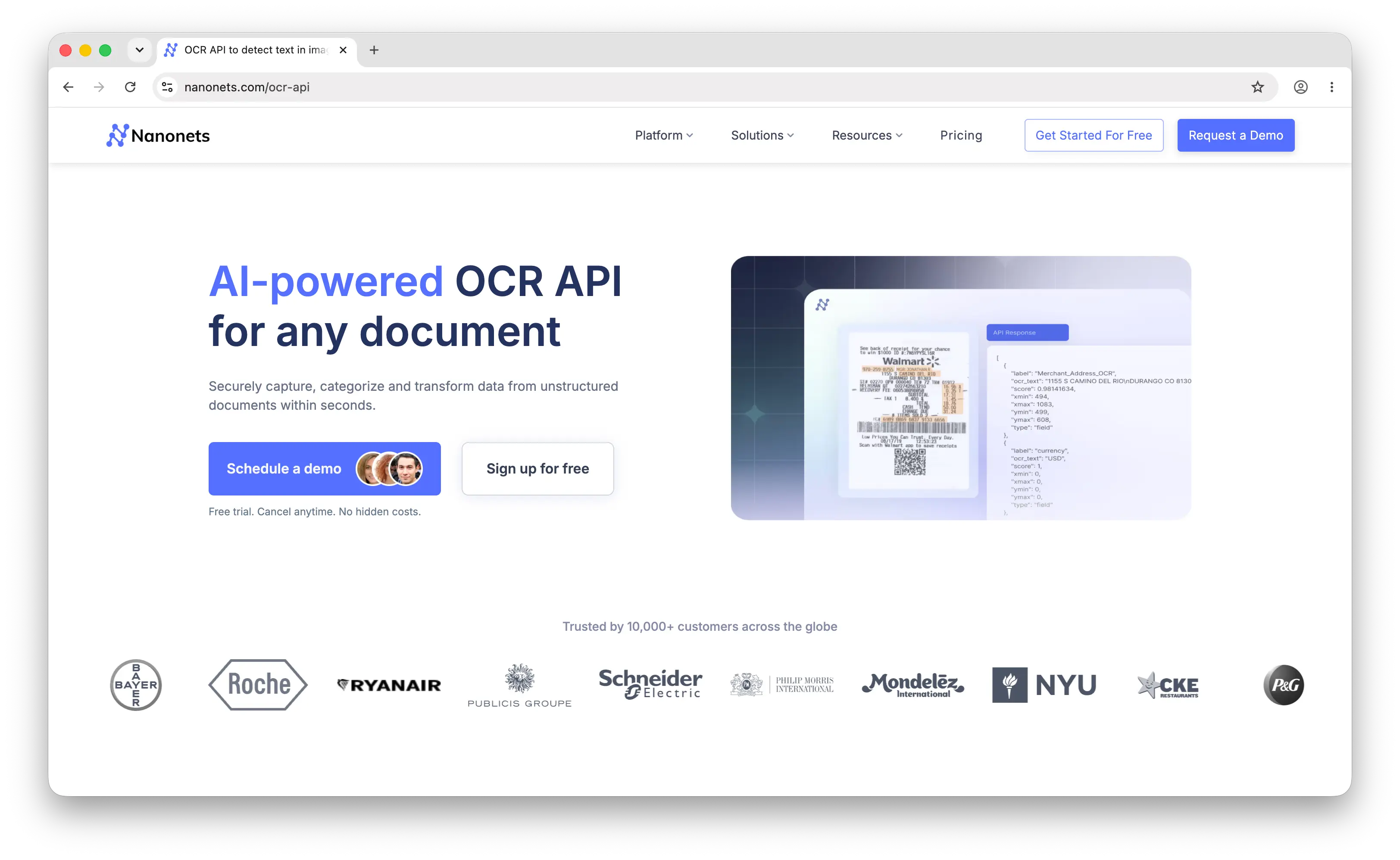
Nanonets is a document processing platform with an OCR API and a no-code/low-code workflow builder. Its focus is on structured data extraction from documents like invoices, receipts, purchase orders, and forms, and it lets you train custom models on your own document types without machine learning expertise. We found Nanonets has shifted its positioning toward AI agents for document workflows, but the underlying OCR and extraction capabilities remain. That positions it as a middle ground between raw OCR engines and the large cloud APIs: more turnkey than building your own pipeline, and aimed at business document automation rather than general text recognition.
Nanonets handles end-to-end automation, including data extraction, validation, and integrations into downstream systems, which is useful if you want a workflow rather than just text output. The trade-offs are cost and the limits of any pre-trained extractor on unusual or highly variable layouts, where you may need to train and maintain custom models to get reliable accuracy.
Nanonets has moved to a credit-based model: the free Starter plan includes $200 in credits, and workflow steps are billed per run (roughly $0.02 for simple operations, $0.10 for standard AI, and $0.30 for complex AI extraction), with volume discounts on higher tiers. Enterprise plans add features such as SOC 2, HIPAA, and GDPR compliance. Effective per-document costs tend to be higher than the raw-text tiers of the large cloud APIs, reflecting the structured extraction and workflow tooling.
Pros
- No-code/low-code workflows and custom model training without ML expertise.
- Focused on structured extraction from business documents like invoices and receipts.
- End-to-end automation with validation and integrations, not just text output.
Cons
- Higher per-page pricing than the raw-text tiers of the large cloud APIs.
- Accuracy on unusual or highly variable layouts can require custom model training.
- More than you need if you only want plain text extraction.
Comparison Table
| API | Best For | Document Types | Structured Output | Deployment | Pricing |
|---|---|---|---|---|---|
| Puter.js | Frontend/web apps that want OCR with no backend | Printed text, handwriting, general images | Text output | Hosted, client-side via SDK | Free for devs (user-pays) |
| Google Cloud Vision | Teams on Google Cloud, scene text and dense pages | Scene text, dense documents, handwriting | Layout; fields via Document AI | Hosted cloud API | Free tier, then ~$1.50/1K units |
| Amazon Textract | Tables, forms, and structured docs on AWS | Documents, tables, forms, IDs, receipts | Tables and key-value fields | Hosted cloud API (AWS) | ~$0.015–$0.05 per page by feature |
| Tesseract | Self-hosted, privacy-sensitive, high-volume | Clean printed text (with pre-processing) | Text and basic layout | Self-hosted, open source | Free (infra + engineering only) |
| Nanonets | Business document automation, no-code workflows | Invoices, receipts, forms, custom types | Field-level extraction | Hosted platform | $200 free credits, then per-run |
Verdict
Comparing them, we found the right pick comes down to where the work runs and what shape the output needs to take.
Puter.js is best for frontend and web app developers who want to add OCR without a backend, API keys, or a per-page bill. The user-pays model fits client-side apps and AI-generated code, and OCR sitting in the same SDK as chat and storage lets you extract and process text in one place.
Google Cloud Vision is best for teams already on Google Cloud, for reading text in natural scenes, and for dense documents, with Document AI when you need structured field extraction.
Amazon Textract is best when you need tables, forms, and structured documents extracted into fields, especially if your stack is already on AWS.
Tesseract is best when you want a free, self-hosted engine, need data to stay on your own infrastructure, or are processing high volume and can invest the engineering effort.
Nanonets is best for business document automation, where no-code workflows and custom-trained extraction models for invoices and forms matter more than raw text output.
Conclusion
The best OCR APIs in 2026 are Puter.js, Google Cloud Vision, Amazon Textract, Tesseract, and Nanonets.
Which one fits depends on what you're reading, how accurate it needs to be, whether you can run it client-side or need a backend, what each page costs at your volume, and how much engineering effort you're willing to spend. Criteria worth weighing are accuracy on your actual documents, the content and document types you handle, whether you need structured output, language support, deployment model, and pricing.
Puter.js is suitable for frontend and AI-generated apps that want OCR with zero backend. Google Cloud Vision is suitable for Google Cloud users and a mix of scene text and dense pages. Amazon Textract is suitable for table and form extraction on AWS. Tesseract is suitable when you want a free, self-hosted engine and can handle the setup. Nanonets is suitable for no-code business document automation. The right one usually comes down to matching your document types, accuracy needs, deployment constraints, and budget, and many setups use more than one for different kinds of documents.
Related
Ship a Full-Stack App with One Prompt
Create a to-do list app using Puter.js
Coding manually? see the guide