Best AI Gateway in 2026
On this page
Choosing an AI gateway matters more than it might seem at first. The gateway is the layer your app talks to whenever it needs an AI model, so it shapes how you handle providers, keys, costs, fallbacks, and monitoring. The right choice depends on where your app runs, how many providers you want to support, and how much infrastructure you want to own.
In this article, you'll learn what an AI gateway is, the criteria worth using when comparing them, and a breakdown of the best AI gateways with their pros, cons, and ideal use cases.
What Is an AI Gateway?
An AI gateway is a layer that sits between your application and one or more LLM providers. Instead of calling OpenAI, Anthropic, Google, and others directly, your code calls the gateway, which forwards the request to the right model, usually behind a single OpenAI-compatible API.
A gateway centralizes the things production AI apps need: routing across models, fallback when a provider is down, caching, spend tracking, rate limits, and a single place to swap providers without rewriting code. Calling providers directly is fine for a prototype, but once you have more than one model in production a gateway is usually easier.
Comparison Criteria
There isn't a single best AI gateway because the trade-offs depend on what the gateway is optimized for. The criteria below are the ones used consistently across every option in this list, and they're the same dimensions used in the comparison table at the end.
- Deployment model. Managed SaaS, self-hosted open-source, edge-deployed, or a client-side SDK.
- Model and provider coverage. How many models the gateway supports, and how quickly new ones become available.
- Pricing and markup. Whether you pay for the gateway itself, whether there's a per-token markup on provider costs, and how predictable the bill is.
- Setup complexity. How long it takes to go from "decided to use this" to a first request in production.
- Routing and fallback. Automatic retries, load balancing across providers, failover when an upstream is down, and rule-based routing.
- Observability. Per-request tracing, latency and cost dashboards, prompt logs, and analytics.
- Governance and security. Virtual keys, RBAC, per-user budgets, audit logs, and access controls.
- Multimodal support. Whether the gateway covers image, audio, video, and embeddings in addition to chat.
1. Puter.js
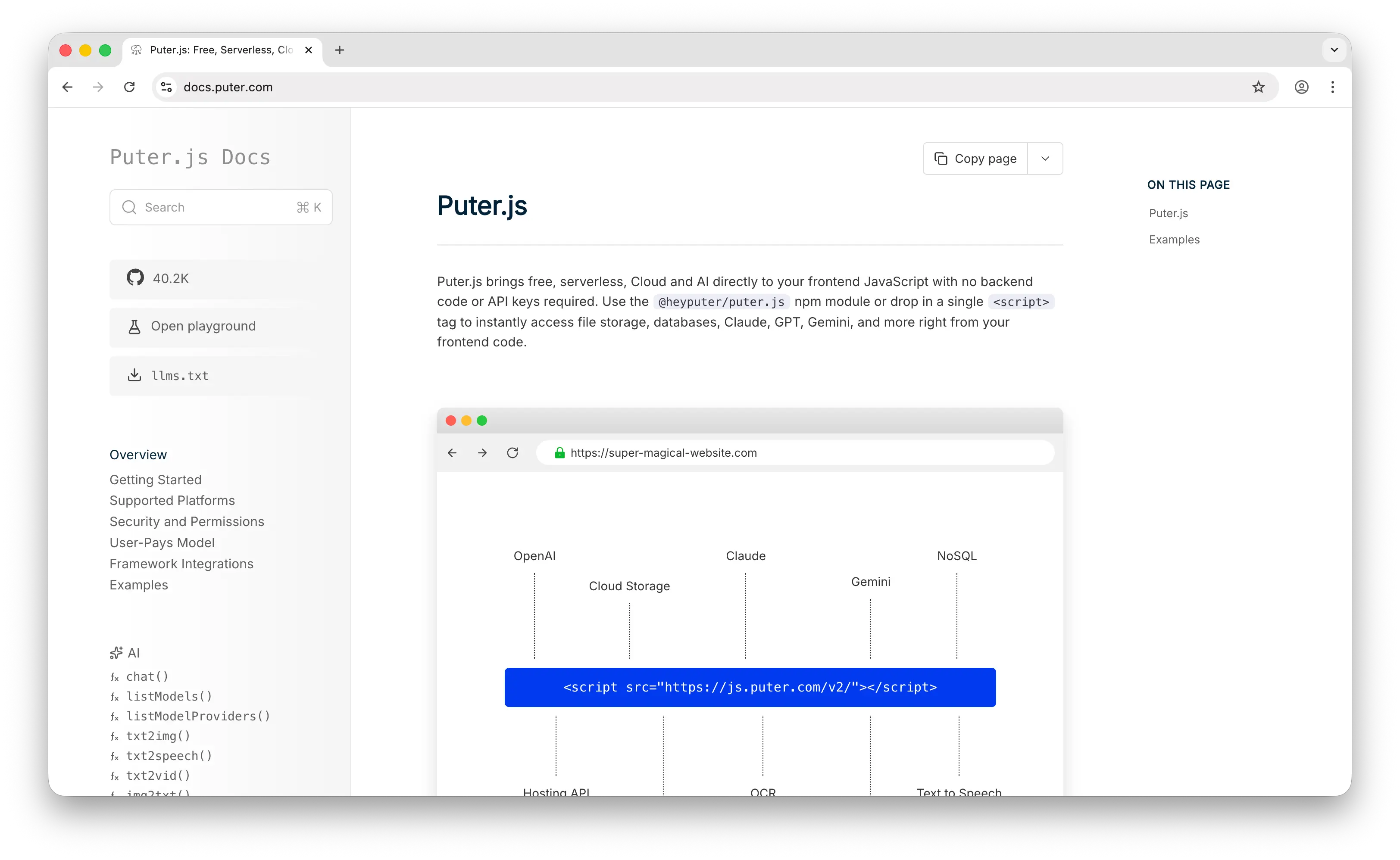
Puter.js is a JavaScript SDK that bundles AI, database, cloud storage, and authentication into a single library. On the AI side, it provides access to 500+ models from OpenAI, Anthropic, Google, Meta, and other providers through a single client-side call: puter.ai.chat().
Puter.js uses the User-Pays Model, where end users cover their own AI usage costs through their own Puter accounts. That means no API keys in your code, no backend to host the gateway, and no per-token bill for the developer. You add Puter.js to a page, call puter.ai.chat("..."), and the gateway, billing, and provider routing happen client-side against the user's account.
Beyond chat, Puter.js also supports text-to-image, image analysis, text-to-video, video analysis, OCR, speech-to-text, text-to-speech, and voice changing in the same SDK.
You can add Puter.js via a script tag:
<script src="https://js.puter.com/v2/"></script>
Or via npm:
npm install @heyputer/puter.js
Pros
- No backend, no API keys, and no per-token cost to the developer.
- 500+ models across major providers, typically available on launch day.
- Multimodal coverage (image, video, audio, OCR) in the same SDK as chat.
- Drop-in for browser apps and for code generated by AI coding assistants.
Cons
- Primarily designed for frontend/browser usage; works in Node.js but the user-pays model is most natural in the browser.
- No embeddings models yet.
- Observability is lighter than what dedicated control-plane gateways offer.
2. TrueFoundry AI Gateway
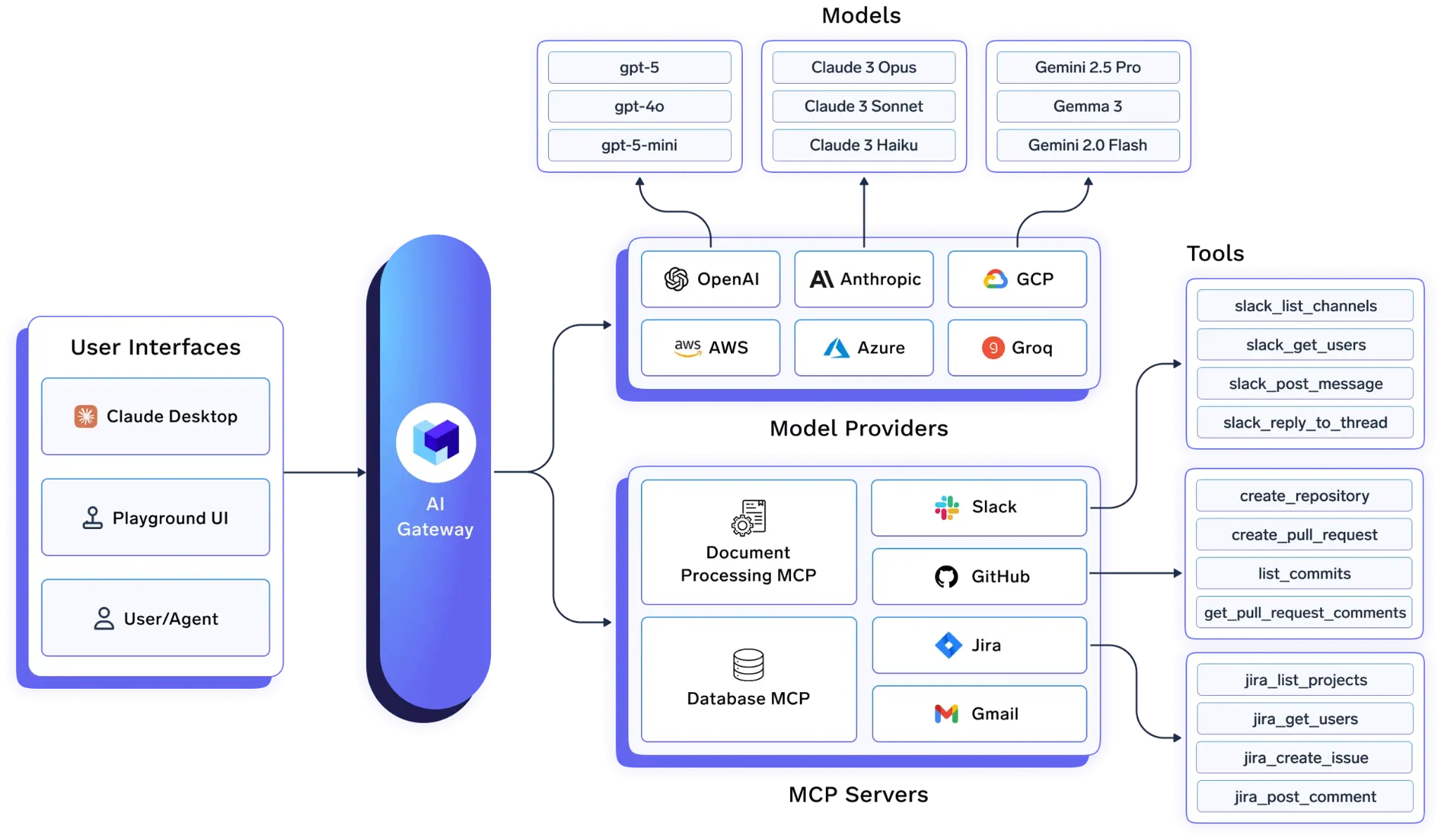
TrueFoundry AI Gateway is built on the premise that LLM management and AI agent tooling should live in one place, not two. Rather than deploying a standalone LLM proxy, TrueFoundry gives organizations a single control plane that manages model traffic, MCP tool calls, observability, and access control under the same governance layer.
It supports 1,000+ LLMs through a unified API; switching models is a one-field change, not an integration rewrite. The entire hot path, including guardrail evaluation, runs inside your Kubernetes cluster, and no data leaves your infrastructure: the core reason regulated enterprises choose TrueFoundry over SaaS-only alternatives.
Pros
- Connect to any LLM provider through a single OpenAI-compatible endpoint, with automatic failover, fallback chains, and under 3ms of added latency.
- Granular cost attribution by user, team, project, or model, with the same RBAC system extending to MCP tool access.
- Built-in guardrails for PII detection and prompt injection, plus OpenTelemetry-compatible traces for every call.
- SOC 2 Type 2 and HIPAA certified; deploys in secure VPC, on-premises, or air-gapped environments.
Cons
- Kubernetes-native; teams without Kubernetes experience may find the setup overhead higher than lighter alternatives.
- Aimed at enterprises with significant AI workloads; heavyweight for small projects.
- Free tier available; Pro is $499/month for up to 1M requests, enterprise by quote.
3. OpenRouter
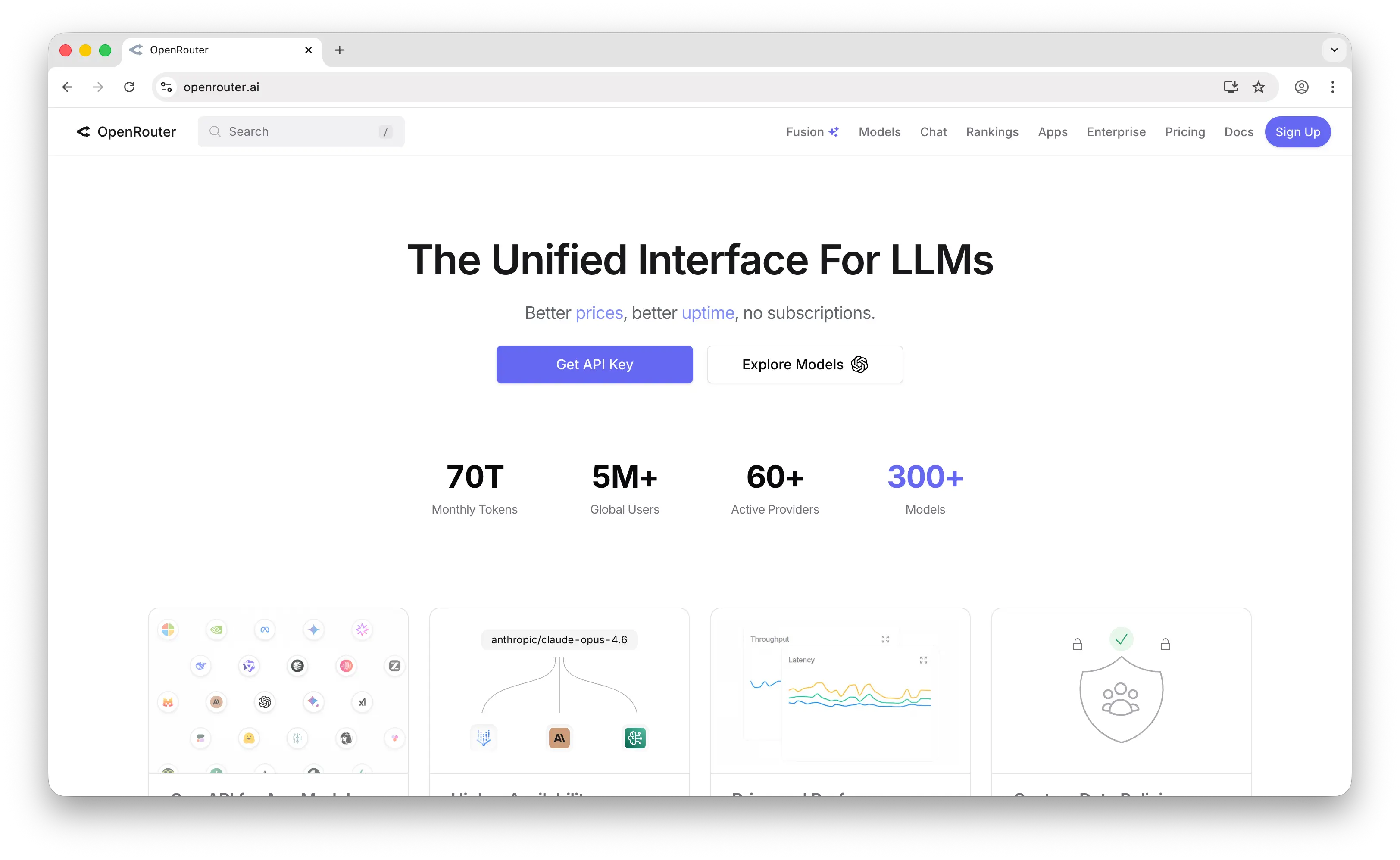
OpenRouter is a managed SaaS gateway that provides a single OpenAI-compatible endpoint in front of 300+ models from 60+ providers. You bring one API key, and OpenRouter handles provider selection, fallback when an upstream is down, and unified billing across every model.
OpenRouter is mostly focused on breadth and simplicity. The API mirrors OpenAI's chat completion shape, so most existing SDKs work by swapping the base URL. New frontier models tend to be available shortly after release, and the routing layer can automatically fall back to a different provider if your primary choice is throttled or offline. A unified credit balance covers every model, so you get one bill instead of one per provider.
Pros
- 300+ models from 60+ providers behind one OpenAI-compatible API.
- Automatic fallback and load balancing across providers.
- New models usually available shortly after launch.
- Unified billing across all providers.
Cons
- 5.5% credit fee on top of provider list prices.
- Managed SaaS only; no self-hosted option.
- Mostly chat-focused; limited audio and only experimental video support.
- Observability is a usage dashboard rather than a full tracing suite.
4. LiteLLM
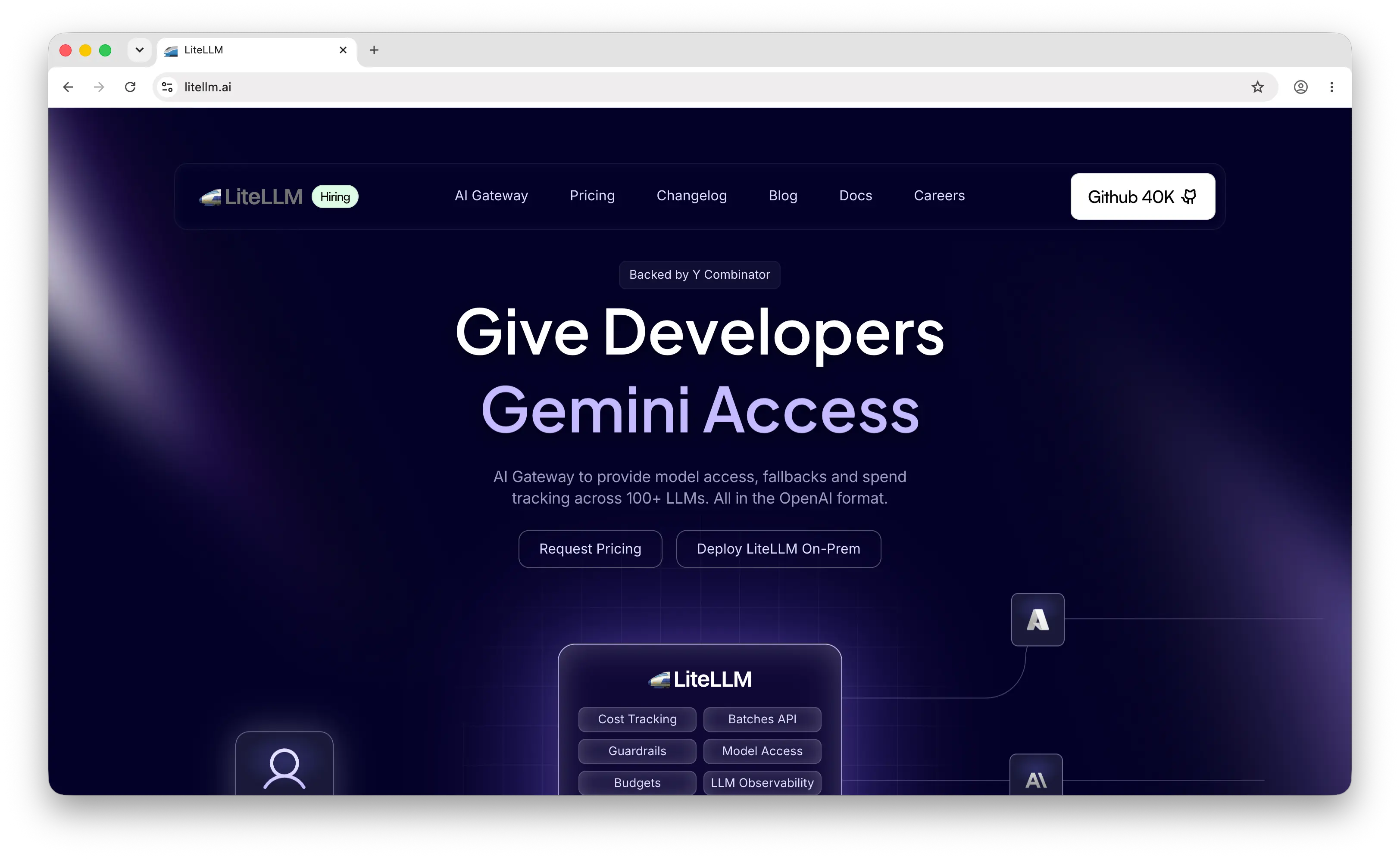
LiteLLM is an open-source Python proxy and SDK that translates OpenAI-compatible requests into 100+ provider formats. It's a common choice for teams that want to self-host their gateway.
LiteLLM lets you bring your own provider keys and run the proxy on your own infrastructure. You pay providers directly without an added markup, you own the data, and you can plug in any provider that has an API. The project has a large community and a wide set of integrations, and the codebase is extensible enough to add custom providers or middleware.
Because LiteLLM is Python-based, it adds more per-request overhead than compiled gateways (often in the 100–500ms range at high concurrency). For typical chat workloads this is fine; for high-RPS workloads it can become a factor.
Pros
- Open-source and self-hosted, with no markup on provider pricing.
- 100+ providers behind a single OpenAI-compatible interface.
- Large community and a wide set of integrations.
- Full data ownership, useful for regulated environments.
Cons
- You operate the proxy: deploys, scaling, monitoring, and upgrades.
- Python runtime adds noticeable per-request overhead at high RPS.
- Built-in governance and observability are functional but less polished than dedicated control planes.
5. Cloudflare AI Gateway
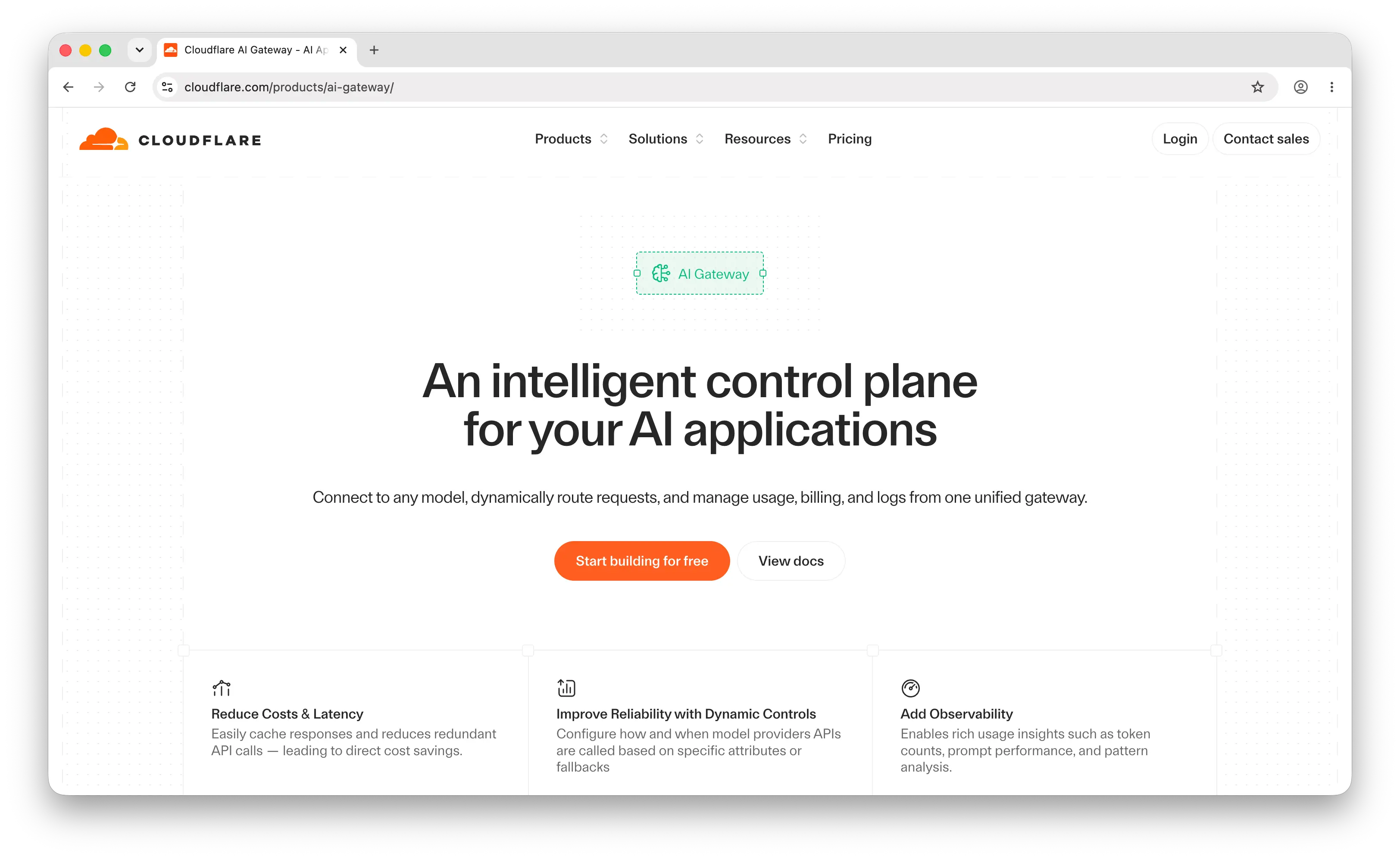
Cloudflare AI Gateway is a managed gateway that proxies requests to LLM providers through Cloudflare's edge network. It sits in front of providers you already use (OpenAI, Anthropic, Workers AI, Replicate, and others) and adds caching, analytics, rate limiting, and logging without requiring you to run any infrastructure.
The main draw is that there's almost nothing to set up. You point your existing client at a Cloudflare URL instead of the provider's URL, and you're done. There's no SDK swap or key migration. Once requests are flowing through the gateway, you get an analytics dashboard, response caching for repeated prompts, and per-request logs in the Cloudflare console. Following Cloudflare's acquisition of Replicate in late 2025, the gateway also integrates with Workers AI and Replicate's 50,000+ model catalog.
Pros
- Near-zero setup: change the URL and you're proxied.
- Free tier with generous limits; pay-as-you-go beyond that.
- Edge-deployed with caching that can reduce repeated-prompt costs.
- Tight integration with the rest of Cloudflare (Workers, R2, Vectorize).
Cons
- Doesn't unify provider APIs; you still write provider-specific calls.
- Governance and routing features are thinner than dedicated control planes.
- Most valuable when you're already on Cloudflare.
6. Portkey
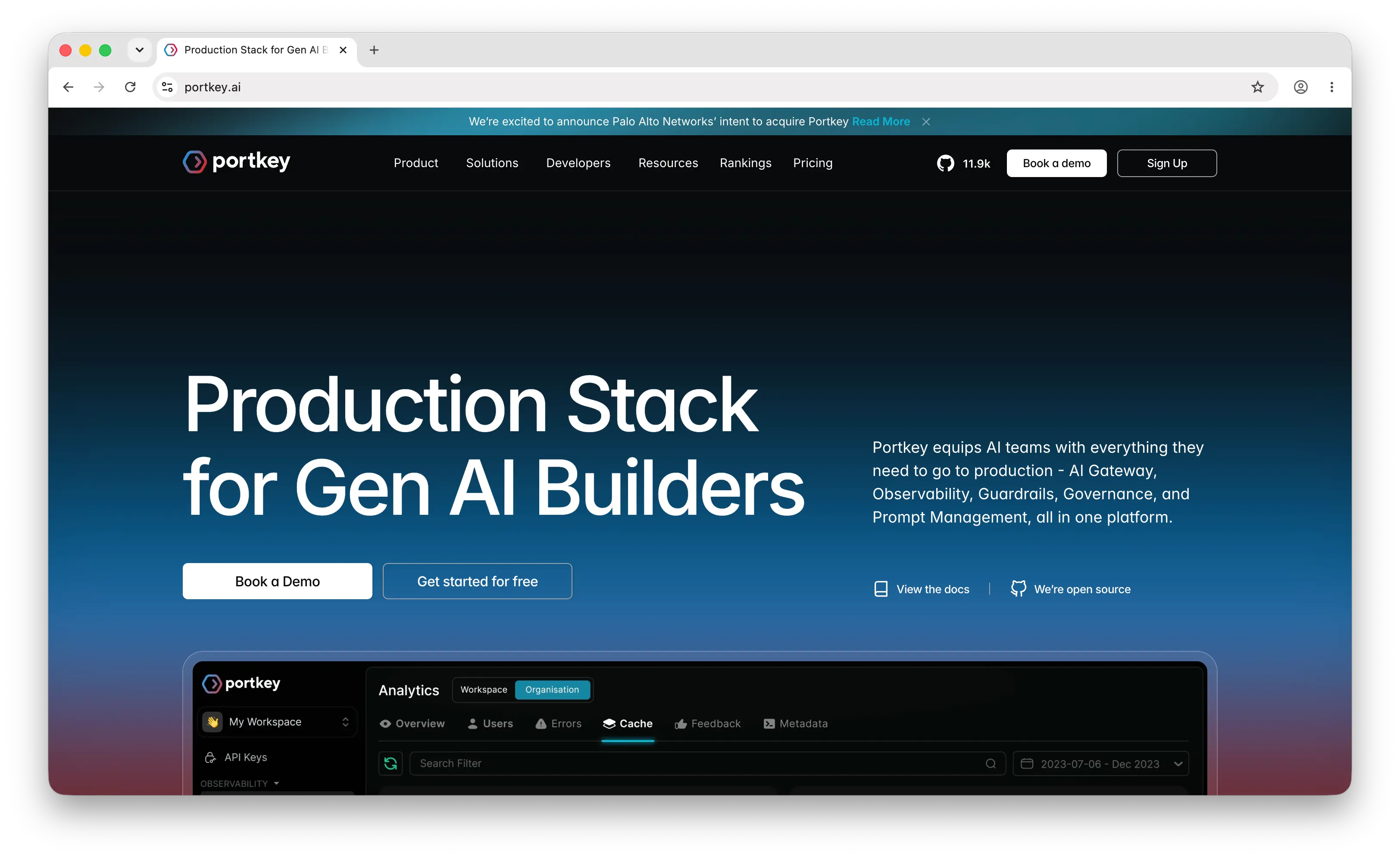
Portkey is an AI gateway and production control plane built for teams running LLMs at scale. It provides a single OpenAI-compatible endpoint in front of 1,600+ models and adds observability, guardrails, prompt management, and governance on top of the gateway.
Portkey covers the gateway and the operational layer around it in one product. It tracks spend per team or feature, supports rate limits and budgets, lets you version and A/B test prompts, runs safety checks before or after a call, and provides audit logs. The gateway itself is open-source, while the control-plane features live in the Portkey platform, so you can start with self-hosting and move to the managed platform without rewriting your integration.
Pros
- Production-grade observability, governance, and prompt management built in.
- 1,600+ models behind a unified OpenAI-compatible API.
- Open-source gateway core, with an optional managed control plane.
- Good fit for teams with multiple developers, products, or compliance needs.
Cons
- More platform than proxy; more to learn for small projects.
- The full feature set sits behind the paid control plane.
- Adds surface area you'll want to monitor in production.
7. Kong AI Gateway
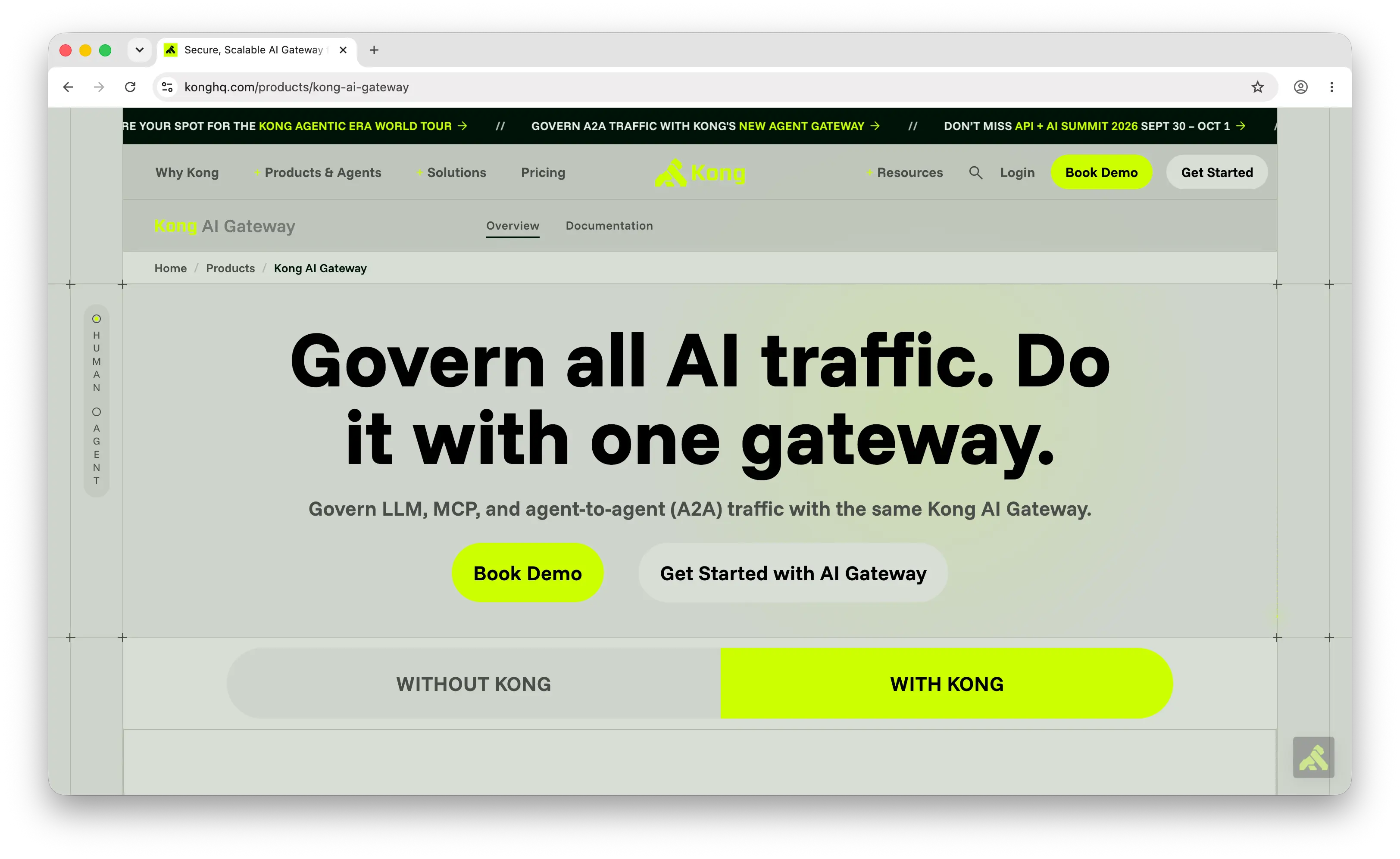
Kong AI Gateway is Kong's AI-specific extension of its long-running API gateway. It inherits Kong's plugin model and operational tooling, and adds plugins designed for LLM traffic, including provider routing, prompt guards, token-based rate limiting, and semantic caching.
Kong has been an API gateway for years, and the AI Gateway brings that maturity to LLM traffic. Network policy, mTLS, RBAC, SSO, audit logs, and multi-cluster deployment are all available out of the box. For platform teams that already run Kong for traditional APIs, adding AI traffic to the same gateway tends to be a natural fit.
Pros
- Reuses Kong's mature API gateway runtime, plugins, and operational tooling.
- Strong enterprise controls (mTLS, RBAC, audit logs, multi-cluster).
- Available as self-hosted or via Kong Konnect.
- Fits cleanly if Kong is already your API gateway.
Cons
- Heavyweight if you only need LLM routing.
- AI-specific plugins are newer and less mature than the core gateway.
- Aimed at platform engineers rather than application developers.
Comparison Table
| Gateway | Deployment | Models | Pricing | Setup | Routing & Fallback | Observability | Multimodal | Best For |
|---|---|---|---|---|---|---|---|---|
| Puter.js | Client-side SDK | 500+ | Free for devs (user-pays) | Drop-in script tag or npm | Limited | Basic | Chat, image, video, audio, OCR | Frontend/web apps, AI-generated code |
| TrueFoundry AI Gateway | Kubernetes (VPC, on-prem, air-gapped) | 1,000+ | Free tier; $499/mo Pro | Deploy on Kubernetes | Built-in | OpenTelemetry-based | Chat-focused | Enterprises governing LLM + MCP traffic |
| OpenRouter | Managed SaaS | 300+ | 5.5% credit fee | Swap base URL + API key | Built-in | Usage dashboard | Chat-focused | Multi-provider chat with one key |
| LiteLLM | Self-hosted open-source | 100+ | Free, pay providers directly | Host the proxy yourself | Built-in | Functional | Chat + embeddings, some image | Self-hosted, data-sensitive teams |
| Cloudflare AI Gateway | Edge (managed) | Wraps any provider | Free tier + pay-as-you-go | Change endpoint URL | Basic | Built-in | Depends on upstream | Teams already on Cloudflare |
| Portkey | Managed + open-source core | 1,600+ | Free tier + paid platform | Drop-in SDK | Built-in | Best-in-class | Chat + image + audio | Production LLM apps at scale |
| Kong AI Gateway | Self-hosted or Konnect | Plugin-based | Open-source + paid Konnect | Operate Kong | Built-in | Built-in | Plugin-dependent | Enterprises already running Kong |
Verdict
Puter.js is best for frontend and web app developers who want to add AI features without a backend, an API key, or a per-token bill. The user-pays model fits client-side apps and code generated by AI coding assistants.
TrueFoundry AI Gateway is best for organizations that want unified governance over both model traffic and agent tool calls without managing separate systems, with compliance, cost control, and observability from day one.
OpenRouter is best for backend teams that want managed access to a wide catalog of LLMs behind one API and one bill, with automatic fallback handled for them.
LiteLLM is best for teams that want to self-host, own the data, and avoid any markup on top of provider pricing.
Cloudflare AI Gateway is best for teams already on Cloudflare that want analytics, caching, and rate limiting in front of their existing provider calls without changing the rest of the stack.
Portkey is best for teams running LLMs in production with multiple developers or products, who need observability, governance, and prompt management in addition to the gateway itself.
Kong AI Gateway is best for enterprises already running Kong at the edge, where LLM traffic can ride on the same operational story the platform team is already maintaining.
Conclusion
The best AI gateway depends on a few things: how much infrastructure you want to own, how broad your model coverage needs to be, what governance features you need, and how the gateway fits into the rest of your stack.
Puter.js is a strong fit for frontend and AI-generated apps that need zero backend. TrueFoundry AI Gateway is the pick for enterprises that want LLM and MCP governance in one control plane. OpenRouter is the simplest path to many models behind one key. LiteLLM is the default for self-hosting and data ownership. Cloudflare AI Gateway is the natural pick if you're already on Cloudflare. Portkey is built for production-grade observability and governance. Kong fits enterprises already running Kong at the edge. The right one is usually the one that lines up with the rest of your stack.
Related
- Getting Started with Puter.js
- Top 5 OpenRouter Alternatives (2026)
- Best AWS Bedrock Alternatives (2026)
- Top 5 Vertex AI Alternatives (2026)
- Best Together AI Alternatives (2026)
- Top 5 Google AI Studio Alternatives (2026)
- Best Replicate Alternatives (2026)
- Top 5 Hugging Face Alternatives (2026)
- Top 5 DeepInfra Alternatives (2026)
- Best fal.ai Alternatives (2026)
- Best Image Generation APIs in 2026
- Best OCR APIs in 2026
Ship a Full-Stack App with One Prompt
Create a to-do list app using Puter.js
Coding manually? see the guide