Best Image Generation APIs in 2026
On this page
Not all image generation APIs are built the same. To choose the right one for your project, you need to look at your specific requirements: how photorealistic the output is, how closely the model follows your prompt, whether it can render readable text inside the image, how fast a generation returns, what each image costs at your volume, whether the output is safe to use commercially, and how the API fits the rest of your stack.
We compared six of the most-used image generation APIs and checked each provider's official model and pricing pages so the figures below reflect current rates. In this article, you'll learn what an image generation API is, the criteria worth using when comparing them, and a breakdown of the best image generation APIs with their pros, cons, and ideal use cases.
What Is an Image Generation API?
An image generation API is a service that takes a text prompt as input and returns a generated image. You send a description like "a red bicycle leaning against a brick wall at sunset," and you get back an image file or URL, usually in PNG, JPEG, or WebP. Most current APIs are built on diffusion or autoregressive models, accept parameters for resolution, aspect ratio, and quality, and many also support image-to-image editing, inpainting, and reference-based generation.
Image generation APIs are used in e-commerce product imagery, marketing and ad creative, game and concept art, app avatars and illustrations, design mockups, and any product that needs visual assets generated on demand. The right API depends on your use case: photorealistic catalog shots, text-heavy graphics like posters and logos, fast real-time previews, and budget-constrained bulk generation each favor a different model.
Comparison Criteria
There isn't a single best image generation API. The trade-offs depend on what each model is optimized for, so the right choice comes from matching your use case to the criteria below. These are the same dimensions used in the comparison table at the end.
- Image quality and photorealism. How detailed, coherent, and realistic the output looks, including skin, fabric, lighting, and fine texture.
- Prompt adherence. How faithfully the model follows complex instructions, multi-subject scenes, and spatial relationships.
- Text rendering. Whether the model can produce legible, correctly spelled text inside the image, which is the most consistent differentiator between models.
- Speed. Generation latency, which determines whether the API can support real-time previews or only batch jobs.
- Resolution and aspect ratios. The maximum output resolution and the range of supported aspect ratios.
- Pricing. Cost per image and how predictable the bill is at scale.
- Commercial licensing. Whether outputs are safe to use commercially and how the training data is sourced.
- Integration fit. How much setup the API requires and how well it plugs into your existing stack.
1. Puter.js
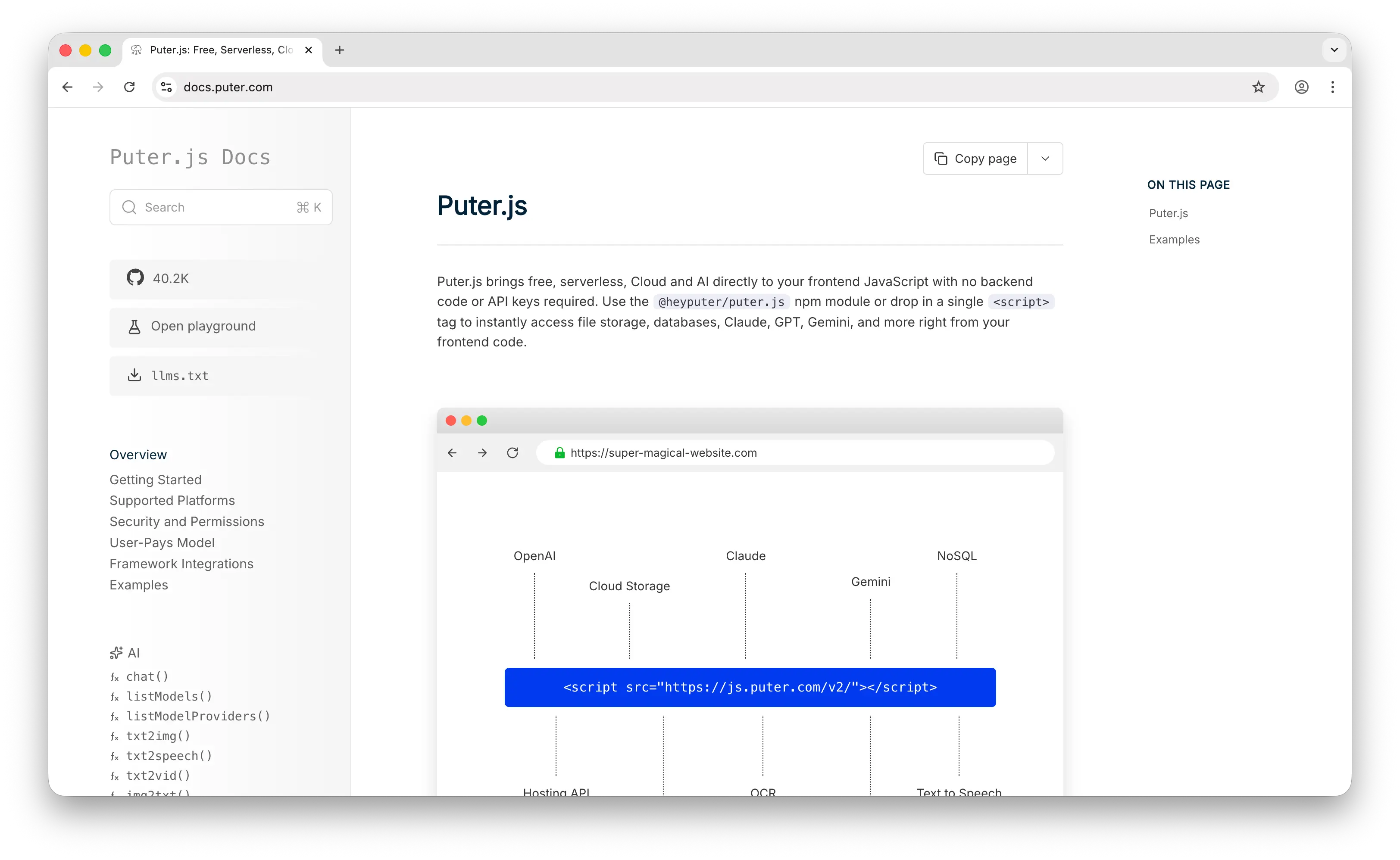
Puter.js is a JavaScript SDK that bundles AI, database, cloud storage, and authentication into a single library. For image generation, it provides puter.ai.txt2img() in front of several providers, so you switch models by changing the model argument instead of integrating a separate API for each. The lineup spans GPT Image (gpt-image-2 down to gpt-image-1-mini), Gemini 3 Pro Image and Gemini 2.5 Flash Image (Nano Banana), FLUX variants from Black Forest Labs, Grok Imagine from xAI, and Leonardo, so you can pick a FLUX variant for photorealism, GPT Image for text-heavy compositions, or Nano Banana for fast iterations from the same call.
Puter.js uses the User-Pays Model, where each end user covers their own AI usage costs through their own Puter account. This is what sets it apart from the other options here: no API keys in your code, no backend to host, and no per-image bill for the developer. Every other API on this list bills the developer per generation, so cost scales with your traffic; with Puter.js it scales with each user's own account instead, which is why it fits client-side apps and AI-generated front ends where you don't want to provision a backend. Beyond image generation, Puter.js also covers chat, video generation, OCR, text-to-speech, and speech-to-text in the same SDK.
You can add Puter.js via a script tag:
<script src="https://js.puter.com/v2/"></script>
Or via npm:
npm install @heyputer/puter.js
A basic generation looks like this:
puter.ai.txt2img("A futuristic city with flying cars", { model: "black-forest-labs/flux-1.1-pro" })
    .then(imageElement => {
        document.body.appendChild(imageElement);
    });
Pros
- No backend, no API keys, and no per-image cost to the developer; each user pays for their own usage.
- Access to several image models (FLUX, GPT Image, Nano Banana, Grok Imagine, Leonardo) behind one call, switchable with the
modelargument. - Multimodal coverage (chat, video, OCR, TTS, STT) plus storage, database, and auth in the same SDK.
- Works as a drop-in for browser apps and code generated by AI coding assistants, with nothing to provision.
Cons
- Primarily designed for frontend/browser usage; it works in Node.js, but the user-pays model is most natural in the browser.
- Available models are a curated set from major providers rather than an open, community-uploaded catalog of tens of thousands of models.
- Observability is lighter than what dedicated model-hosting dashboards offer.
2. FLUX
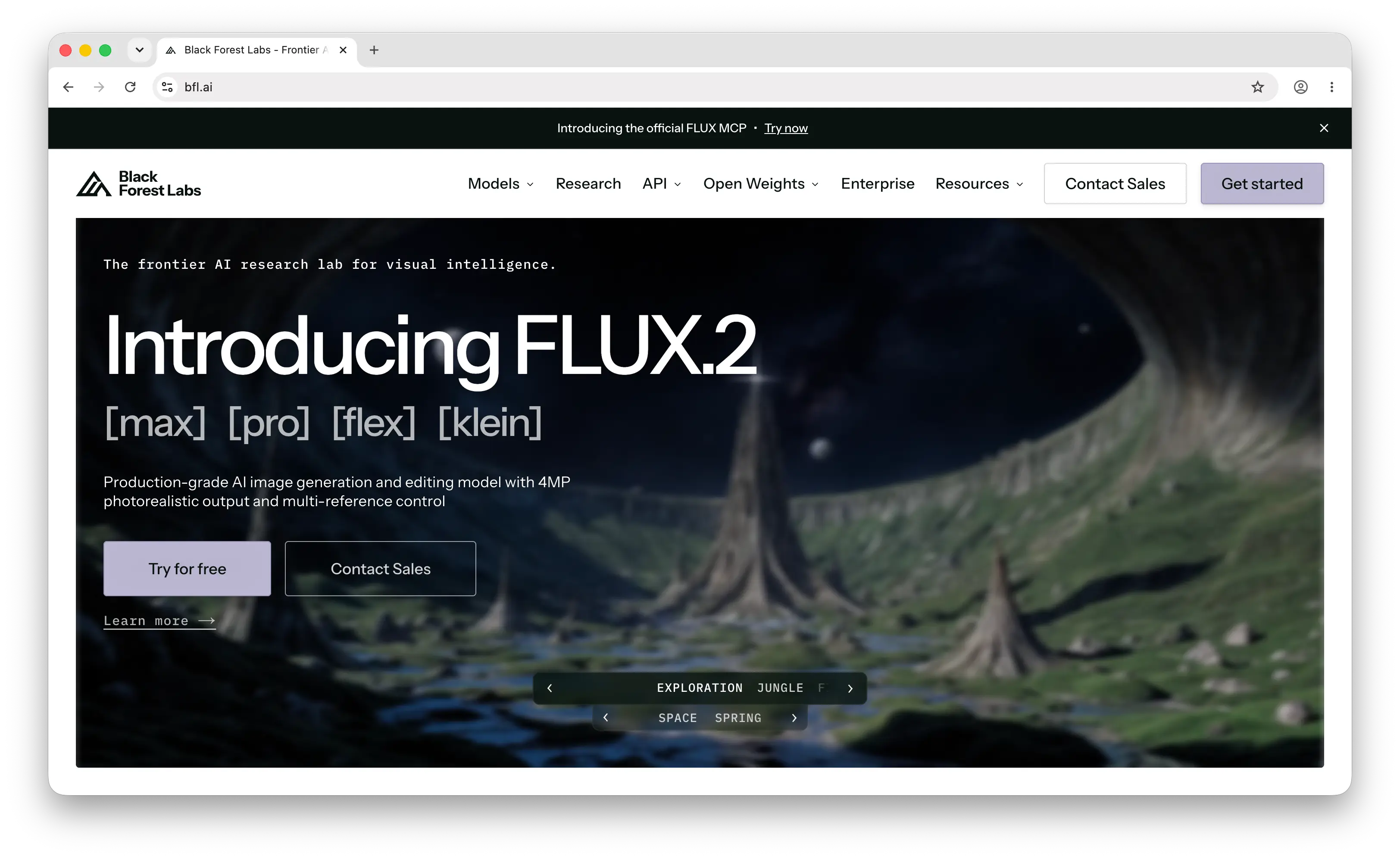
FLUX, from Black Forest Labs, is the leading open-weight image model family and is widely treated as the photorealism reference point. The FLUX.2 generation, released in November 2025, spans flux-2-pro and flux-2-max for the highest quality, flux-2-flex for parameter control and typography, and the open-weight flux-2-dev variant. The earlier FLUX.1 models include flux-schnell for fast and cheap generation, flux-1.1-pro for quality, and the kontext variants for reference-based editing.
FLUX is known for detailed skin and fabric rendering, strong prompt adherence on complex scenes, and shallow-depth-of-field photography looks. Open-weight variants can be self-hosted: flux-schnell is Apache 2.0 licensed, while dev weights carry a non-commercial license that requires a commercial agreement for production use. The model is available through Black Forest Labs' own API and through aggregators, so you have several routes to access it.
FLUX.2 is priced per output resolution. On Black Forest Labs' own API, flux-2-pro costs $0.03 for the first megapixel (1024×1024) and roughly $0.015 per additional megapixel, scaling up with resolution. flux-schnell is an open-weight model you self-host, and on aggregators it runs in the range of $0.003 per image, which makes it a common choice for bulk generation. Earlier FLUX generations were weaker at rendering text inside images, an area the FLUX.2 generation improved on but where dedicated text-focused models still hold an edge.
Pros
- Strong photorealism and fine detail, often used as the quality benchmark.
- Good prompt adherence on complex, multi-element scenes.
- Open-weight variants available for self-hosting and customization.
- A range of variants from fast/cheap (
schnell) to top-tier quality (FLUX.2 Pro).
Cons
- Text rendering, while improved in FLUX.2, still trails dedicated text-in-image models.
- No first-party consumer product; you access it through an API provider or self-hosting.
- Self-hosting the open weights requires GPU infrastructure, and the
devlicense restricts commercial use without an agreement.
3. OpenAI GPT Image
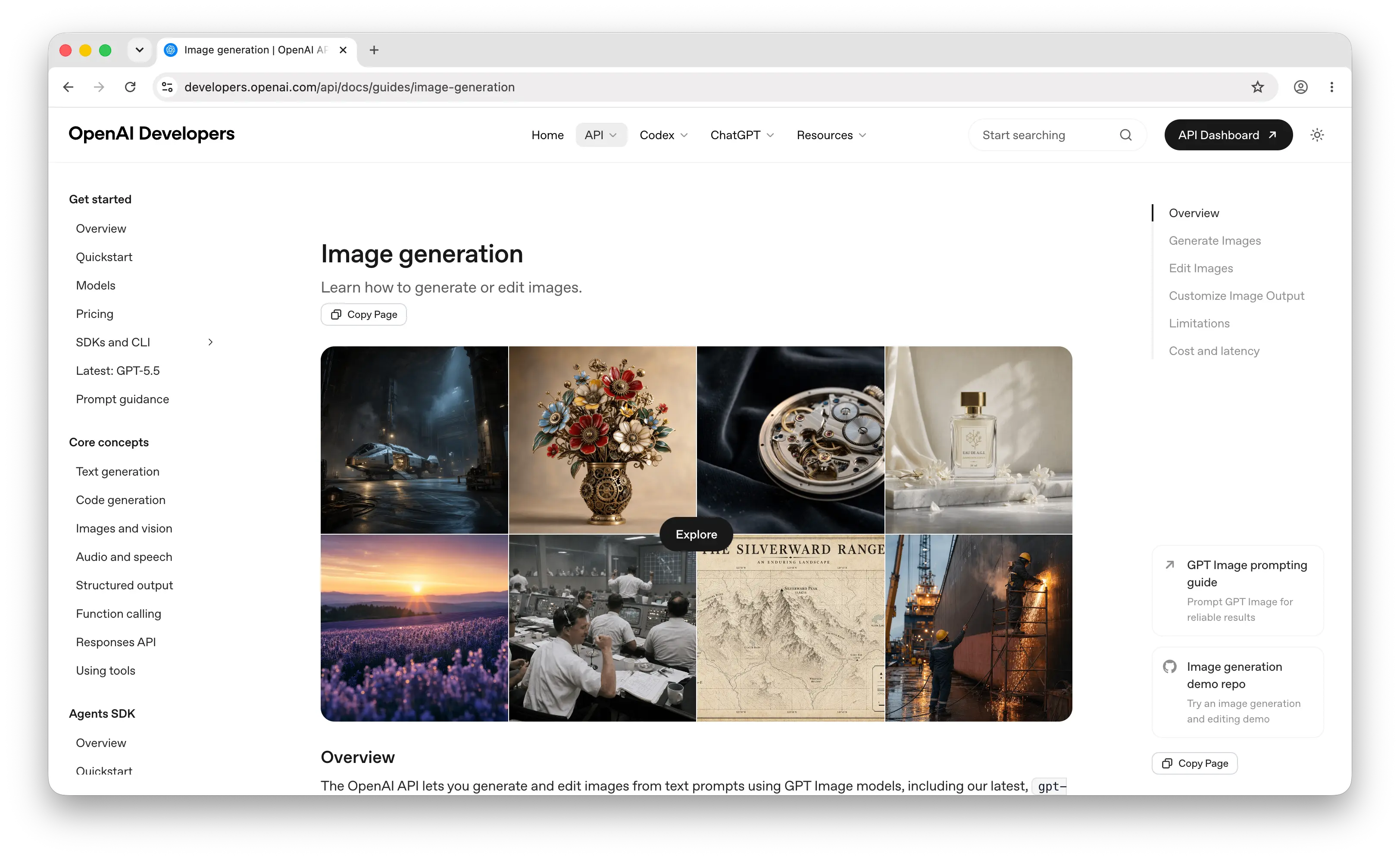
GPT Image is OpenAI's image generation and editing model, available through the same API as the rest of OpenAI's models. The current lineup includes gpt-image-2 (released April 2026), gpt-image-1.5, and the smaller gpt-image-1-mini. GPT Image is the successor to DALL-E, which OpenAI deprecated; DALL·E 2 and DALL·E 3 had support end in May 2026. GPT Image supports both text and image inputs, so it can edit and composite existing images, not just generate from a prompt.
GPT Image is strong at complex, multi-subject scenes and at text rendering, with reliable, crisp lettering even on small or dense text. We found its text handling to be one of the more consistent in this group, which is a frequent weak point for other models. It outputs up to 4K resolution (max edge 3840px) and supports square, portrait, and landscape aspect ratios. For teams already building on OpenAI, it adds image generation behind the same API key as chat and transcription.
Pricing is tied to a quality tier (low, medium, high) and resolution. Per OpenAI's image generation guide, a low-quality 1024×1024 image is about $0.006, a medium image about $0.053, and high-quality output about $0.211 per image. Because text input tokens and image input tokens (on edits) are billed separately, the total request cost can run above the output-only figure. The model is positioned as the safer enterprise choice, with the trade-off that it is slower than diffusion models and produces one image per call.
Pros
- Strong prompt adherence on dense, multi-subject compositions.
- Reliable text rendering, including small and dense text.
- Quality tiers let you trade cost for fidelity per request.
- Same API and key as the rest of OpenAI's models.
Cons
- Generation is slower than diffusion models.
- High-quality output is among the more expensive options per image.
- One image per call, and token-based add-ons can raise the effective cost.
4. Google Nano Banana
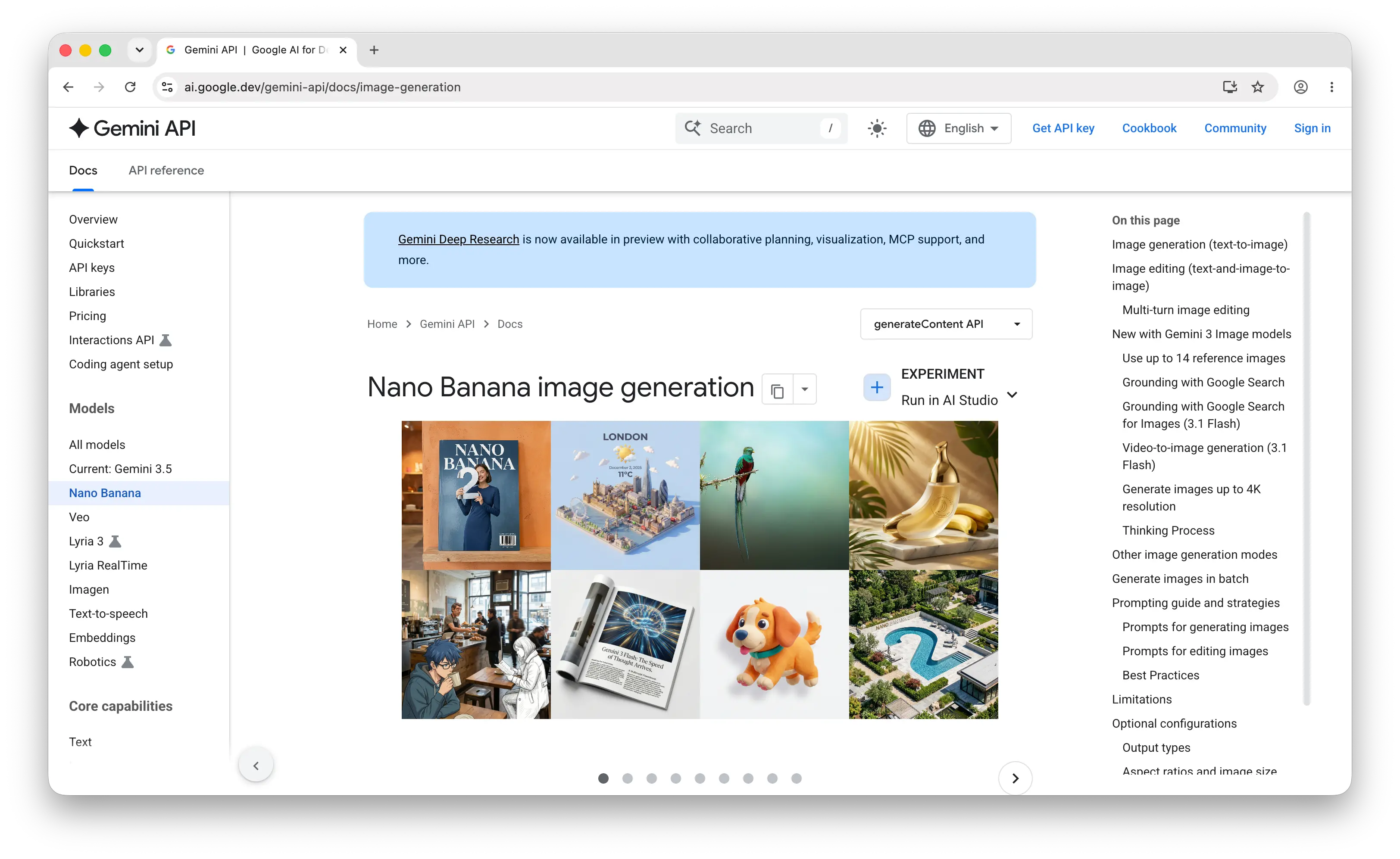
Nano Banana is the name for Google's Gemini image models: Gemini 3 Pro Image (Nano Banana Pro) for the highest quality and Gemini 2.5 Flash Image (Nano Banana) for fast generation. Nano Banana Pro launched in preview in November 2025 and reached general availability in May 2026. They're available through the Gemini API and are designed around speed, balanced quality, strong text rendering, and conversational image editing where you refine an image across multiple turns.
Nano Banana is among the fastest options, which makes it well suited to real-time previews and high-throughput pipelines, and Google positions Nano Banana Pro as its best model for legible text in infographics and marketing assets. The output tends toward clean, polished results, which some users find lacks the artistic character of other models. We found the trade-off worth noting: all Gemini-generated images carry an invisible SynthID watermark, which matters if your use case requires unwatermarked output.
Pricing for Nano Banana Pro is resolution-based: $0.134 per image at 1K–2K resolution and $0.24 at 4K, with a batch option that halves those rates in exchange for slower processing. The Gemini 2.5 Flash Image variant is a single tier at $0.039 per image, and is the better fit when speed and cost matter more than maximum fidelity.
Pros
- Fast generation suitable for real-time previews and high throughput.
- Strong, legible text rendering.
- Good conversational editing and multi-image consistency.
- A cheaper Flash variant alongside the higher-quality Pro model.
Cons
- Outputs carry a SynthID watermark.
- The polished look can lack artistic character for some styles.
- Pro-tier pricing climbs at 4K resolution.
5. fal.ai
fal.ai is a generative media inference platform built for speed. Rather than a single model, it runs over 1,000 production-ready models for image, video, audio, and 3D generation on serverless GPU infrastructure, so you access many image models (including FLUX and Stable Diffusion) through one API and one account.
fal.ai is positioned as an aggregator and inference layer, which avoids locking you into a single model and lets you route different jobs to different models with unified billing. It's known for cold-start-free inference and output-based pricing, where you pay per image or per megapixel of output. The developer is billed for every generation, and fal.ai does not offer its own original model; its value is the optimized hosting and the breadth of the catalog.
Pros
- Single API access to 1,000+ image, video, audio, and 3D models.
- Fast inference with no cold starts and unified billing across models.
- Output-based pricing that maps directly to what you generate.
- Avoids vendor lock-in to a single model.
Cons
- The developer pays for every generation, with no user-pays option.
- No original model of its own; it hosts and routes to others.
- Focused on media generation, so it's a narrower platform than general model hosts.
6. Replicate
Replicate is a platform for running AI models via API. It hosts thousands of models contributed by its community, including the major image models (FLUX, Stable Diffusion, and many community fine-tunes) alongside chat and other model types. Anyone can publish a model using its open-source Cog packaging tool, which is why the catalog is so large and includes community-contributed variants you won't find on more curated platforms.
Replicate charges developers based on compute time for most models, or a flat per-output rate for some, so cost depends on how long a generation runs on the underlying hardware. This makes it flexible for experimentation and for running custom or fine-tuned models, with the trade-off that compute-time billing is less predictable than a flat per-image price. Like fal.ai, it's primarily an aggregator rather than a model maker, and the developer is billed for usage.
Pros
- Very large catalog (thousands of models) including community fine-tunes.
- Run custom and self-published models via Cog packaging.
- Covers image, video, and other model types in one API.
- Flexible for experimentation and prototyping.
Cons
- Compute-time billing can be less predictable than flat per-image pricing.
- The developer pays for all usage, with no user-pays option.
- The open catalog means quality varies across community models.
Comparison Table
| API | Models Available | Text Rendering | Speed | Pricing | Best For |
|---|---|---|---|---|---|
| Puter.js | Several (FLUX, GPT Image, Nano Banana, Grok Imagine, Leonardo) | Model-dependent | Model-dependent | Free for devs (user-pays) | Frontend/web apps, AI-generated code |
| FLUX | FLUX.2 (pro/flex/max/dev), FLUX.1 (schnell/pro/kontext) | Good (FLUX.2) | Fast (schnell) to moderate | ~$0.003–$0.03+ per image | Photorealism, self-hosting |
| OpenAI GPT Image | gpt-image-2, gpt-image-1.5, mini | Excellent | Slower | ~$0.006–$0.21 per image | Text-rich, multi-subject scenes |
| Google Nano Banana | Gemini 3 Pro Image, 2.5 Flash Image | Excellent | Fast | ~$0.039–$0.24 per image | Fast previews, editing, balanced output |
| fal.ai | 1,000+ media models | Model-dependent | Fast (no cold starts) | Output-based, per image/MP | Production media pipelines |
| Replicate | Thousands of models | Model-dependent | Model-dependent | Compute-time or per-output | Custom and community models |
Verdict
Here's what we found after comparing the six on quality, prompt adherence, text rendering, speed, and pricing.
Puter.js is best for frontend and web app developers who want to add image generation without a backend, API keys, or a per-image bill. The user-pays model fits client-side apps and code generated by AI coding assistants, and routing to several models behind one call lets you pick the right one per request.
FLUX is best when photorealism and fine detail are the priority, or when you want to self-host an open-weight model and customize it.
OpenAI GPT Image is best for text-rich and multi-subject compositions, and for teams already on OpenAI that want image generation behind the same API key.
Google Nano Banana is best for fast generation, conversational editing, and balanced output, as long as the SynthID watermark is acceptable for your use case.
fal.ai is best for production media pipelines that need fast inference across many models with unified, output-based billing.
Replicate is best when you need a very large catalog, community fine-tunes, or the ability to run your own custom models.
Conclusion
The best image generation APIs in 2026 are Puter.js, FLUX, OpenAI GPT Image, Google Nano Banana, fal.ai, and Replicate.
Which one fits depends on how photorealistic the output needs to be, how well the model follows your prompt, whether it has to render readable text, how fast a generation must return, what each image costs at your volume, and how the API fits the rest of your stack.
Puter.js is suitable for frontend and AI-generated apps that want zero backend across several image models. FLUX is suitable when photorealism or self-hosting matters. GPT Image is suitable for text-heavy and complex compositions. Nano Banana is suitable when speed and editing matter. fal.ai and Replicate are suitable as aggregators when you want broad model access and are billing for usage directly. The right one usually comes down to which model matches your quality, text-rendering, speed, and cost requirements, and many production setups route different jobs to different models rather than picking one.
Related
- Getting Started with Puter.js
- Free, Unlimited Image Generation API
- Free, Unlimited FLUX AI API
- FLUX API Pricing
- Free, Unlimited GPT Image API
- Free, Unlimited Imagen API
- Free, Unlimited Stable Diffusion API
- FLUX.2 Max Is Now Available in Puter.js
- GPT Image 2 Is Now Available in Puter.js
- Nano Banana Pro (Gemini 3 Pro Image) Is Now Available in Puter.js
- ByteDance Seedream and Seedance Are Now Available in Puter.js
- Best fal.ai Alternatives (2026)
- Best Replicate Alternatives (2026)
- Best Text to Speech APIs in 2026
- Best OCR APIs in 2026
- Best AI Gateway in 2026
Ship a Full-Stack App with One Prompt
Create a to-do list app using Puter.js
Coding manually? see the guide