How to Get a Together AI API Key: A Step-by-Step Guide
On this page
In this guide, you'll learn how to get your Together AI API key. You'll create a Together AI account, set up billing, generate your key, and make your first API call. We'll also show you a simpler alternative if you want access to hundreds of AI models without managing API keys or billing.
Prerequisites
- An email, GitHub, or Google account for signing up
- A payment method — Together AI's API is usage-based
- Basic familiarity with code (we'll show simple JavaScript examples)
Step 1: Create Your Together AI Account
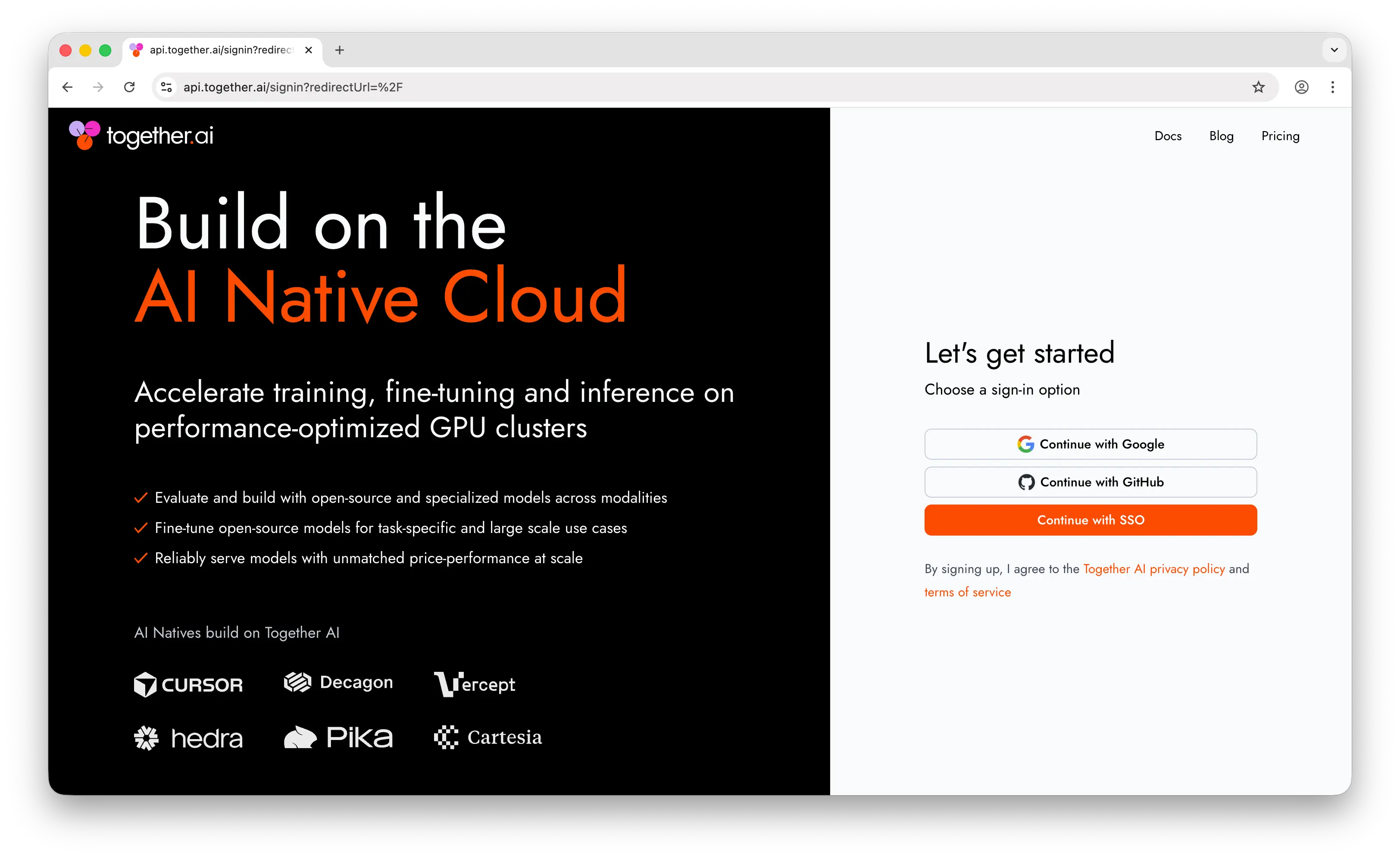
Go to api.together.ai. Click Sign up and create your account using your Google account, GitHub, or email.
Once you've signed up, you'll land on the dashboard. Find your account settings by clicking your profile icon in the top right corner.
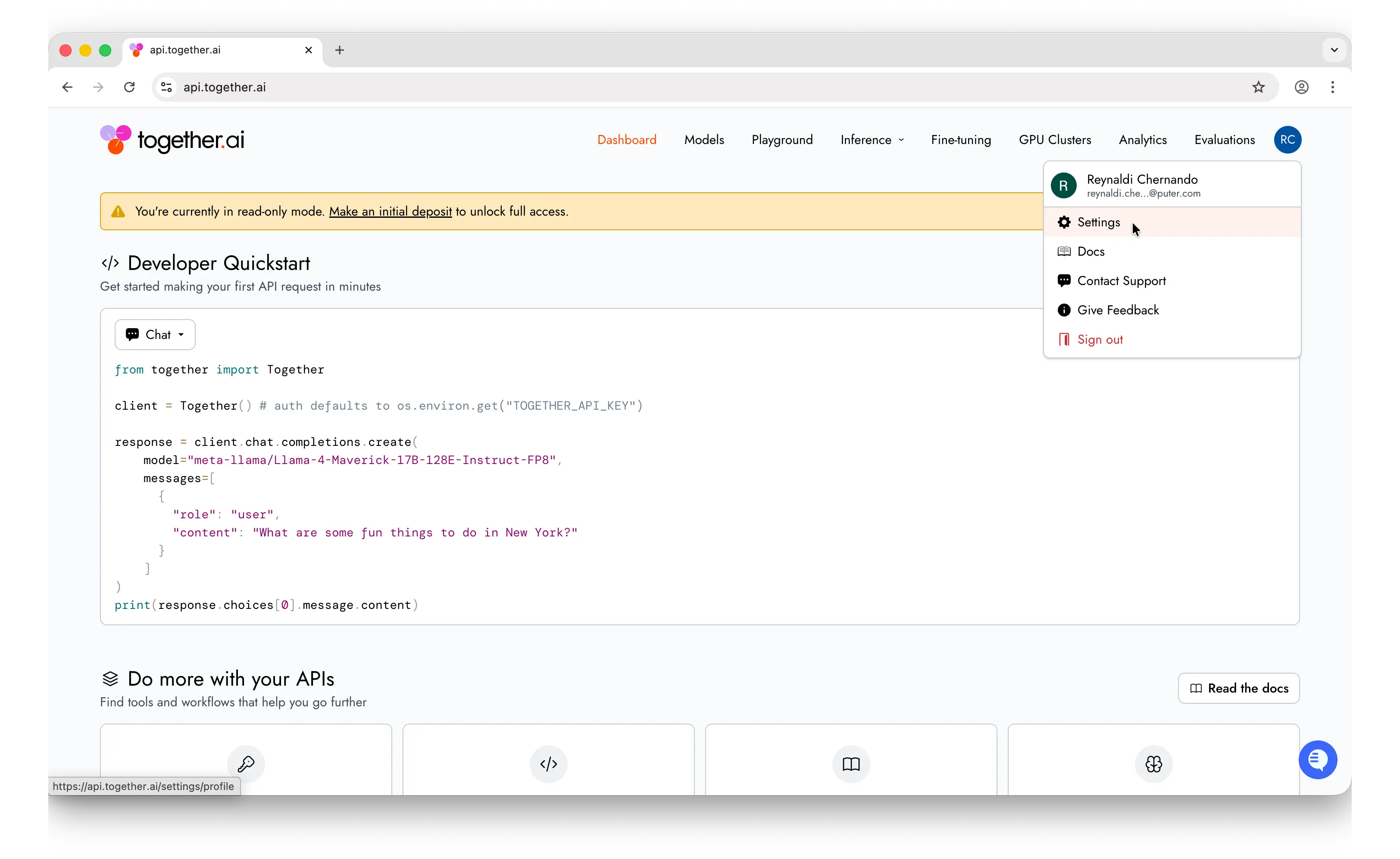
Before your API key will work for production use, you'll need to set up billing. Go to your account settings and add a payment method or purchase credits. Together AI charges per token, and pricing varies by model.
Step 2: Generate Your API Key
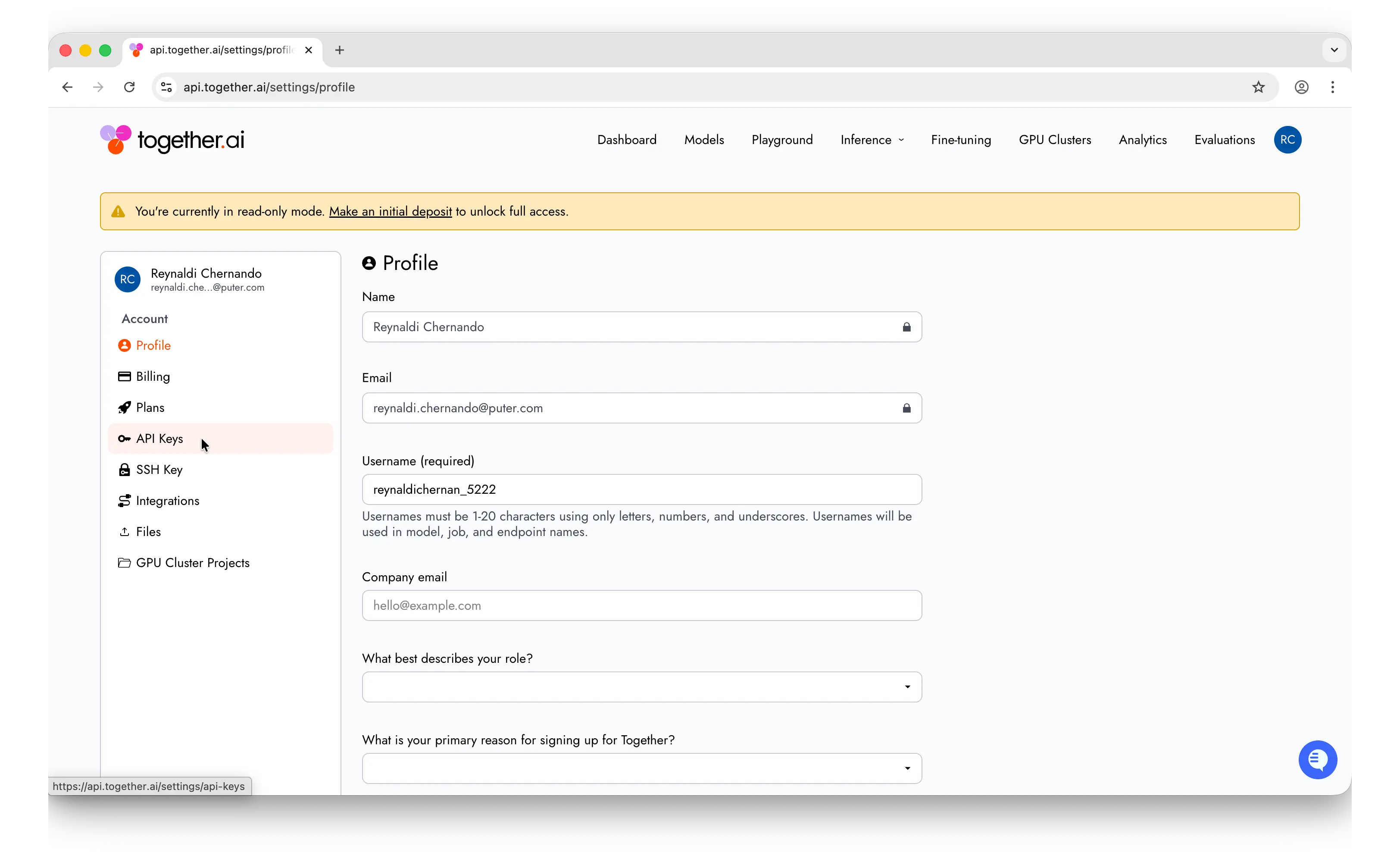
In the settings page, find the API Keys menu in the sidebar.
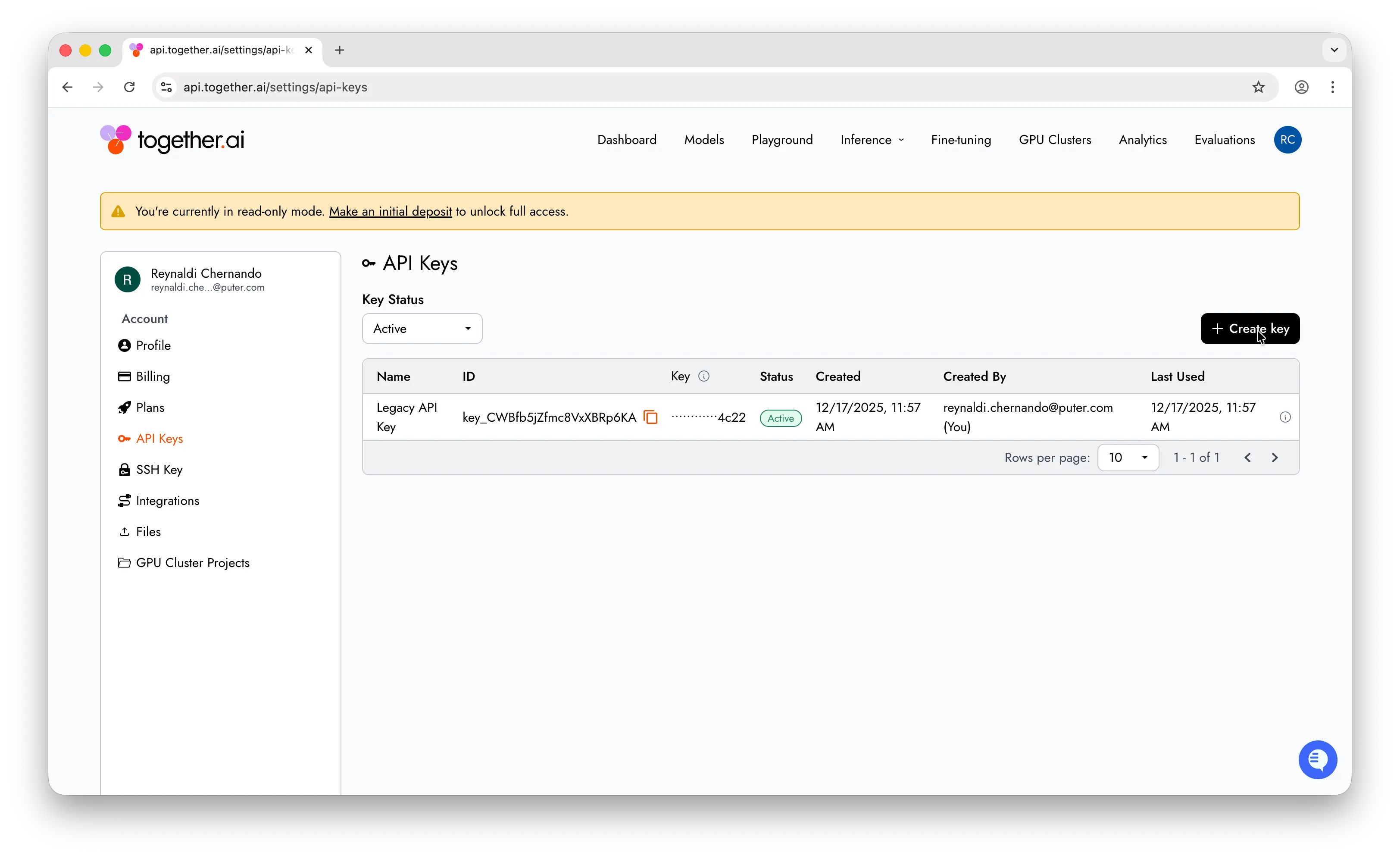
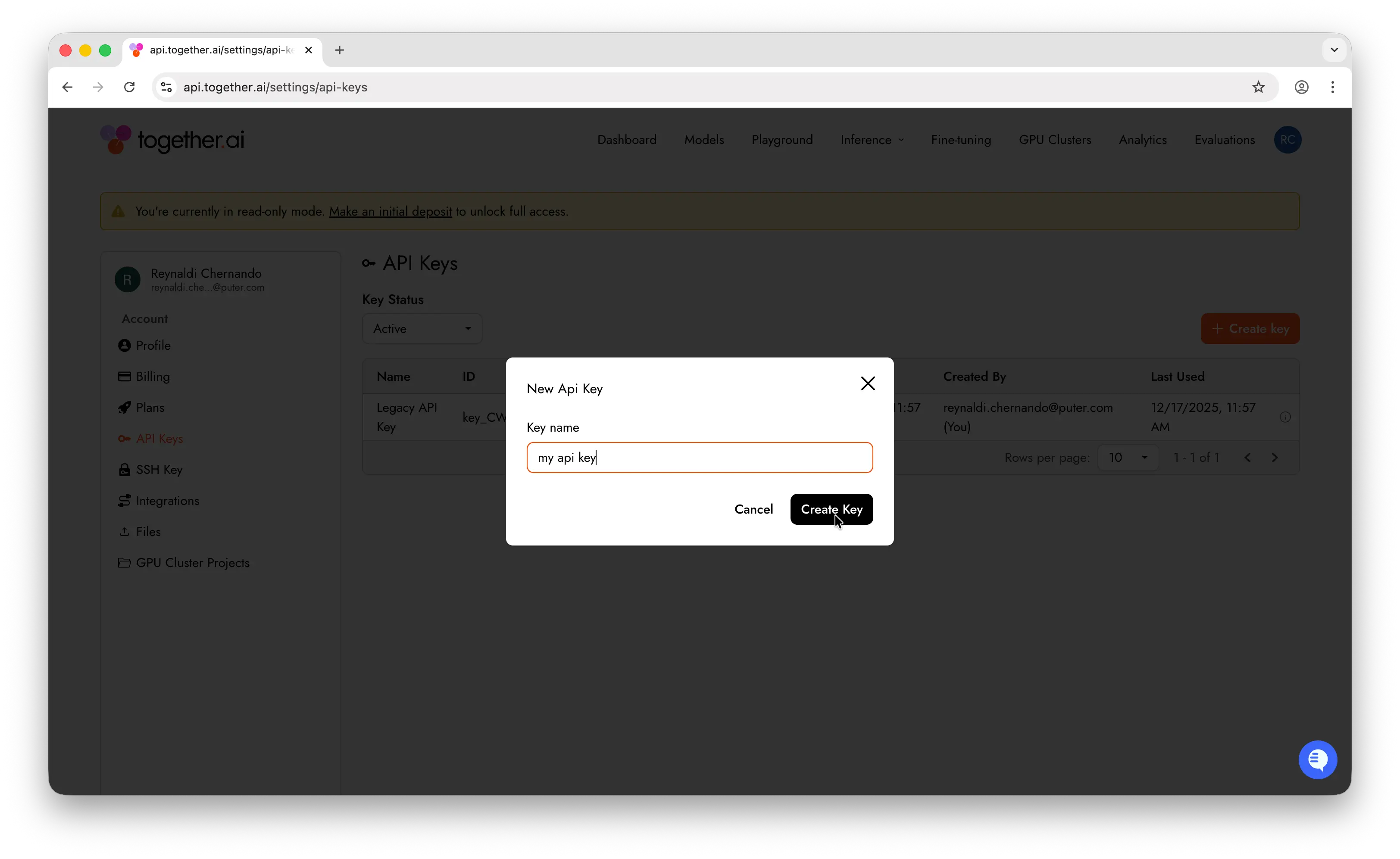
Click + Create key to generate a new API key.
Give your key a descriptive name like my-app-dev so you can identify it later.
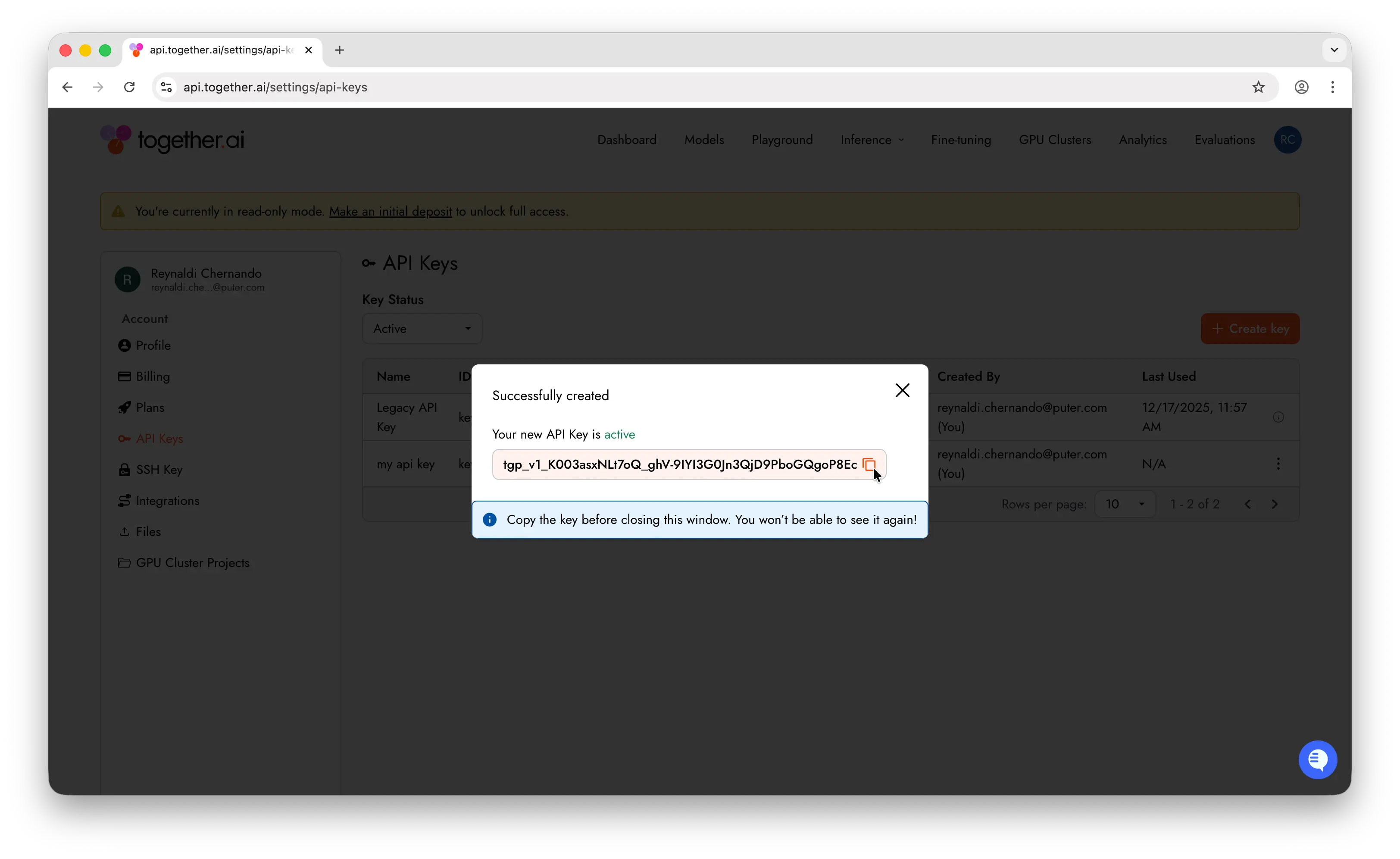
Important: Copy the key immediately after creation. Together AI only shows it once. If you lose it, you'll need to generate a new one.
Store it somewhere safe — a password manager, an .env file, or your platform's secrets manager. Never commit API keys to a public repository.
Step 3: Make Your First API Call
Set your API key as an environment variable:
export TOGETHER_API_KEY=xxxxx
Install the Together AI SDK:
npm install together-ai
Then make a chat completion request:
import Together from "together-ai"

async function main() {
  const together = new Together()
  const stream = await together.chat.completions.create({
    model: "openai/gpt-oss-20b",
    messages: [
      { role: "user", content: "What are the top 3 things to do in New York?" },
    ],
    stream: true,
  })

  for await (const chunk of stream) {
    process.stdout.write(chunk.choices[0]?.delta?.content || "")
  }
}

main()
If you get a response back, everything is working. You can swap openai/gpt-oss-20b for any model on Together AI's supported models page.
A Simpler Alternative with Puter.js
Together AI gives you one API key for hundreds of open-source models — but you still need to manage billing, credits, and API keys yourself.
Puter.js offers a simpler approach with the User-Pays model: your app's users cover their own AI costs. You don't need an API key at all, and you pay nothing for AI usage no matter how many users you have.
Just add the Puter.js script tag and start chatting with any model:
<html>
<body>
    <script src="https://js.puter.com/v2/"></script>
    <script>
        puter.ai.chat("Hello, world!", { model: "openai/gpt-oss-20b" })
            .then(response => {
                document.body.innerHTML = response;
            });
    </script>
</body>
</html>
No API key, no backend, no billing setup. The same puter.ai.chat() function gives you access to GPT, Claude, Gemini, Grok, Llama, and hundreds more models through a single interface.
Conclusion
You now know how to create a Together AI account, generate an API key, and make your first API call. For more details, check out Together AI's documentation. If you'd rather skip managing API keys and billing entirely, Puter.js gives you access to hundreds of AI models through a single JavaScript library with no API keys required.
Related
- How to Get an OpenAI API Key
- How to Get an Anthropic (Claude) API Key
- How to Get a Gemini API Key
- How to Get a Grok (xAI) API Key
- How to Get a DeepSeek API Key
- How to Get an ElevenLabs API Key
- How to Get a Mistral API Key
- How to Get a MiniMax API Key
- How to Get a Moonshot AI (Kimi) API Key
- How to Get a Z.AI (GLM) API Key
- How to Get an OpenRouter API Key
- How to Get a FLUX (Black Forest Labs) API Key
- How to Get a Stability AI (Stable Diffusion) API Key
- How to Use OpenAI SDK with Puter
- Free, Unlimited OpenAI API
- Free, Unlimited Claude API
Free, Serverless AI and Cloud
Start creating powerful web applications with Puter.js in seconds!
Get Started Now