How to Get a Stability AI (Stable Diffusion) API Key: A Step-by-Step Guide
On this page
In this guide, you'll learn how to get your Stability AI (Stable Diffusion) API key. You'll create a Stability AI account, grab your key, and make your first image generation API call. We'll also show you a simpler alternative if you want access to Stable Diffusion and hundreds of other AI models without managing multiple accounts.
Prerequisites
- A Google account or email for signing in
- Basic familiarity with code (we'll show simple examples)
Step 1: Create Your Stability AI Account
Go to platform.stability.ai. You'll see the platform dashboard.
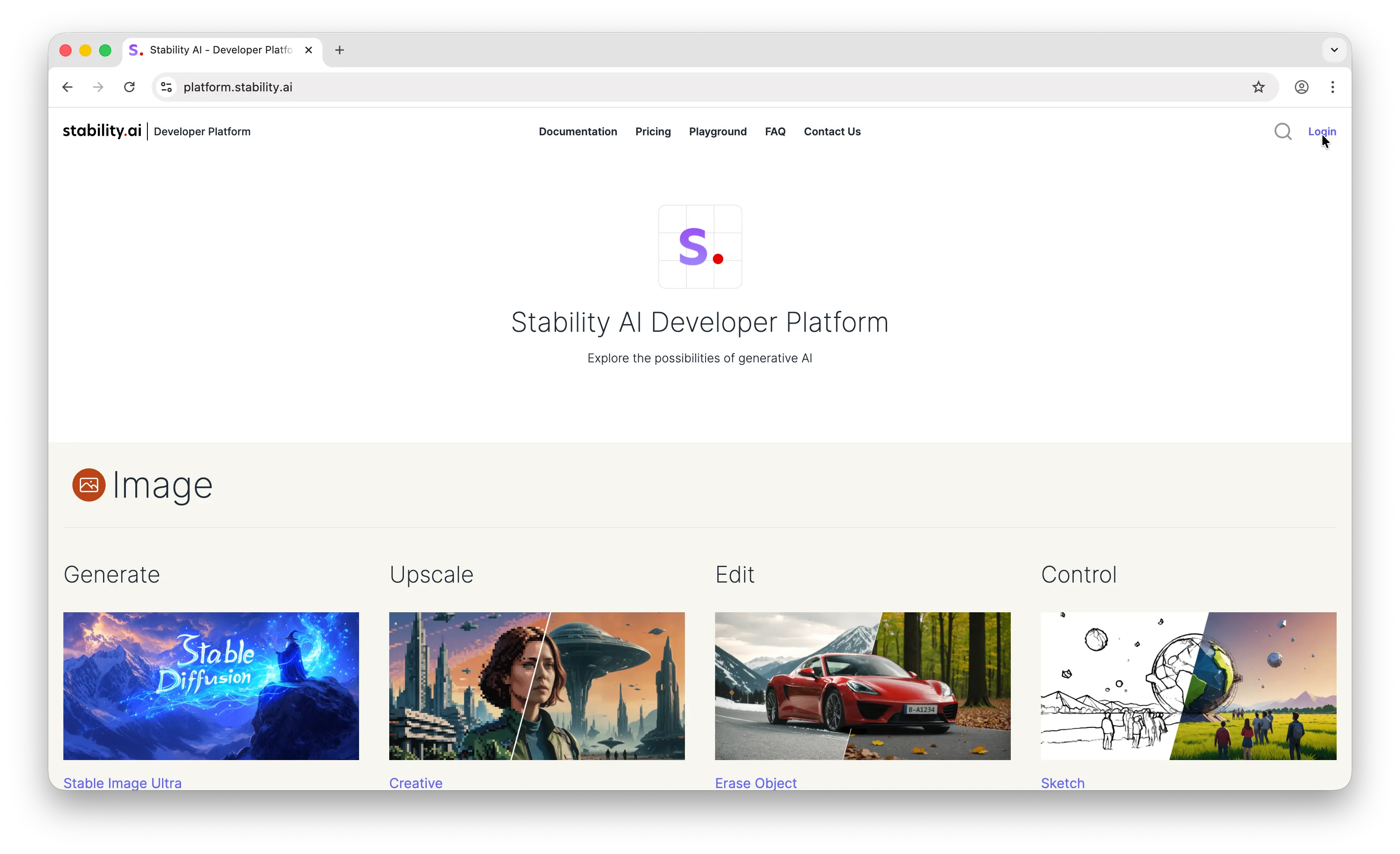
Click Login in the top right corner. Sign in with your Google account or email.
Step 2: Get Your API Key
Once logged in, click your profile in the top right corner.

You'll land on the account API key page. Stability AI automatically creates an API key for you when you sign up, so you can copy it right away.
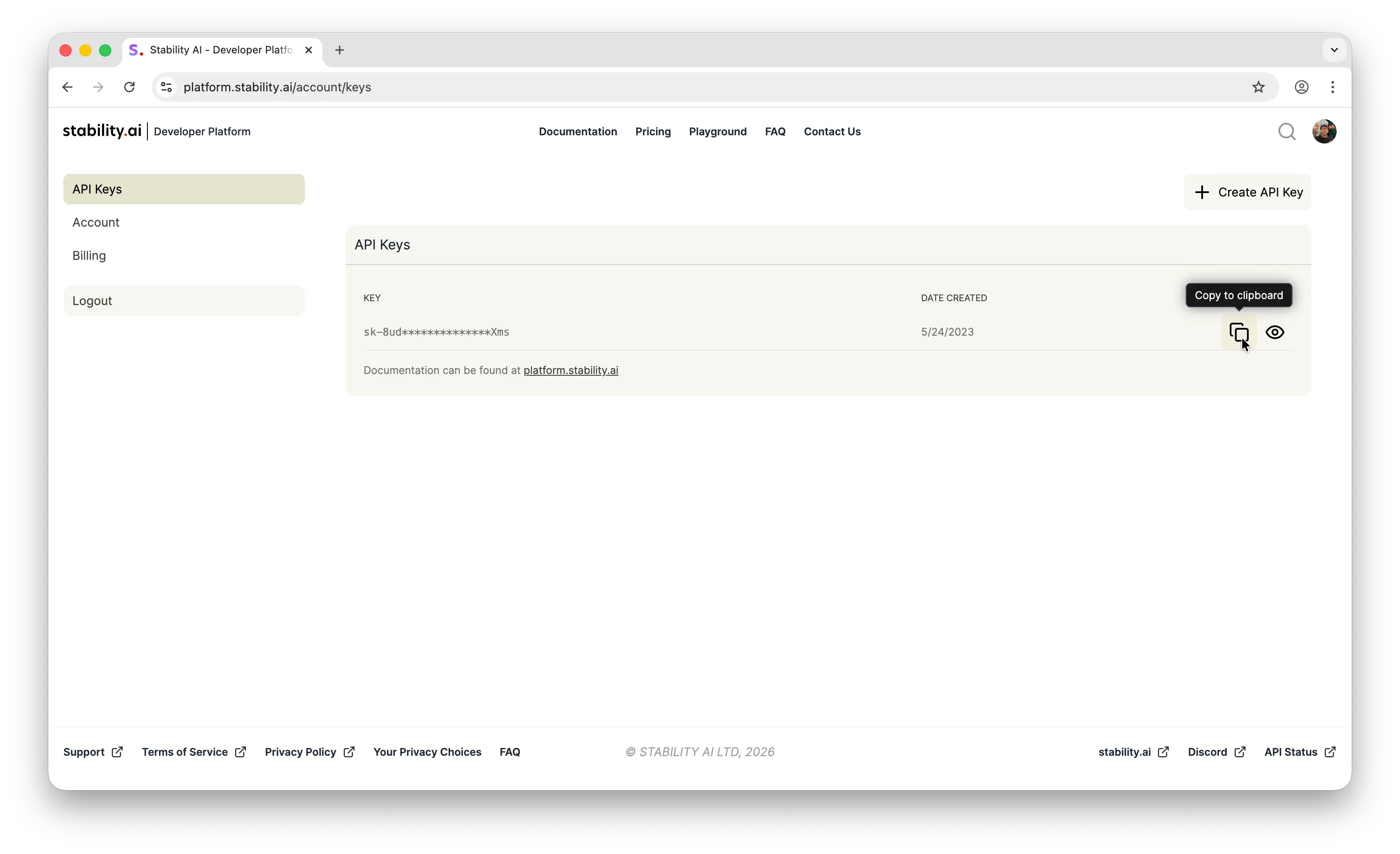
Store it somewhere safe, like a password manager, an .env file, or your platform's secrets manager. Never commit API keys to a public repository.
Step 3: Make Your First API Call
Stability AI uses a direct REST API. Here's a quick example to generate an image with Stable Diffusion XL:
import fetch from 'node-fetch'
import fs from 'node:fs'

const engineId = 'stable-diffusion-xl-1024-v1-0'
const apiHost = process.env.API_HOST ?? 'https://api.stability.ai'
const apiKey = process.env.STABILITY_API_KEY

if (!apiKey) throw new Error('Missing Stability API key.')

const response = await fetch(
  `${apiHost}/v1/generation/${engineId}/text-to-image`,
  {
    method: 'POST',
    headers: {
      'Content-Type': 'application/json',
import fetch from 'node-fetch'
import fs from 'node:fs'
const engineId = 'stable-diffusion-xl-1024-v1-0'
const apiHost = process.env.API_HOST ?? 'https://api.stability.ai'
const apiKey = process.env.STABILITY_API_KEY
if (!apiKey) throw new Error('Missing Stability API key.')
const response = await fetch(
`${apiHost}/v1/generation/${engineId}/text-to-image`,
{
method: 'POST',
headers: {
'Content-Type': 'application/json',import fetch from 'node-fetch'
import fs from 'node:fs'
const engineId = 'stable-diffusion-xl-1024-v1-0'
const apiHost = process.env.API_HOST ?? 'https://api.stability.ai'
const apiKey = process.env.STABILITY_API_KEY
if (!apiKey) throw new Error('Missing Stability API key.')
const response = await fetch(
`${apiHost}/v1/generation/${engineId}/text-to-image`,
{
method: 'POST',
headers: {
'Content-Type': 'application/json',
Accept: 'application/json',
Authorization: `Bearer ${apiKey}`,
},
body: JSON.stringify({
text_prompts: [
{
text: 'A lighthouse on a cliff',
},
],
cfg_scale: 7,
height: 1024,
width: 1024,
steps: 30,
samples: 1,
}),
}
)
if (!response.ok) {
throw new Error(`Non-200 response: ${await response.text()}`)
}
interface GenerationResponse {
artifacts: Array<{
base64: string
seed: number
finishReason: string
}>
}
const responseJSON = (await response.json()) as GenerationResponse
responseJSON.artifacts.forEach((image, index) => {
fs.writeFileSync(
`./out/v1_txt2img_${index}.png`,
Buffer.from(image.base64, 'base64')
)
})
If the image file is saved successfully, everything is working.
One Library, Hundreds of Models
The process above works for Stability AI specifically, but it requires managing API keys and dealing with a provider-specific API format. What if you want to also use FLUX, Nano Banana, GPT Image, or other image models? You'd need to learn each provider's API, manage separate keys, and set up billing for each one.
Puter.js offers a simpler approach: one JavaScript library, access to hundreds of AI models across providers, including Stable Diffusion, FLUX, GPT, Claude, Gemini, and many more.
With Puter.js, you don't even need an API key. Puter uses the User-Pays model, where your app's users cover their own AI costs. This means you pay nothing for AI usage, no matter how many users you have.
Just add the Puter.js script tag and start generating images:
<html>
<body>
    <script src="https://js.puter.com/v2/"></script>
    <script>
        puter.ai.txt2img(
            "A lighthouse on a cliff",
            { model: "stabilityai/stable-diffusion-xl-base-1.0" }
        )
        .then(imageElement => {
            document.body.appendChild(imageElement);
        });
    </script>
</body>
</html>
No API key, no backend, no provider-specific code. The same puter.ai.txt2img() function works with FLUX, Nano Banana, GPT Image, and other image models too. One library, one interface, access to all of them.
Conclusion
You now know how to create a Stability AI account, get your API key, and make your first image generation call with Stable Diffusion. For more details, check out Stability AI's platform. If you'd rather skip managing API keys and provider-specific APIs, Puter.js gives you access to Stable Diffusion and hundreds of other AI models through a single JavaScript library, with no API keys required.
Related
- Free, Unlimited Stable Diffusion API
- Free, Unlimited Image Generation API
- Free, Unlimited Flux API
- Free, Unlimited GPT Image API
- Free, Unlimited Claude API
- How to Get an OpenAI API Key
- How to Get an Anthropic (Claude) API Key
- How to Get a Gemini API Key
- How to Get a Grok (xAI) API Key
- How to Get a DeepSeek API Key
- How to Get a Mistral API Key
- How to Get a MiniMax API Key
- How to Get a Moonshot AI (Kimi) API Key
- How to Get a Z.AI (GLM) API Key
- How to Get a FLUX (Black Forest Labs) API Key
- How to Use OpenAI SDK with Puter
- How to Use LangChain with Puter
- How to Use Vercel AI SDK with Puter
Free, Serverless AI and Cloud
Start creating powerful web applications with Puter.js in seconds!
Get Started Now