How to Get a MiniMax API Key: A Step-by-Step Guide
On this page
In this guide, you'll learn how to get your MiniMax API key. You'll create a MiniMax account, generate your key, and make your first API call. We'll also show you a simpler alternative if you want access to hundreds of AI models without managing multiple accounts.
Prerequisites
- An email address
- A payment method — MiniMax's API is usage-based
- Basic familiarity with code (we'll show simple JavaScript examples)
Step 1: Create Your MiniMax Account
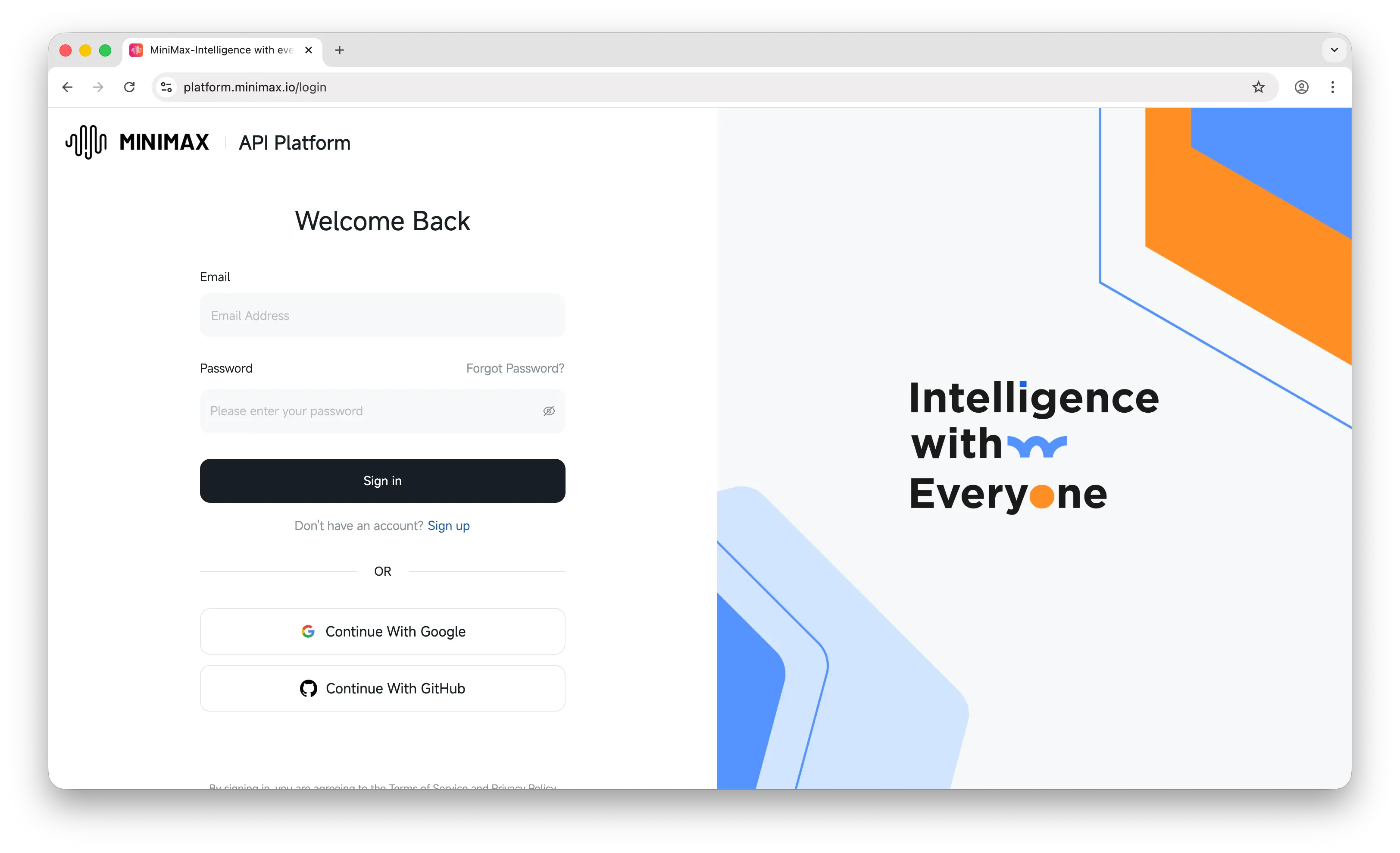
Go to platform.minimax.io. This is the API platform where you manage your keys and usage.
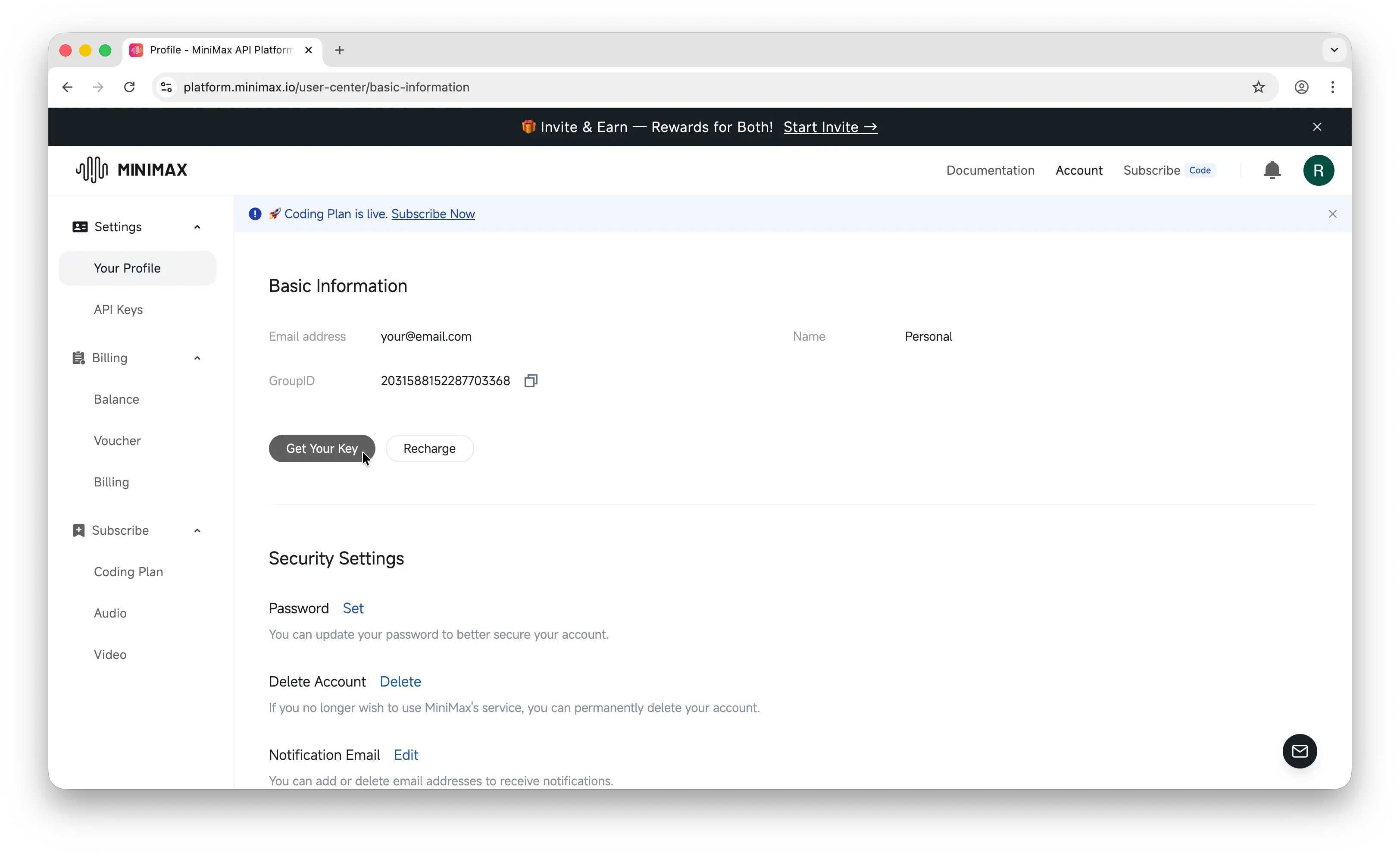
Sign up with your email. Once you're in, you'll land on the dashboard.
Step 2: Generate Your API Key
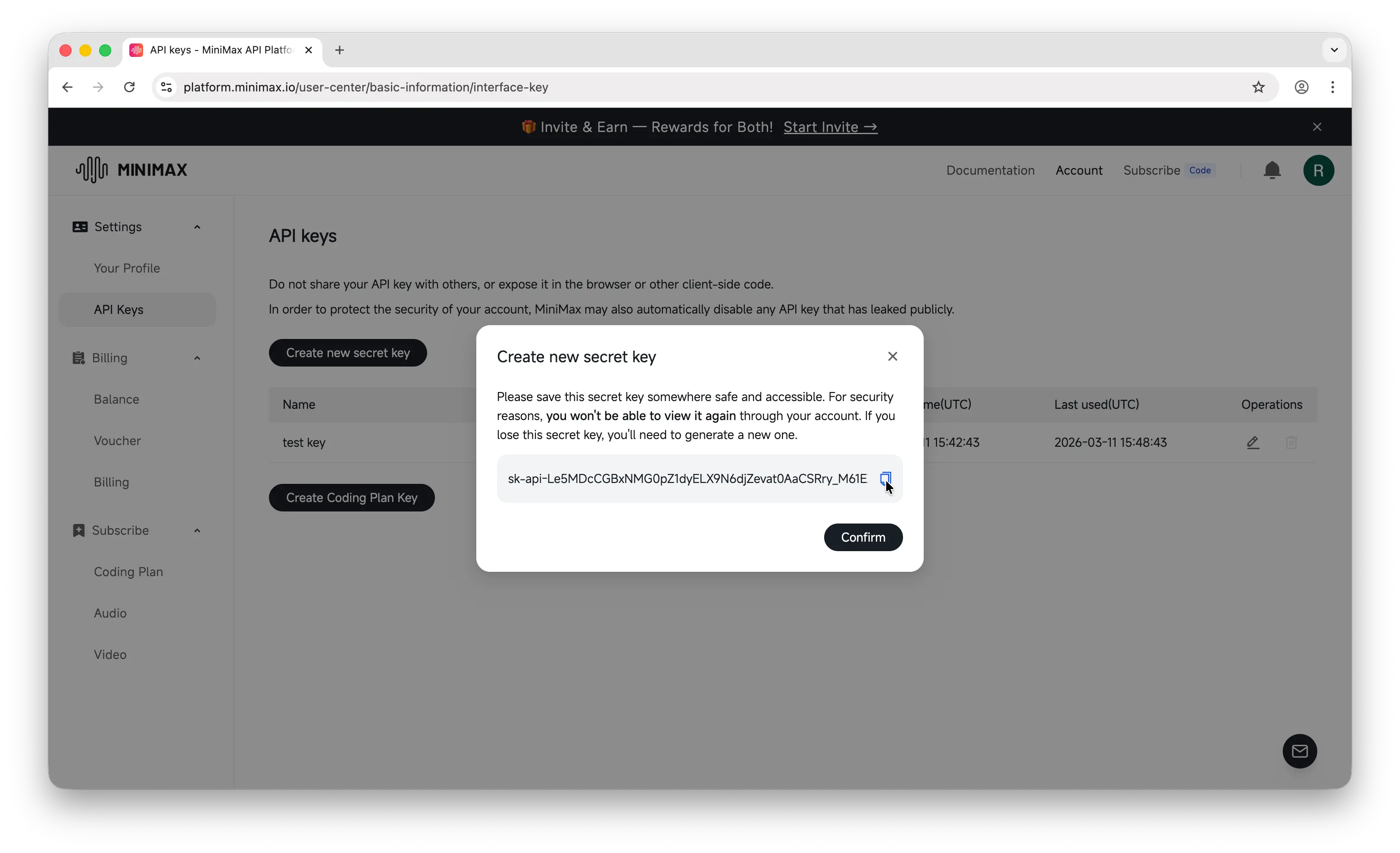
In the left sidebar, click API Keys, then click Create new secret key.
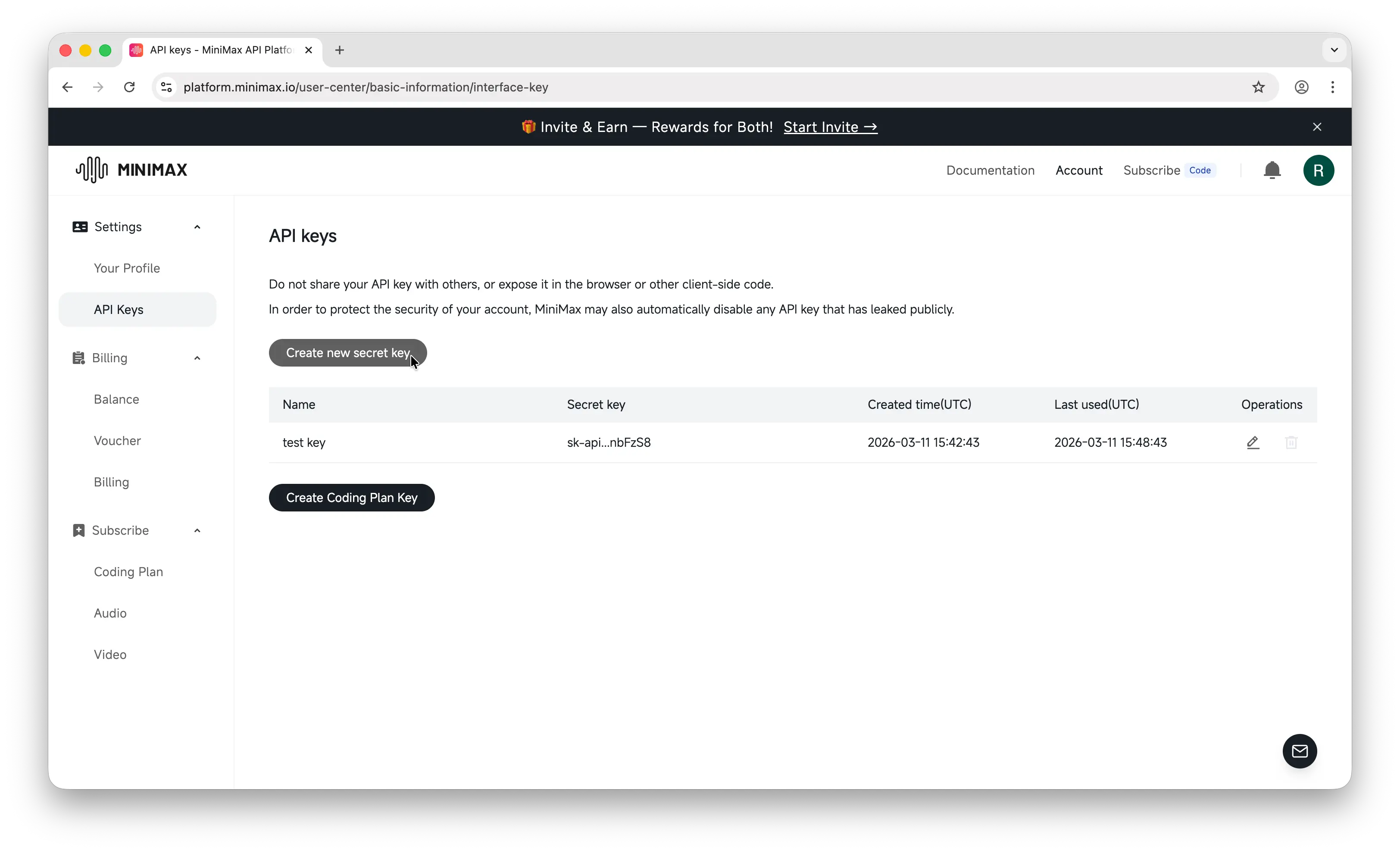
Give your key a descriptive name like my-app-dev so you can identify it later, then confirm.
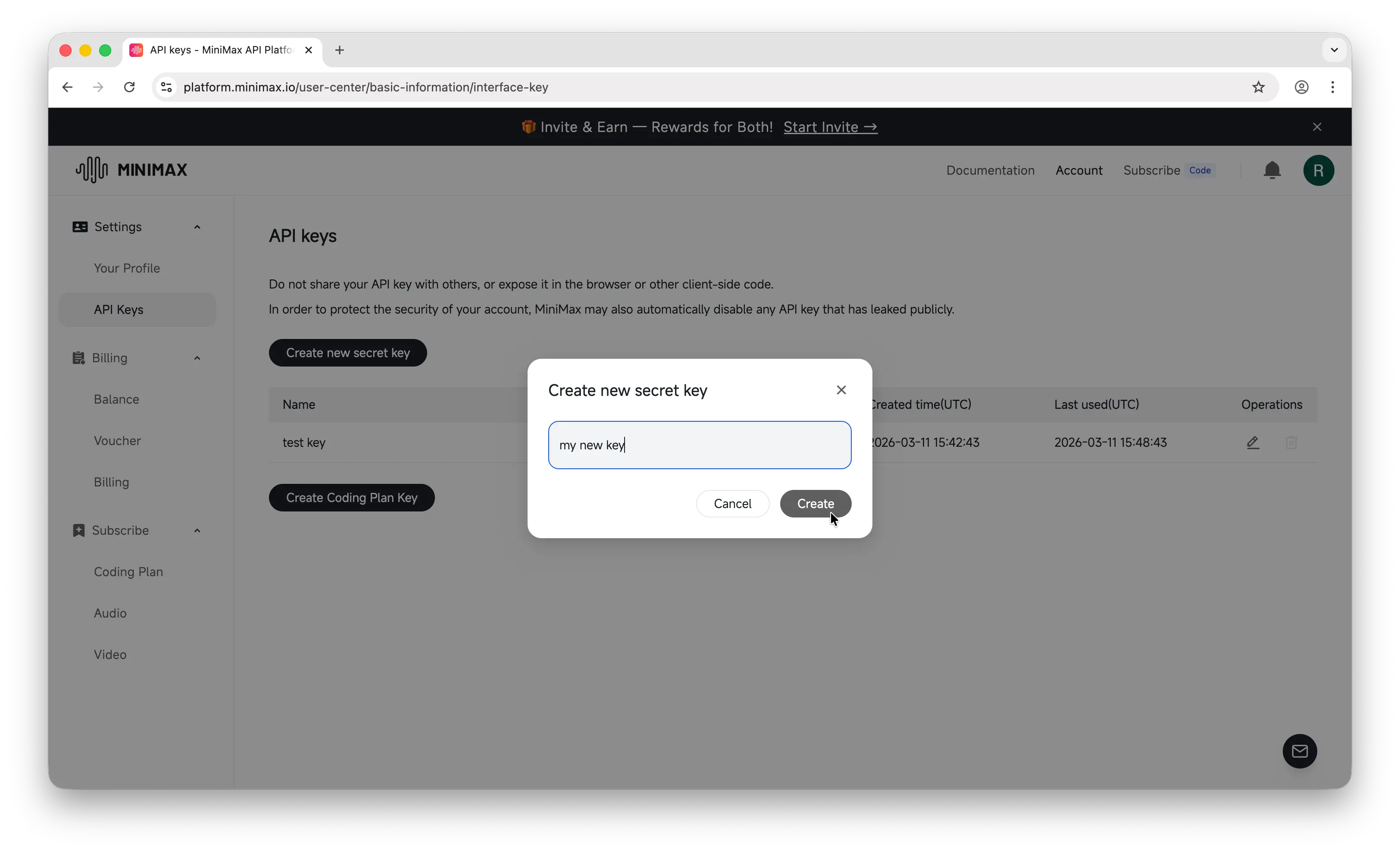
Important: Copy the key immediately. MiniMax only shows it once. If you lose it, you'll need to generate a new one.
Store it somewhere safe — a password manager, an .env file, or your platform's secrets manager. Never commit API keys to a public repository.
Step 3: Make Your First API Call
MiniMax uses an OpenAI-compatible API, so you can use the OpenAI SDK directly. Install it first:
npm install openai
Then make your first call:
import OpenAI from "openai";

const openai = new OpenAI({
  baseURL: "https://api.minimax.io/v1",
  apiKey: process.env.MINIMAX_API_KEY,
});

const completion = await openai.chat.completions.create({
  model: "minimax-m2.5",
  messages: [{ role: "user", content: "Hello, world!" }],
});

console.log(completion.choices[0].message.content);
If you get a response back, everything is working.
One API Key, Hundreds of Models
The process above works well for MiniMax specifically — but what happens when you want to use GPT, Claude, Gemini, Llama, Mistral, or any of the other major models?
You'd need to repeat the entire process for each provider: create an account, set up billing, generate and manage a separate key. That's a lot of overhead, especially if you're experimenting or building something that uses multiple models.
Puter offers a simpler approach: one account, one auth token, access to hundreds of models across providers.
Instead of managing five different API dashboards, you point your existing code to Puter's OpenAI-compatible endpoint and use your Puter auth token:
import OpenAI from "openai";

const client = new OpenAI({
  baseURL: "https://api.puter.com/puterai/openai/v1/",
  apiKey: "YOUR_PUTER_AUTH_TOKEN",
});

const response = await client.chat.completions.create({
  model: "minimax-m2.5", // or claude-sonnet-4-6, gpt-5-nano, gemini-2.5-flash-lite, etc.
  messages: [{ role: "user", content: "Hello, world!" }],
});

console.log(response.choices[0].message.content);
Since MiniMax already uses the OpenAI-compatible format, switching to Puter is especially easy — just change the baseURL and apiKey.
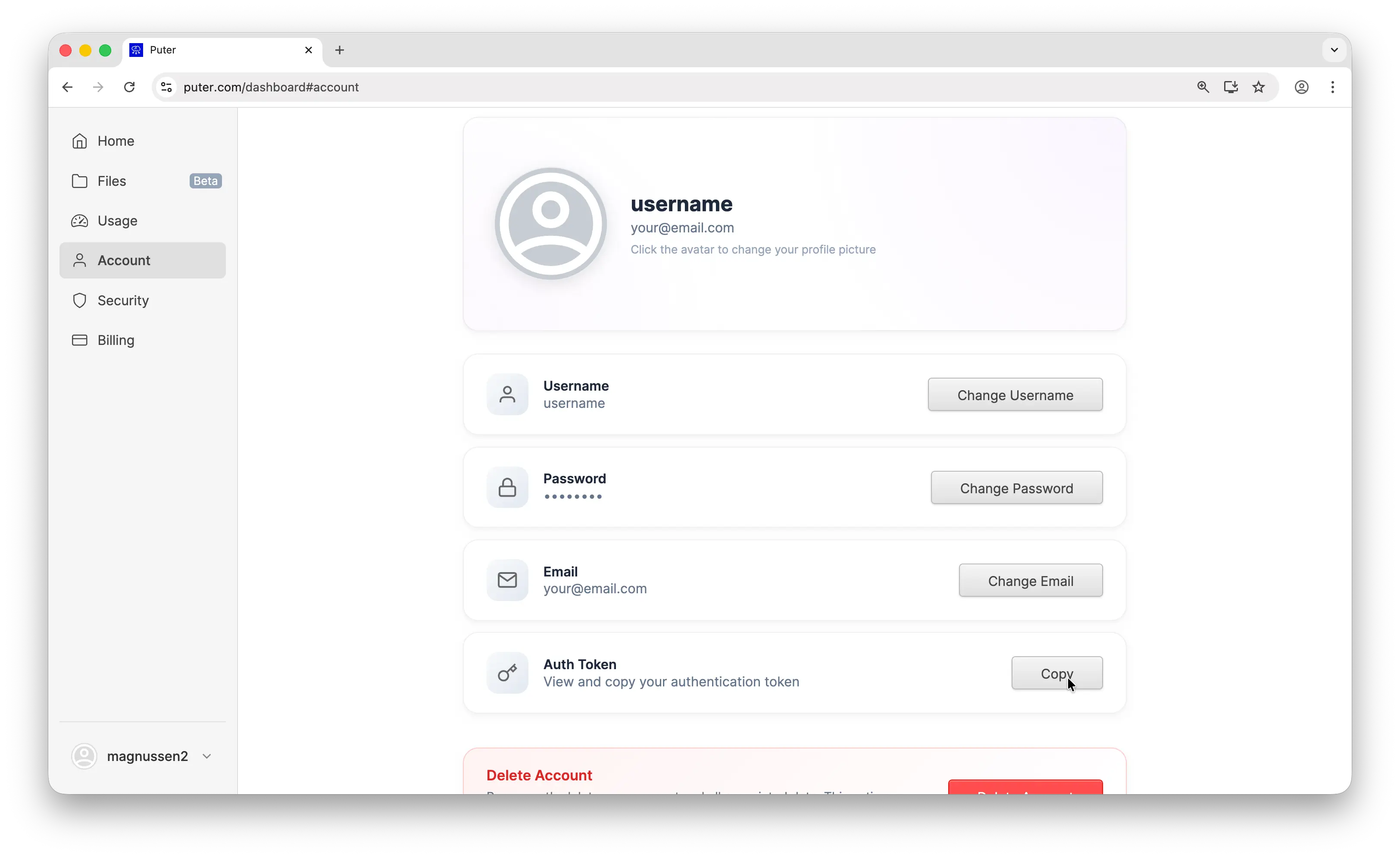
To get your Puter auth token, create a free account at puter.com, then go to puter.com/dashboard and click Copy to grab your token.
Conclusion
You now know how to create a MiniMax account, generate an API key, and make your first API call. For more details, check out MiniMax's official documentation. If you'd rather skip managing multiple API keys, Puter gives you access to MiniMax and hundreds of other models with a single auth token.
Related
- Free, Unlimited MiniMax API
- Free, Unlimited Claude API
- How to Get an OpenAI API Key
- How to Get an Anthropic (Claude) API Key
- How to Get a Gemini API Key
- How to Get a Grok (xAI) API Key
- How to Get a DeepSeek API Key
- How to Get a Mistral API Key
- How to Get a Moonshot AI (Kimi) API Key
- How to Get a Z.AI (GLM) API Key
- How to Use OpenAI SDK with Puter
- Free, Unlimited OpenAI API
- Free, Unlimited Gemini API
- How to Use LangChain with Puter
- How to Use Vercel AI SDK with Puter
Free, Serverless AI and Cloud
Start creating powerful web applications with Puter.js in seconds!
Get Started Now