How to Use SillyTavern with Puter
On this page
In this tutorial, you'll learn how to connect SillyTavern to Puter, allowing you to use your Puter account to access hundreds of AI models for chat and roleplay. SillyTavern is an LLM frontend for power users, and since Puter exposes an OpenAI-compatible endpoint, you can use it as SillyTavern's API provider with minimal configuration.
Prerequisites
- A Puter account
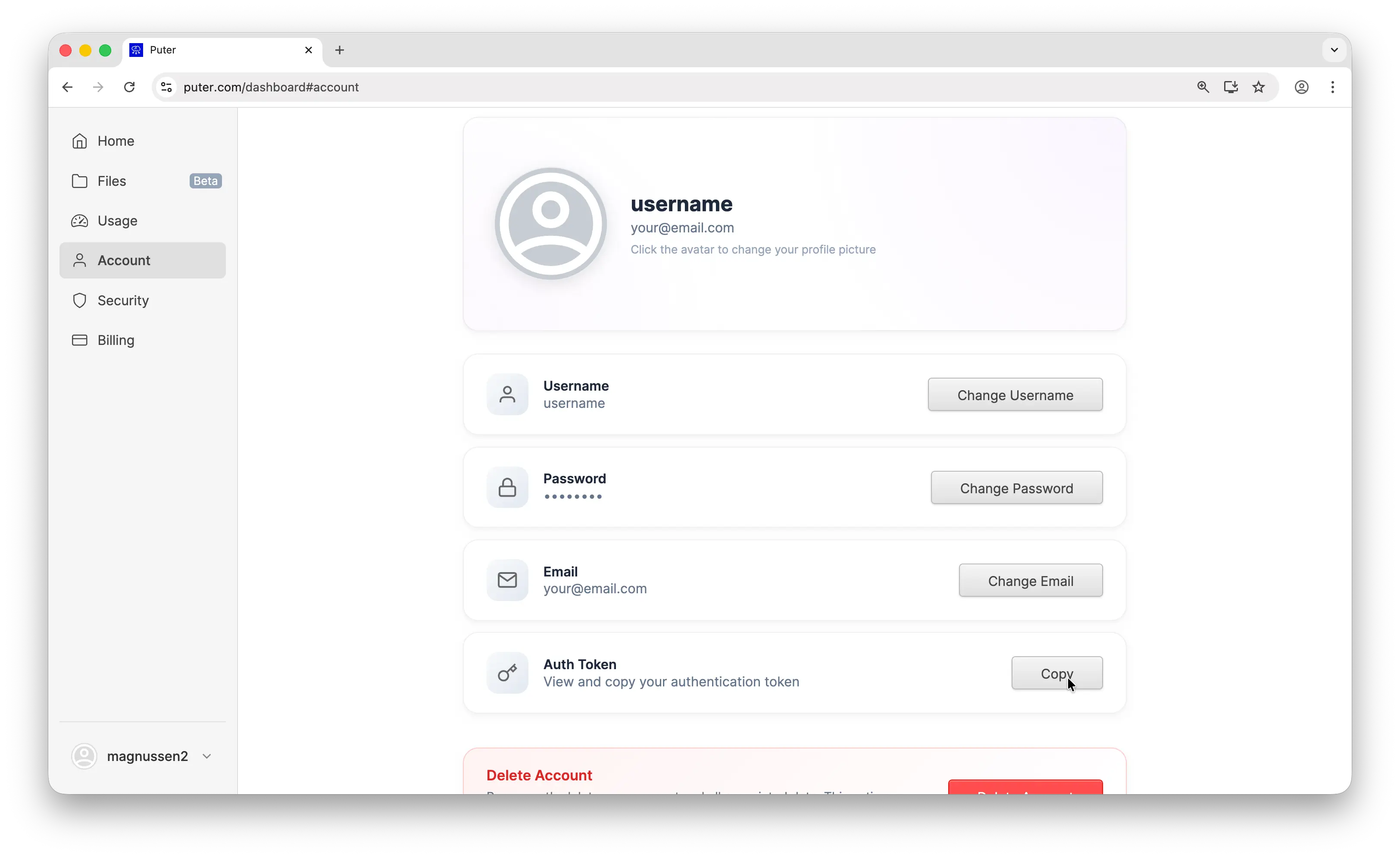
- Your Puter auth token, go to puter.com/dashboard and click Copy to get your auth token
- SillyTavern installed and running
Step 1: Access the SillyTavern UI
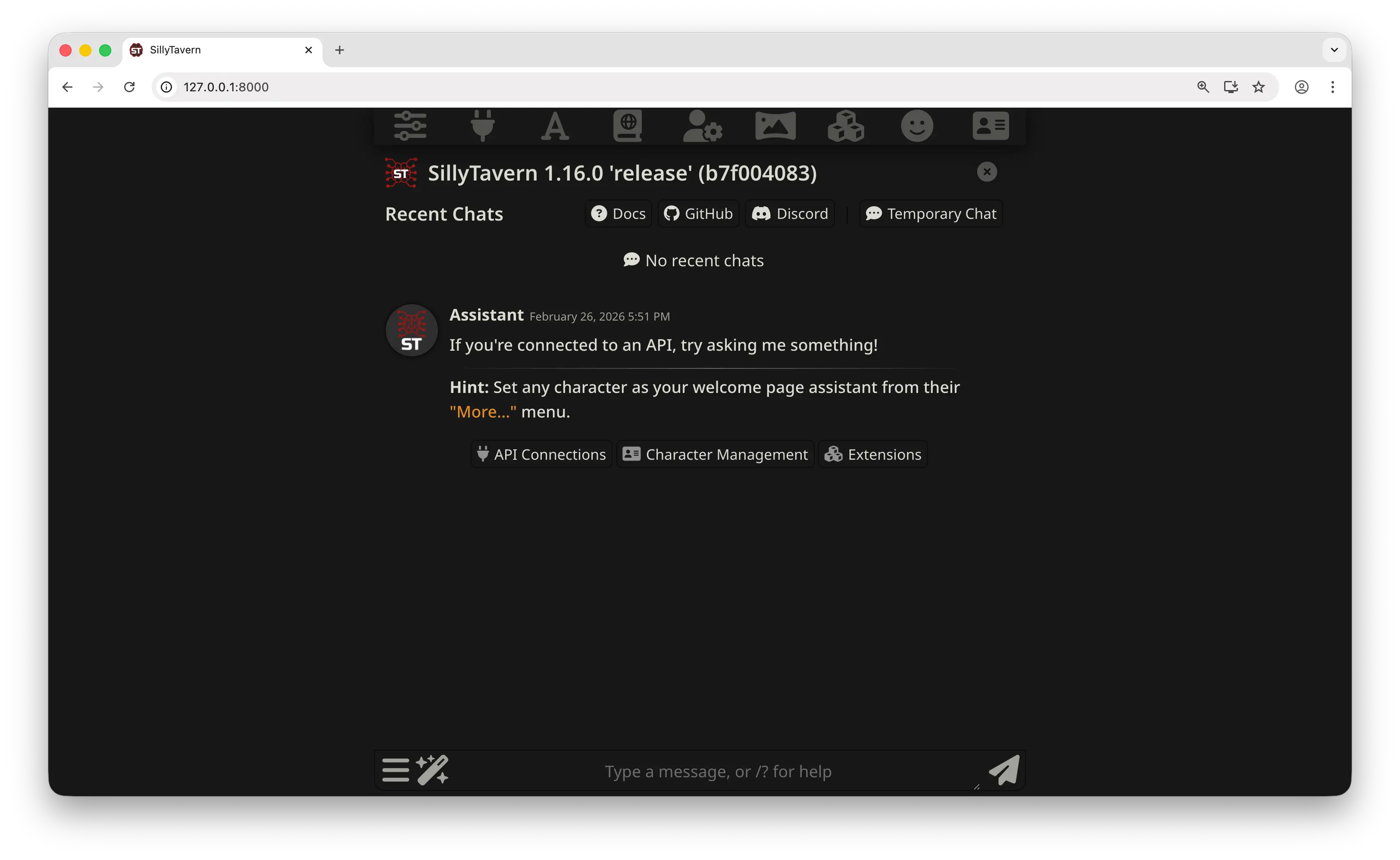
Open SillyTavern in your browser. By default, it runs at http://localhost:8000. You should see the main chat interface.
Step 2: Open the API Connections Panel
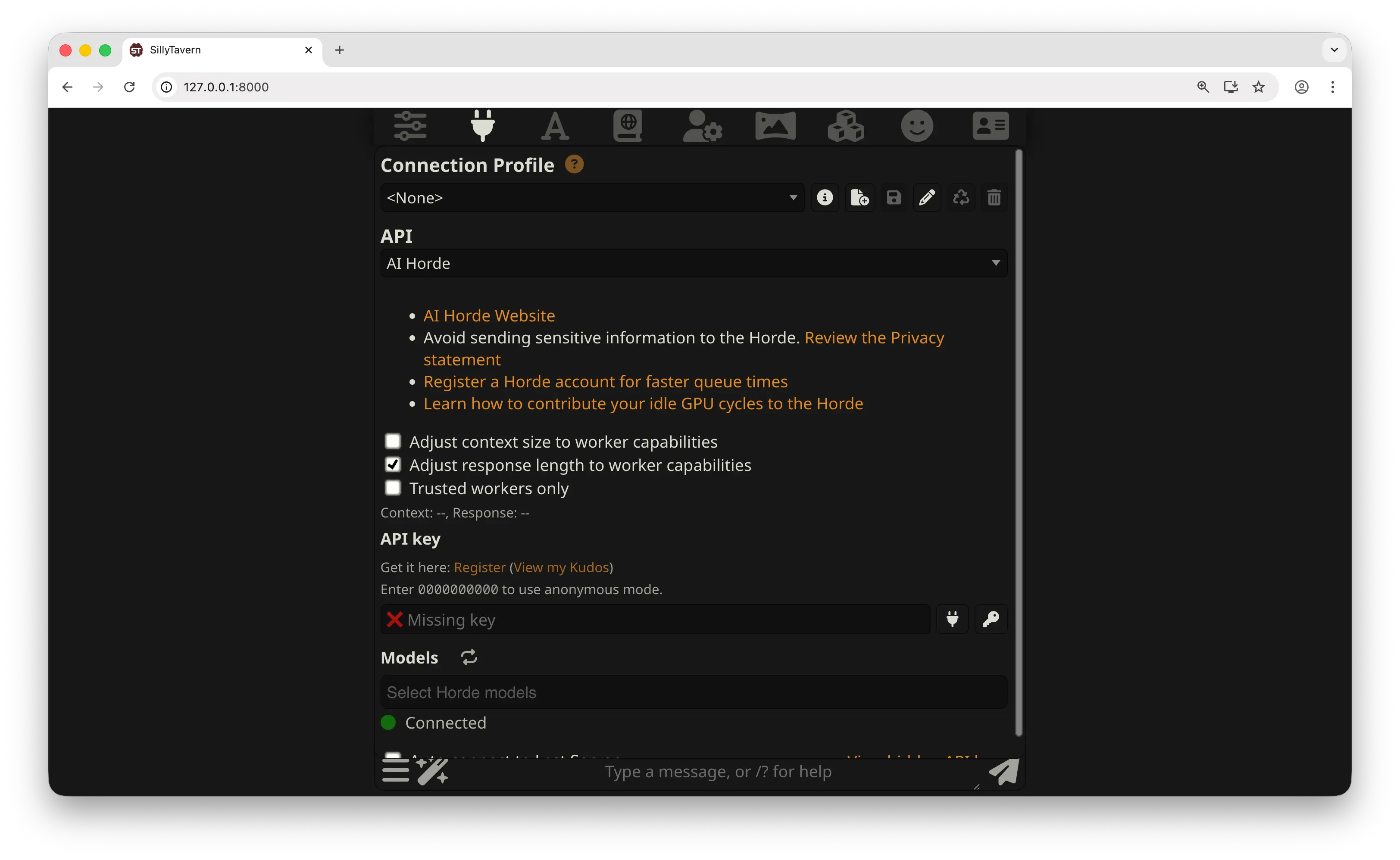
Click the plug icon at the top of the screen to open the API Connections panel. Here you'll see the API dropdown and Connection Profile settings. We'll change these to connect to Puter.
Step 3: Configure the API Provider
In the API connections panel, set the API dropdown to Chat Completion. Then under Chat Completion Source, select Custom (OpenAI-compatible). Now fill in the following fields:
- Custom Endpoint:
https://api.puter.com/puterai/openai/v1 - Custom API Key: Paste the auth token you copied from your Puter dashboard
- Model ID: Enter the model you want to use, for example
gpt-5.2-chat
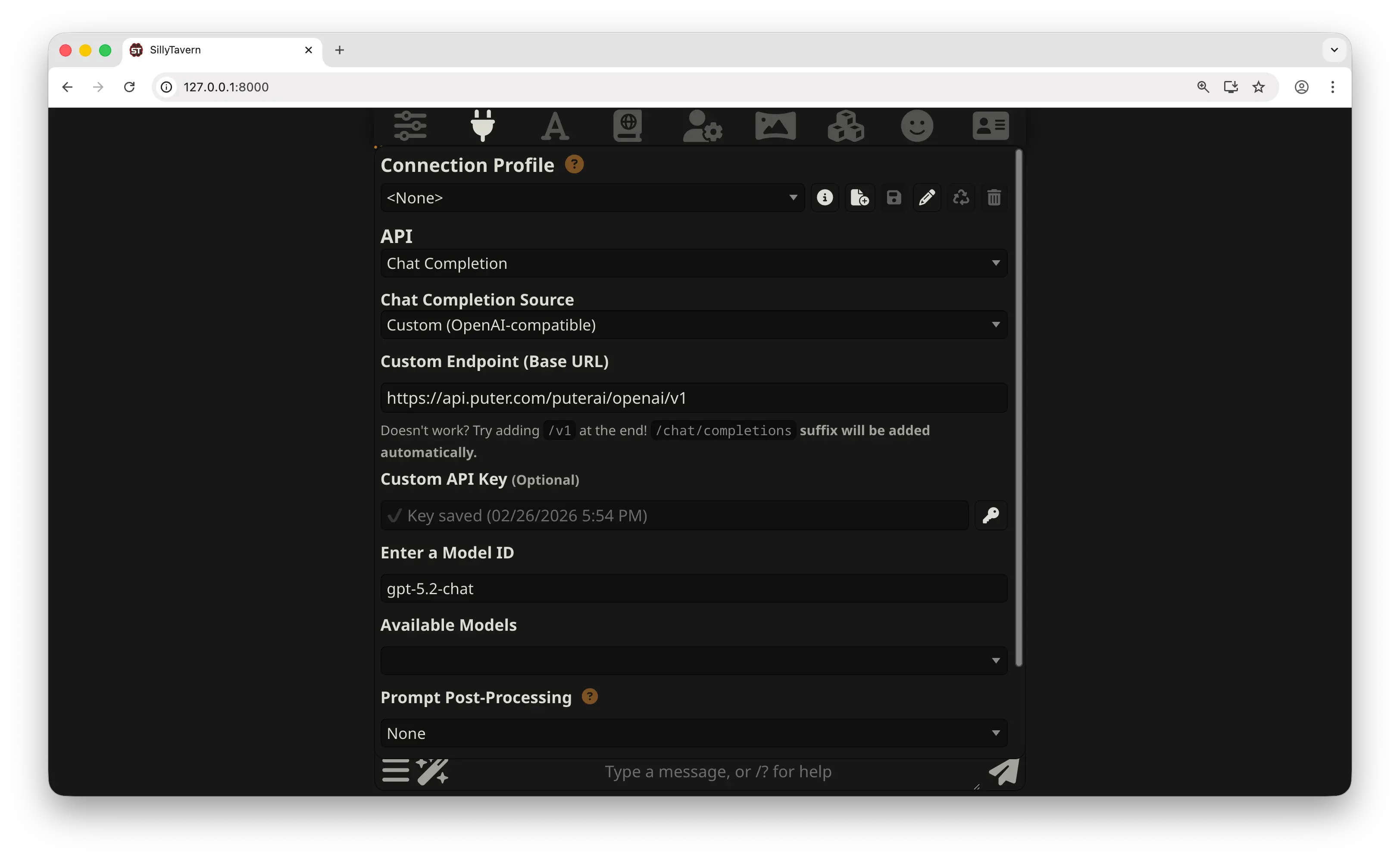
Click Connect to verify the connection. For the full list of available models, see the supported AI models page.
Step 4: Start Using SillyTavern
That's it for setup. You can now use SillyTavern as you normally would. Pick a character or create a new chat, type a message, and SillyTavern will use your selected Puter model to generate responses.
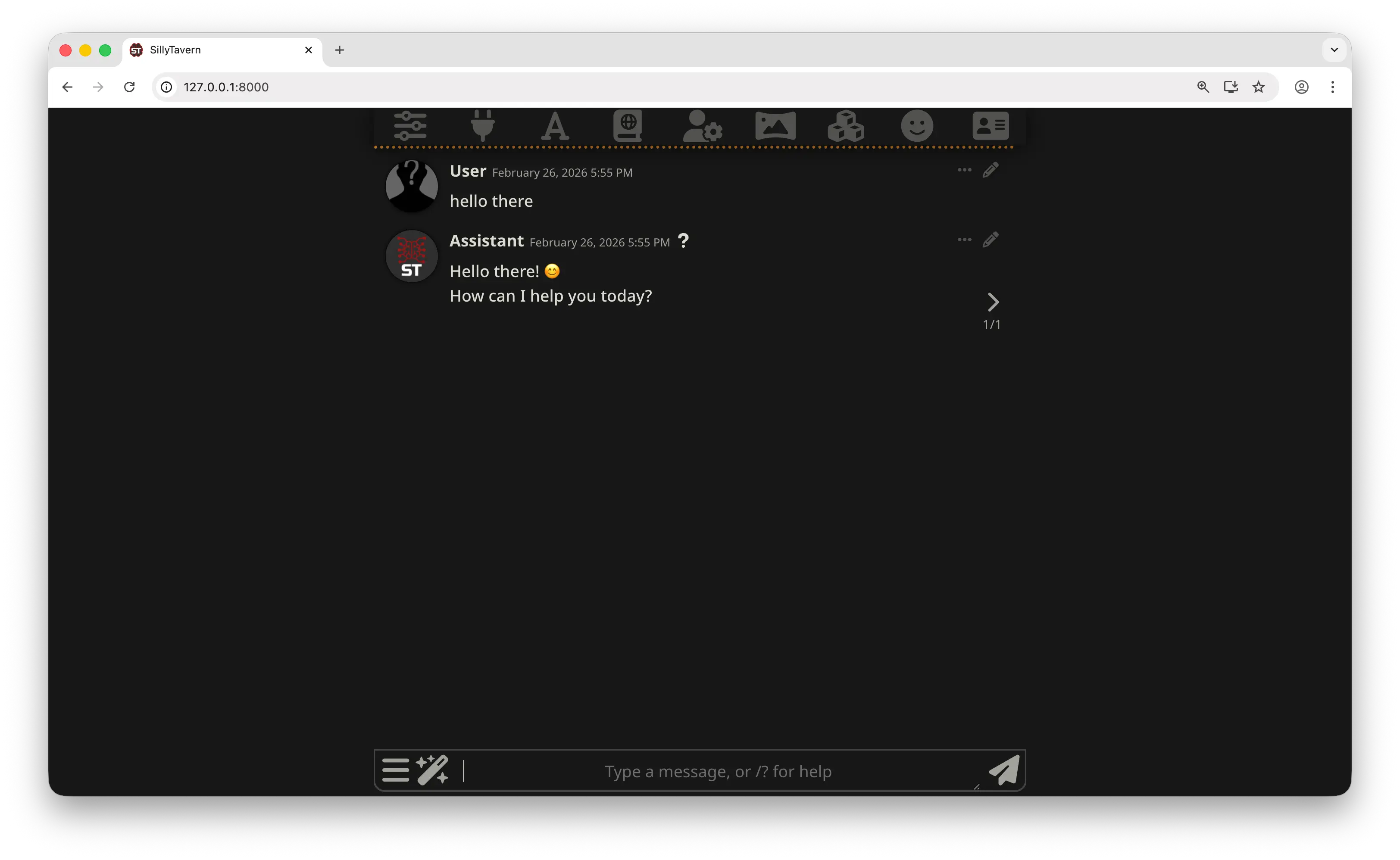
You can chat with AI characters, run group chats, use custom prompts, and everything else SillyTavern supports, all powered by the model you selected through Puter.
Switching Models
Want to try a different model? Go back to the API Connections panel and change the Model ID field. Since Puter gives you access to hundreds of models through a single endpoint, you can switch between GPT, Claude, Gemini, DeepSeek, and more without changing anything else.
Conclusion
You can use SillyTavern with Puter by setting the API to Chat Completion, choosing Custom (OpenAI-compatible) as the source, pointing it to Puter's endpoint (https://api.puter.com/puterai/openai/v1), and using your Puter auth token as the API key. This gives you access to hundreds of AI models for chat and roleplay, all through a single account.
To go further, check out the full list of supported AI models or learn more about Puter's OpenAI-compatible endpoint.
Related
- How to Use Janitor AI with Puter
- How to Use Cline with Puter
- How to Use Kilo Code with Puter
- How to Use Roo Code with Puter
- How to Use BLACKBOX AI with Puter
- How to Use OpenHands with Puter
- How to Use OpenAI SDK with Puter
- How to Use OpenRouter SDK with Puter
- How to Use LangChain with Puter
- How to Use LiteLLM with Puter
- How to Use Vercel AI SDK with Puter
Free, Serverless AI and Cloud
Start creating powerful web applications with Puter.js in seconds!
Get Started Now