How to Use Janitor AI with Puter
On this page
In this tutorial, you'll learn how to connect Janitor AI to Puter, giving you access to hundreds of AI models for character chat. Janitor AI is an AI-powered character chat platform, and since Puter exposes an OpenAI-compatible endpoint, you can use it as a proxy provider in Janitor AI.
Prerequisites
- A Puter account
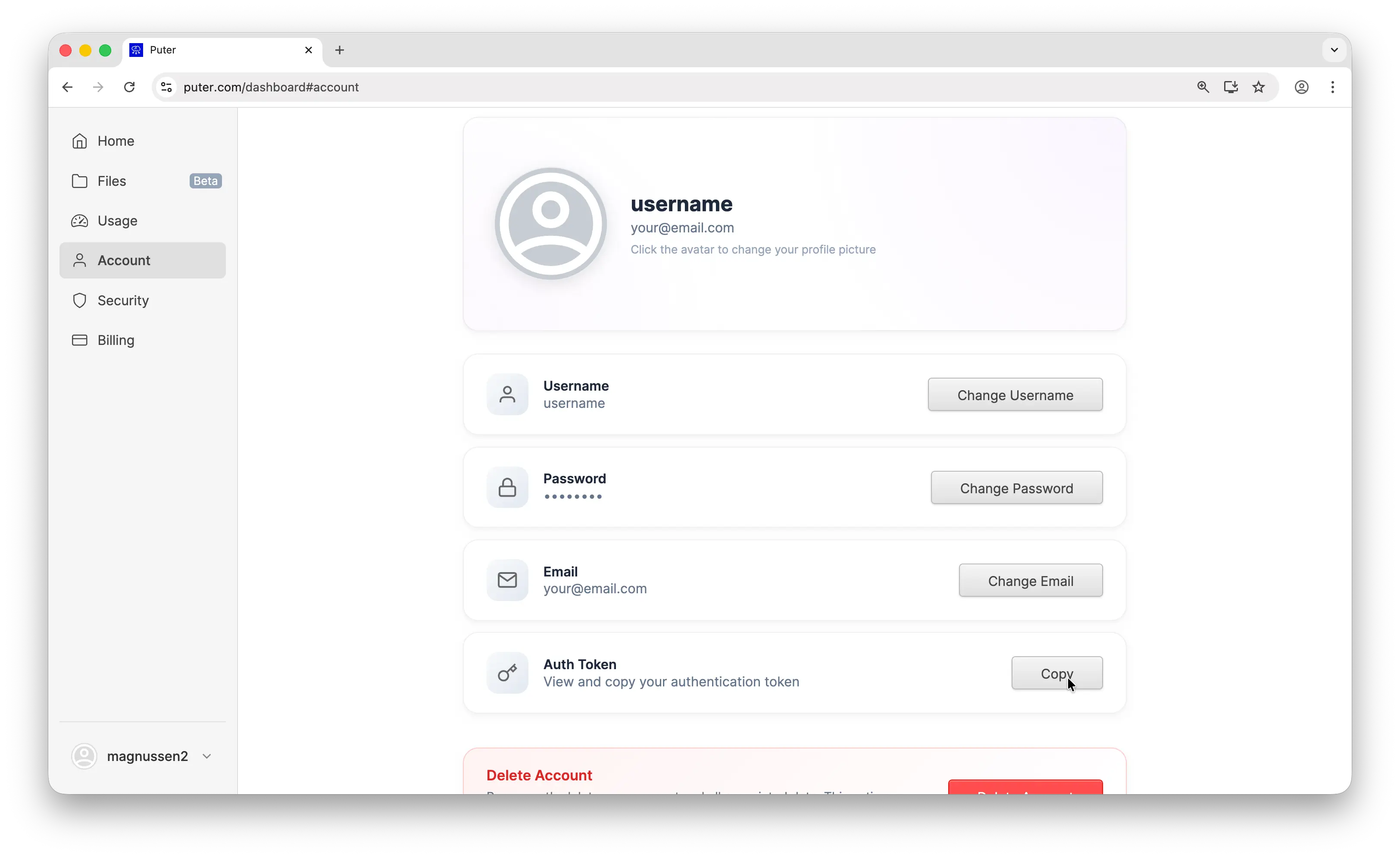
- Your Puter auth token, go to puter.com/dashboard and click Copy to get your auth token
- A Janitor AI account
Step 1: Pick a Character
Go to janitorai.com and browse or search for a character you'd like to chat with. Once you've found one, click on it to open its profile, then start a new chat.
Step 2: Open the API Settings
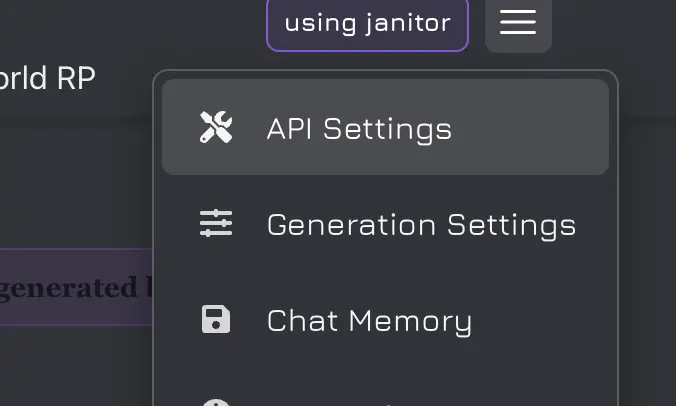
Inside the chat window, look at the top-right corner and click the menu icon (☰). From the menu, select API Settings. This is where you'll configure Puter as your AI provider.
Step 3: Add a Proxy Configuration
In the API Settings, select Proxy as your API type, then click Add Configuration. Fill in the following fields:
- Configuration Name:
Puter(or any name you like) - Proxy URL:
https://api.puter.com/puterai/openai/v1/chat/completions - API Key: Paste the auth token you copied from your Puter dashboard
- Model: Enter the model you want to use, for example
gpt-4.1-nano
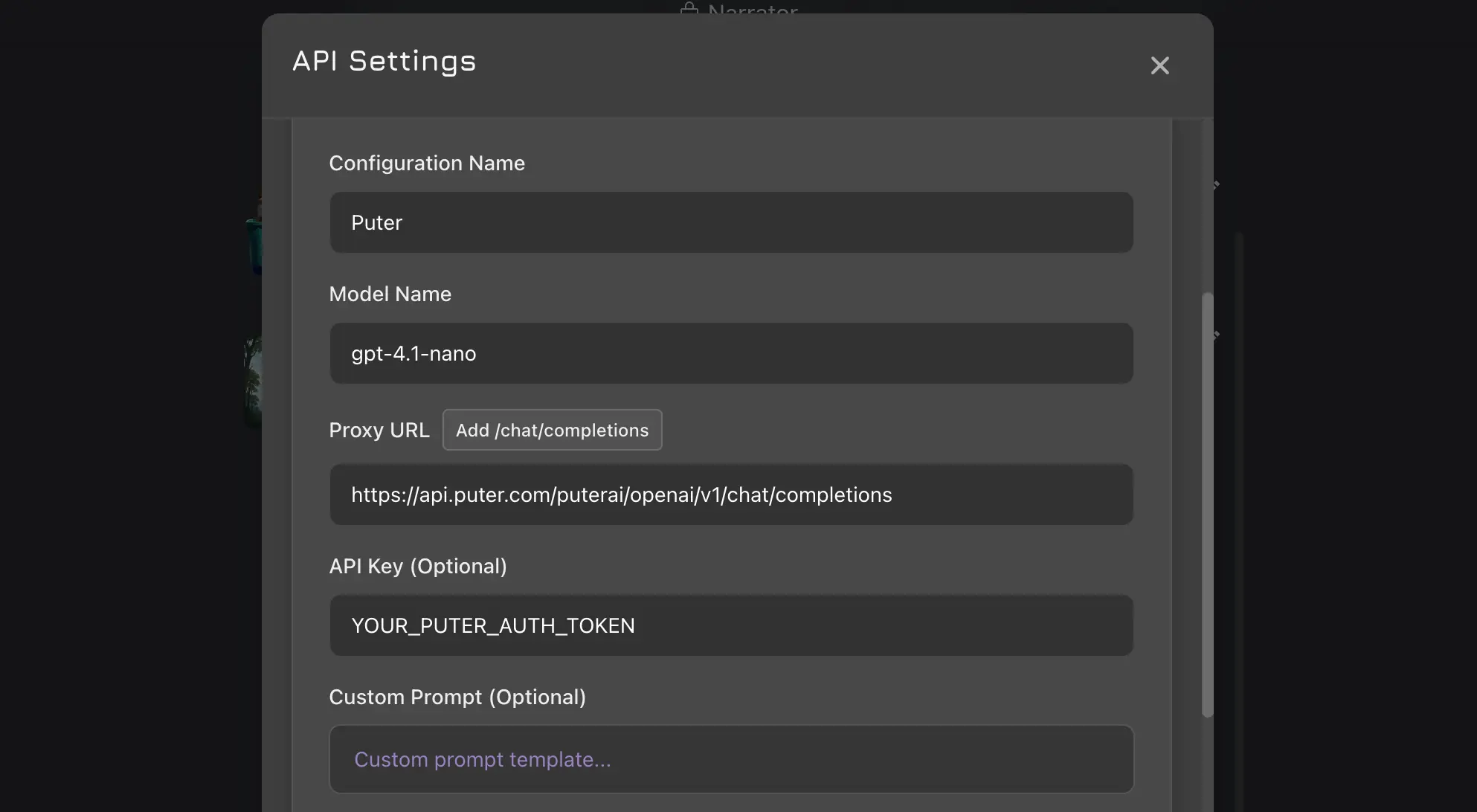
Click Save Settings, then refresh the page. For the full list of available models, see the supported AI models page.
Step 4: Start Chatting
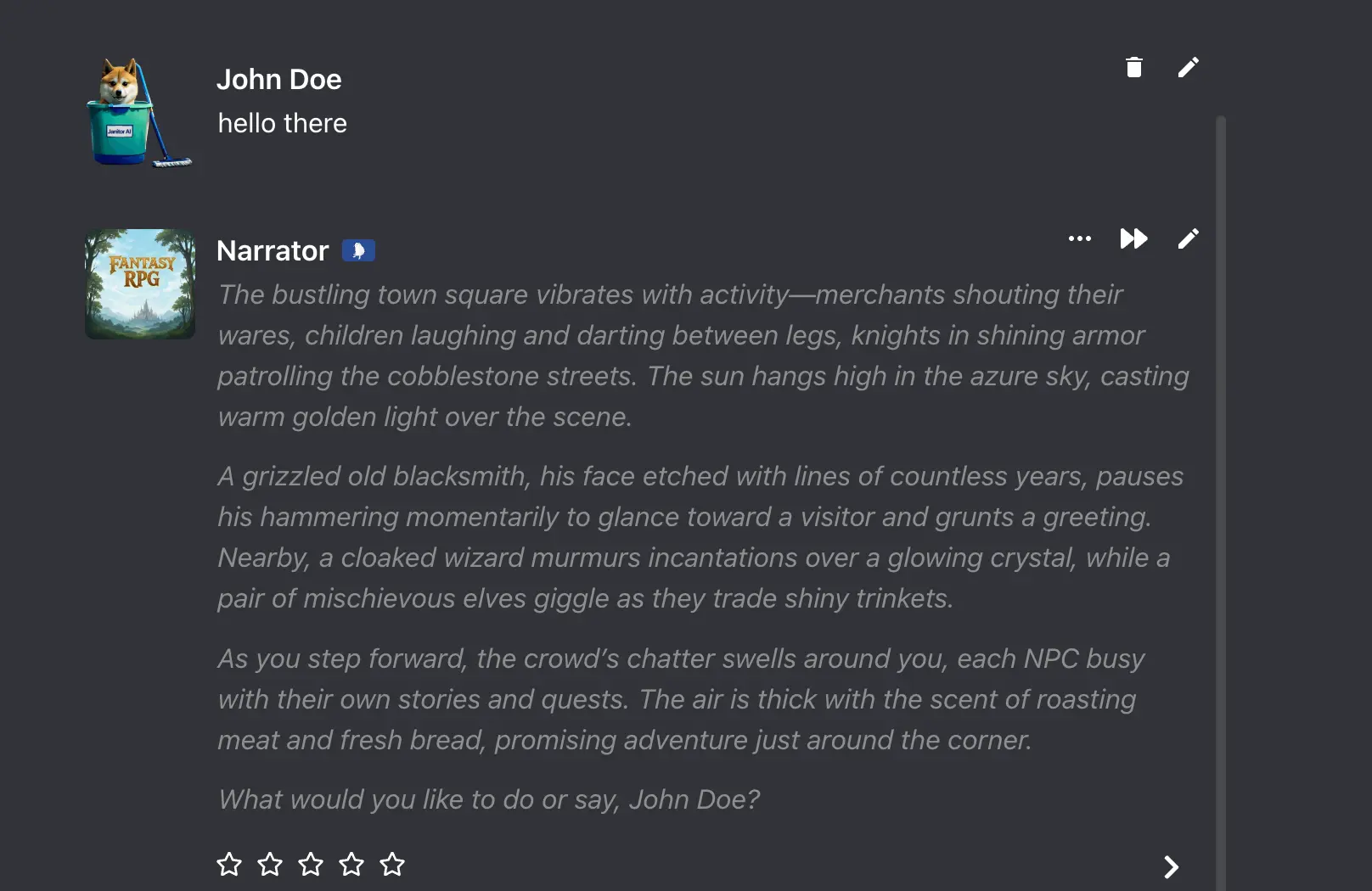
Head back to your chat. Your messages will now be powered by the Puter model you configured. Type a message and the character will respond using the AI model you selected.
Switching Models
To use a different model, go back to the API Settings and edit your proxy configuration's Model field. Since Puter gives you access to hundreds of models through a single endpoint, you can switch between GPT, Claude, Gemini, DeepSeek, and more without changing anything else.
Conclusion
You can use Janitor AI with Puter by selecting Proxy in the API Settings, pointing the proxy URL to Puter's endpoint (https://api.puter.com/puterai/openai/v1/chat/completions), and using your Puter auth token as the API key. This lets you chat with any Janitor AI character using hundreds of AI models, all through a single Puter account.
To go further, check out the full list of supported AI models or learn more about Puter's OpenAI-compatible endpoint.
Related
- How to Use SillyTavern with Puter
- How to Use Cline with Puter
- How to Use Kilo Code with Puter
- How to Use Roo Code with Puter
- How to Use BLACKBOX AI with Puter
- How to Use OpenHands with Puter
- How to Use OpenAI SDK with Puter
- How to Use OpenRouter SDK with Puter
- How to Use LangChain with Puter
- How to Use LiteLLM with Puter
- How to Use Vercel AI SDK with Puter
Free, Serverless AI and Cloud
Start creating powerful web applications with Puter.js in seconds!
Get Started Now