Deploy Your Vue.js App With Puter
On this page
In this guide, you'll learn how to use Puter to deploy your Vue.js app for free. Puter is a cloud operating system in your browser with a web hosting feature allowing you to host your website easily.
Deploying your Vue.js App
Step 1: Prepare Your Site
Inside your Vue.js project folder, simply run the build command to generate your website files:
npm run build
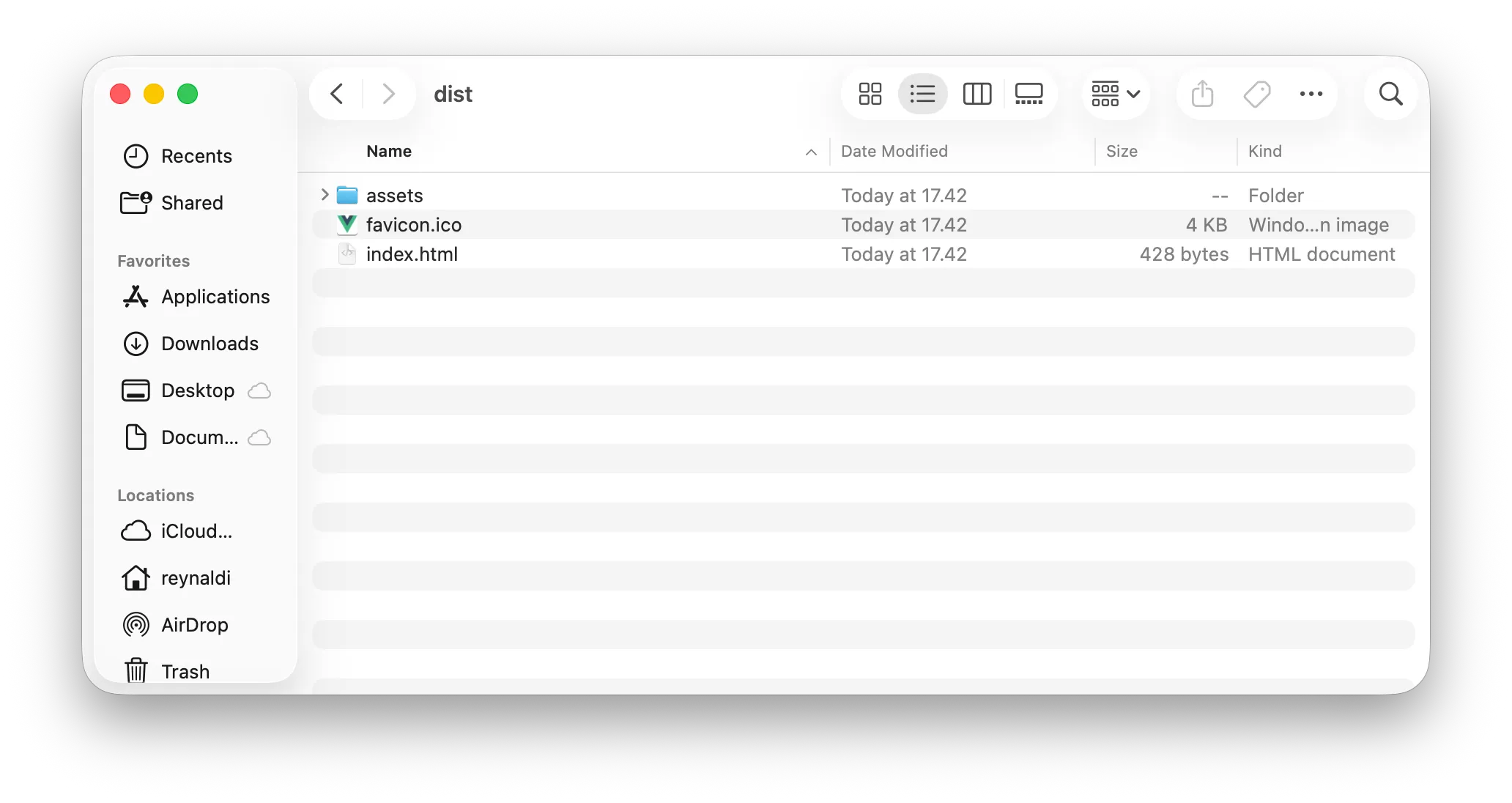
After the build completes, your website files will be in the dist folder. This dist folder is what you'll upload to Puter.
Step 2: Upload Your Site to Puter
Go to Puter.com
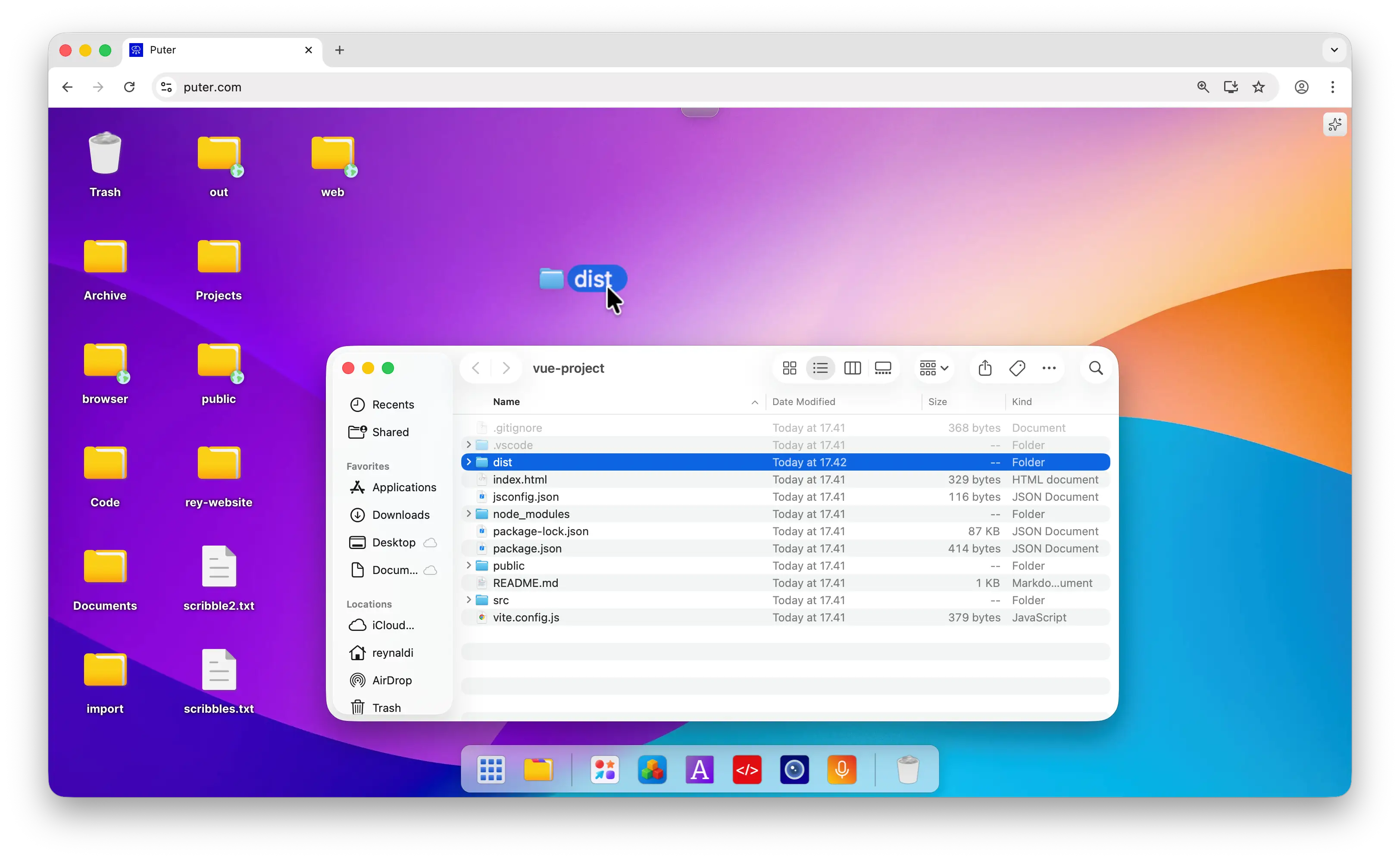
Drag the
distfolder from your local machine into the Puter cloud desktop
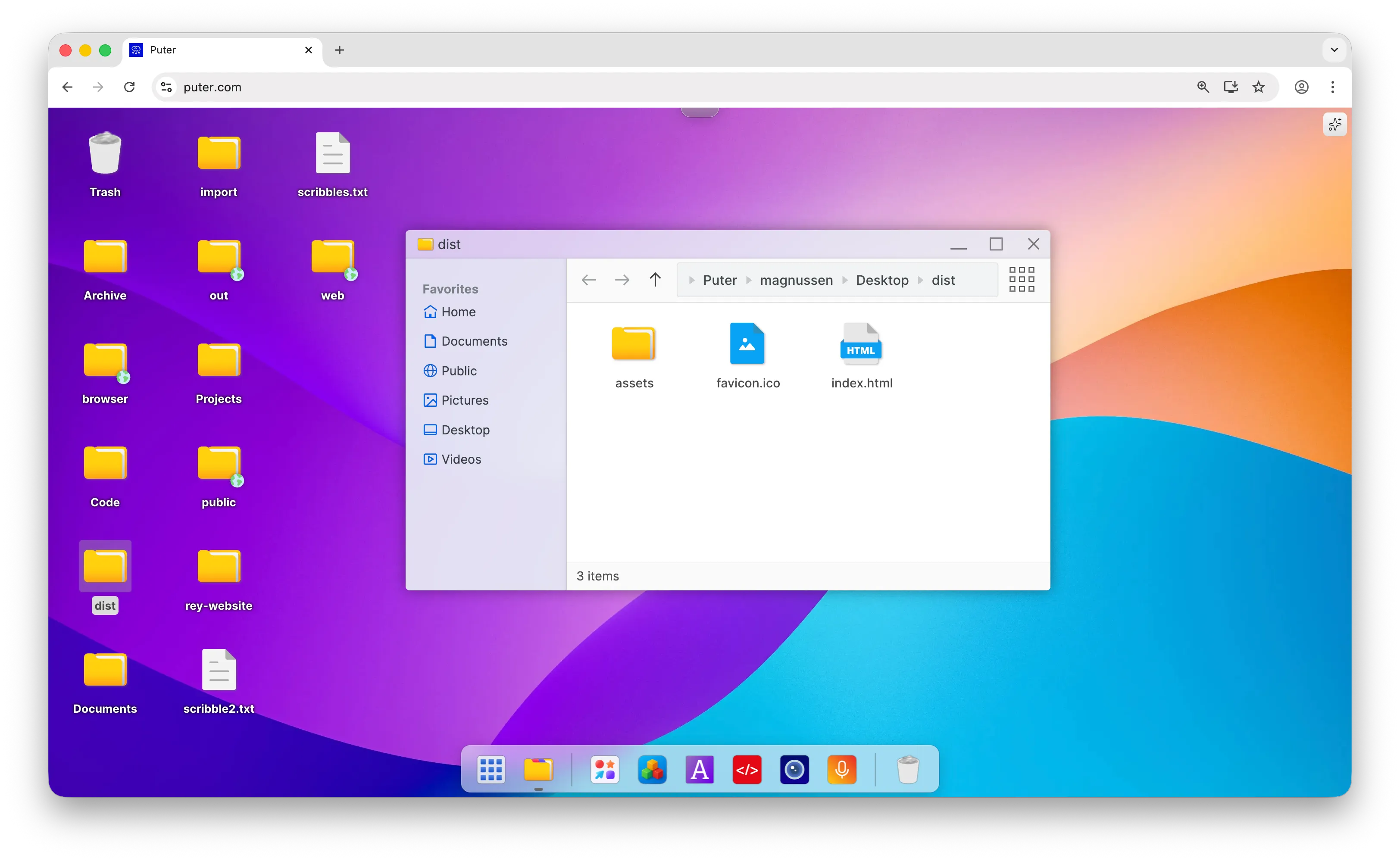
- Open the folder to verify that your Vue.js app is uploaded
Step 3: Publish Your Vue.js App
- In the same folder, right-click and select Publish as Website
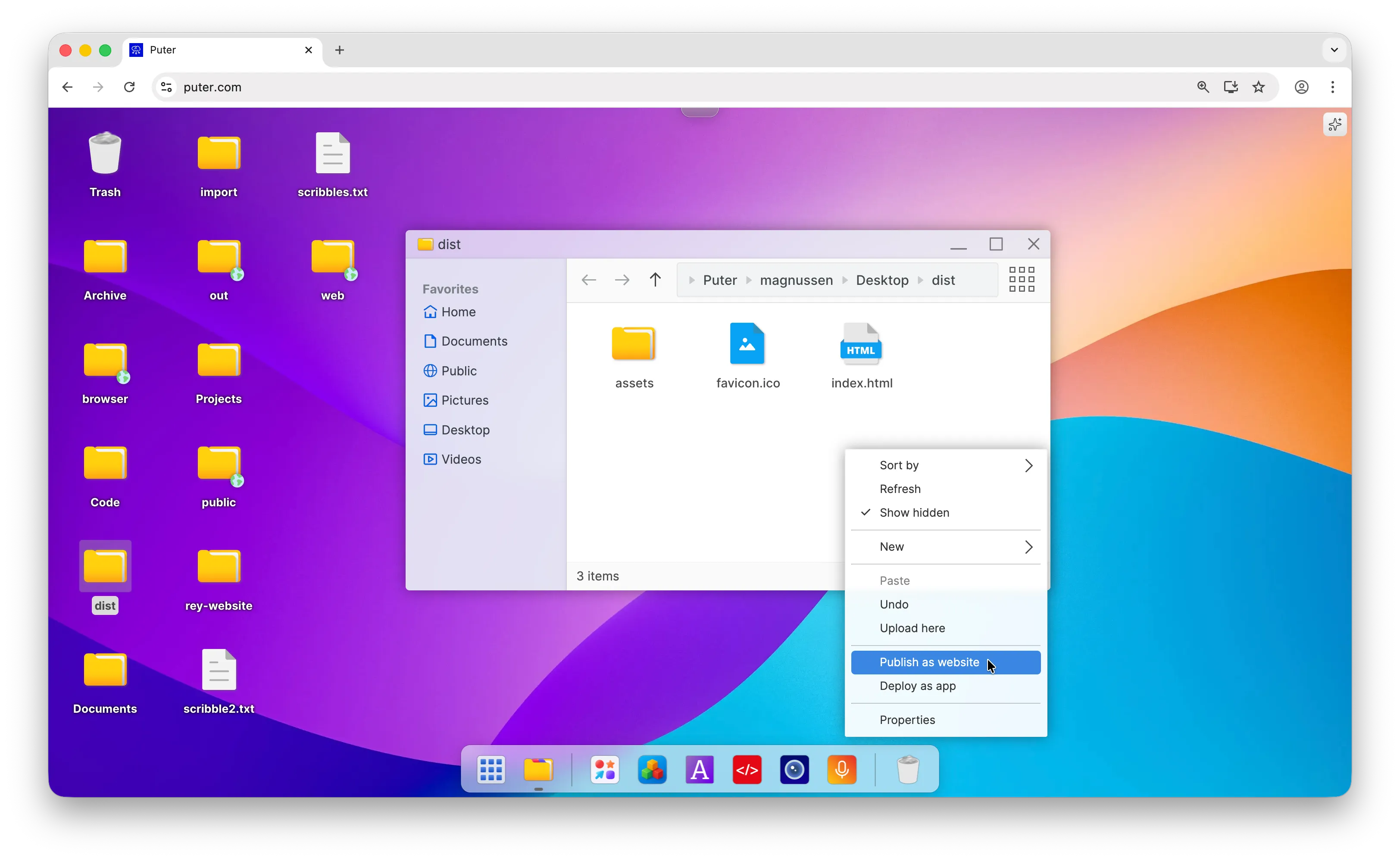
- Choose your free subdomain (e.g.,
yoursite.puter.site) and click Publish
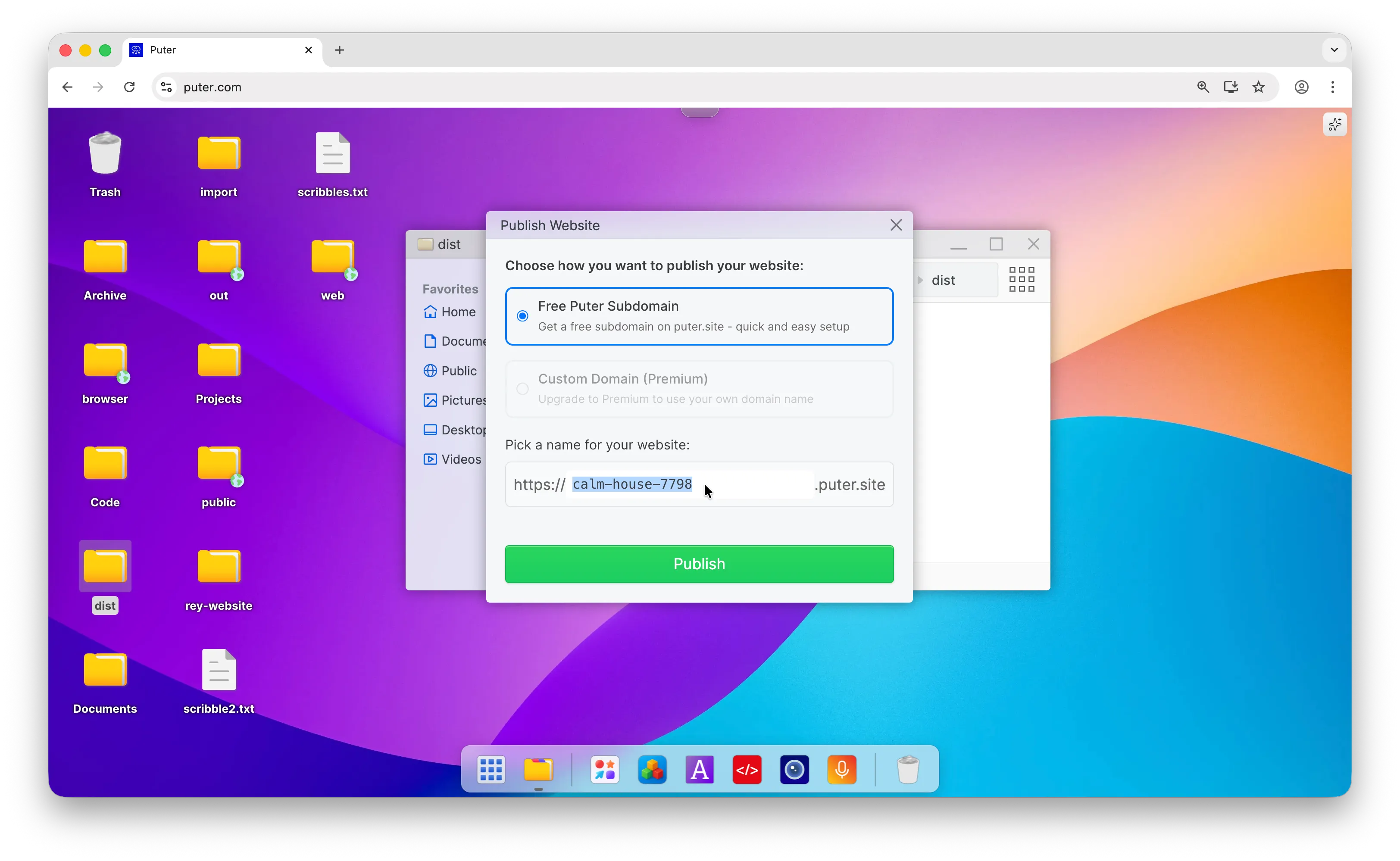
- Congratulations, you have successfully published your Vue.js app!
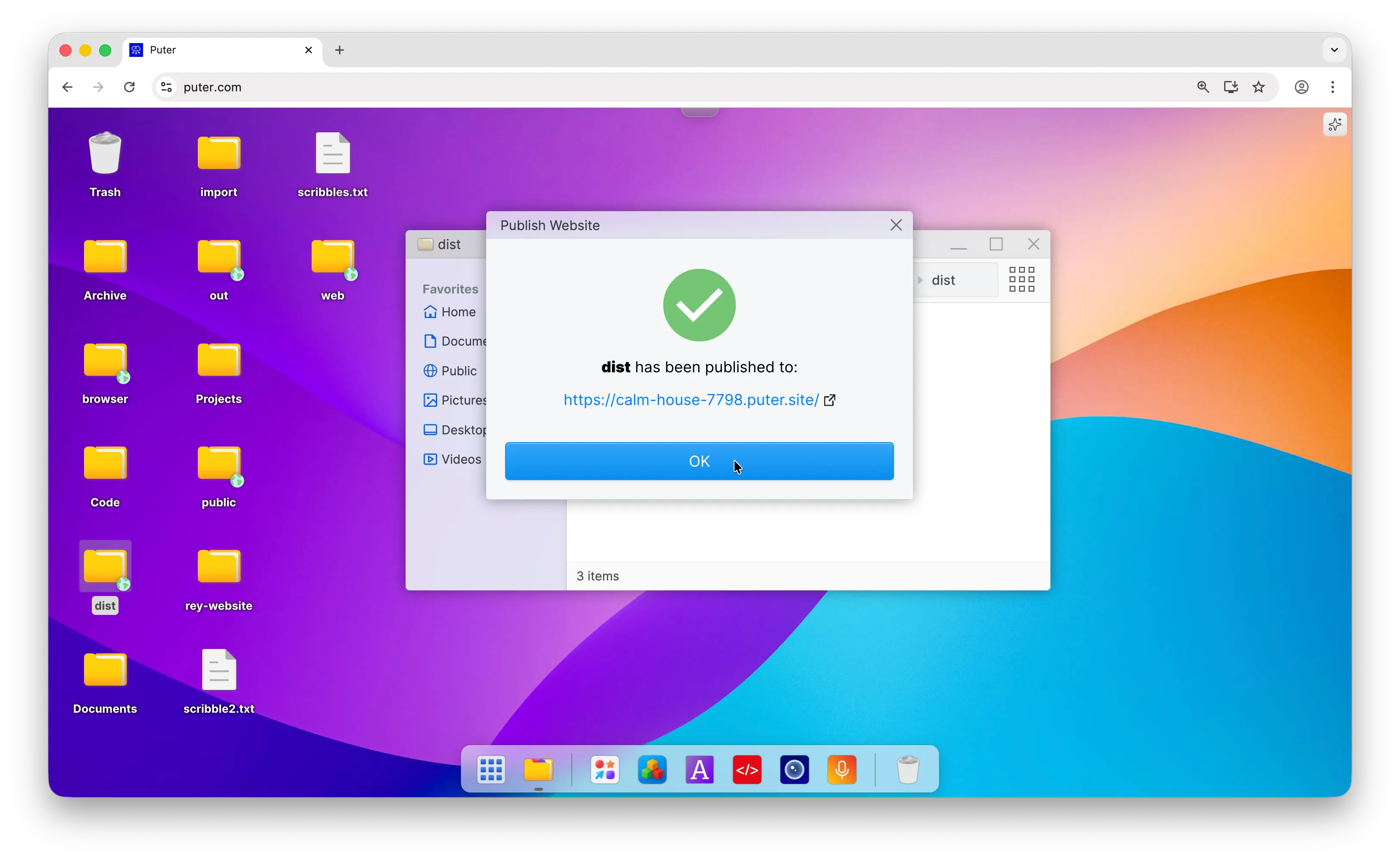
Free Vue.js Hosting with Puter
Puter makes it easy to host your Vue.js app for free. Just upload your build files and publish them as a website.
Your site goes live instantly with a free subdomain. When you need to update, simply replace the files—no complicated dashboards or deployment pipelines required.
You can also extend your app with Puter.js to add cloud storage, databases, and AI features without managing any backend servers.
Check out the Puter.js documentation to learn more.
Related
- How to Host a Website for Free
- Deploy Your Next.js Application With Puter
- Deploy Your React App With Puter
- Deploy Your Angular App With Puter
- Deploy Your Astro Site With Puter
- Deploy Your Flutter Web App With Puter
- Deploy your Nuxt Application with Puter
- Deploy Your SvelteKit App With Puter
- Deploy Your React Router (formerly Remix) App With Puter
- Free, Unlimited Website Hosting API
Free, Serverless AI and Cloud
Start creating powerful web applications with Puter.js in seconds!
Get Started Now