Top 5 Google AI Studio Alternatives (2026)
On this page
Google AI Studio is Google's developer platform for accessing Gemini models through the Gemini API. You can test prompts in a browser playground and generate an API key to call the models from your code. But it only supports Gemini models, requires you to manage and secure your own API key, and you're responsible for all usage costs.
In this article, you'll learn about five Google AI Studio alternatives that take different approaches to AI API access, how they compare, and which one might be a better fit for your project.
1. Puter.js
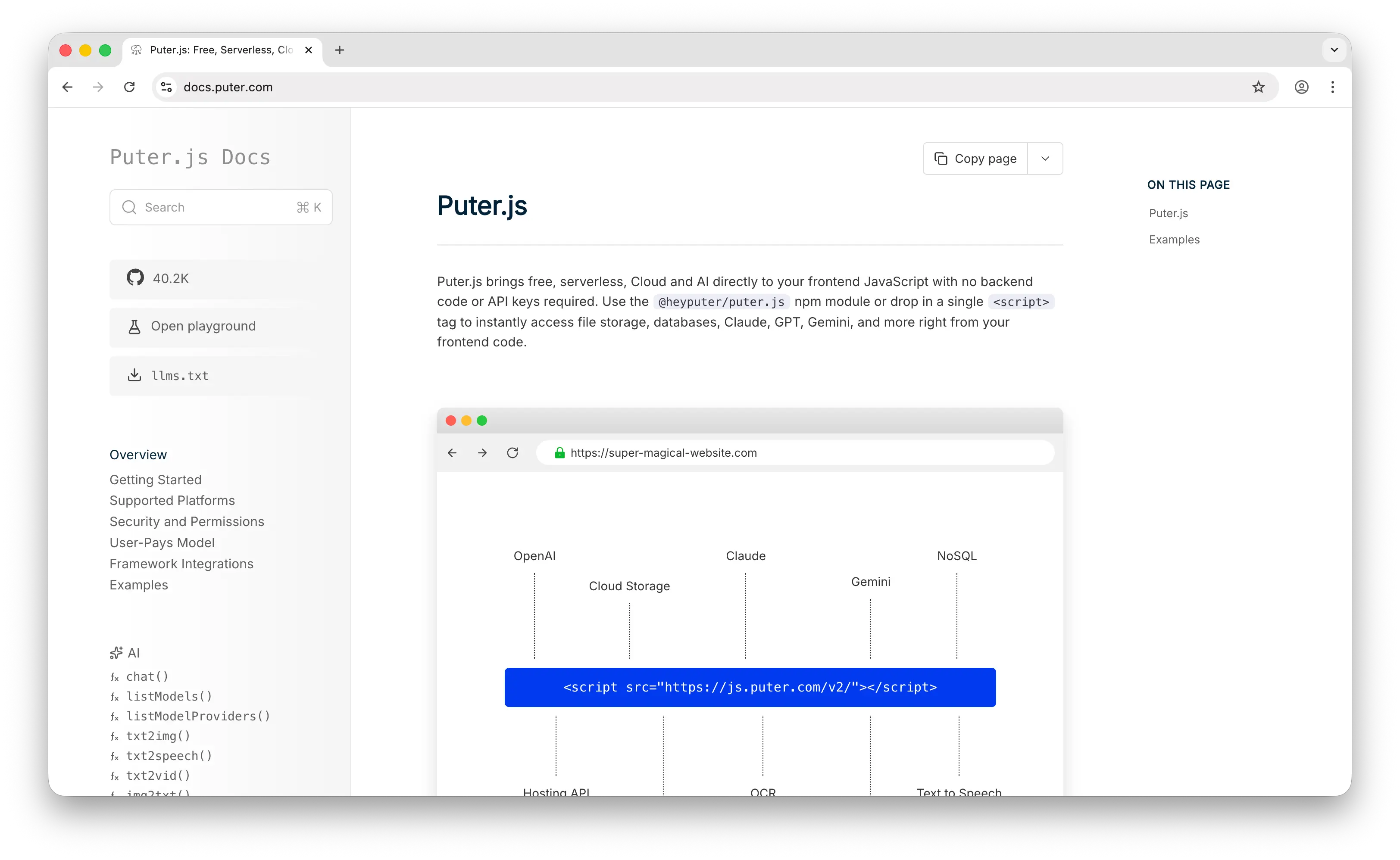
Puter.js is a frontend JavaScript library that gives your web app access to 400+ AI models — including the same Gemini models you'd find in Google AI Studio — alongside GPT, Claude, Llama, and more. But it also bundles cloud storage, a key-value database, authentication, and other backend services into the same package.
What Makes It Different
The core difference is the User-Pays Model. With Google AI Studio, you generate an API key, build a backend to keep it safe, and pay for every API call your users make. With Puter.js, your app's users cover their own AI usage through their Puter account. As a developer, you pay nothing — no API key to manage, no backend to build, no server-side setup at all. You add a single library and call puter.ai.chat().
This also means you're not locked into one model family. Through the same interface, your app can use Gemini, GPT, Claude, Llama, Mistral, and hundreds more. Google AI Studio only exposes Gemini models.
Beyond chat, Puter.js supports text-to-image, image analysis, text-to-video, video analysis, OCR, speech-to-text, text-to-speech, and voice changing — all accessible from the same library.
Key Differences from Google AI Studio
Puter.js is designed for web apps running on the frontend. While it works in Node.js, the user-pays model is most natural in a browser context. It does not currently support embeddings models.
Comparison Table
| Feature | Puter.js | Google AI Studio |
|---|---|---|
| API key required | No | Yes |
| Backend required | No | Recommended (to secure API key) |
| Pricing model | User-pays (free for devs) | Free tier + pay-as-you-go |
| Models available | 400+ (all major providers) | Gemini family only |
| Chat models |  Extensive Extensive |
|
| Image generation | |
(Imagen) |
| Video generation | |
(Veo) |
| Audio (TTS/STT) | |
(Gemini TTS, Live API) |
| OCR | |
Via Gemini vision |
| Embeddings |  |
|
| Prompt playground | |
|
| Open-source | |
|
| Best for | Frontend devs who want multi-model AI at zero cost | Devs who only need Gemini models |
2. OpenAI Platform
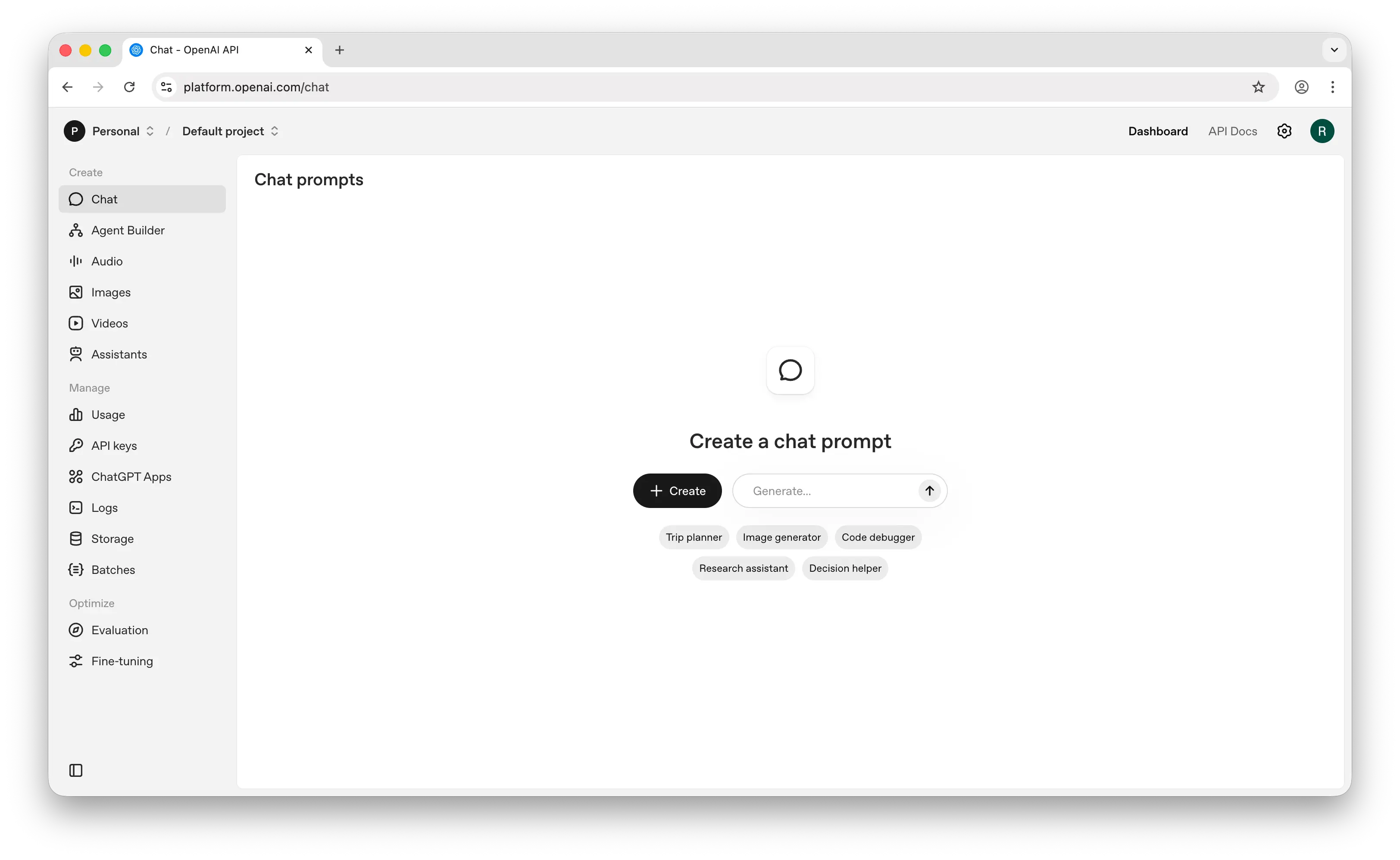
OpenAI Platform is OpenAI's developer platform for accessing the GPT, o-series, and DALL-E model families through a well-documented REST API. It's the most widely adopted AI API in the industry.
What Makes It Different
OpenAI Platform gives you access to models that Google AI Studio doesn't — the GPT family, the o-series for reasoning-heavy workloads, and GPT Image for image generation. OpenAI's API is considered the de facto standard for AI integration, and most third-party tools, SDKs, and frameworks are built to be OpenAI-compatible first.
The platform also offers fine-tuning, a Responses API with built-in tool use and web search, batch processing for cost savings, and detailed usage monitoring. For teams that need production-grade reliability and enterprise features, OpenAI's platform is more mature than what Google AI Studio currently offers on the API side.
Key Differences from Google AI Studio
Like Google AI Studio, you need an API key and should set up a backend to use it securely. You're also locked into a single provider — OpenAI models only. Pricing can add up quickly for high-volume use, and the free tier is more limited than Google AI Studio's generous offering. OpenAI offers video generation through Sora, while Google AI Studio has Veo. Both platforms have capable prompt playgrounds, though Google AI Studio's has evolved into more of a full prototyping environment.
Comparison Table
| Feature | OpenAI Platform | Google AI Studio |
|---|---|---|
| API key required | Yes | Yes |
| Backend required | Recommended | Recommended |
| Pricing model | Pay-as-you-go | Free tier + pay-as-you-go |
| Free tier | Limited | Generous |
| Models available | GPT, o-series, GPT Image | Gemini family only |
| Chat models | Extensive |
|
| Image generation | (GPT Image) |
(Imagen) |
| Video generation | (Sora) |
(Veo) |
| Audio (TTS/STT) | (Whisper, TTS) |
(Gemini TTS, Live API) |
| Embeddings | |
|
| Fine-tuning | |
|
| Batch processing | (50% discount) |
(Batch API) |
| Agents / tool use API | (Responses API) |
(Gemini tool use) |
| Prompt playground | |
|
| Best for | Developers who want the industry-standard AI API | Devs who want Gemini with a generous free tier |
3. Anthropic Console
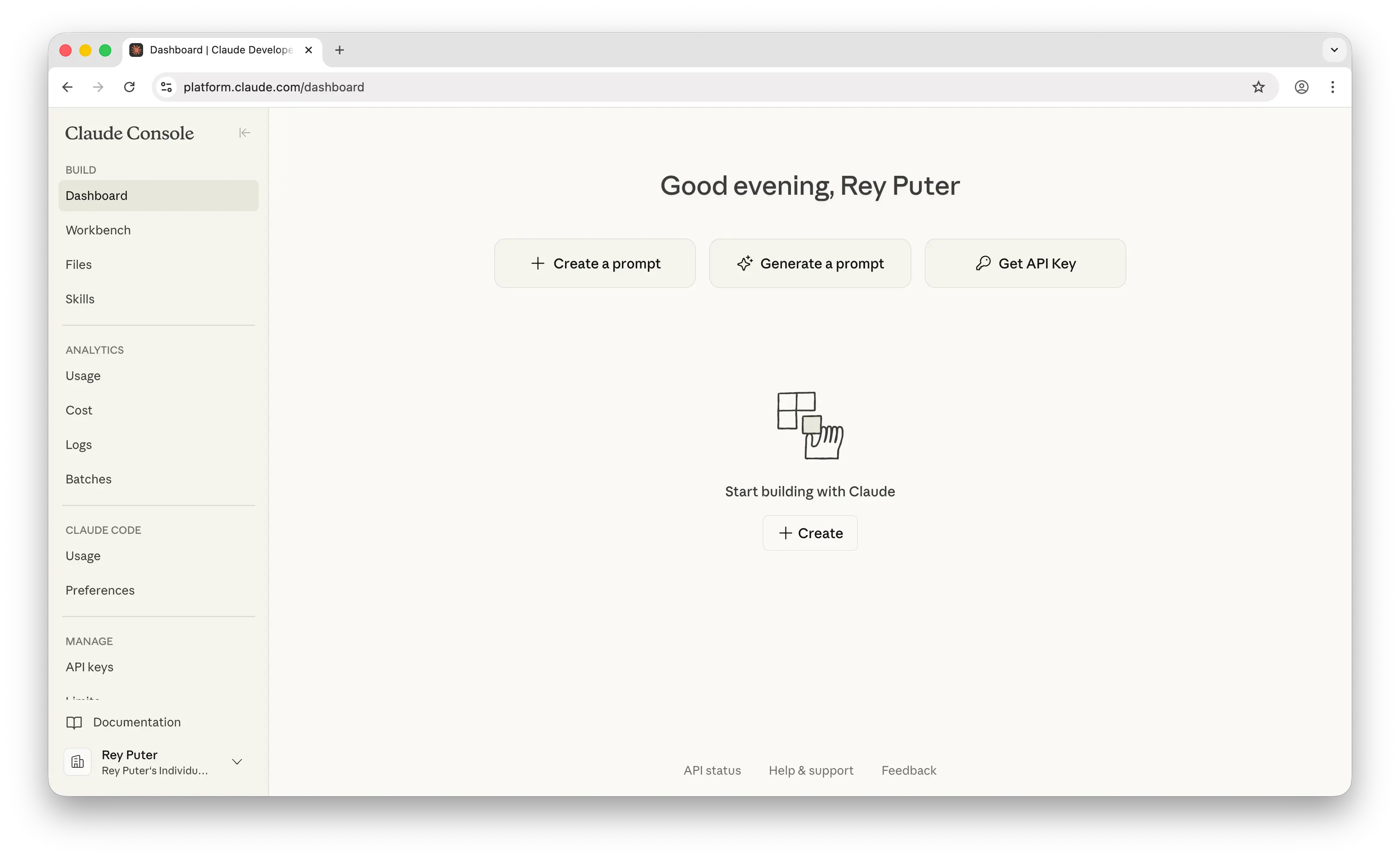
Anthropic Console is Anthropic's developer platform for building with the Claude model family. It provides API access, a Workbench for prompt testing, and tools for managing keys and billing.
What Makes It Different
Anthropic Console gives you access to the Claude model family — including their latest Opus, Sonnet, and Haiku models — which many developers consider the strongest models for coding, long-context reasoning, and nuanced writing. Claude models support up to 1 million tokens of context, and the platform includes a Workbench for prompt iteration, an evaluation tool for testing prompt quality across test cases, and a prompt generator that creates system prompts from natural language descriptions.
Anthropic has also invested heavily in agentic tooling, including advanced tool use features like programmatic tool calling, tool search via embeddings, and tool use examples — features aimed at developers building complex AI agent workflows.
Key Differences from Google AI Studio
Like Google AI Studio, it's a single-provider platform — Claude models only. It requires an API key and backend setup. The free tier is more limited than Google AI Studio's generous offering. A notable gap: Anthropic does not offer its own embeddings, image generation, video generation, or text-to-speech models, making it significantly less versatile for multimodal use cases. For embeddings, Anthropic partners with Voyage AI, which requires a separate account and API key.
Comparison Table
| Feature | Anthropic Console | Google AI Studio |
|---|---|---|
| API key required | Yes | Yes |
| Backend required | Recommended | Recommended |
| Pricing model | Pay-as-you-go | Free tier + pay-as-you-go |
| Free tier | Limited credits | Generous |
| Models available | Claude family only | Gemini family only |
| Chat models | |
|
| Max context window | 1M tokens | Up to 2M tokens |
| Image generation | |
(Imagen) |
| Video generation | |
(Veo) |
| Audio (TTS/STT) | |
(Gemini TTS, Live API) |
| Embeddings | (partners with Voyage AI) |
|
| Fine-tuning | |
|
| Batch processing | |
|
| Prompt playground | (Workbench) |
|
| Prompt evaluation tools | |
Limited |
| Best for | Developers who need top-tier coding and reasoning models | Devs who need Gemini's multimodal capabilities |
4. OpenRouter
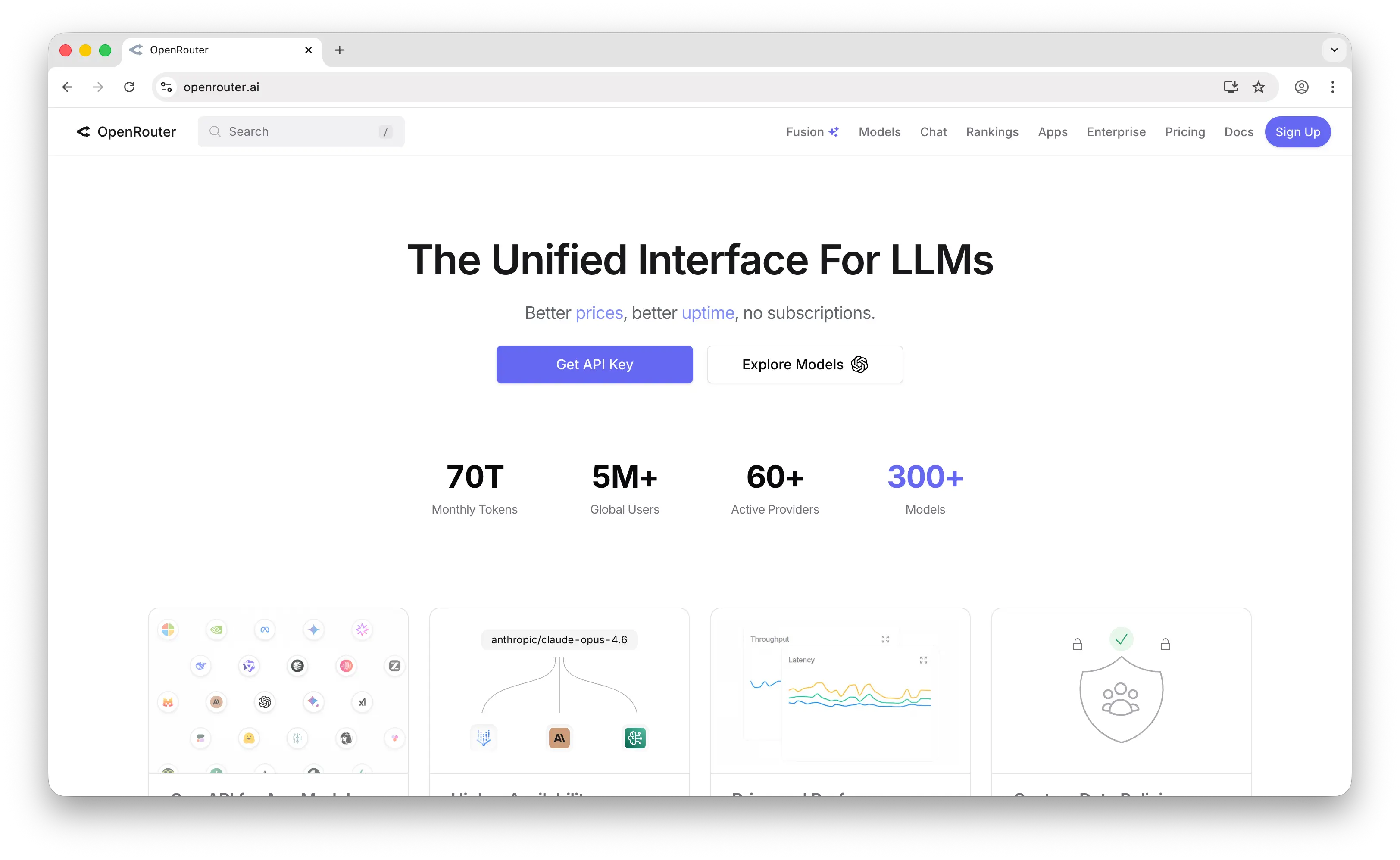
OpenRouter is a unified API gateway that gives you access to 300+ models from 60+ providers — including Gemini, GPT, Claude, Llama, Mistral, and more — through a single endpoint and API key.
What Makes It Different
Where Google AI Studio locks you into Gemini, OpenRouter gives you access to every major model through one API. You can use Gemini for one request and Claude for the next without changing your integration. It's fully OpenAI-compatible, so most existing SDKs and tools work out of the box.
OpenRouter also handles automatic fallback — if one provider goes down, your requests route to another. It offers smart routing based on cost, speed, and availability, usage analytics, and a BYOK (bring your own key) option if you want to use your existing provider accounts. For teams that don't want to commit to a single model provider, OpenRouter is the most straightforward way to stay flexible.
Key Differences from Google AI Studio
OpenRouter requires an API key and a backend, same as Google AI Studio. The developer pays for all usage, plus a 5.5% fee on credit purchases. It doesn't have a prompt playground or prototyping tools — it's purely an API routing layer. OpenRouter's support for image generation is growing, but it lacks the tight media generation integration that Google AI Studio offers natively with Imagen and Veo. Audio support is also absent. The tradeoff is breadth: OpenRouter gives you every model, while Google AI Studio gives you deeper integration with Gemini specifically.
Comparison Table
| Feature | OpenRouter | Google AI Studio |
|---|---|---|
| API key required | Yes | Yes |
| Backend required | Yes | Recommended |
| Pricing model | Pay-as-you-go (5.5% credit fee) | Free tier + pay-as-you-go |
| Free tier | Free models with rate limits | Generous |
| Models available | 300+ (all major providers) | Gemini family only |
| Has Gemini models | |
|
| Has GPT models | |
|
| Has Claude models | |
|
| Chat models | Extensive |
|
| Image generation | |
(Imagen) |
| Video generation | Experimental | (Veo) |
| Audio (TTS/STT) | |
(Gemini TTS, Live API) |
| Embeddings | |
|
| Fallback/routing | Automatic |
|
| Fine-tuning | |
|
| Prompt playground | |
|
| BYOK support | |
|
| Best for | Teams wanting multi-model access through one API | Developers building exclusively with Gemini |
5. Mistral AI (La Plateforme)
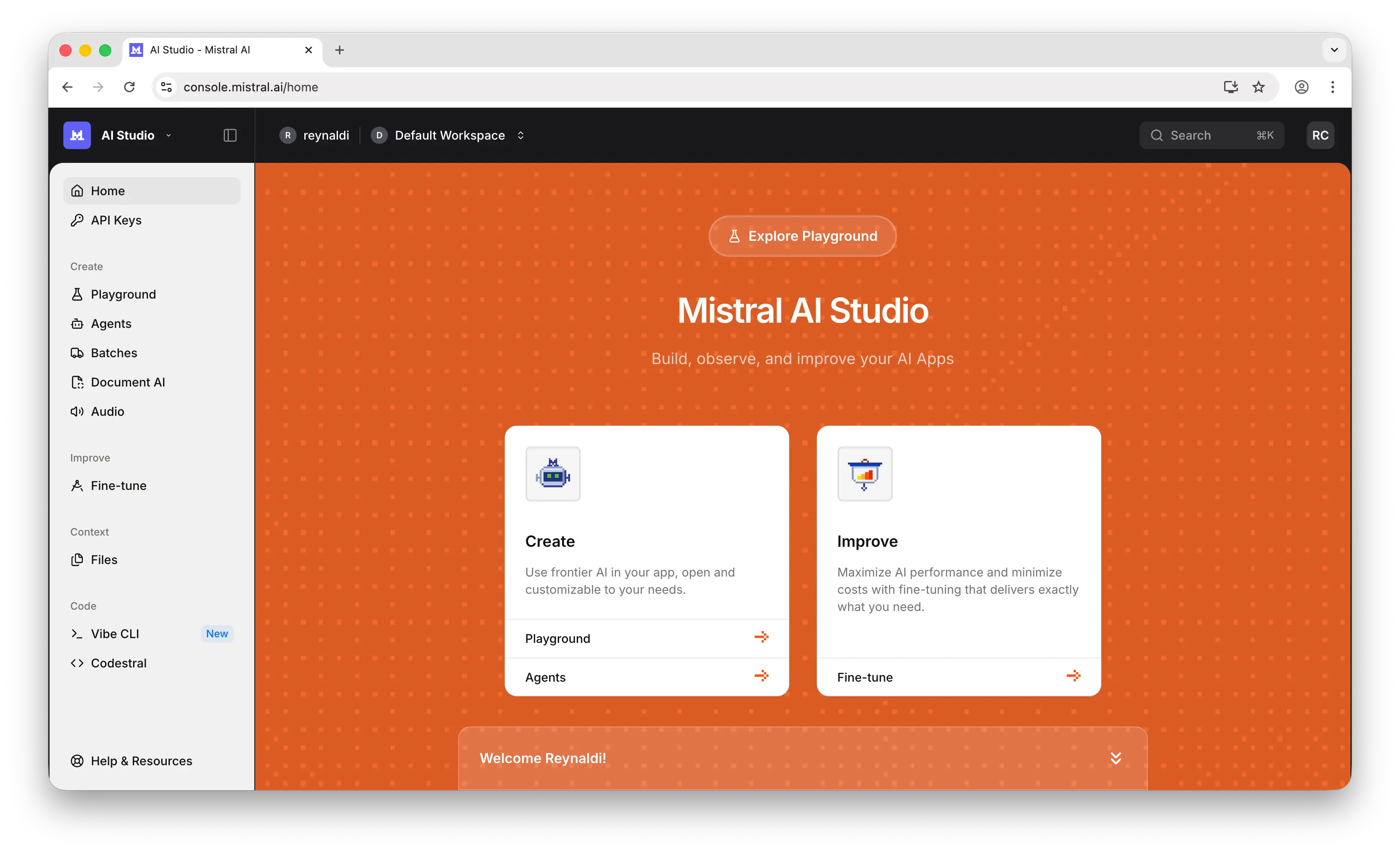
Mistral AI is a French AI company that offers both an API platform (La Plateforme) and open-weight models you can download and self-host.
What Makes It Different
Mistral's key differentiator is the open-weight model option. While you can use their hosted API like any other provider, you can also download models like Mistral Large or Codestral and run them on your own infrastructure. This gives you full control over data privacy, latency, and cost at scale — something neither Google AI Studio nor the other alternatives on this list offer.
This makes Mistral particularly appealing for teams with data sovereignty requirements. Mistral is headquartered in France, and its API infrastructure operates within the EU. For organizations that need to keep data within European jurisdiction, or those in regulated industries where data residency matters, Mistral provides guarantees that US-based providers cannot.
Mistral also supports fine-tuning, agent building, and batch inference through its API platform. Codestral, their code-focused model, is a strong option for developer tools and IDE integrations. More recently, Mistral launched Voxtral — a family of speech models covering TTS, transcription, and real-time audio — bringing audio capabilities to a platform that was previously text-only.
Key Differences from Google AI Studio
Mistral is a single-provider platform — Mistral models only. It supports image generation through Black Forest Labs models but doesn't offer video generation. The model catalog is smaller than Google's, the free tier is more limited, and the developer ecosystem and documentation aren't as extensive. If you need video generation or deeper multimodal integration, Google AI Studio has the edge.
Comparison Table
| Feature | Mistral AI | Google AI Studio |
|---|---|---|
| API key required | Yes | Yes |
| Backend required | Recommended (or self-host) | Recommended |
| Pricing model | Pay-as-you-go | Free tier + pay-as-you-go |
| Free tier | Limited | Generous |
| Models available | Mistral family only | Gemini family only |
| Self-hosting option | (open-weight models) |
|
| Chat models | |
|
| Image generation | (via Black Forest Labs) |
(Imagen) |
| Video generation | |
(Veo) |
| Audio (TTS/STT) | (Voxtral) |
(Gemini TTS, Live API) |
| Embeddings | |
|
| Fine-tuning | |
|
| Batch processing | |
|
| Code-specific model | (Codestral) |
Via Gemini models |
| Prompt playground | (AI Studio Playground) |
|
| Data sovereignty (EU) | |
|
| Best for | Teams wanting open-weight models with EU data residency | Devs who want Gemini's full multimodal suite |
Which Should You Choose?
Choose Puter.js if you're building a web app and want AI features without managing API keys, backends, or usage costs. You get Gemini and every other major model through one library, and your users cover their own costs.
Choose OpenAI Platform if you want the industry-standard AI API with the most mature ecosystem, fine-tuning support, and access to the GPT and o-series model families.
Choose Anthropic Console if you prioritize coding assistance, long-context reasoning, and writing quality. Claude models are widely regarded as top-tier for these use cases.
Choose OpenRouter if you want access to every major model (including Gemini) through a single API key, with automatic fallback and smart routing between providers.
Choose Mistral AI if you need open-weight models you can self-host, want to keep data within the EU, or want fine-tuning support at a competitive price point.
Stick with Google AI Studio if you specifically need Gemini models and are comfortable managing your own API keys and infrastructure.
Conclusion
The top 5 Google AI Studio alternatives are Puter.js, OpenAI Platform, Anthropic Console, OpenRouter, and Mistral AI. Google AI Studio works well if you only need Gemini models, but it locks you into one provider and requires you to manage your own API keys and infrastructure. Whether you need multi-model access, zero-cost frontend integration, self-hosting flexibility, or the strongest coding models, these alternatives each offer something that Google AI Studio doesn't.
Related
Free, Serverless AI and Cloud
Start creating powerful web applications with Puter.js in seconds!
Get Started Now